What is a press release image?
A press release image is the visual that accompanies an announcement, used in the release itself, the newsroom, and the social posts that share it. A strong one takes a plain photo and gives it a clean frame, a short headline, and brand styling so editors and readers grasp the news at a glance. Communications and PR teams rely on it because a polished image gets picked up and reshared far more than a bare snapshot.
With Morphic you create this image from a text prompt in your browser. Start from a plain announcement photo, describe the headline and brand look you want, then adjust and download in HD. You get a press-ready visual without opening design software or briefing a designer.
Choose the announcement to feature
Pick the news the image needs to carry, such as a launch, a hire, a partnership, or a milestone. Write the short headline that sums it up before you generate.
Start from the plain photo
Open Morphic and describe the polished result you want built around your announcement photo. Ask for a clean frame, balanced composition, and space for a headline so the news reads clearly.
Apply your brand look
Ask for your brand colors, a headline treatment, and a font style that matches your other communications. Keep contrast high so the headline stays readable when the image is reshared at small sizes.
Add the headline
Place your short headline where it leads the eye without covering the subject. Keep it to a few words so it works in a feed and in a newsroom thumbnail alike.
Check legibility and export
Preview the image at the sizes it will appear, from a wide release banner to a social thumbnail, and confirm the headline stays sharp. Download in HD, then attach it to the release and your newsroom.
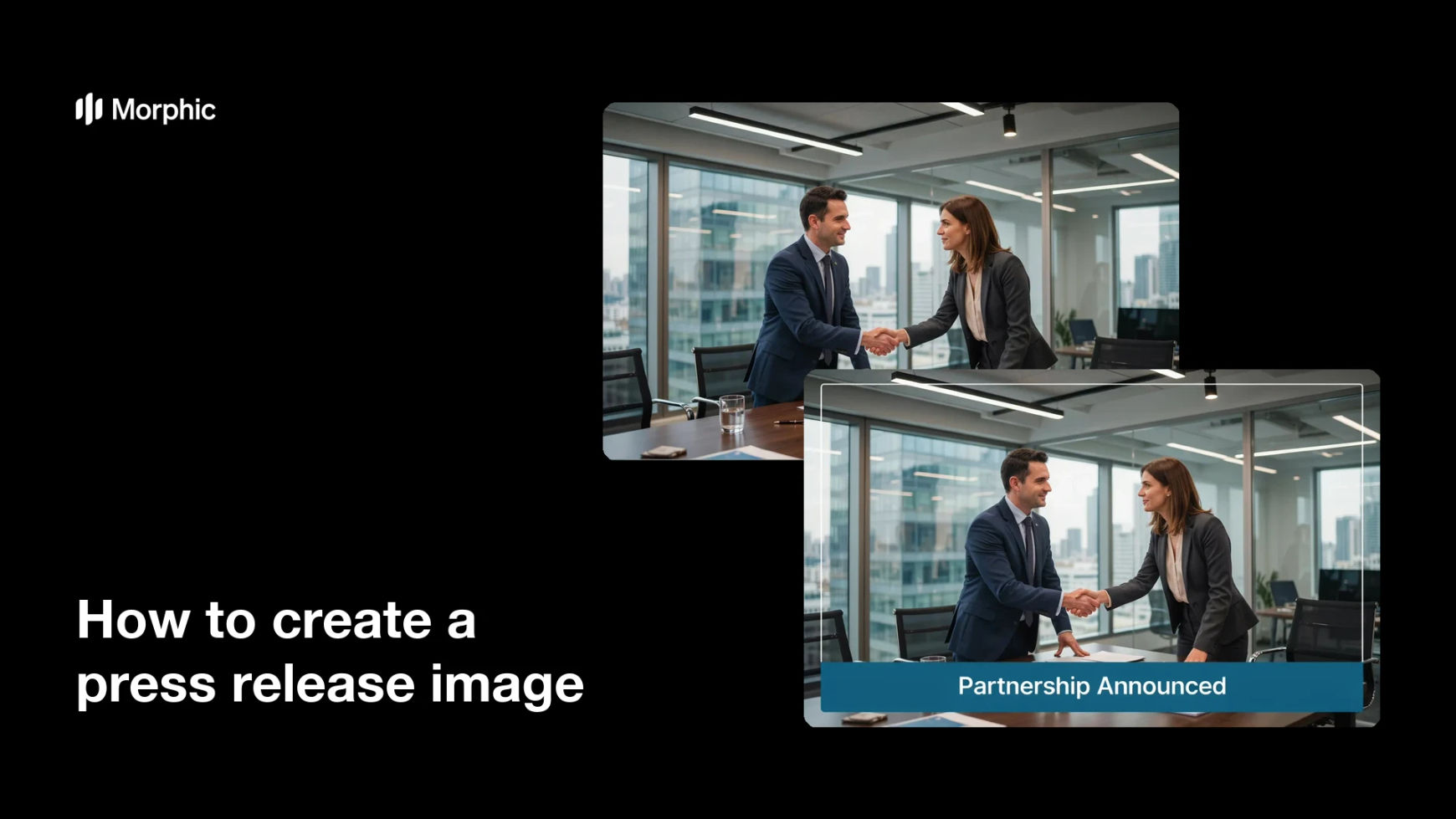
The same announcement, before and after: a plain photo turned into a polished, branded press release image.


What makes a good press release image
| Quality | What it means | Why it matters |
|---|---|---|
| Clear headline | The news stated in a few words | Editors and readers grasp it at a glance |
| Clean composition | A balanced, uncluttered frame | The image looks credible and press-ready |
| On-brand styling | Colors and type match your identity | The visual reinforces who is announcing |
| Reshare-ready | Works from banner to thumbnail | It keeps its impact wherever it is posted |
Morphic vs the traditional way
| Morphic | Design software or a designer | |
|---|---|---|
| Cost | Available on Morphic | Software subscription or design fee |
| Time | A polished image in minutes | Hours of layout and revision |
| Skill needed | Describe it in plain language | Photo editing and layout skills |
| Consistency | Regenerate on brand each time | Manual rework for every release |
FAQs
Yes. Describe the polished result you want built around your announcement photo, and Morphic frames, styles, and headlines it for the release.
Yes. Specify the exact headline in your prompt and place it so it leads the eye without covering the subject. Keep it short so it works at any size.
Yes. Describe your brand colors, headline treatment, and font, and the image renders to match your other communications.
Yes, if you check legibility. Preview it from a wide banner to a small thumbnail and regenerate if the headline looks cramped before you publish.
Yes. Swap the photo and headline in your prompt and regenerate, so each release gets a fresh visual without starting from scratch.
Yes. Images you generate with Morphic are cleared for commercial use across your releases, newsroom, and social channels.