What is a product demo video?
A product demo video shows what a product is and how it works, moving from a clean look at the item to it being used in a real setting. Ecommerce brands, startups, and marketing teams use them on product pages, ads, and social to help buyers understand a product faster than photos or text alone.
With Morphic you describe each scene, generate it in your browser, and shape a demo that goes from a clear product shot to the product in use. You set the setting, lighting, and brand look in plain language, try variations, and download the result in HD.
Lead with a clean product shot
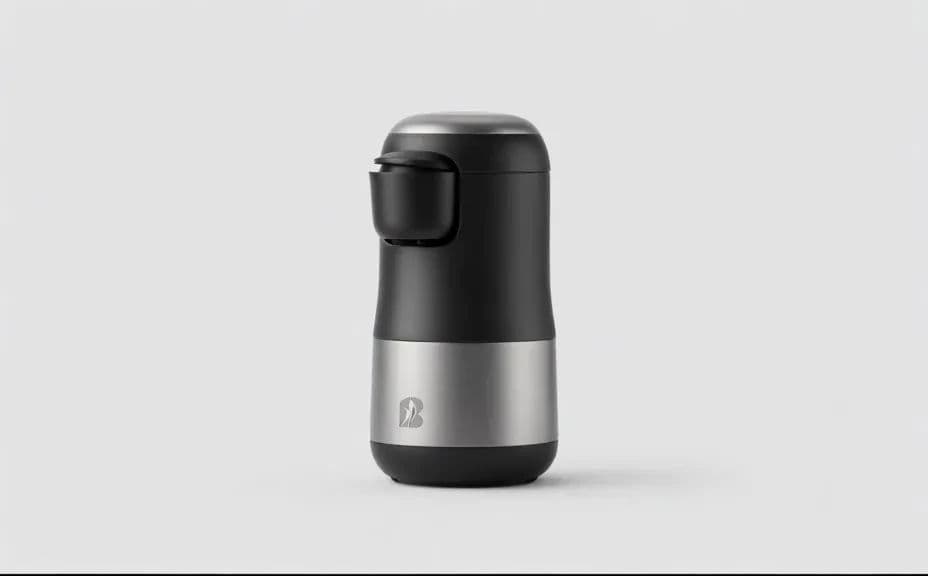
Open on a clear view of the product so buyers can see it plainly before anything else. A simple, well-lit opening establishes what the product is and sets the tone.
Describe the product in use
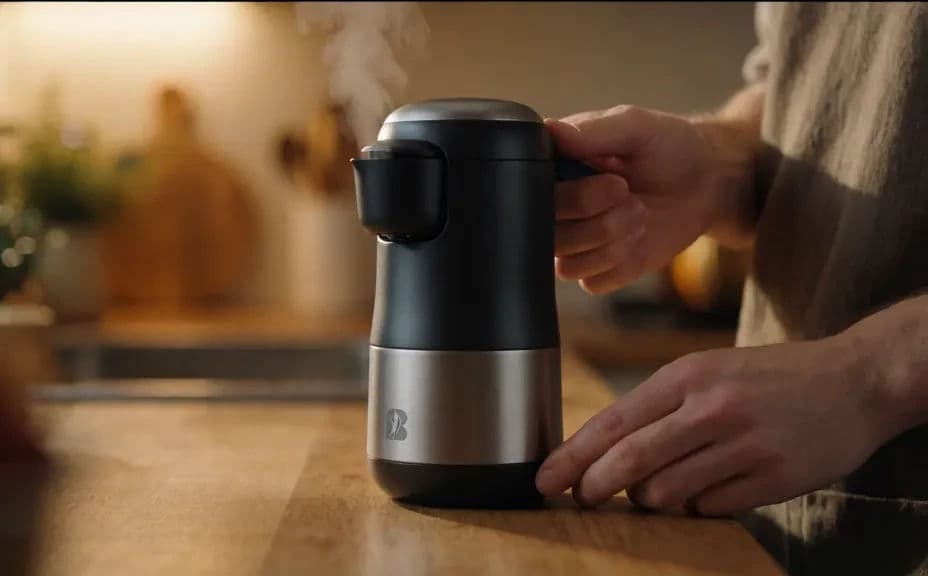
In Morphic, describe a scene of the product being used in a real setting that fits your buyer. Showing the product in context helps people picture it in their own hands.
Keep the product accurate
Ask for the product to keep its shape, color, and key features across every scene. Buyers should recognize the real product, not a version that drifts from what they will receive.
Hold a consistent look
Use the same lighting and brand style from the studio shot through to the in-use scene. A consistent look ties the demo together and keeps the focus on the product.
Download in HD
Export the finished demo in HD, ready for a product page, an ad, or a social post. The result keeps its detail and can be reused across channels.
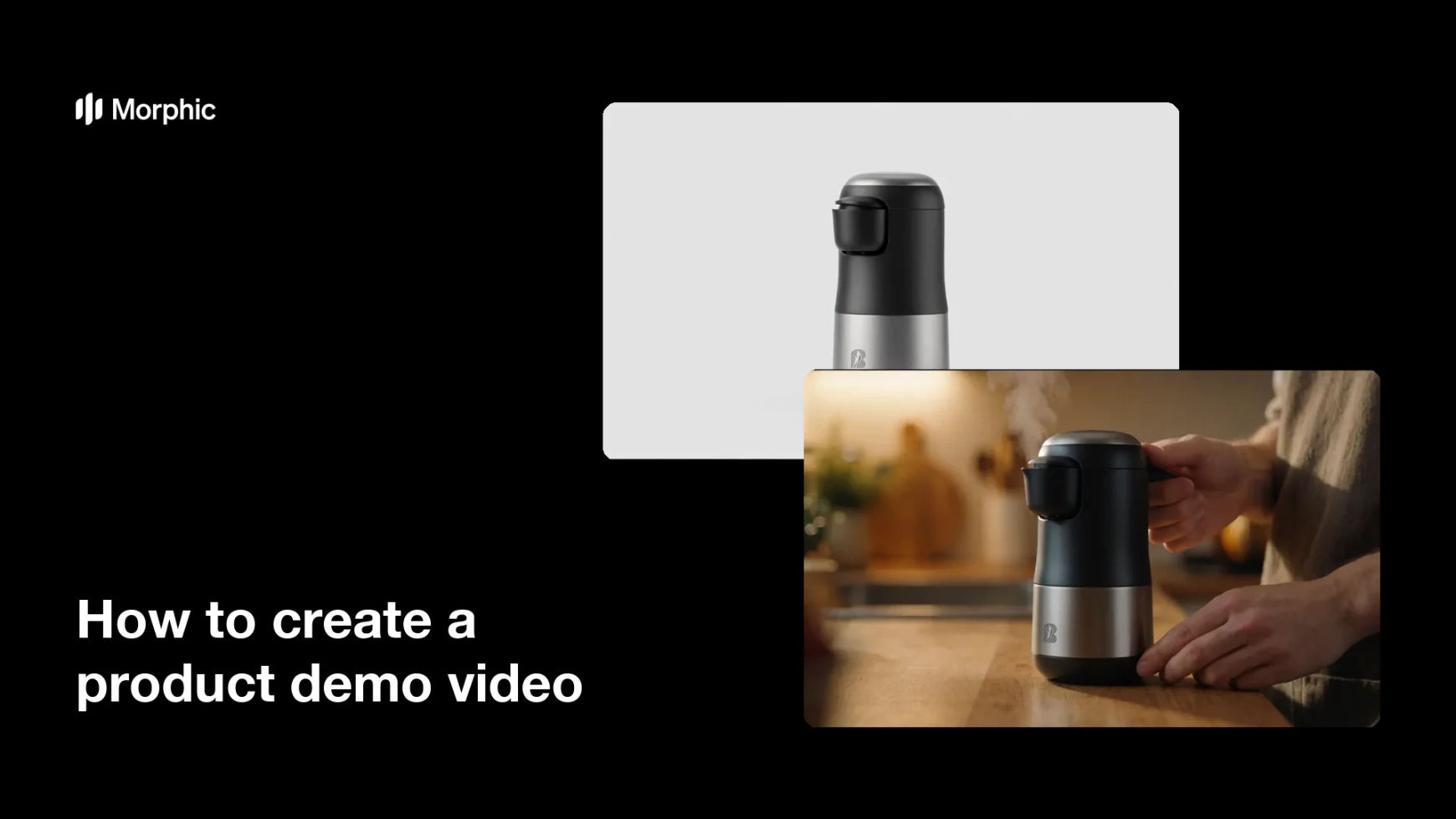
Two frames from one product demo, from a clean product shot to the product in use.
What makes a good product demo
| Quality | What it means | Why it matters |
|---|---|---|
| Clear product view | The item reads plainly on screen | Buyers see exactly what they are getting |
| Real context | The product shown in actual use | People picture it in their own lives |
| Accurate details | Shape, color, and features stay true | The demo matches the real product |
| Consistent look | Same lighting and style throughout | The demo feels polished, not stitched together |
Morphic vs the traditional way
| Morphic | A product shoot or video studio | |
|---|---|---|
| Cost | Available on Morphic | Studio, crew, and prop costs |
| Time | Scenes in minutes, not days | Booking a shoot and editing footage |
| Skill needed | Describe it in plain language | Filming, lighting, and editing skills |
| Consistency | One look across every scene | Depends on the shoot and the editor |
FAQs
Lead with a clean view of the product so buyers see it plainly, then show it in use in a real setting. That arc helps people understand and picture the product.
Yes. Ask for the product to keep its shape, color, and key features, so buyers recognize the real item rather than a version that drifts from it.
Use the same lighting and brand style from the studio shot through to the in-use scene. A consistent look ties the demo together and keeps focus on the product.
Yes. Describe a few settings that fit your buyer, generate them, and compare before choosing the one that shows the product in the most relatable context.
Anywhere buyers decide, such as a product page, an ad, or a social post. The result downloads in HD and can be reused across channels.
Yes. Results download in HD without a watermark and are cleared for commercial use, so they are ready for product pages, ads, and social campaigns.