What is a professional services ad?
A professional services ad is a single designed image that promotes a firm offering expertise rather than a product: accountants, lawyers, consultants, architects, agencies. It runs as a social post, a display banner, a directory listing, or a printed page, and it usually carries a headline, one supporting line, the firm name, and a way to get in touch. Its job is to communicate credibility and a specific service quickly, in a space where every competitor looks broadly similar.
With Morphic you design this ad from a text prompt in your browser. Describe the headline, the imagery, the brand look, and the format you need, compare a few layouts, then download in HD. The result is a polished, ready-to-run ad without a design round trip.
Pick one service and one message
Choose the single service the ad should promote and write a headline that names it plainly. An ad that lists everything the firm does gives the reader nothing to remember.
Write the copy and the call to action
Draft the headline, one supporting line, the firm name, and the action you want: a call, a booking, a site visit. Keeping the copy short leaves the layout room to breathe.
Describe the ad layout
Open Morphic and describe the format, the headline position, the imagery, and where the firm name and call to action sit. Ask for a couple of layouts so you can compare which one carries the message fastest.
Apply your brand and check the claims
Ask for your brand colours, logo placement, and a professional type style with strong contrast. Review the wording so every claim about your services is accurate and nothing implies a guaranteed outcome.
Check the text and export
Read the headline, supporting line, and contact details on each option and confirm the spelling is correct. Download in HD, then upload it to the channel or send it to print.
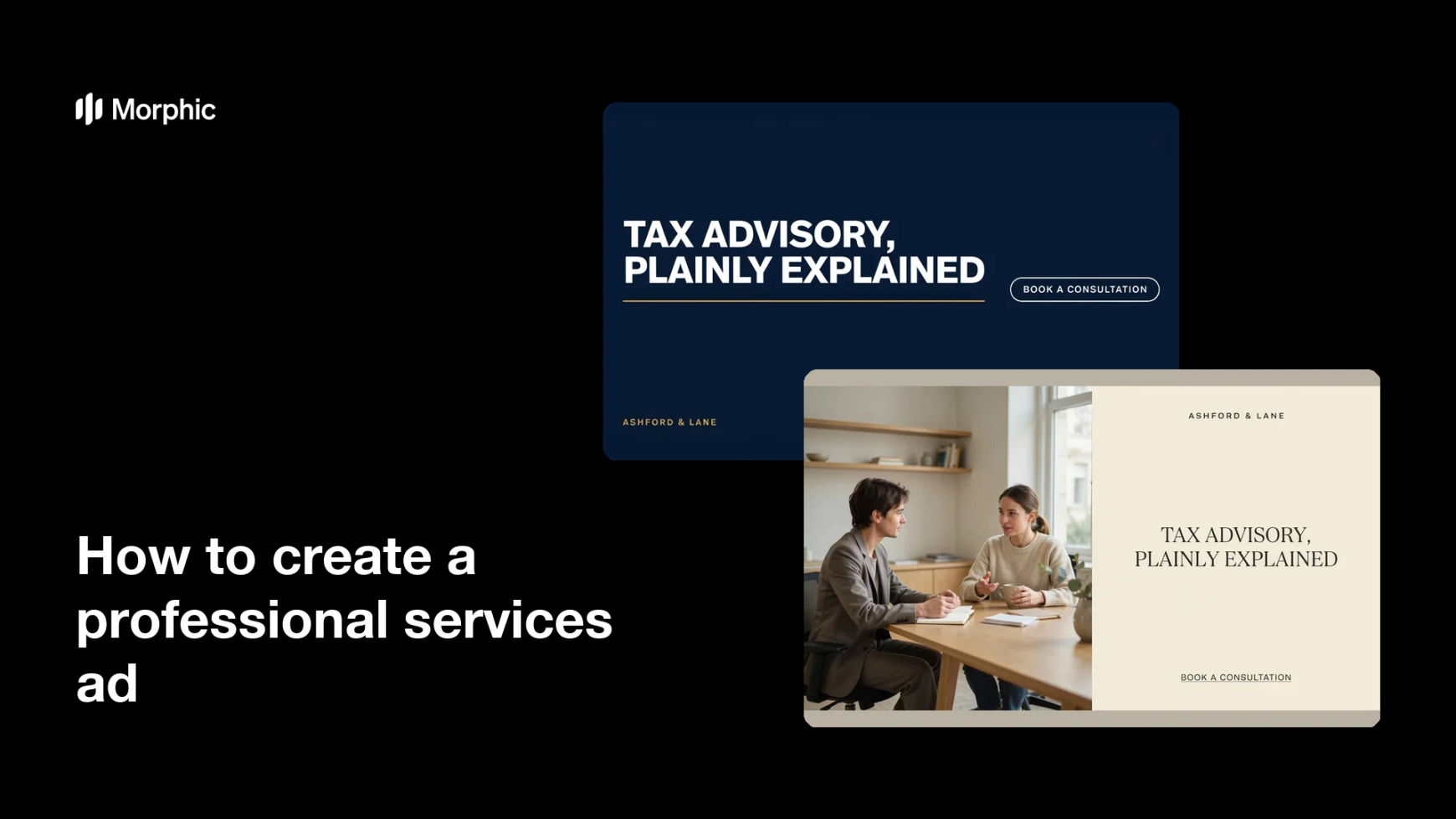
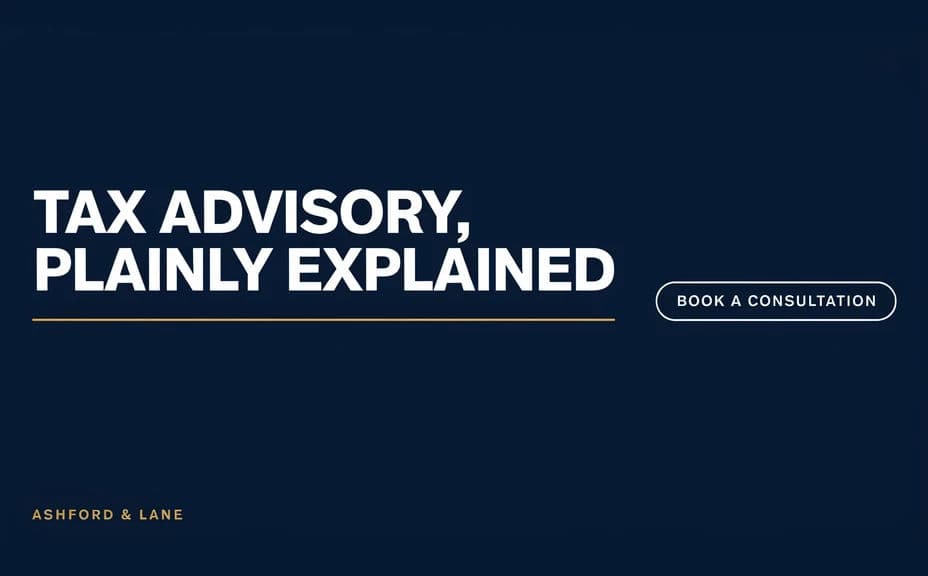
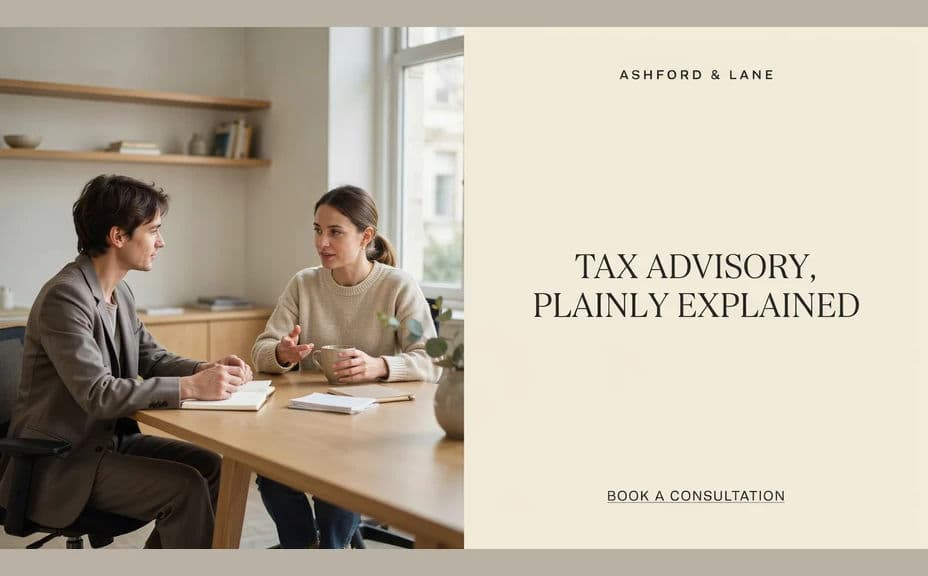
Two ad layouts for the same fictional firm, each carrying its own headline treatment.
What makes a good professional services ad
| Quality | What it means | Why it matters |
|---|---|---|
| One clear service | The ad promotes a single offer | A specific message is what gets remembered |
| Legible headline | Type reads at a glance and at small sizes | Most people see the ad in passing |
| Credible tone | The visual matches the profession | Trust is the product in professional services |
| Obvious next step | The call to action stands out | An ad without an action wastes the placement |
Morphic vs the traditional way
| Morphic | An ad agency or template tool | |
|---|---|---|
| Cost | Available on Morphic | Agency fee or subscription |
| Time | A finished ad in minutes | Days of briefing and revisions |
| Skill needed | Describe it in plain language | Layout, copy, and typography skills |
| Consistency | Regenerate variants that match | Manual rework for every placement |
FAQs
Yes. Provide the exact wording in your prompt, then read the rendered text and regenerate if any character looks wrong.
Yes. Generate the layout in each aspect ratio you need, keeping the same headline and palette so the set stays recognisable.
Avoid anything that implies a guaranteed outcome or result. Describe the service and your experience, and keep specifics to what you can substantiate.
Yes. Describe your brand colours, logo placement, and type style, and generate the ad to match your existing materials.
Yes. Generate several headline and layout options of the same ad, run them side by side, and keep the one that performs.
Yes. Designs you generate with Morphic are cleared for commercial use across your paid and organic channels.