What is a listing flyer?
A listing flyer is a one-page sheet that presents a property with a photo, the address, the price, and a few key details. Real estate agents hand them out at open houses, pin them to boards, and share them online to give buyers something clean and memorable to take away. A strong flyer makes a listing look professional and helps the property stand out.
Morphic builds one in your browser. You upload a property photo, describe the layout and the text you want, and it arranges the image, address, and price into a polished flyer. When you like a layout, you download it in high resolution, ready to print or post.
Upload the property photo
Start with your best exterior or interior shot of the home. A sharp, well-lit photo becomes the centerpiece of the flyer, so choose one that shows the property at its best.
Describe the layout and text
Tell Morphic the details to include, such as the address, the price, and the style you want. Being clear about the text and tone helps it build a flyer that fits your brand.
Generate the flyer
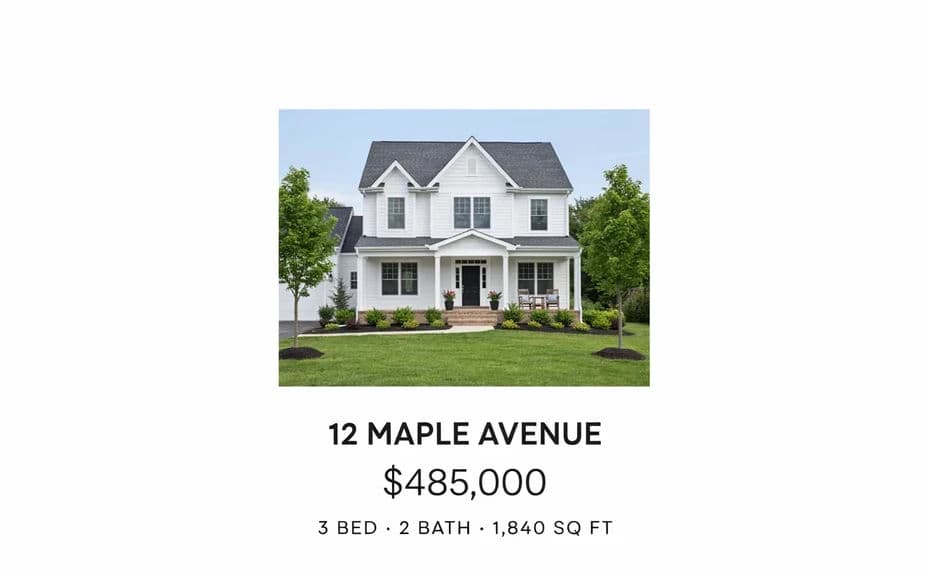
Morphic arranges the photo, address, and price into a clean layout. Review the balance of image and text and check that the details read clearly.
Compare layout options
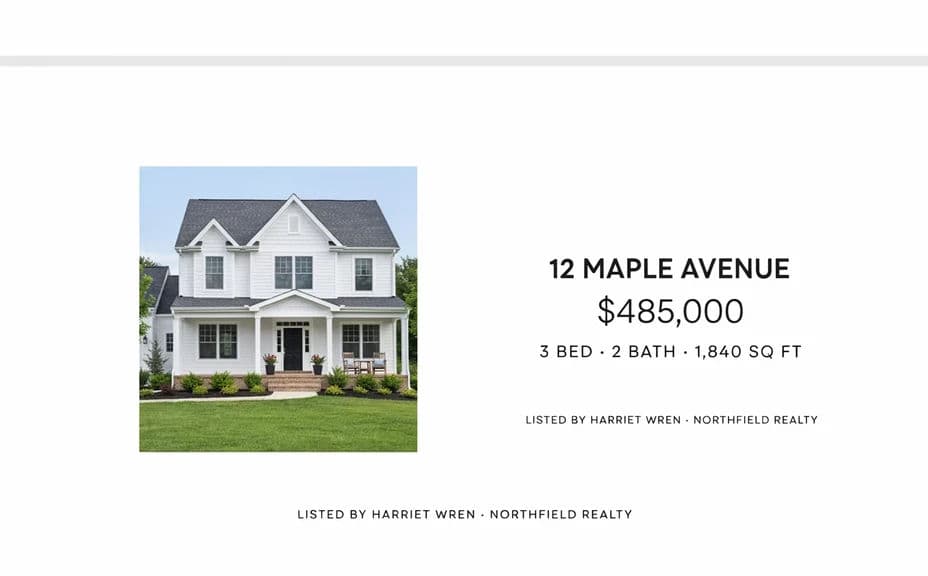
Generate a few versions of the same listing to see different arrangements side by side. Pick the layout that gives the property the most impact.
Download and share
Export the finished flyer in high resolution, ready to print or post online. Reuse the same layout for future listings to keep your marketing consistent.
Below are two flyer layout options for the same property, each with its address and price.
What makes a good listing flyer
| Quality | What it means | Why it matters |
|---|---|---|
| Clear hierarchy | Photo, price, and address stand out in order | Buyers should grasp the key facts at a glance |
| Readable text | Address and price are crisp and legible | Blurry details make a flyer look unprofessional |
| Strong photo | The property image leads the design | A great photo is what stops someone to look |
| Consistent style | Fonts and colors fit your brand | A steady look builds trust across your listings |
Morphic vs the traditional way
| Morphic | A design agency | |
|---|---|---|
| Cost | Available on Morphic | A design fee per flyer |
| Time | Minutes per listing | Days of back-and-forth with a designer |
| Skill needed | Describe it in plain language | Design software and layout know-how |
| Consistency | Reuse a layout across every listing | Depends on the designer and the brief |