What is a restaurant menu design?
A restaurant menu design is the layout that presents your dishes, their names, and their prices in a clear, on-brand way. It organizes sections, sets the typography, and gives the menu a look that matches your restaurant. Owners and marketers rely on it because a well-designed menu is easier to read and guides guests toward what to order.
With Morphic you create a menu design from a text prompt in your browser. Describe your sections, dishes, and style, then adjust the layout and download in HD. You get a polished, print-ready menu without a designer or layout software.
Describe your menu
Open Morphic and describe the restaurant, its style, and the sections you want, such as starters, mains, and desserts. List the dish names and prices you want on the menu.
Set the style
Ask for a look that matches your brand, from clean and modern to warm and rustic. Mention the colors, mood, and any header you want at the top.
Lay out the sections
Ask for clear sections with readable dish names and aligned prices. A tidy structure helps guests scan the menu and find dishes quickly.
Refine the layout
Review the design and ask to adjust spacing, type size, or the order of sections. Small changes keep the menu balanced and easy to read.
Export and print
Confirm the names, prices, and sections read clearly across the page. Download in HD, then print the menu or share it online.
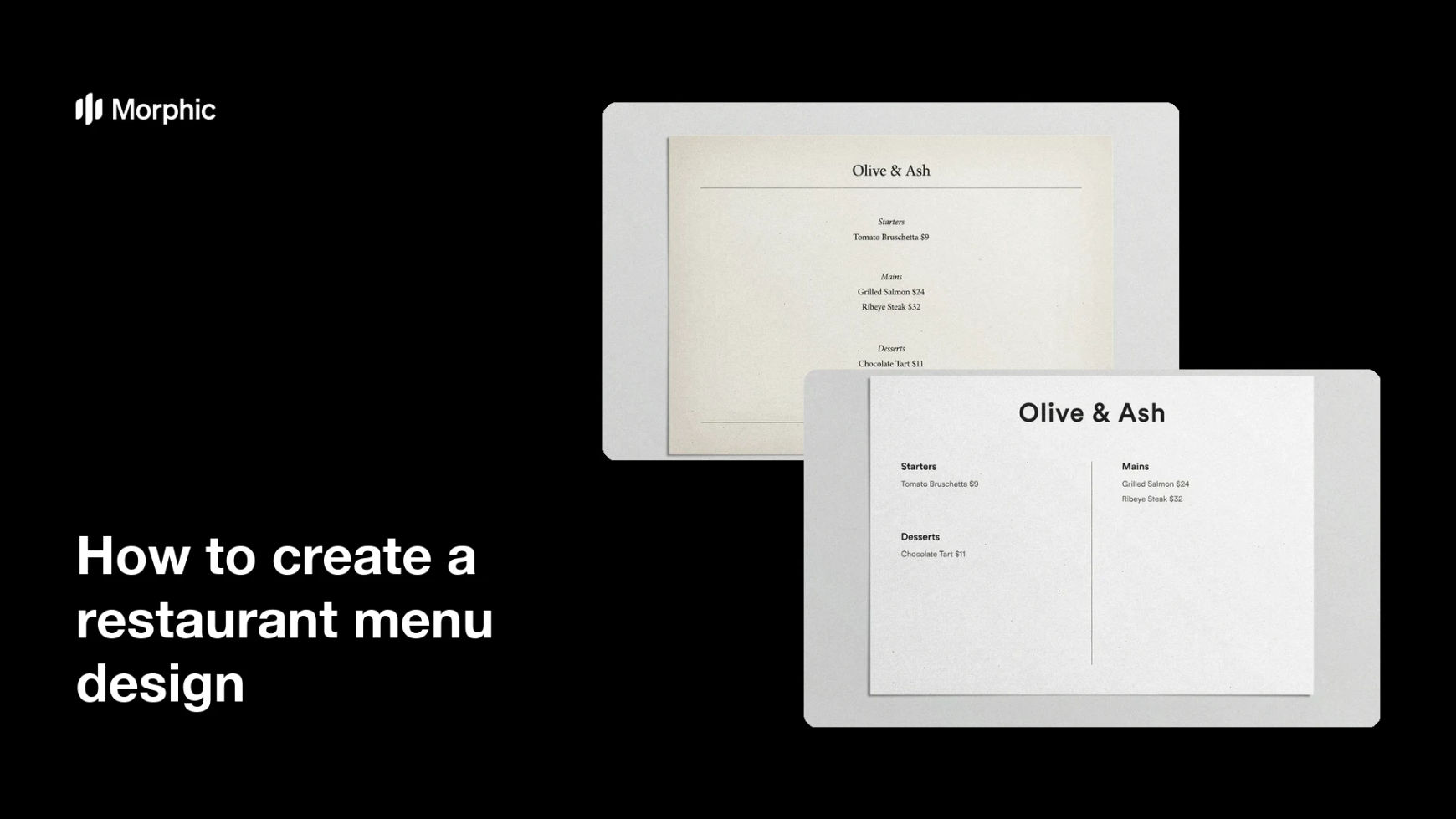
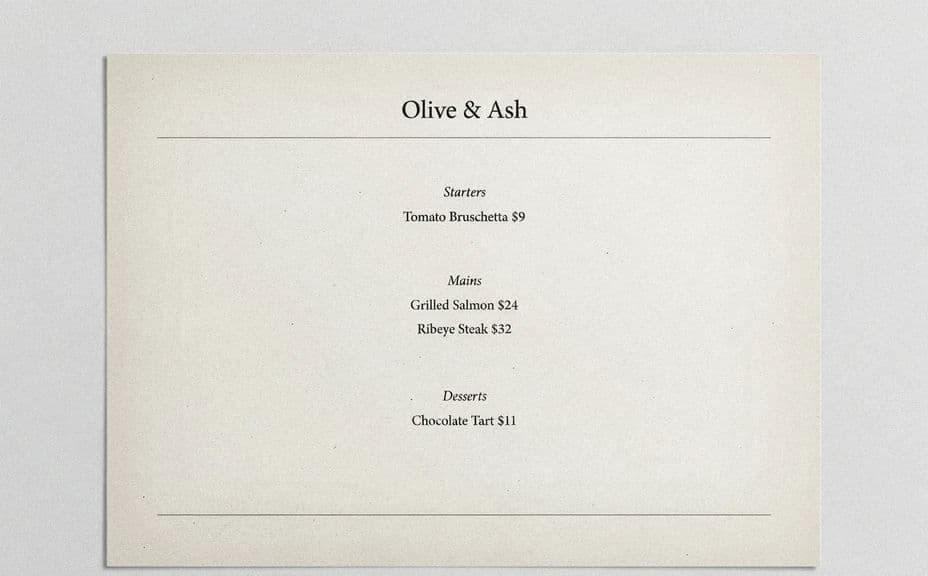
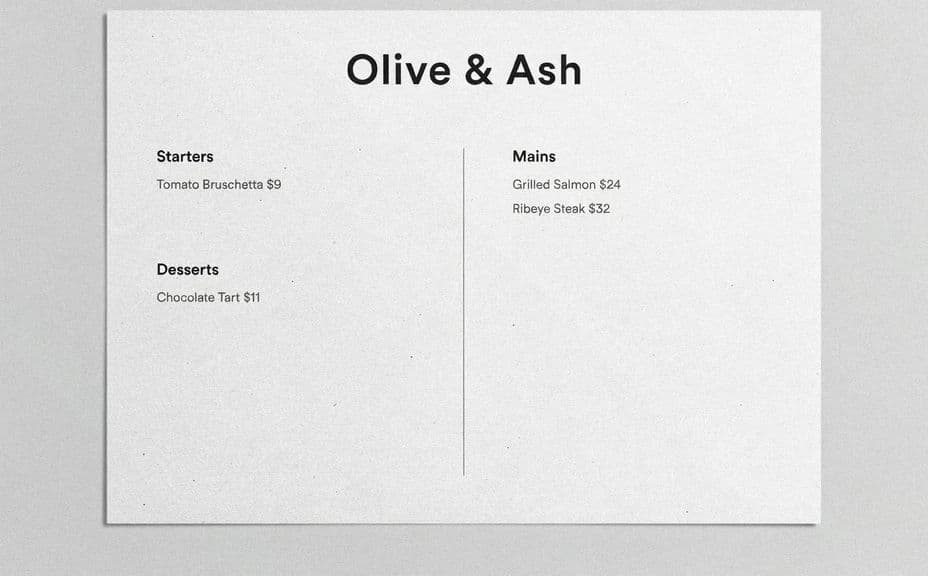
Two menu layouts for the same restaurant, with the same dish names and prices.
What makes a good restaurant menu design
| Quality | What it means | Why it matters |
|---|---|---|
| Clear sections | Dishes are grouped and easy to scan | Guests find what they want quickly |
| Readable type | Names and prices are legible | The menu is easy to order from |
| On-brand style | Colors and mood match the restaurant | The menu feels consistent with your brand |
| Balanced layout | Spacing and alignment feel even | The menu looks professional and tidy |
Morphic vs the traditional way
| Morphic | A designer or layout software | |
|---|---|---|
| Cost | Available on Morphic | Designer fees or a software license |
| Time | A menu design in minutes | Days of back-and-forth or manual layout |
| Skill needed | Describe it in plain language | Layout and typography skills |
| Consistency | Regenerate an on-brand layout | Manual rework for every change |
FAQs
Yes. List the dishes and prices you want and they are placed into the layout with clear sections and readable type.
Yes. Describe your colors, mood, and style, and the menu is laid out to feel consistent with your restaurant.
Yes. Ask for a different layout and regenerate as many options as you need to compare and choose the best fit.
No. Morphic builds the layout from your description, so you can create a menu without opening layout tools.
Yes. Confirm the text reads clearly and download in HD, so the menu is ready to print or share online.
Yes. Designs you create with Morphic are cleared for commercial use across your restaurant and marketing.