What is a short film title card?
A short film title card is the frame that carries the film's title at the start or end of the piece, usually the title set over a still image, a texture, or a plain field. Filmmakers, students, and production teams use it to open the film, to close on credits, and as the still that represents the project on festival listings. It is a small frame that sets the tone for everything that follows.
With Morphic you create that card from a text prompt in your browser. Describe the film's tone, the backdrop you want, and the title text, compare a few treatments, then download in HD. You get a title frame that drops straight into your edit without opening a motion graphics tool.
Settle the title wording
Write the film title and any credit line, such as a director credit, exactly as they should appear. Fixing the wording first keeps the card accurate and saves re-exporting from your edit.
Describe the film's tone
Open Morphic and describe the mood of the film: bleak and grey, warm and nostalgic, high-contrast noir, or whatever fits the story. The backdrop should feel like it belongs to the same world as the first scene.
Ask for a clean title treatment
Request a widescreen frame with the title placed in clear space and enough contrast to hold against the background. Ask for two treatments so you can compare a centred card against an off-centre one.
Check the type and the safe area
Read the title and credit line on each option and confirm the spelling and letter spacing are right. Keep the text inside the safe area so nothing is clipped on different players or festival screens.
Export and drop it into the edit
Download the card in HD at your project's aspect ratio, then place it on the timeline and set your fade in and out. Generate a matching end card if you also need one for the credits.
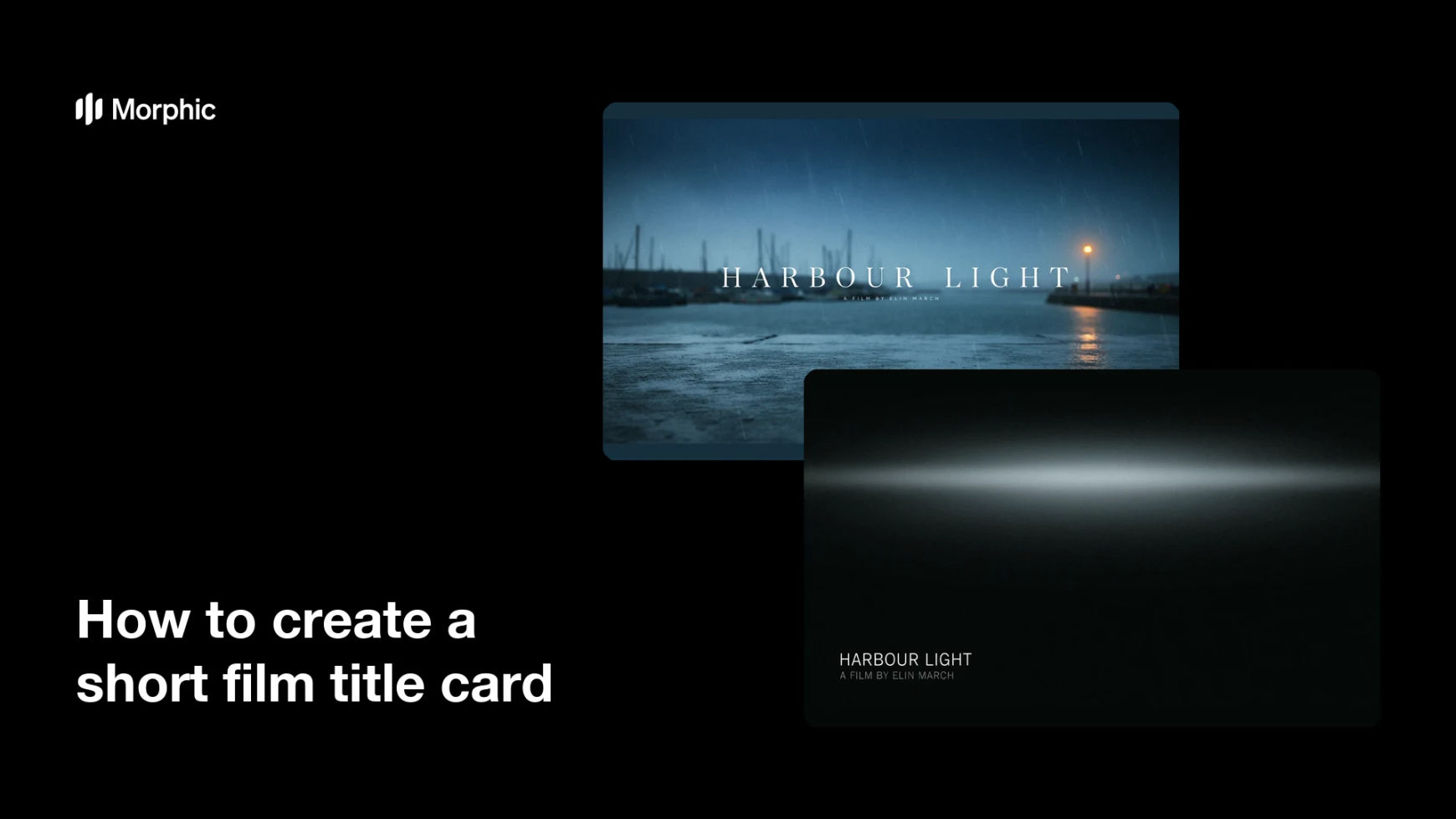
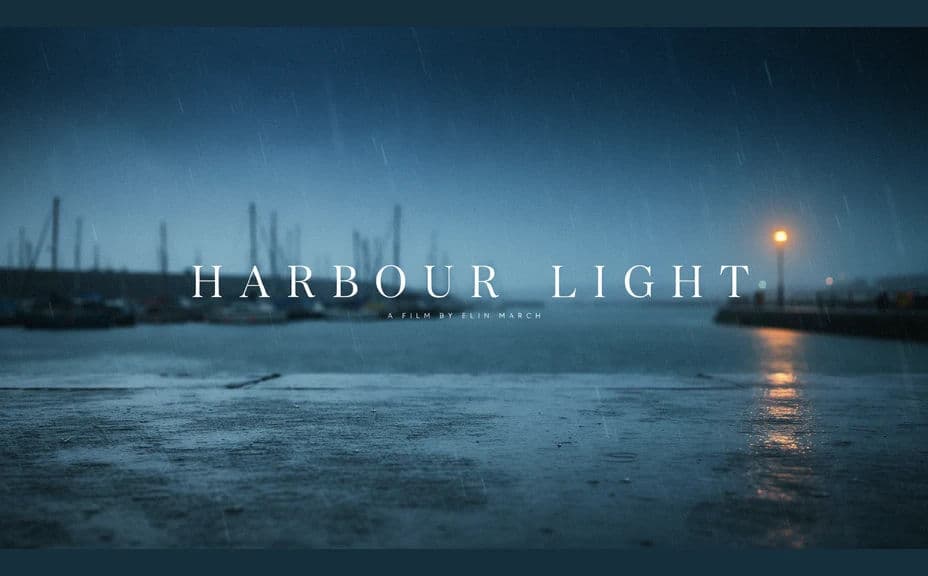
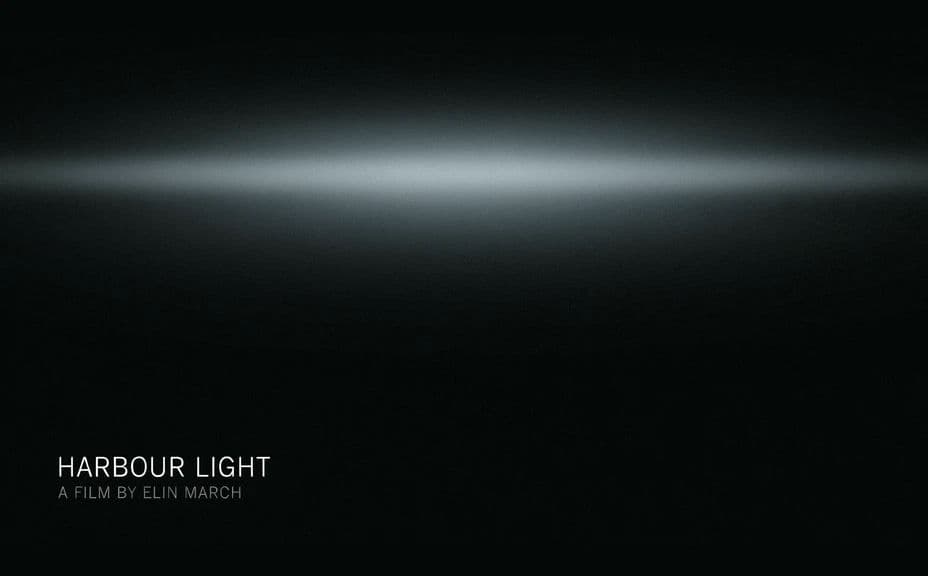
Two title-card treatments for the same short film, each carrying the film title.
What makes a good short film title card
| Quality | What it means | Why it matters |
|---|---|---|
| Tone that fits the film | The frame belongs to the story | The card sets expectations for the first scene |
| Legible title | Type holds against the background | A hard-to-read title undercuts the opening |
| Correct aspect ratio | It matches your timeline | A mismatched card forces rescaling and softness |
| Safe-area discipline | Text sits away from the edges | Players and festival screens crop differently |
Morphic vs the traditional way
| Morphic | Motion graphics software | |
|---|---|---|
| Cost | Available on Morphic | Software subscription or an artist's fee |
| Time | A finished card in minutes | Hours of compositing and rendering |
| Skill needed | Describe it in plain language | Compositing and typography skills |
| Consistency | Regenerate a matching end card | Manual rebuild for every variant |
FAQs
Yes. Provide the title and any credit line in your prompt, then check the rendered text and regenerate if the spelling or spacing is off.
Yes. Describe the same treatment with your credit text and generate it, so the opening and closing frames belong together.
Ask for the ratio your timeline uses, such as widescreen or a wider cinematic crop. Matching it avoids rescaling the card later.
Yes, if you keep contrast high and the text inside the safe area. Preview the card full screen and regenerate anything that feels tight.
Yes. Describe the grade, lighting, and palette of your film and generate the backdrop to sit alongside it.
Yes. Designs you generate with Morphic are cleared for commercial use in your film and its festival and marketing materials.