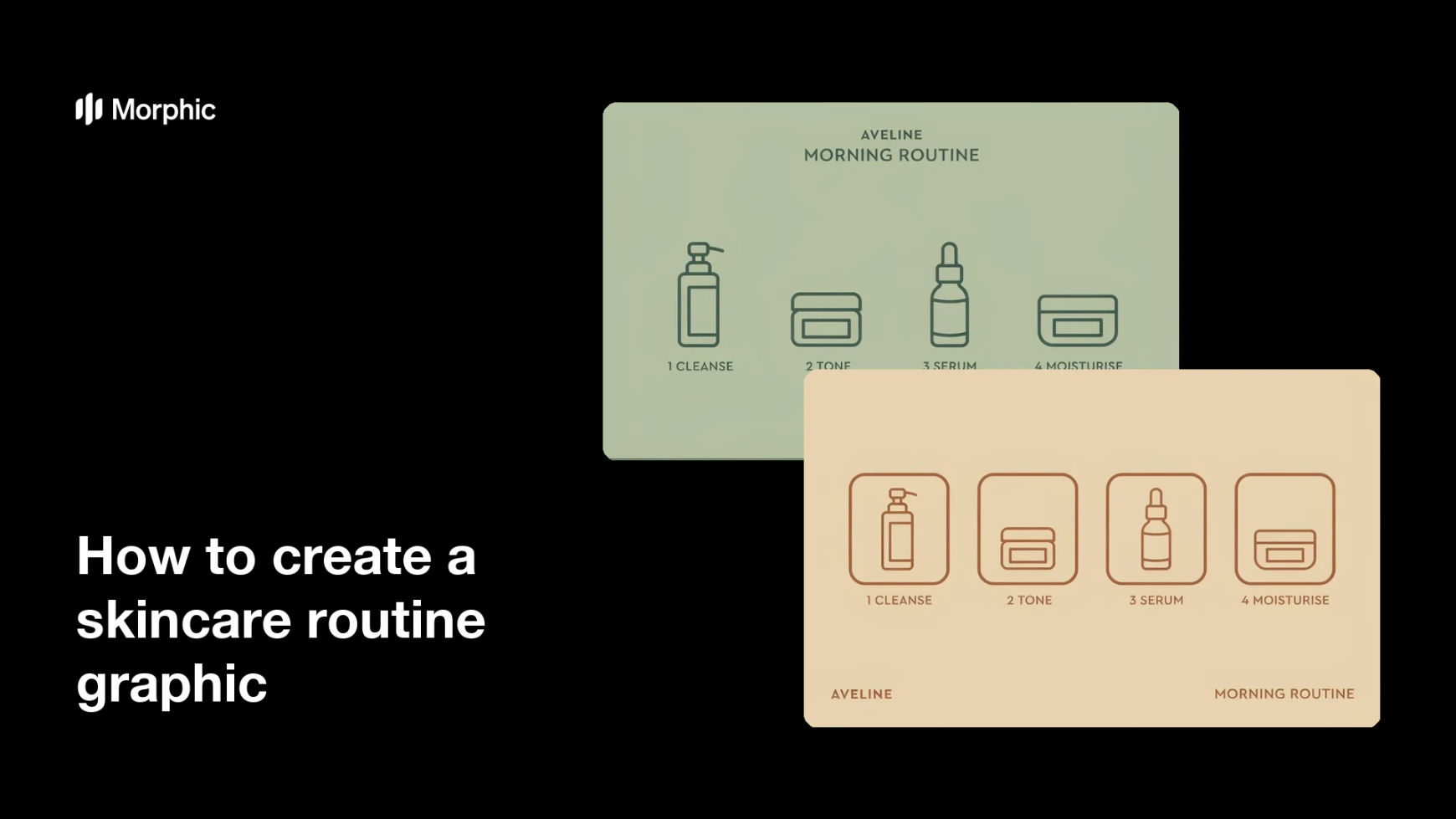
What is a skincare routine graphic?
A skincare routine graphic is a single visual that shows the order products are applied, usually as numbered steps with a short label for each one. It answers the question every new customer asks: what goes on first, and what comes after. Skincare brands, estheticians, and clinics use it on product pages, in welcome emails, and in social carousels because a routine that looks simple is a routine people actually follow.
With Morphic you create this graphic from a text prompt in your browser. Describe the steps, the labels you want printed, and the look you are going for, then adjust and download in HD. You get a clear, on-brand routine visual without booking a shoot or opening design software.
Write out the steps in order
Decide the sequence, such as cleanse, tone, serum, moisturise, and SPF, and the short label for each step. Getting the order and wording right first keeps the graphic accurate and quick to generate.
Describe the layout
Open Morphic and describe how the steps should sit, such as a numbered vertical column or a row of product tiles across the frame. Specify the aspect ratio you need, from a square post to a tall story or a wide banner.
Set the product look
Describe the bottles and jars you want shown, including shape, cap style, and finish, so the products read as a coherent line. Consistent packaging across the steps is what makes the routine look like one brand.
Apply your palette and type
Ask for your background tone, accent colour, and a type style that stays clean at small sizes. Keep contrast high so each number and label is easy to read on a phone.
Check the sequence and export
Read the graphic end to end and confirm the numbers, labels, and order all match your routine. Download in HD, then use it on your product page, in email, or across your social channels.
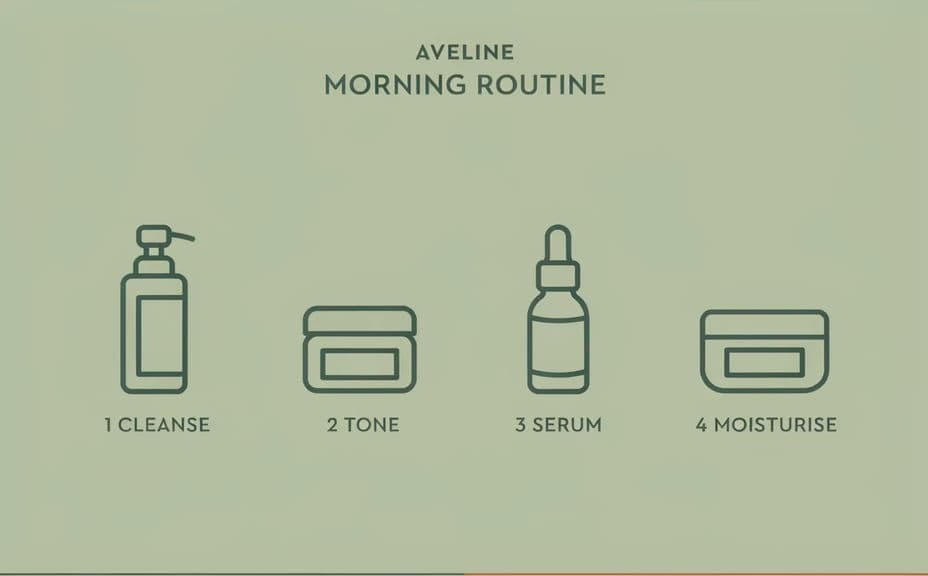
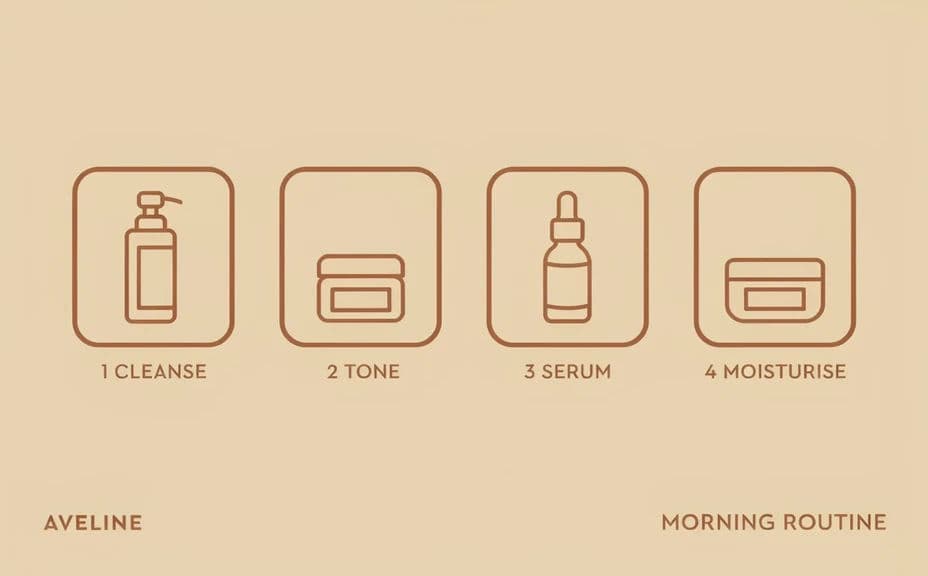
Two design options for the same skincare routine, each showing the numbered steps.
What makes a good skincare routine graphic
| Quality | What it means | Why it matters |
|---|---|---|
| Clear order | Steps are numbered and easy to follow | Customers use the products correctly |
| Short labels | A few words per step, no paragraphs | The routine reads in a single glance |
| Consistent packaging | Products look like one product line | The graphic builds brand recognition |
| Mobile legibility | Numbers and text stay sharp when small | It works in feeds, stories, and email |
Morphic vs the traditional way
| Morphic | Product shoot and design software | |
|---|---|---|
| Cost | Available on Morphic | Studio time, samples, and design fees |
| Time | A finished graphic in minutes | Days from shoot brief to final layout |
| Skill needed | Describe it in plain language | Product photography and layout skills |
| Consistency | Regenerate every step in one style | Lighting and angles drift between shots |
FAQs
Yes. Ask for as many steps as your routine has, and the layout adapts. Three-step starter routines and longer evening rituals both work.
Yes. Generate one graphic per routine, or ask for a split layout with both sequences side by side and clearly labelled.
Yes. Describe the bottle shapes, caps, colours, and label style you use, then refine with follow-up prompts until the products look like your line.
Yes, if you keep them short. Use a few words per step, ask for high contrast, and preview at feed size before you publish.
Any placement you need. Specify the aspect ratio for a square post, a vertical story, an email header, or a print card.
Yes. Images you generate with Morphic are cleared for commercial use on your store, in campaigns, and with retail partners.