What is a sports highlight thumbnail?
A sports highlight thumbnail is the still image that fronts a match recap, a play of the week, or a training clip on video platforms. It combines a dramatic action moment with a few large words so a viewer can tell in half a second what the clip delivers. Sports channels, club media teams, and creators depend on it because the thumbnail decides whether the video gets opened at all.
With Morphic you create that thumbnail from a text prompt in your browser. Describe the action, the framing, the colour treatment, and the short headline, then compare versions and download in HD. You get a click-ready thumbnail cleared for commercial use without editing software or stock footage.
Decide the hook
Pick the single moment and the two or three words that sell the clip, such as a last-second shot and a short headline. A thumbnail that promises one clear thing beats one that tries to describe the whole match.
Describe the action shot
Open Morphic and describe the athlete, the sport, and the peak moment you want frozen, along with the crop, usually a tight framing on the player. Tight crops survive the small sizes thumbnails are actually viewed at.
Push the contrast
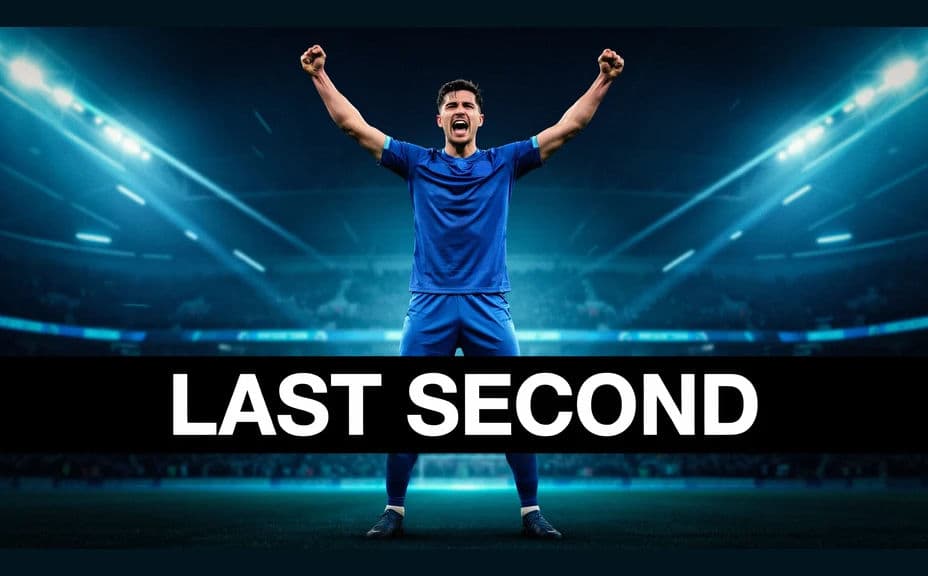
Ask for a dark or blurred background behind the subject and a bright rim of light on the athlete. High separation is what makes a thumbnail readable in a scrolling feed.
Add the headline text
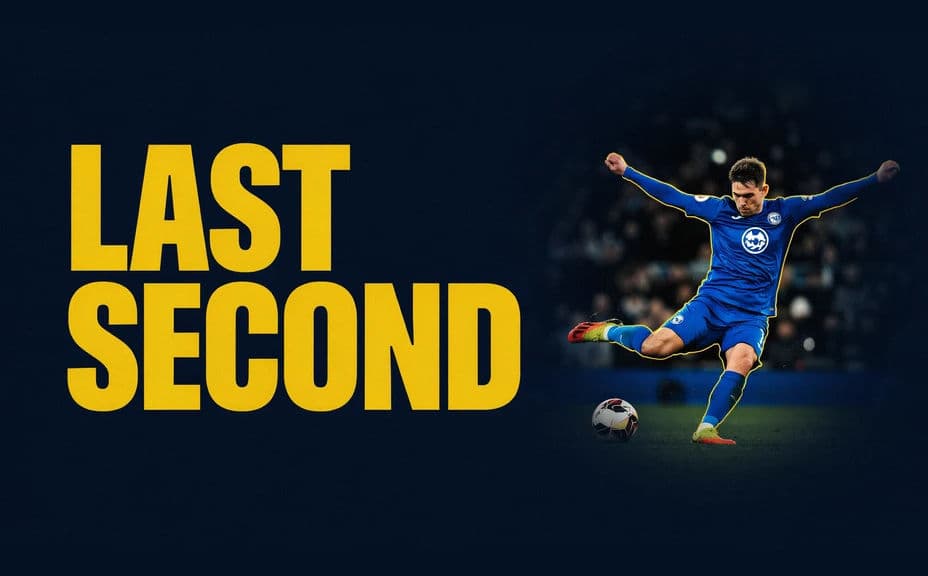
Ask for your short headline in heavy type placed clear of the athlete's face, in one accent colour. Keep it to a few words so the type can be big enough to read on a phone.
Test small and export
Shrink the thumbnail to the size it will appear in a feed and check that the subject and words still read. Regenerate anything that turns muddy, then download in HD and upload it.
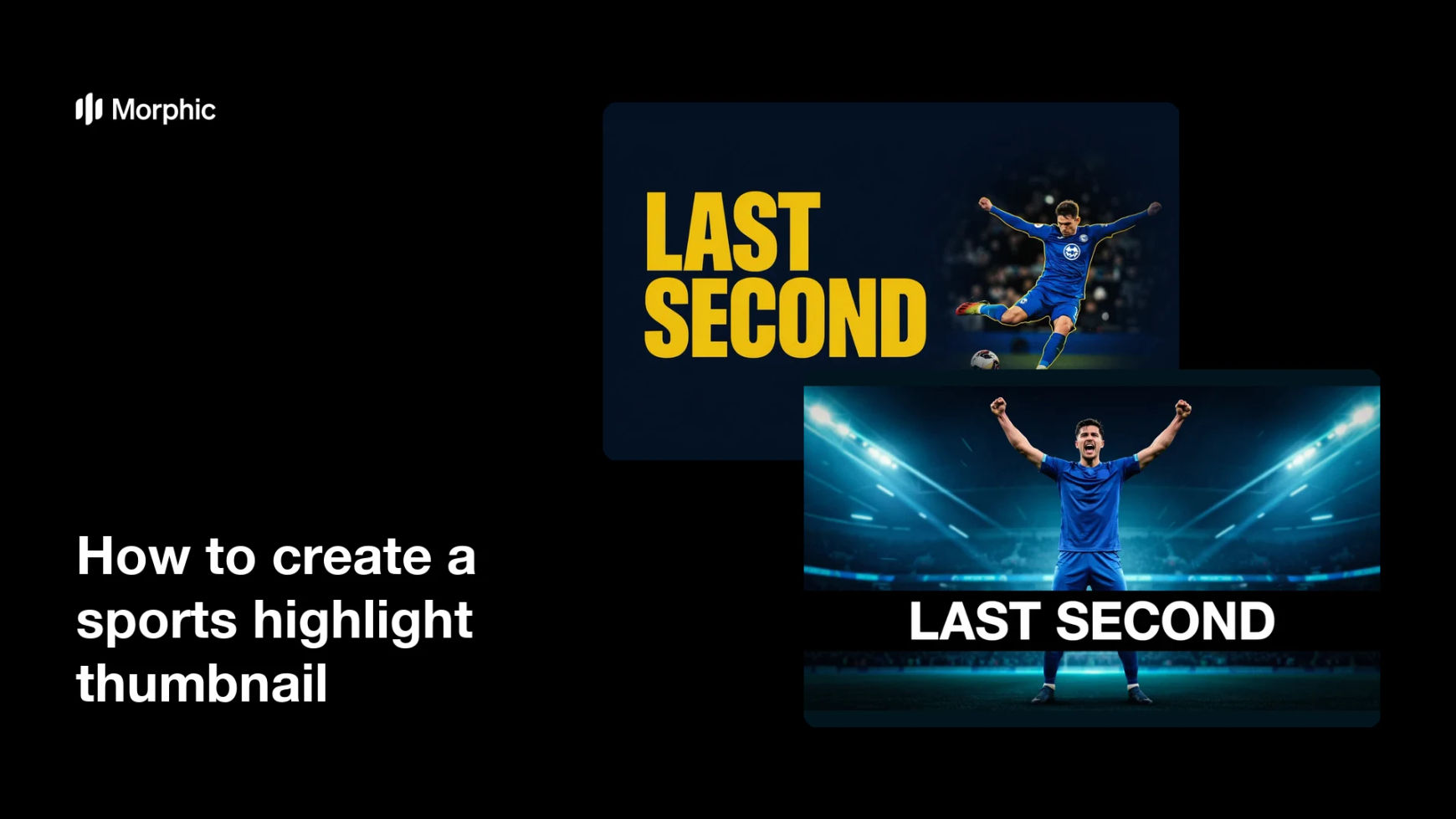
Two thumbnail designs for the same highlight, each with the headline placed clear of the athlete.
What makes a great sports highlight thumbnail
| Quality | What it means | Why it matters |
|---|---|---|
| Peak action moment | The frame catches the decisive instant | Viewers feel the payoff before they click |
| High contrast | The athlete separates hard from the background | The thumbnail survives a small, crowded feed |
| Short headline | Two or three heavy words, nothing more | The type can be large enough to read on a phone |
| Consistent channel look | One palette and type style across uploads | Your videos become recognizable in a list |
Morphic vs the traditional way
| Morphic | Frame grabs and photo editing software | |
|---|---|---|
| Cost | Available on Morphic | Editing software plus stock or camera costs |
| Time | A finished thumbnail in minutes | An hour of grabbing, cutting out, and typesetting |
| Skill needed | Describe it in plain language | Masking, compositing, and typography skills |
| Consistency | Regenerate a matching style every upload | Manual rebuild for each new video |
FAQs
Yes. Give the exact words in your prompt, keep them short, and regenerate if any character renders incorrectly.
A wide 16:9 frame suits most video platforms. Describe the shape you need and generate the thumbnail framed for it.
Reuse the same wording for colour, type weight, and crop in every prompt, and change only the action and headline.
Yes, if you keep the headline to a few heavy words and hold high contrast behind it. Always preview at feed size before uploading.
Yes. Generate a few designs with different headline placements and compare which one reads fastest at thumbnail size.
Yes. Images you generate with Morphic are cleared for commercial use across monetized channels and sponsored content.