What is a streetwear brand photo?
A streetwear brand photo is a styled shot of clothing worn in an urban setting, built to sell an attitude as much as a garment. It carries the fit, the fabric, and the mood of the label in one frame, which is why it anchors lookbooks, product pages, and social feeds. Independent labels and resellers rely on it because streetwear buyers judge a drop on how it feels before they read a single spec.
With Morphic you create this photo from a text prompt in your browser. Describe the garment, the styling, the location, and the light, compare a few directions, then download in HD. You get a campaign-quality shot without booking a model, a location, or a photographer.
Define the garment and the fit
Write down exactly what the piece is, including cut, fabric, colour, and how it sits on the body. Precise garment detail is what keeps the generated photo true to the product you are actually selling.
Describe the styling and the setting
Open Morphic and describe the full look: the layers, footwear, accessories, and the street, rooftop, or underpass behind it. Name the time of day and the light so the mood reads the way your label does.
Ask for a few directions
Request several versions that change pose, crop, and location while keeping the same garment. Comparing options side by side is faster than trying to perfect one frame in a single pass.
Refine the details
Look closely at the seams, the drape, the shoes, and the hands, then describe any correction in plain language. Small fixes at this stage are what separate a convincing brand photo from an obvious render.
Export and publish
Preview the shot at full size and cropped to a square and a vertical frame. Download in HD, then use it across your product page, lookbook, and social posts.
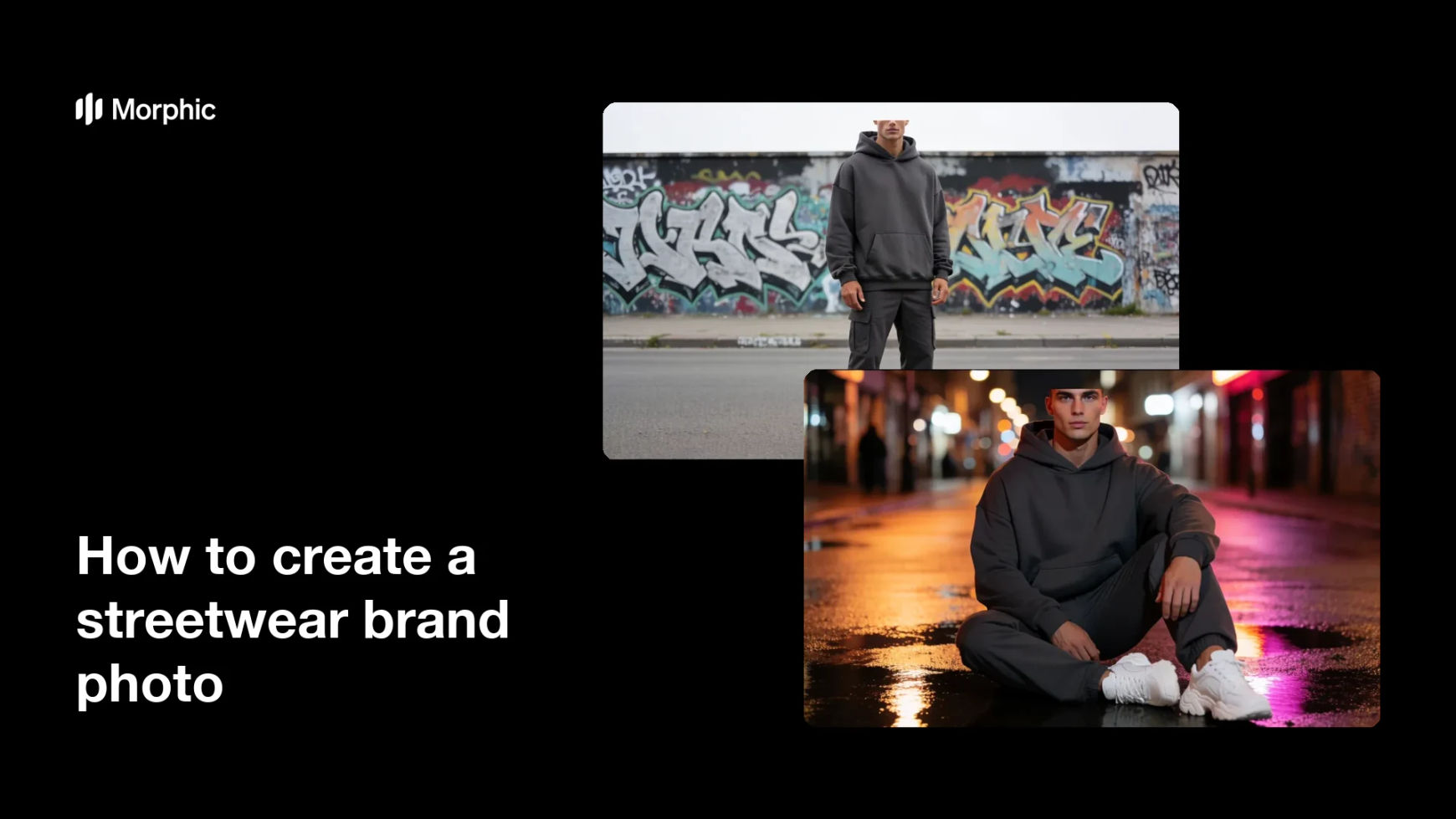
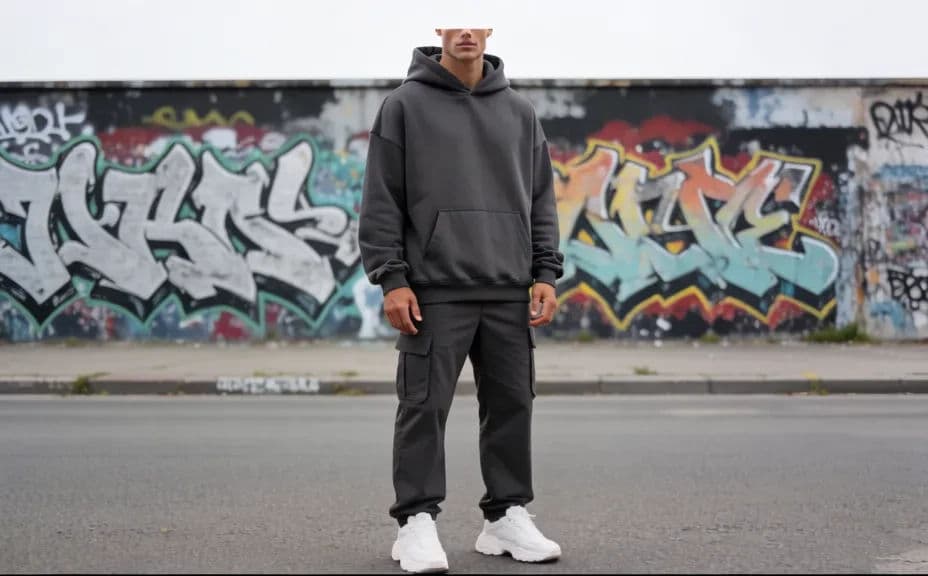
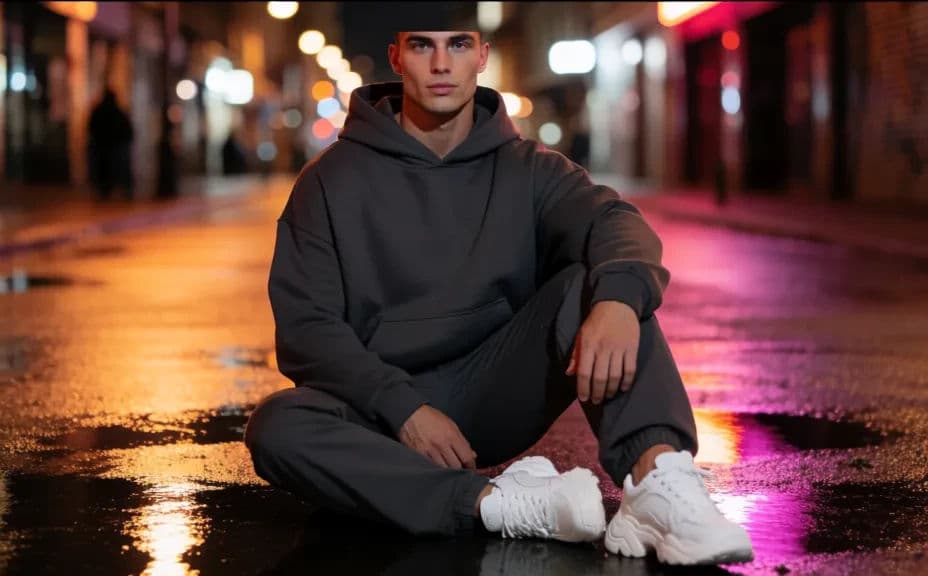
Two styling directions for the same streetwear piece, shot in different urban settings.
What makes a good streetwear brand photo
| Quality | What it means | Why it matters |
|---|---|---|
| Accurate garment | The cut, fabric, and colour match the product | Buyers get what the photo promised |
| Convincing setting | The location suits the label's world | The photo sells an attitude, not just clothing |
| Considered light | Direction and quality of light are deliberate | Texture and silhouette read clearly |
| Consistent look | Every shot in the drop feels related | The brand looks established rather than assembled |
Morphic vs the traditional way
| Morphic | A photo shoot | |
|---|---|---|
| Cost | Available on Morphic | Model, location, and photographer fees |
| Time | A finished shot in minutes | Days of scheduling, shooting, and editing |
| Skill needed | Describe it in plain language | Styling, lighting, and retouching skills |
| Consistency | Regenerate shots that match | Reshoots to keep a drop consistent |
FAQs
Yes. Describe the piece the same way each time and ask for new poses or locations, so the drop stays visually consistent.
Yes. Name the setting and the light, such as an alley at golden hour or a wet street at night, and the photo will follow it.
Describe the material and weight, then check the drape and seams in the result and regenerate any version where the fabric reads flat.
Yes. Ask for square and vertical crops of the same shot so the photo works on a product page and in a feed.
Describe the pose you want instead and regenerate. Adjusting stance, crop, and angle takes one line of instruction.
Yes. Images you generate with Morphic are cleared for commercial use across your store and marketing.