What is a swimwear catalogue image?
A swimwear catalogue image is the hero shot that shows a suit clearly enough for someone to buy it online. It has to read the fit, the fabric, and the colour while still carrying the mood of the season. Swim labels and resortwear boutiques depend on these images because a catalogue is judged as a set, not one photo at a time.
With Morphic you create the shot from a text prompt in your browser. Describe the suit, the setting, and the quality of light, then refine until the fabric and the colour hold up. Download in HD and publish across your catalogue, cleared for commercial use.
Describe the suit
Open Morphic and describe the swimwear in detail, including cut, fabric, colour, and any tie or hardware detail. Precision here is what keeps the image true to what you actually sell.
Choose the setting
Ask for the location that fits your season, such as a bright poolside, a pale sand beach, or a clean studio backdrop. A simple setting keeps attention on the suit.
Set the light
Describe the light you want, from open midday sun to soft late-afternoon warmth. Consistent light across the range is what makes a catalogue feel like one shoot.
Frame for the catalogue
Ask for the crop and orientation your grid uses, usually a full-length vertical with room above and below. Keep the framing identical across shots so the set lines up.
Export and publish
Check the fabric texture, the colour accuracy, and the fit at full size. Download in HD, then load the shot into your catalogue and product pages.
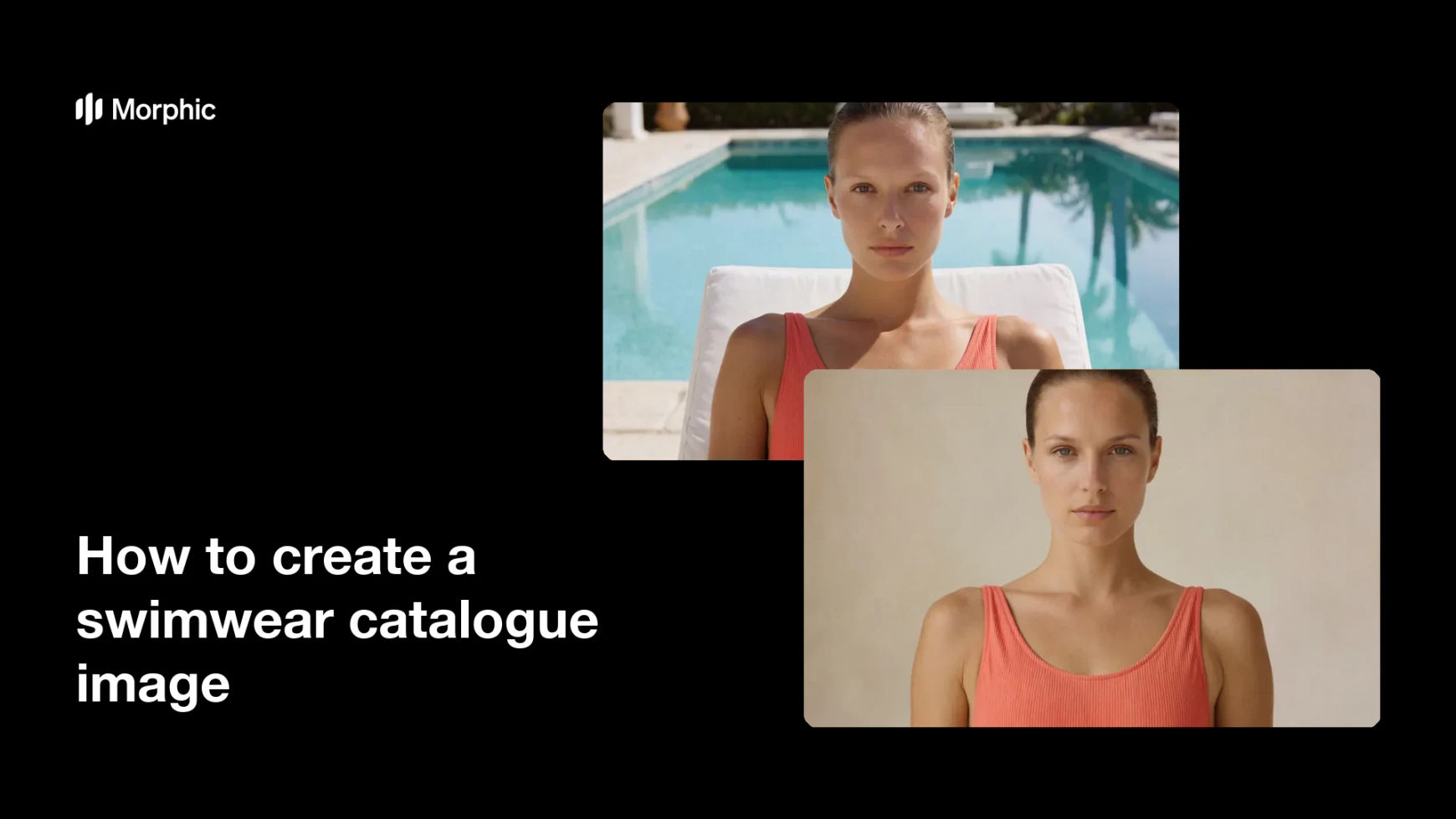
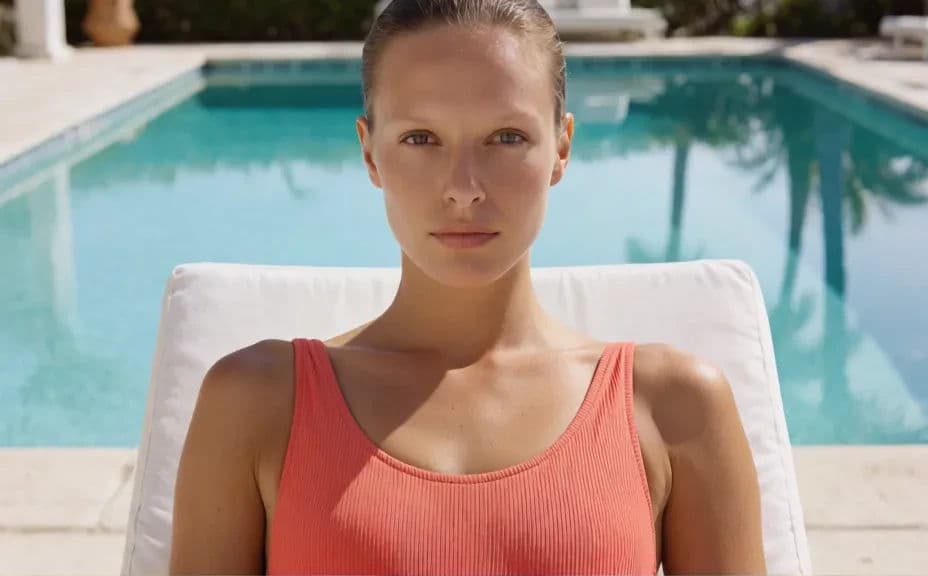
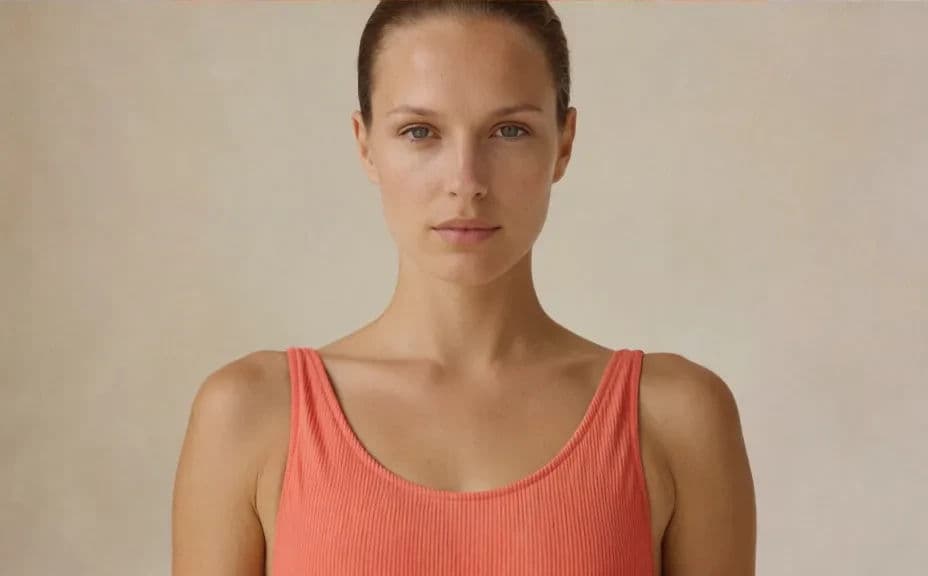
Two catalogue treatments of the same swimwear range, so you can see which setting suits the season.
What makes a good swimwear catalogue image
| Quality | What it means | Why it matters |
|---|---|---|
| Accurate colour | The swatch matches the product you ship | Fewer returns from colour surprises |
| Visible fit | The cut and coverage are easy to read | Shoppers can judge the suit on sight |
| Consistent light | The same light across the whole range | The catalogue reads as one shoot |
| Simple setting | The location supports rather than competes | Attention stays on the swimwear |
Morphic vs the traditional way
| Morphic | A location swimwear shoot | |
|---|---|---|
| Cost | Available on Morphic | Travel, crew, models, and location fees |
| Time | A finished catalogue shot in minutes | Days of scheduling, shooting, and editing |
| Skill needed | Describe it in plain language | Art direction, lighting, and retouching |
| Consistency | Reuse the same setting and light | Weather and daylight change every hour |
FAQs
Yes. Reuse the same wording for setting, light, and framing on every shot, and the catalogue will read as a single session.
Name the colour precisely and ask for even, neutral light. Vague colour terms and heavy warmth are the two things that push a swatch off.
Yes. Ask for a clean studio backdrop and controlled light, which is often the better choice when the suit itself is the story.
Yes. Ask for a full-length front view, a back view, and a fabric detail crop, then download the set for a complete listing gallery.
No. The setting, the light, and the framing are all described in plain language, so the shoot happens in your browser.
Yes. Images you create with Morphic are cleared for commercial use across your catalogue, store, and campaigns.