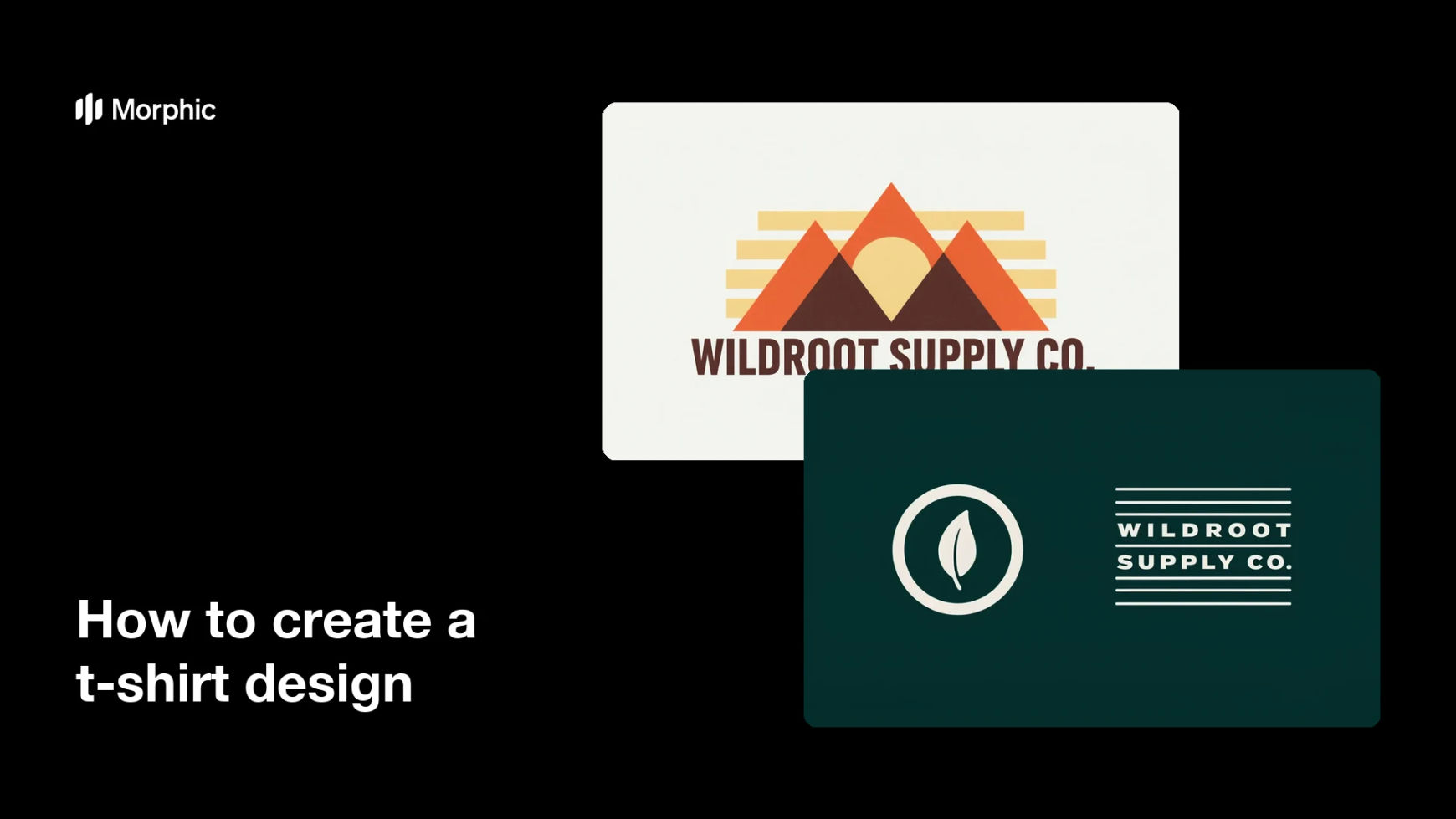
What is a t-shirt design?
A t-shirt design is the artwork printed on a garment, usually a single graphic on the chest or back that carries an illustration, a wordmark, or a short line of type. Small clothing labels, bands, event organisers, and print-on-demand sellers all rely on one strong graphic to carry a whole product. Because it is printed rather than viewed on a screen, the artwork needs clean edges, high resolution, and a transparent background so it can sit on any garment colour.
With Morphic you create that artwork from a text prompt in your browser. Describe the subject, the illustration style, and any text you want, compare a few directions, then download in HD. You get commercial-ready artwork without drawing it yourself or briefing an illustrator.
Decide the graphic and the placement
Choose what the design shows and where it sits on the garment, such as a centred chest print or a smaller left-chest mark. Deciding this first keeps the composition and the level of detail appropriate for the print size.
Describe the artwork in Morphic
Open Morphic and describe the subject, the illustration style, and the number of colours you want. Ask for a couple of directions so you can compare a bold graphic against a more detailed one.
Set the print practicalities
Ask for a transparent background, clean outlines, and no drop shadows or soft gradients that can band on fabric. Request a high-resolution file so the artwork stays sharp at full chest width.
Check the design on a garment colour
View the artwork against the shirt colours you plan to sell, including both a light and a dark option. Regenerate anything that loses contrast or where fine lines disappear.
Export and send it to print
Preview the design at full size and confirm the edges are crisp and any text is spelled correctly. Download in HD and hand the file to your printer or print-on-demand service.
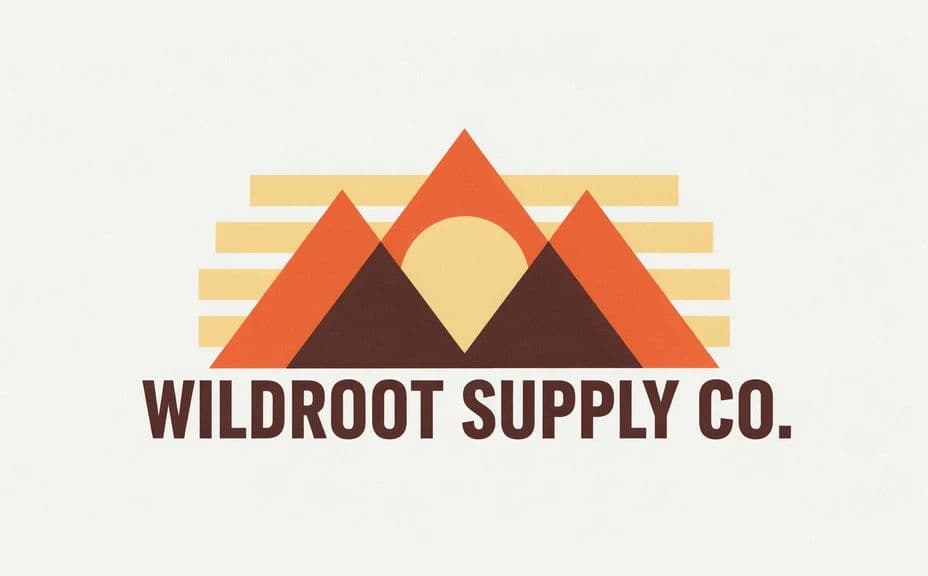
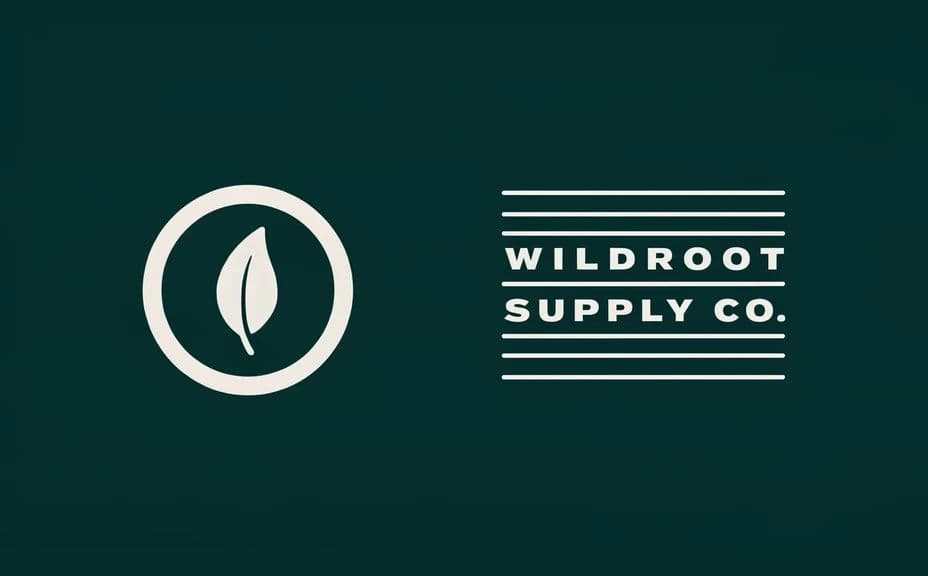
Two design directions for the same t-shirt brand, each ready to print.
What makes a good t-shirt design
| Quality | What it means | Why it matters |
|---|---|---|
| Clean edges | Sharp outlines with no soft fringing | Prints crisply instead of looking muddy |
| High resolution | Large enough for a full chest print | The graphic stays sharp at real size |
| Transparent background | The artwork sits on any garment colour | One file works across your whole range |
| Strong at a glance | The idea reads from across a room | A t-shirt is seen in motion, not studied |
Morphic vs the traditional way
| Morphic | Hiring an illustrator | |
|---|---|---|
| Cost | Available on Morphic | Per-design illustration fee |
| Time | A finished design in minutes | Days of briefing and revisions |
| Skill needed | Describe it in plain language | Illustration and vector skills |
| Consistency | Regenerate matching designs for a range | Each new design restarts the brief |
FAQs
Yes. Ask for the artwork on a transparent background so the same file can be printed on light and dark garments.
Yes. Request a high-resolution export and download in HD, then check the file against the print size your supplier asks for.
Yes. Give the exact wording in your prompt, then read the rendered text and regenerate if any character or spacing looks off.
Yes. Describe the same style and colour palette across several prompts so a whole range looks like it belongs together.
Fewer colours usually print more cleanly and cost less with screen printing. Ask for a limited palette if your printer prefers it.
Yes. Designs you generate with Morphic are cleared for commercial use, including print-on-demand and retail products.