What is a tutoring service flyer?
A tutoring service flyer is a single-page advert that tells parents and students what you teach, who you teach, and how to reach you. It usually carries a headline, the subjects and levels covered, a short line on experience, and a phone number or booking link. Private tutors, learning centres, and university student services use it on noticeboards, in school bags, and as a social post.
With Morphic you build this flyer from a text prompt in your browser. Describe the headline, the subjects, the tone, and your colours, then refine the wording and download in HD. You get a print-ready flyer without opening design software or hiring a designer.
Write the details first
List your headline, the subjects and year groups you cover, your rate structure if you show one, and the exact contact details. Fixing this copy before you generate keeps the text on the flyer accurate and saves you a round of edits.
Describe the flyer you want
Open Morphic and describe a clean tutoring flyer: a bold headline, a short subject list, a friendly image or pattern, and a clear contact block at the bottom. Ask for a couple of layout options so you can compare how the information is ordered.
Set the look and tone
Choose colours and type that suit your audience, warm and approachable for primary learners, calmer and more formal for exam preparation. Keep strong contrast between the text and the background so every line reads from a metre away.
Proof every word
Read the headline, the subject list, and the phone number or link character by character. Regenerate any version where the type looks cramped or a detail has drifted from what you asked for.
Export and distribute
Preview the flyer at the sizes you will use, A5 handout, A4 noticeboard sheet, and a square social crop. Download in HD, then print it or post it.
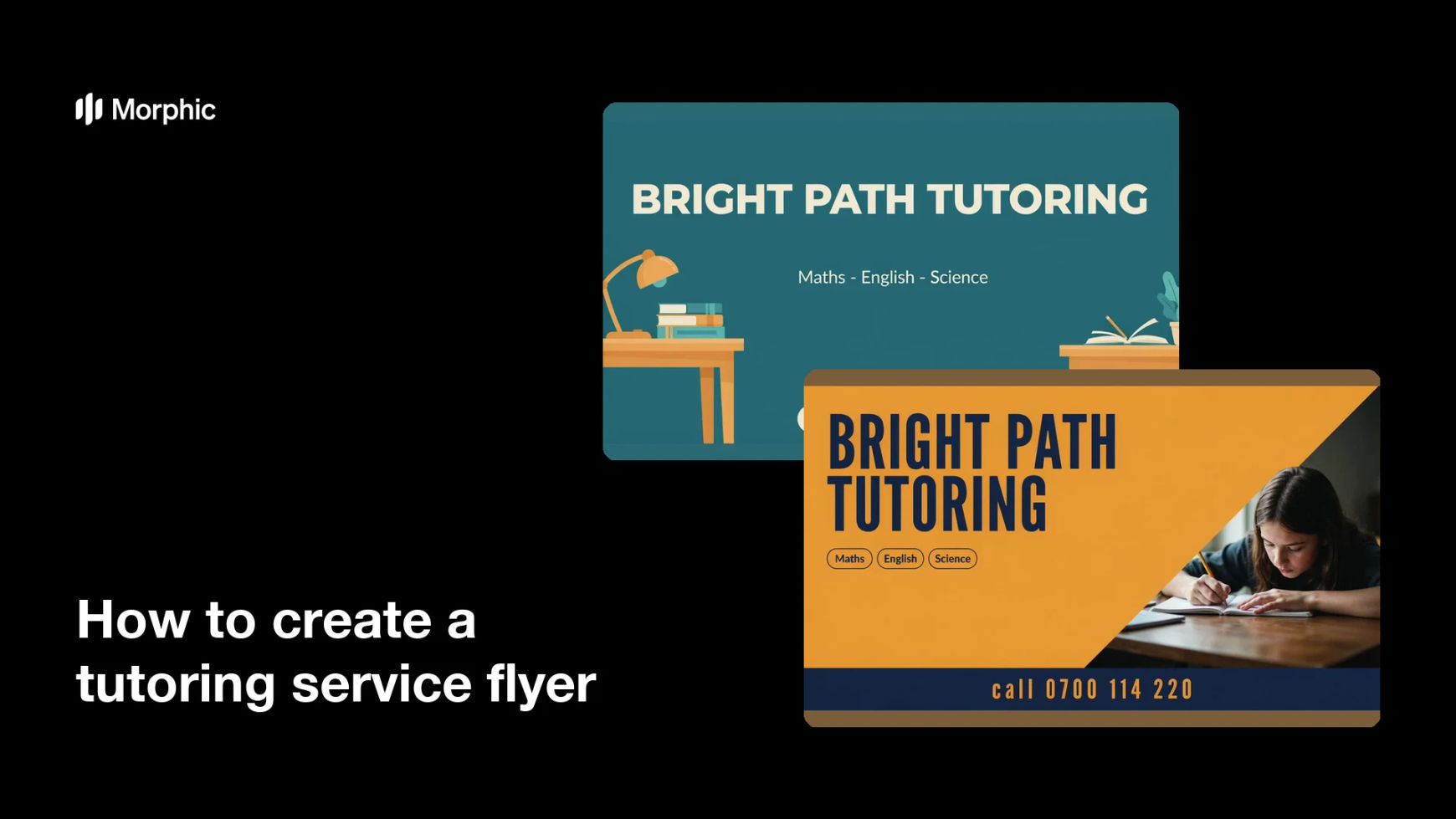
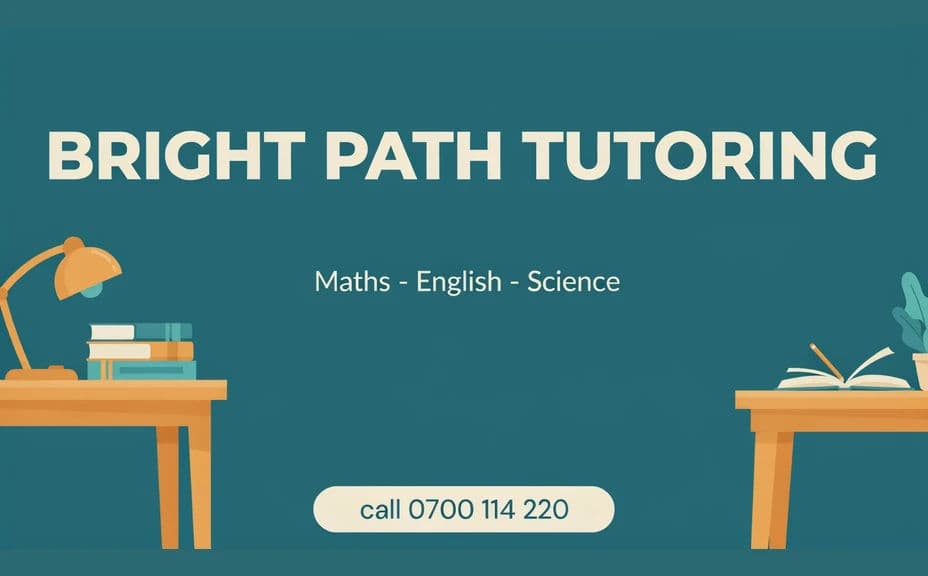
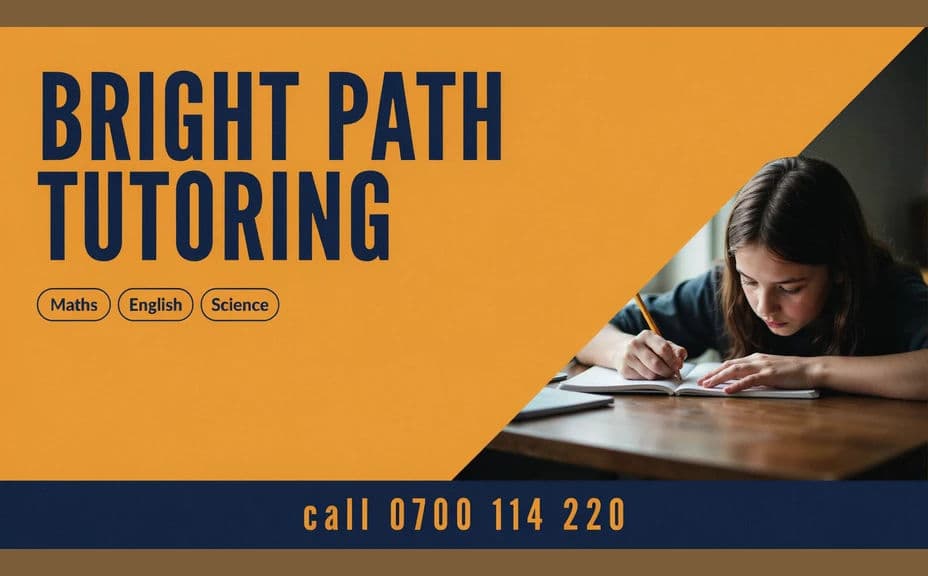
Two design options for the same tutoring service, each carrying the subject list and contact details.
What makes a good tutoring service flyer
| Quality | What it means | Why it matters |
|---|---|---|
| Clear offer | Subjects and levels read at a glance | Parents know instantly if you are a fit |
| Obvious contact | Phone or booking link stands out | Interest turns into an actual enquiry |
| Readable from distance | Big headline, high contrast | The flyer works on a busy noticeboard |
| Trustworthy tone | Calm styling, no clutter | Families take the service seriously |
Morphic vs the traditional way
| Morphic | Design software or a designer | |
|---|---|---|
| Cost | Available on Morphic | Software subscription or design fee |
| Time | A finished flyer in minutes | Hours of layout and revision |
| Skill needed | Describe it in plain language | Layout and typography skills |
| Consistency | Regenerate variations that match | Manual rework for each version |
FAQs
Yes. Give the exact wording in your prompt, then read the rendered text and regenerate if any detail looks off before you print.
Yes. Describe your colours, logo style, and type feel, and generate the flyer to match. Keep contrast high so every line stays readable.
Yes. Describe each placement, A5 handout, A4 sheet, or square social post, and generate a version framed for it. The layout adapts to the shape you ask for.
Yes, if you download in HD and preview at final size. Check the smallest text before sending it to a printer.
Describe the new details and regenerate. There is no manual redraw, so keeping the flyer current takes moments.
Yes. Images you generate with Morphic are cleared for commercial use, including advertising your tutoring service.