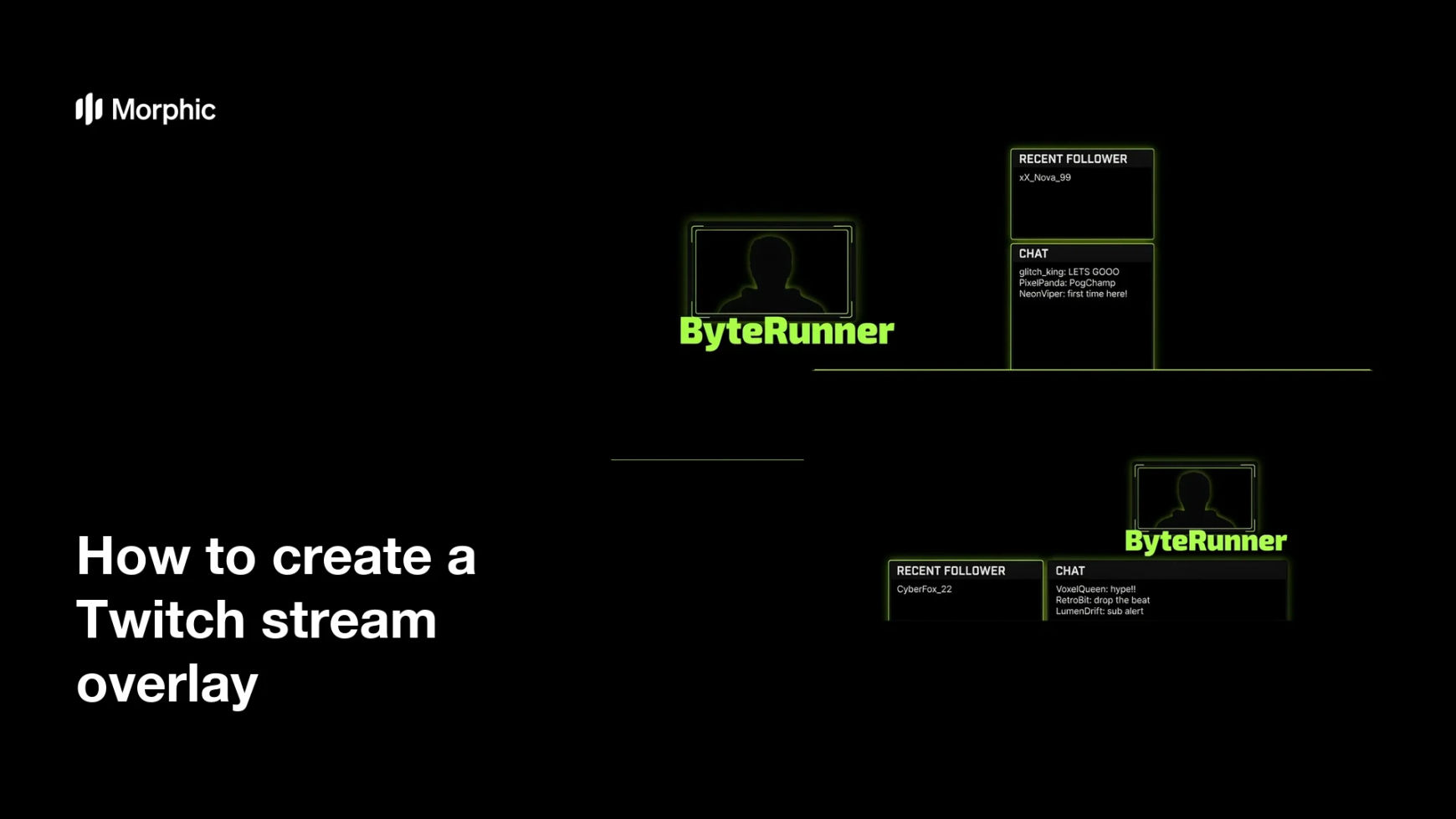
What is a Twitch stream overlay?
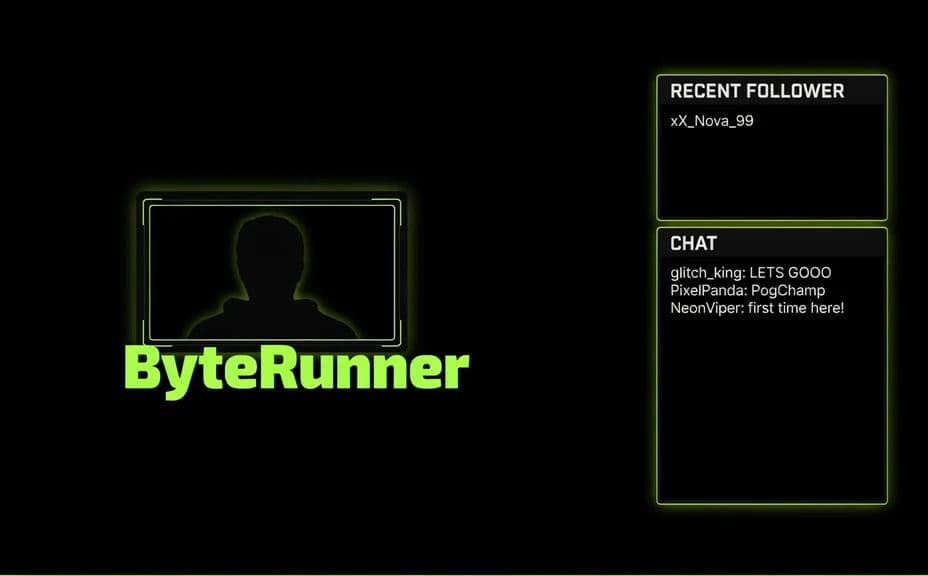
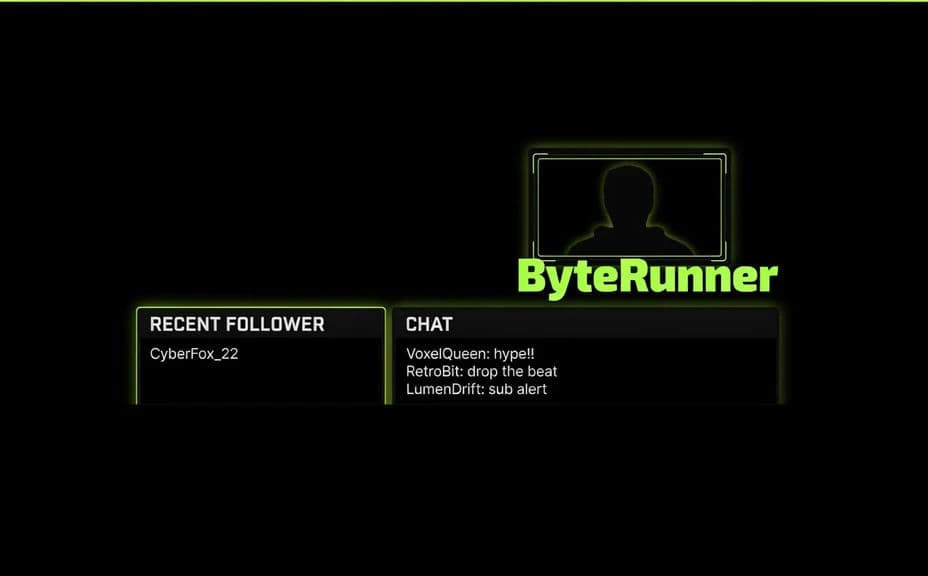
A Twitch stream overlay is the frame of graphics that sits on top of your gameplay, wrapping your webcam and labeling parts of the screen. It usually includes a webcam border, your username, and small labels like recent follower or chat, so viewers can follow the action and know who they are watching. Streamers use it to look polished and to make their channel instantly recognizable.
With Morphic you create this overlay from a text prompt in your browser. Describe the frame, the username, the webcam border, and the labels you want, then refine the wording and download in HD. You get a clean, on-brand overlay without opening design software.
Plan the overlay elements
List what you want on screen: a webcam frame, your username, and any labels such as follower or chat. Planning these first keeps the layout tidy and the text accurate.
Describe the overlay layout
Open Morphic and describe an overlay: a webcam border in one corner, your username nearby, and small label panels along an edge. Ask for a couple of designs so you can compare where each element sits.
Add your username, frame, and colors
Ask for your username in a bold, readable style, a webcam frame that matches, and your channel palette. Keep the graphics near the edges so they do not block the gameplay.
Check the labels and framing
Read the username and every label to confirm the wording and spelling are right. Regenerate any design where the text is cramped or a panel covers too much of the screen.
Export and load it in your software
Preview the overlay against a sample gameplay frame so the fit feels right. Download in HD, then add it as a source in OBS or your streaming software.
Two overlay designs for the same streamer, each carrying the username, webcam frame, and labels.
What makes a great stream overlay
| Quality | What it means | Why it matters |
|---|---|---|
| Clear username | Your name stands out | Viewers know whose stream they are watching |
| Tidy webcam frame | The border wraps your camera cleanly | The face-cam looks intentional, not tacked on |
| Readable labels | Panels are easy to scan | Viewers follow follower and chat cues |
| Edge-safe layout | Graphics stay near the edges | The gameplay stays visible and uncluttered |
Morphic vs the traditional way
| Morphic | Design software or a designer | |
|---|---|---|
| Cost | Available on Morphic | Software subscription or design fee |
| Time | A finished overlay in minutes | Hours of layout and revision |
| Skill needed | Describe it in plain language | Layout and typography skills |
| Consistency | Regenerate a matching set | Manual rework for every variant |
FAQs
Yes. Provide your username and label text in your prompt, then check the rendered text and regenerate if any wording looks off.
Yes, if you keep graphics near the edges. Ask for a frame and panels that hug the corners so the center stays clear.
Yes. Describe your colors, accent, and font style, and generate the overlay to match your channel's look.
Yes. Ask for a couple of designs at once, see where the frame and labels sit, and pick the one that fits best.
Describe the change, such as a new label or color, and regenerate. There is no manual redraw, so updates take moments.
Yes. Graphics you generate with Morphic are cleared for commercial use across your streams and channel promotion.