What is a vacation rental listing photo?
A vacation rental listing photo is the lead image that sells a short-stay property to a guest scrolling a booking site. It shows the space, the light, and the character of the home clearly enough that someone can imagine their trip in it. Hosts and property managers care about it because the cover photo decides whether a listing gets opened at all.
With Morphic you create a vacation rental listing photo from a text prompt in your browser. Describe the space, the styling, and the light you want, then refine the result and download in HD. You get a bright, booking-ready image without staging the property or scheduling a shoot.
Describe the space
Open Morphic and describe the room and its key features, such as an open living area, a kitchen island, or a balcony with a view. Naming the property type up front keeps the proportions believable.
Style the room
Ask for the furniture, textiles, and small touches that match your rental, from coastal linen to a warm cabin feel. Light styling reads better than a heavily dressed set, which guests tend to distrust.
Set the light
Describe daylight coming through the windows with soft, even shadows across the room. Natural light makes a rental feel larger and more welcoming than lamp-lit interiors do.
Choose the framing
Ask for a wide angle from a corner that shows the depth of the space and how the rooms connect. This is the view guests look for when judging whether a rental fits their group.
Export and publish
Confirm the walls and floor lines are straight and the space reads clearly at full size. Download in HD, then set it as your cover photo across booking platforms.
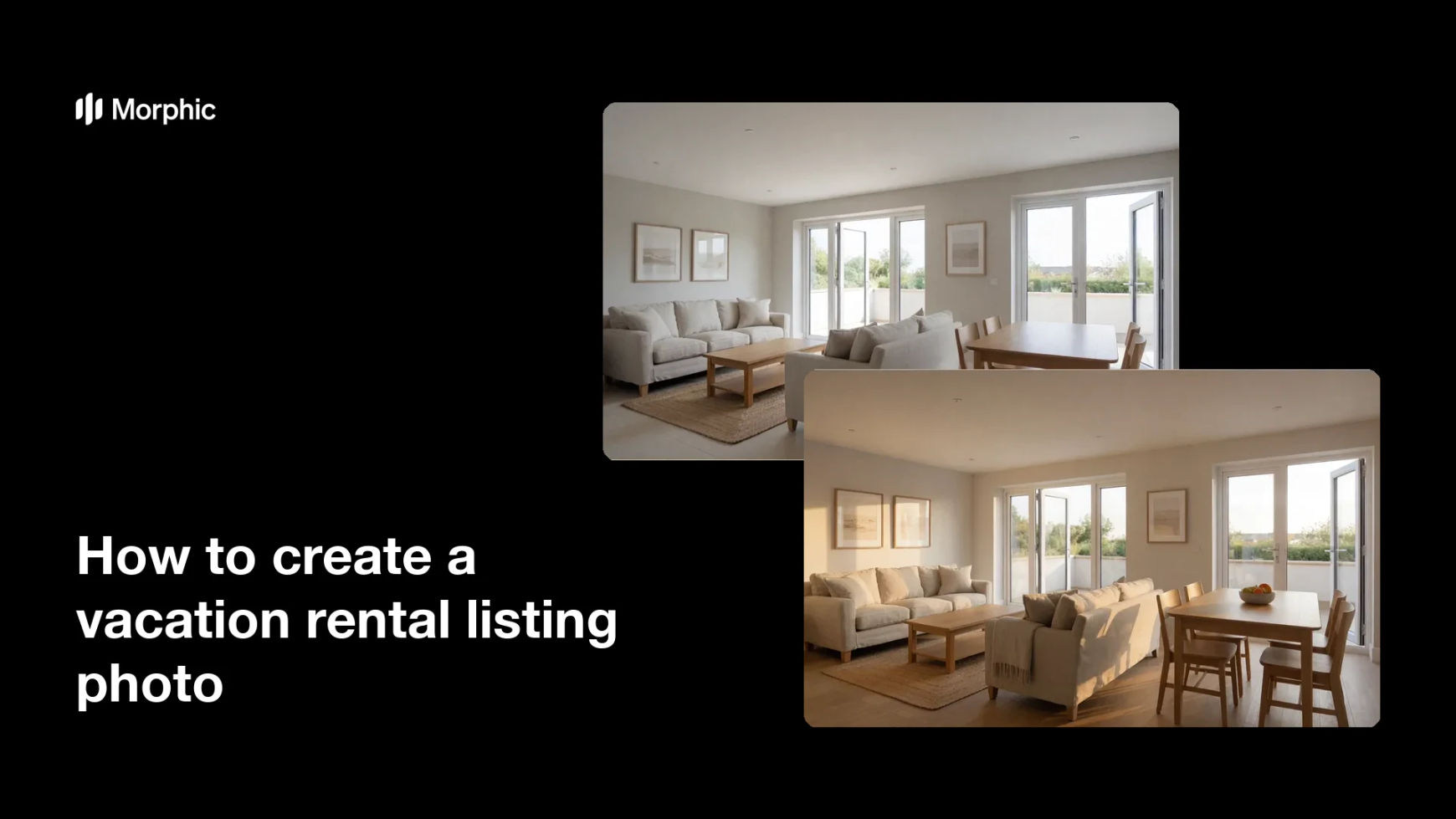
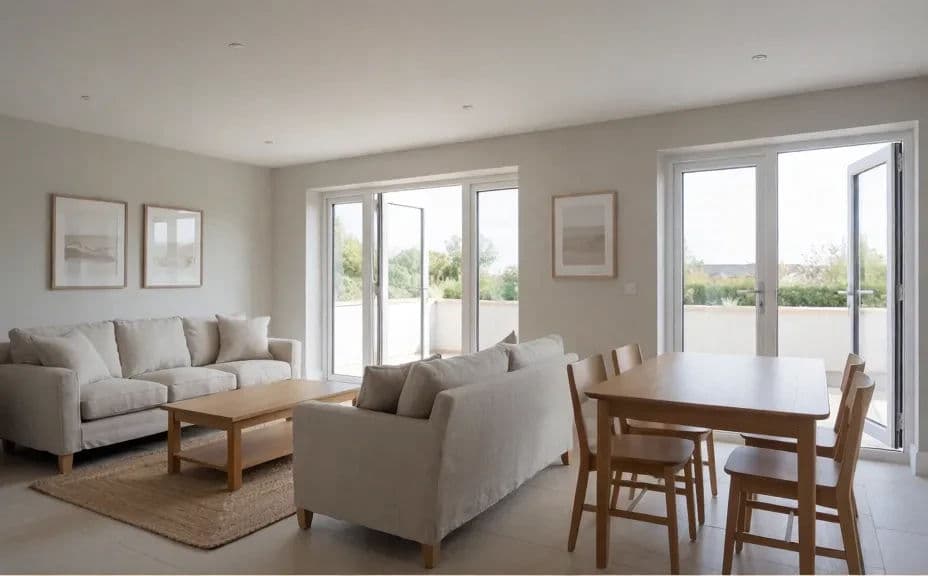
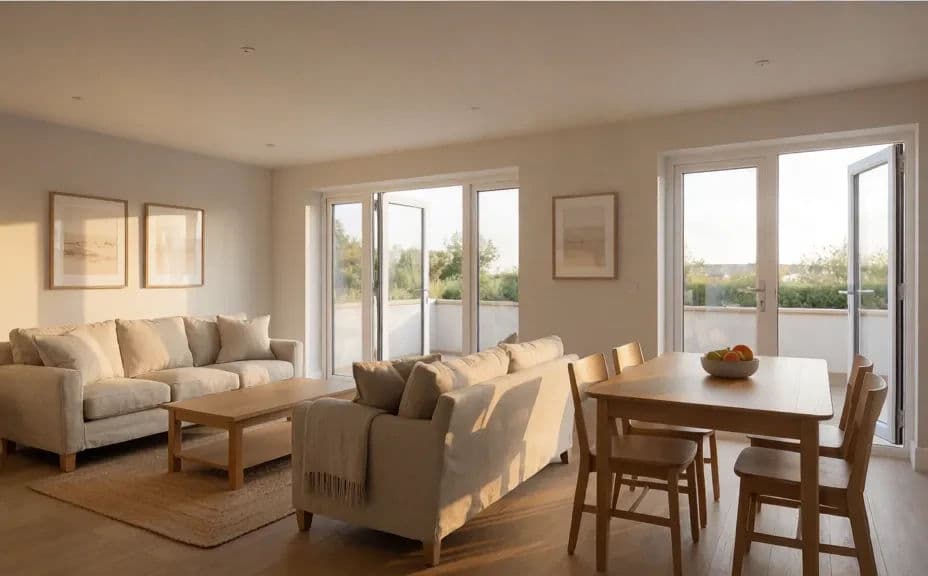
Two listing options for the same rental living space, styled and framed differently.
What makes a good vacation rental listing photo
| Quality | What it means | Why it matters |
|---|---|---|
| Sense of space | The frame shows depth and how rooms connect | Guests judge whether it fits their group |
| Natural light | Daylight with soft, even shadows | The rental feels larger and more welcoming |
| Straight lines | Walls, floors, and windows stay level | The photo looks professional at full size |
| Honest styling | Furniture matches the real property | Guests arrive to what they booked |
Morphic vs the traditional way
| Morphic | Staging and a photo shoot | |
|---|---|---|
| Cost | Available on Morphic | Stager, photographer, and rental fees |
| Time | A listing photo in minutes | Days of staging, shooting, and editing |
| Skill needed | Describe it in plain language | Interior photography and styling skills |
| Consistency | Regenerate the same look for every room | Results vary by shoot and by property |
FAQs
Yes. Describe each room in turn using the same styling and light, so the full listing set feels like one property shot in one session.
Describe the real furniture, the real layout, and natural proportions rather than an idealised version. Guests should recognise the space when they arrive.
A wide corner angle that shows depth and the connection between spaces usually performs best, because it answers the size question immediately.
Yes. Describe the balcony, deck, or garden and the light on it, and generate a matching shot to sit alongside the interior photos.
Yes. Ask for daylight through the windows and softer shadows, then regenerate until the space feels open without looking washed out.
Yes. Images you create with Morphic are cleared for commercial use across your booking listings and marketing.