What is a wedding invitation?
A wedding invitation is the printed or digital card that tells guests who is marrying, when, and where. It usually carries both names, the date, the ceremony time, the venue, and a short line about how to reply, all set in a style that signals the tone of the day. Couples and wedding planners care about it because it is the first thing guests see and it sets expectations for everything that follows.
With Morphic you create this invitation from a text prompt in your browser. Describe the names, the date, the venue, and the look you want, then adjust the wording and download in HD. You get a finished invitation design without opening design software or briefing a stationer.
Write down the details
Collect the exact wording you need: both names, the date, the time, the venue, and the reply instruction. Getting the text right first means the design renders around real copy instead of placeholders.
Describe the invitation
Open Morphic and describe the card you want, including the names, date, and venue and where each line should sit. Specify the aspect ratio, such as a portrait card for print or a square for messaging apps.
Set the style
Ask for the palette and typography that match your day, whether that is fine script on ivory, modern sans on deep green, or something bolder. Keep contrast high so every line stays easy to read.
Generate designs to compare
Produce two designs with different layouts and ornament so you can see which suits the tone of the wedding. Comparing options side by side usually settles the decision faster than editing one card repeatedly.
Proof the text and export
Read every line closely and confirm the names, date, and venue are spelled correctly at full size. Download in HD, then send it to your printer or share it directly with guests.
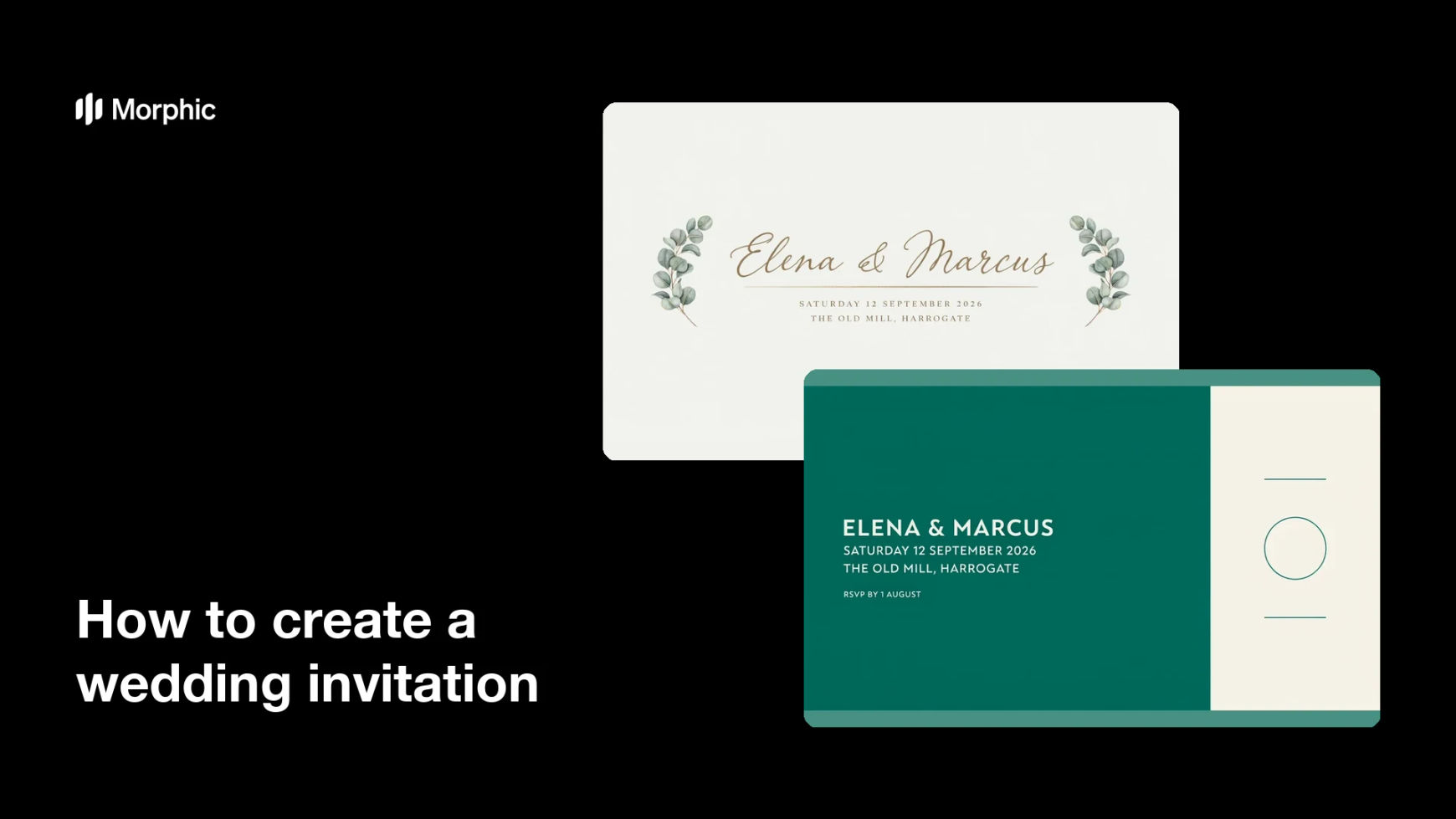
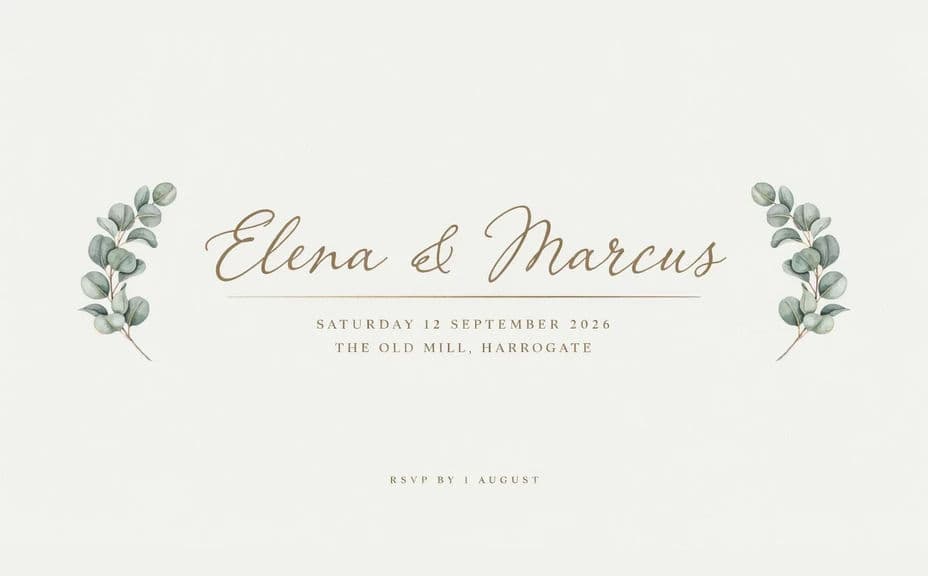
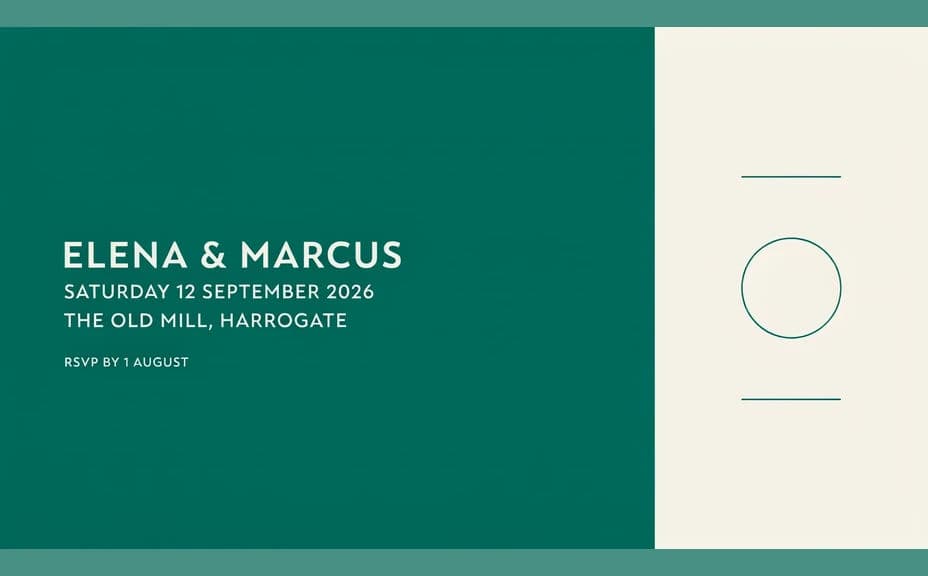
Two designs of the same wedding invitation, each carrying the same names, date, and venue.
What makes a good wedding invitation
| Quality | What it means | Why it matters |
|---|---|---|
| Correct wording | Names, date, and venue are exact | Guests arrive at the right place and time |
| Clear hierarchy | The eye lands on names, then details | The card reads in a single glance |
| Matching tone | Style signals formal or relaxed | Guests know what to expect and how to dress |
| Print-ready quality | Text stays sharp at card size | The printed invitation looks considered |
Morphic vs the traditional way
| Morphic | A stationer or design software | |
|---|---|---|
| Cost | Available on Morphic | Design fees or a software subscription |
| Time | A finished invitation in minutes | Days of proofs and back-and-forth |
| Skill needed | Describe it in plain language | Layout and typography skills |
| Consistency | Regenerate matching pieces on style | Manual rework for every companion card |
FAQs
Yes. Put the exact wording in your prompt and the invitation renders around it. You can regenerate with corrected details at any point.
Yes. Describe the palette, the typography, and any motif you have in mind, and the design renders to match. Keep contrast high so the text stays legible.
Any format you need. Specify the aspect ratio, such as a portrait card for print or a square for messaging, and the layout adapts.
Yes. Describe the same style for save the dates, menus, or place cards so the whole suite looks like one family.
Yes, if you proof it first. Preview at card size, confirm every line is spelled correctly, and regenerate if anything looks cramped before you export in HD.
Yes. Designs you generate with Morphic are cleared for commercial use, including client work if you plan weddings professionally.