What is ad creative variation at scale?
Ad creative variation at scale means producing many versions of the same ad, changing one thing at a time, so you can test what actually drives results. Performance marketers live and die by this: the winning hook, color, or headline is almost never the first one you make.
Morphic lets you generate those variations from a single description instead of rebuilding each one by hand. Write the concept, generate the base creative in your browser, then produce alternates that swap the headline, background, or subject while holding everything else steady. You download them in HD, ready for the ad manager.
Lock your control creative first
Generate the version you believe in most and treat it as the control. Everything you test afterward should differ from it by exactly one variable, so keep this creative clean and on-brand. A strong control makes every later comparison meaningful.
Decide which single variable to test
Pick one lever per batch: the headline, the background color, the subject, or the layout. Testing one variable at a time is what lets you attribute a lift to a cause. Note the variable you are isolating so your naming stays organized later.
Generate the variation set
Reuse the control's prompt and change only the one element you are testing. Ask Morphic for several alternates in a run so you get a spread to choose from. Because the rest of the description stays fixed, the variations stay visually consistent with the control.
Resize each winner for every placement
A creative that works needs to fit feed, story, and banner slots. Adapt each variation to the aspect ratios your channels require without re-cropping by hand, so the subject stays centered in every frame. Export the full set in HD.
Name and export for the ad manager
Use a clear naming pattern that records the variable and the value, such as concept, variable, and version. Consistent names save hours when you read the results. Download everything in HD and load it straight into your campaign.
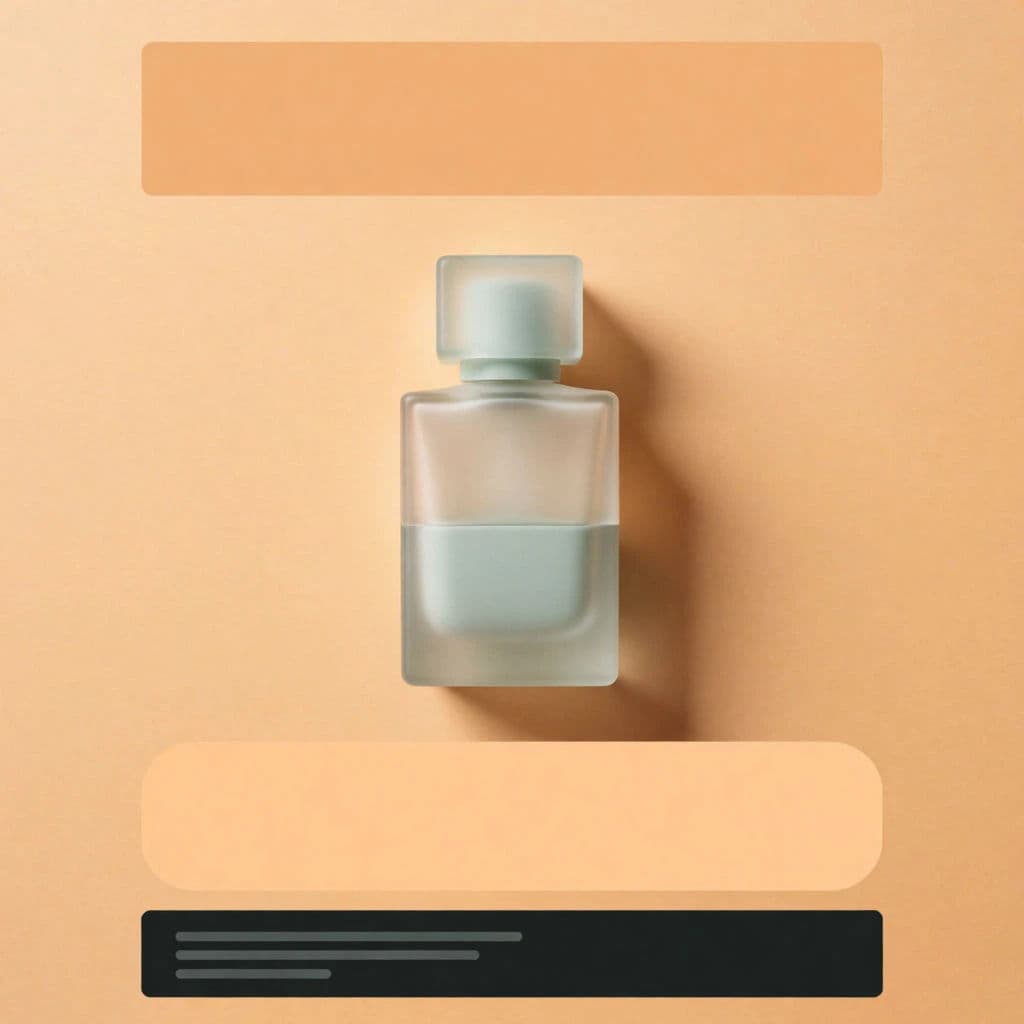
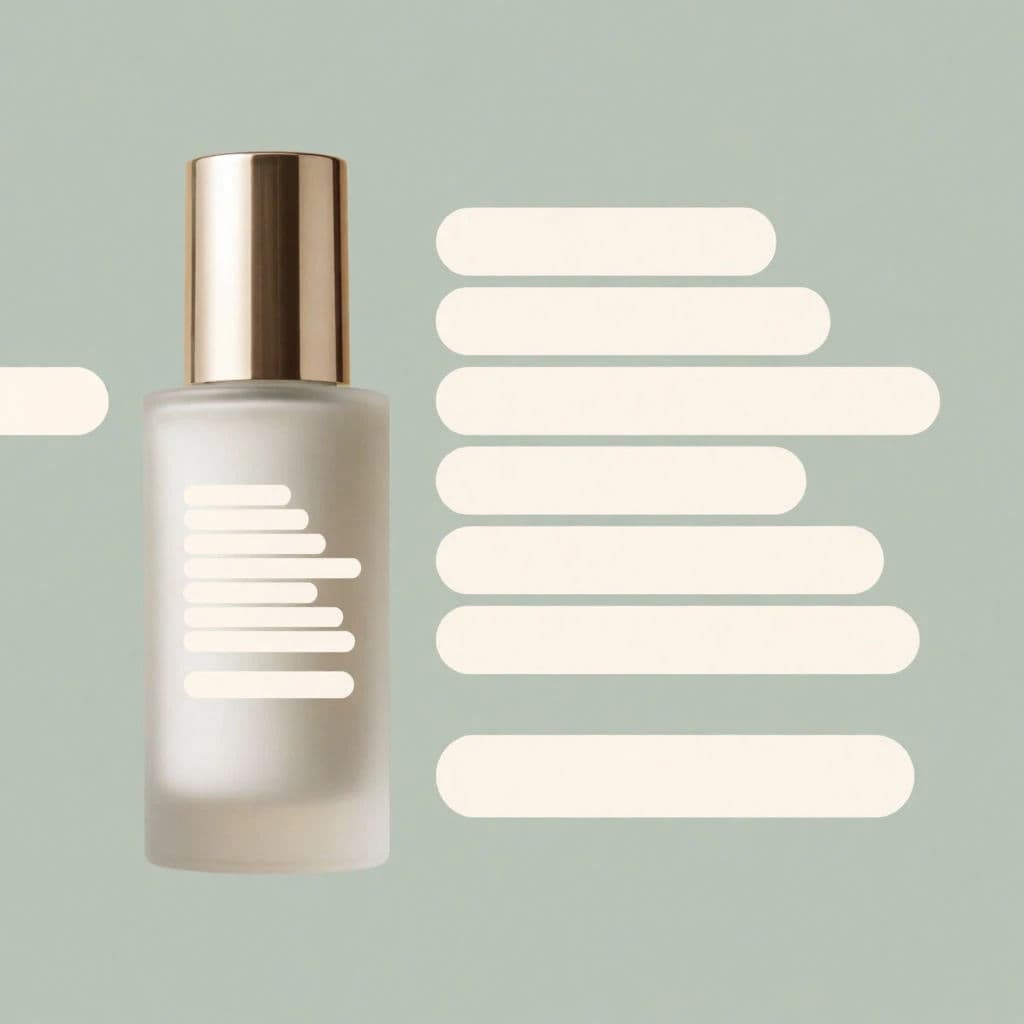
One ad creative, two on-brand color variations.
What makes a great variation test
| Quality | What it means | Why it matters |
|---|---|---|
| One variable per test | Only a single element changes between versions | You can attribute any lift to a clear cause |
| On-brand consistency | Colors, type, and tone stay fixed | Results reflect the creative idea, not brand drift |
| Enough volume | A real spread of alternates per lever | You find the winner instead of settling early |
| Placement-ready sizing | Every variant fits its channel | No creative is lost to a bad crop |
Morphic vs the manual design route
| Morphic | Traditional design software | |
|---|---|---|
| Cost | One browser tool | Design subscription plus designer hours |
| Time | A full variation set in minutes | Manual rebuilds for every version |
| Skill needed | Write and tweak a prompt | Layer, masking, and export knowledge |
| Consistency | Change one variable, hold the rest | Small drift creeps in with every manual edit |
FAQs
Start with a handful per variable, not dozens. A tight set on one lever gives you a clear read quickly, and you can expand the winning direction in the next round.
Reuse the control creative's prompt and change only the element you are testing. Holding the rest of the description fixed keeps colors, type, and tone steady across the whole set.
Yes. Once a variation wins, adapt it to feed, story, and banner ratios so the subject stays framed correctly, then export each size in HD.
One thing: the headline, the background, the subject, or the layout. Changing several at once means you cannot tell which change moved the numbers.
Name each file by concept, the variable you tested, and the version. A consistent naming pattern makes reading results and reporting far easier.
Yes. Variations you generate with Morphic are yours to run across paid social, search, and display.