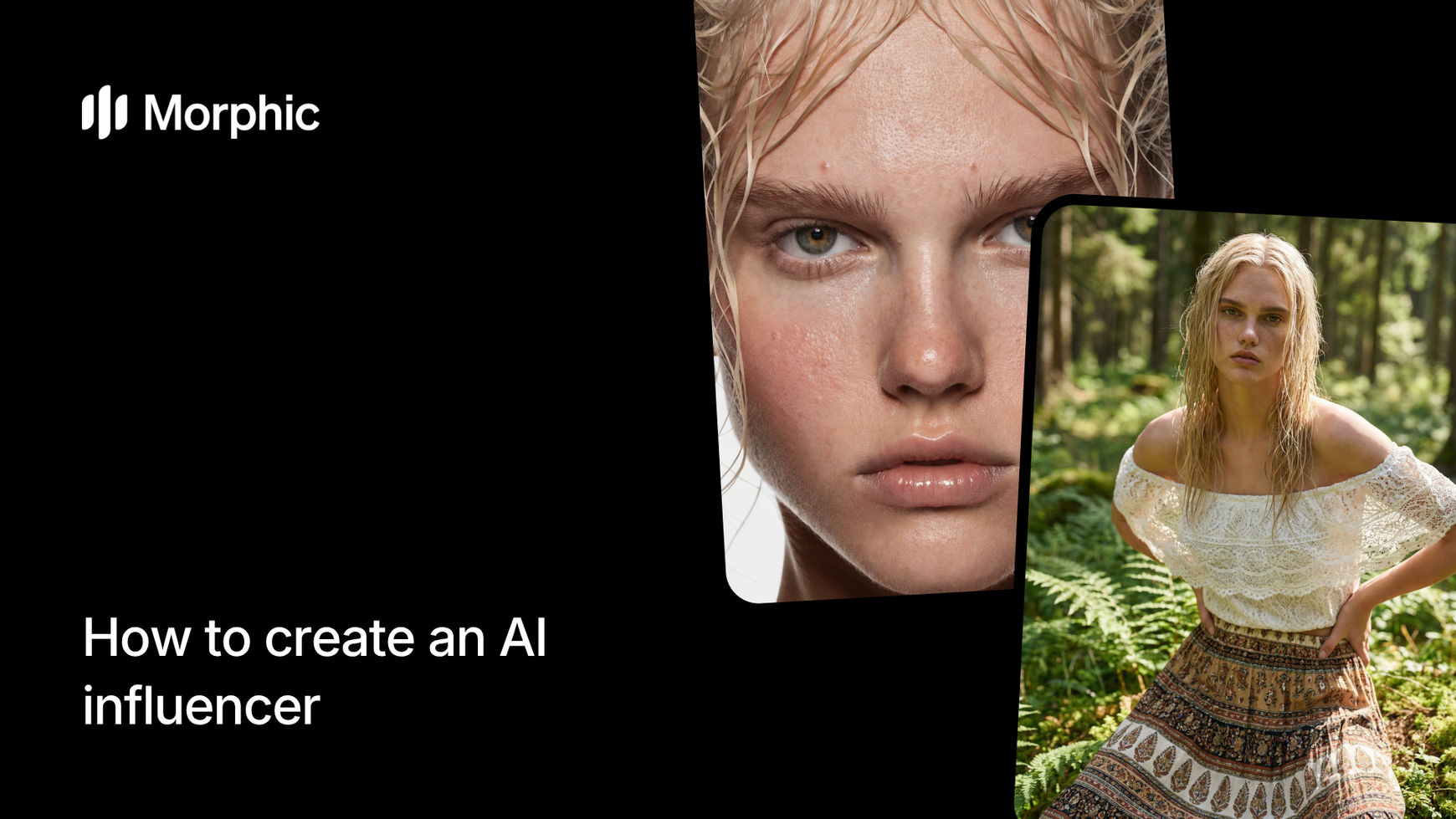
What is an AI influencer?
An AI influencer is a digitally created persona that looks and functions like a real social media personality. Unlike stock photos or generic AI-generated faces, an AI influencer has a consistent appearance, defined style, and recognizable identity that followers can connect with across posts. The persona can model clothing, promote products, and create lifestyle content without the scheduling, travel, and cost constraints of working with human models.
Morphic's workflow gives you granular control over every physical attribute and styling choice, so the influencer you create is uniquely yours and visually consistent across every image you generate.
Choose ethnicity and foundational attributes
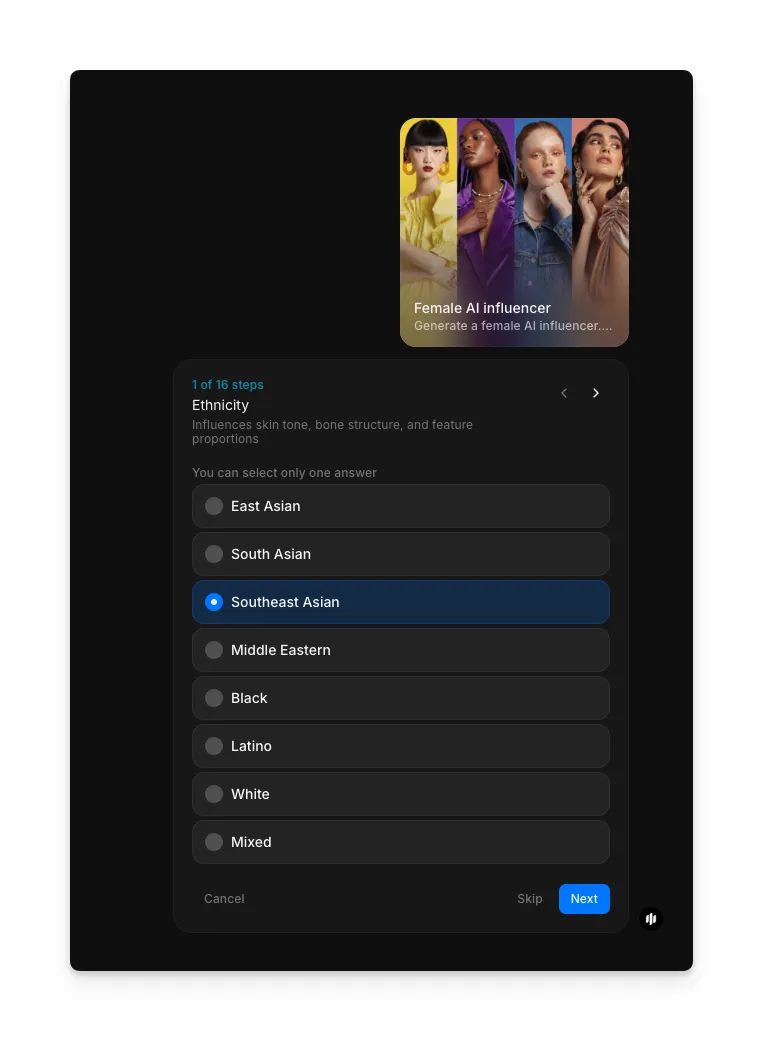
Open the "Female AI influencer" workflow. The workflow has 16 steps that let you customize every detail. In the first step, "Ethnicity," select the background that fits your influencer persona. Options include East Asian, South Asian, Southeast Asian, Middle Eastern, Black, Latino, White, Mixed, and more.
Define face shape
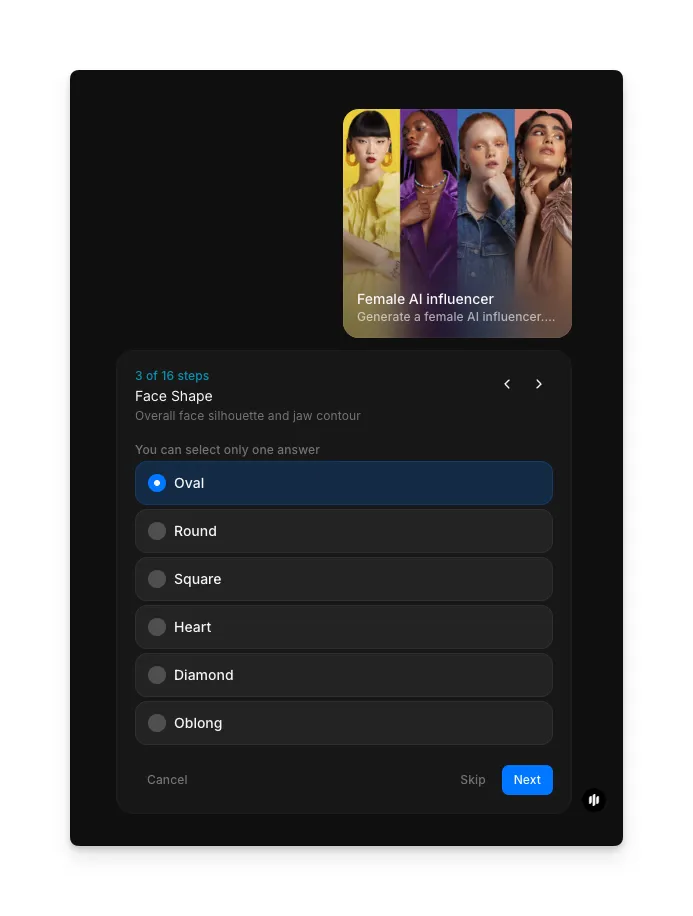
In the "Face Shape" step, select the overall face silhouette and jaw contour for your influencer. Options include Oval, Round, Square, Heart, Diamond, and Oblong.
Set body proportions
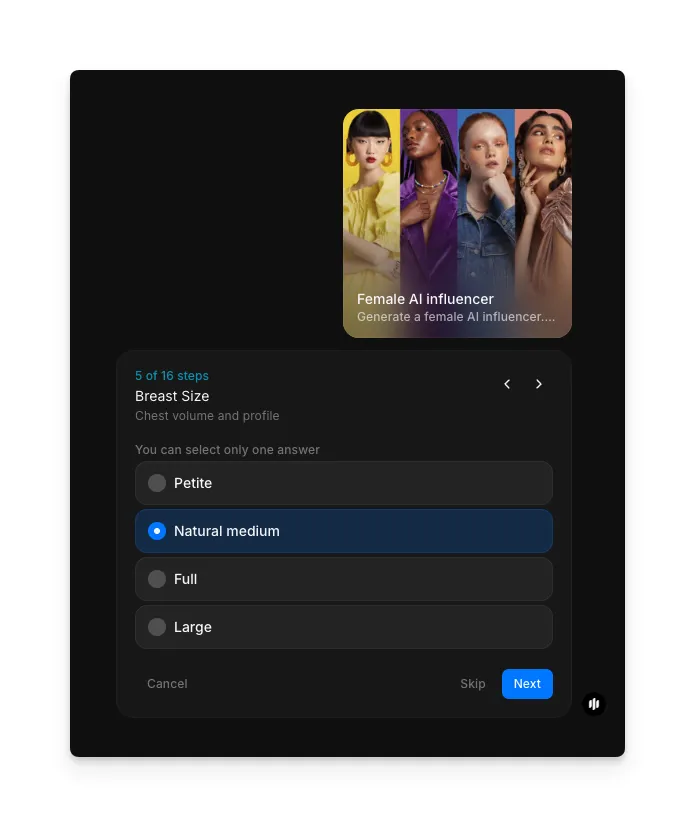
In the "Breast Size" step and related body proportion steps, select the options that define your influencer's physique. This step offers Petite, Natural medium, Full, and Large options. Additional steps cover waist, hips, and other proportions.
Choose hair style
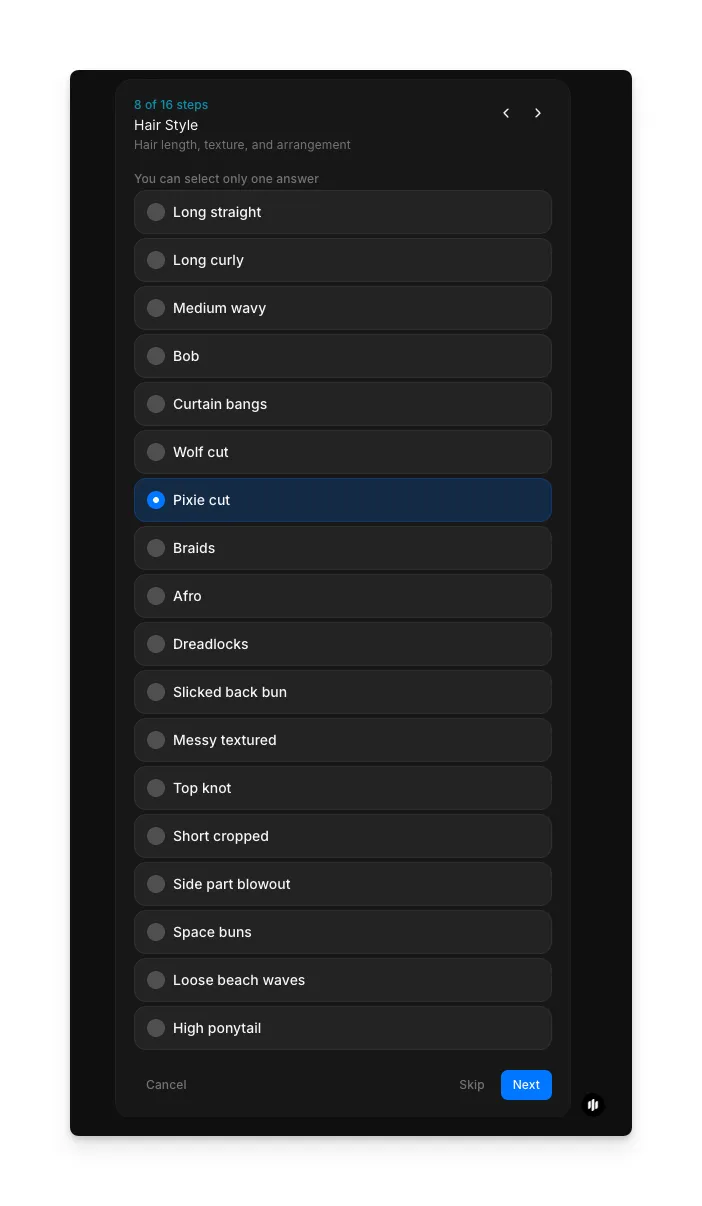
In the "Hair Style" step, select from a wide range of options including Long straight, Long curly, Medium wavy, Bob, Curtain bangs, Wolf cut, Pixie cut, Braids, Afro, Dreadlocks, Slicked back bun, Messy textured, Top knot, Short cropped, Side part blowout, Space buns, Loose beach waves, and High ponytail. Additional steps cover hair color, eye color, and makeup.
Add distinguishing marks
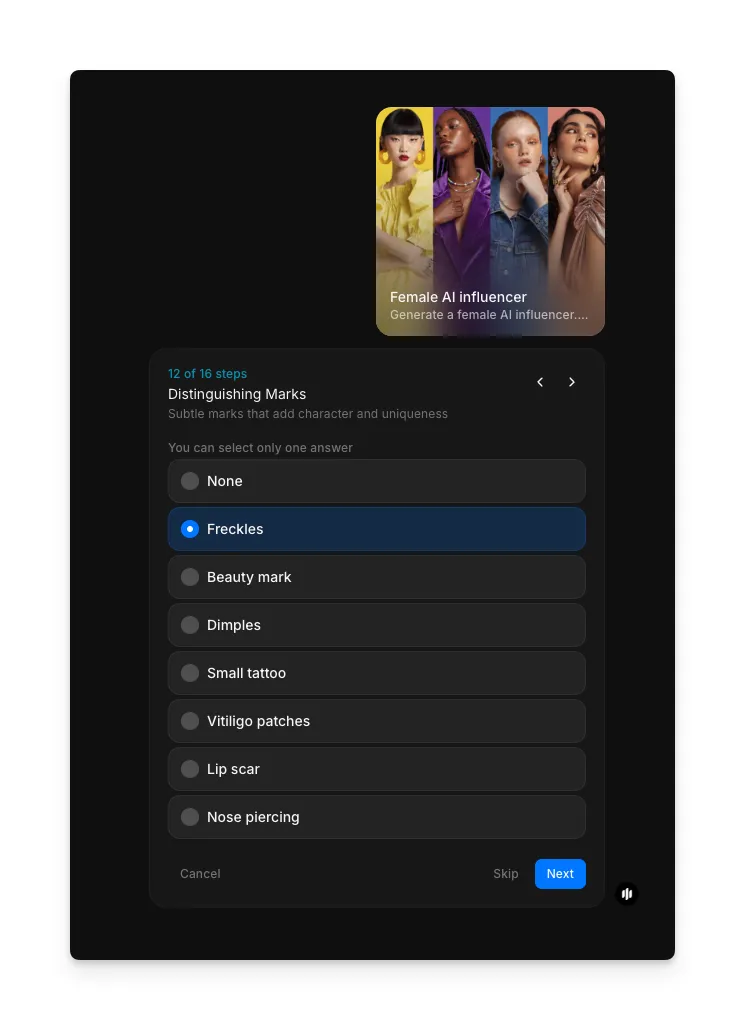
In the "Distinguishing Marks" step, optionally add unique features like Freckles, Beauty mark, Dimples, Small tattoo, Vitiligo patches, Lip scar, or Nose piercing. You can also select None. These details make your influencer more distinctive and memorable.
Upload a reference image and generate
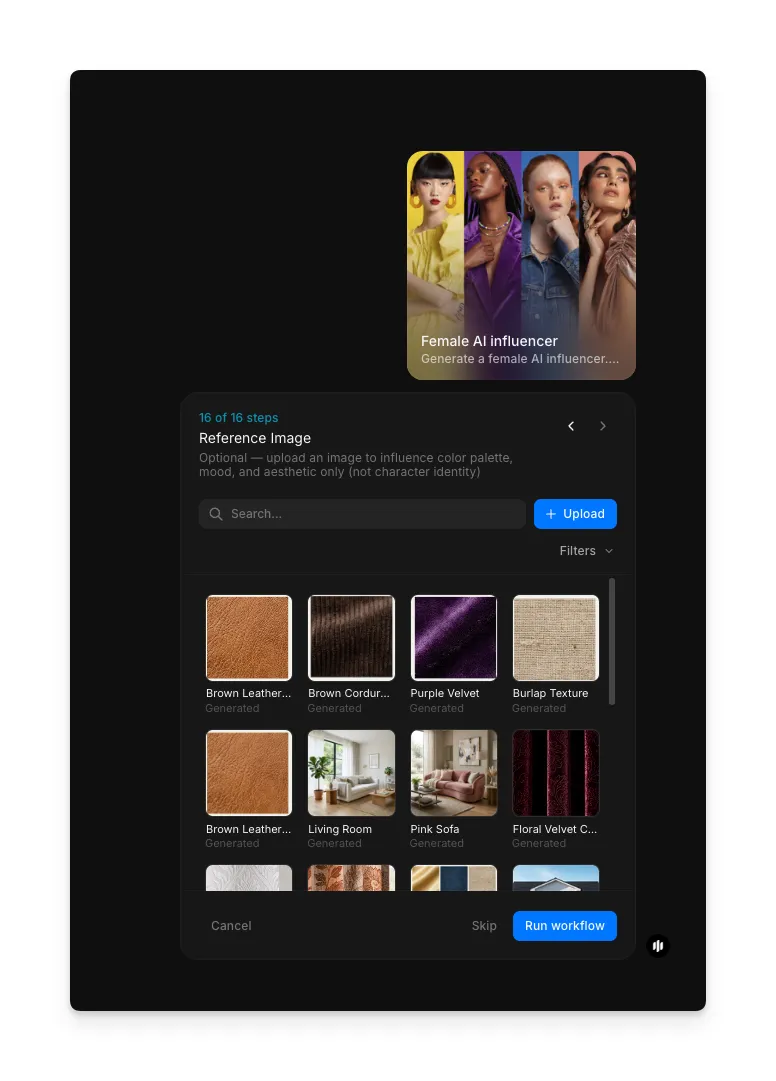
In the final "Reference image" step, optionally browse the gallery or upload a style reference image to guide the overall aesthetic. Click "Run workflow" to generate your AI influencer image.
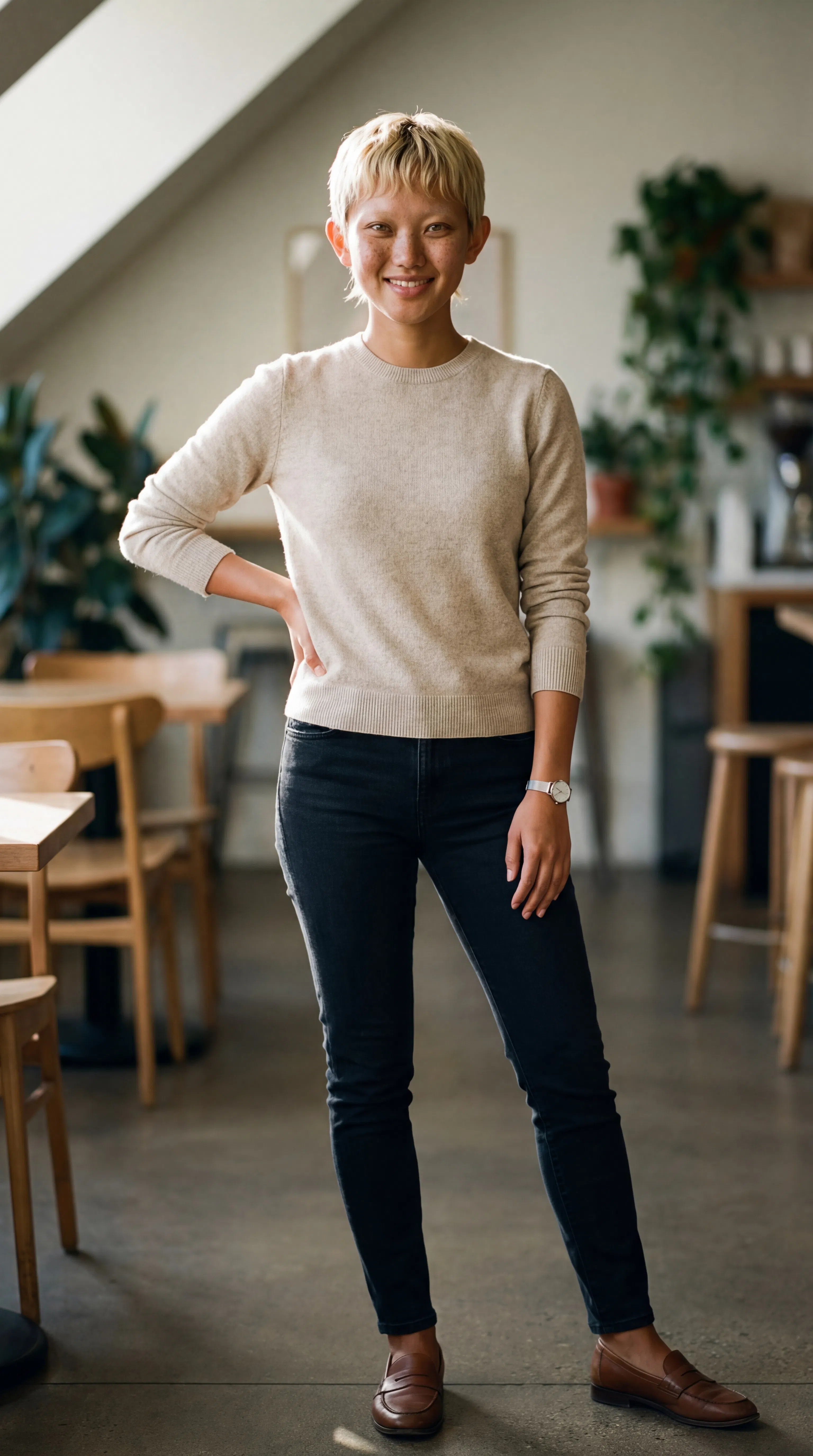
The workflow generates a photorealistic vertical image of your AI influencer, ready to post to Instagram, TikTok, or any other social platform.
What makes a great AI influencer
| Quality | What it means | Why it matters |
|---|---|---|
| Photorealism | The image is indistinguishable from a real photograph at first glance | Audiences engage with content that looks authentic and professional |
| Brand alignment | The influencer's look, style, and aesthetic match your brand identity | Consistency between your influencer and your brand builds recognition and trust |
| Versatility | The same persona can be placed in different outfits, settings, and poses | You need variety in your content feed without changing the core identity |
| Fashion quality | Clothing looks realistic with proper fit, fabric texture, and styling | Poorly rendered clothing breaks the illusion and reduces credibility |
The workflow renders every detail with photorealistic quality, from skin texture and hair strands to fabric weave and lighting, so your influencer looks natural in every image.
Morphic vs hiring models and photographers
| Morphic AI influencer | Hiring models and photographers | |
|---|---|---|
| Time to delivery | Under 5 minutes per image | 1-2 weeks per shoot |
| Cost | Available on Morphic | Professional rates per session |
| Visual consistency | Identical persona across every image | Varies by session, lighting, and conditions |
| Outfit changes | Generate new images with different outfits | Limited by wardrobe budget and shoot time |
| Scalability | Generate dozens of posts in a single sitting | One shoot produces a limited set of content |
| Creative control | Adjust every physical attribute and style detail | Dependent on model availability and photographer interpretation |
FAQs
Yes, as long as you use the same settings for each generation. The workflow produces a consistent persona based on the attributes you define. Save your configuration and reuse it to maintain visual consistency across your entire content calendar.
Yes. Images generated with Morphic are yours to use commercially. You can use your AI influencer for brand promotions, sponsored content, product marketing, and any other commercial application.
The workflow generates vertical images optimized for Instagram Stories, Reels, TikTok, and other social platforms. The resolution is high enough for both mobile feeds and larger displays.
Yes. Run the workflow with different settings each time to create entirely distinct personas. Many brands create multiple AI influencers to represent different product lines, target demographics, or content themes.
The AI influencer workflow is available on Morphic. You can run the workflow multiple times as needed to generate different images of your influencer persona.