What are Amazon listing images?
Amazon listing images are the photos that carry a product detail page: the main hero on a white background, plus the secondary slots that show scale, features, lifestyle context, and what is in the box. They are the single biggest lever on click-through and conversion, and Amazon holds them to strict rules, so getting them right matters more than almost anything else on the page.
With Morphic you generate these shots from a text prompt in your browser. Describe the product, the background, and the angle, then adjust and download in HD. You can produce a clean main image and a full set of secondary tiles without a studio, a photographer, or a round of editing software.
Start with a compliant main image
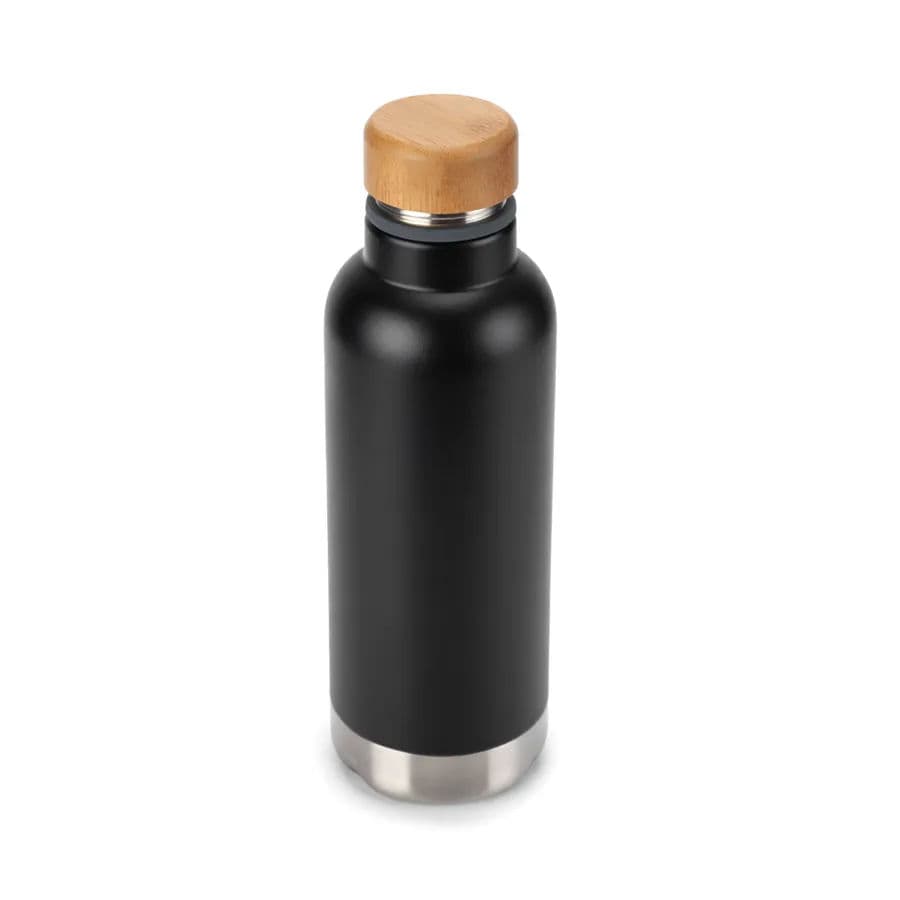
Amazon's main image must sit on a pure white background with the product filling most of the frame and no props, text, or logos. Open Morphic and describe your product on a plain white studio background, centered, evenly lit. Generate a few variations and pick the one where edges are crisp and the white is truly white.
Build secondary images that answer buyer questions
The secondary slots are where you sell. Prompt for a features shot with callout space, an in-use lifestyle scene, a scale reference next to a common object, and a what-is-included flat lay. Keep the same product look across all of them so the set feels like one shoot.
Add lifestyle context
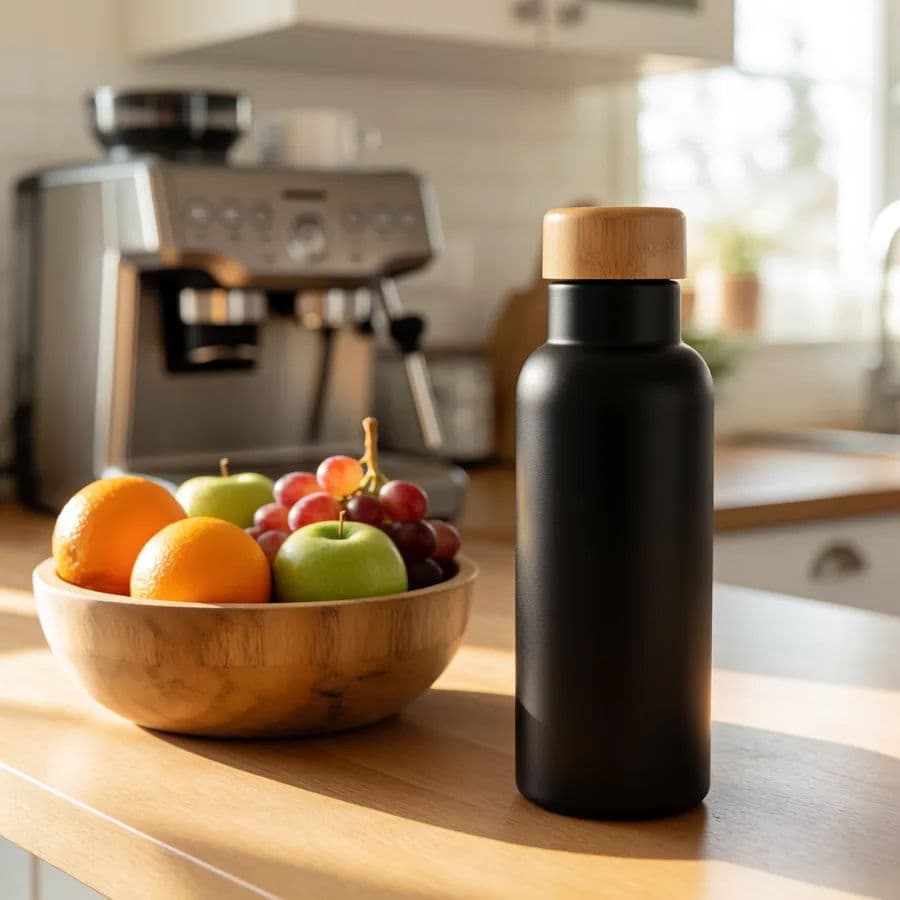
Shoppers want to picture the product in their life. Describe a realistic setting that matches your buyer, the kitchen counter, the desk, the gym bag, and generate the product placed naturally in that scene. Vary the setting across two or three lifestyle tiles.
Keep the set consistent
A listing that mixes lighting and styles looks stitched together. Reuse your product description and lighting cues across every generation so color, finish, and shadow stay uniform. Regenerate any tile that drifts before you commit to the set.
Export at listing resolution and review
Download each image in HD so it stays sharp when buyers zoom in. Check the main image against Amazon's rules one more time, white background, no text, product fills the frame, then upload your set to the listing.
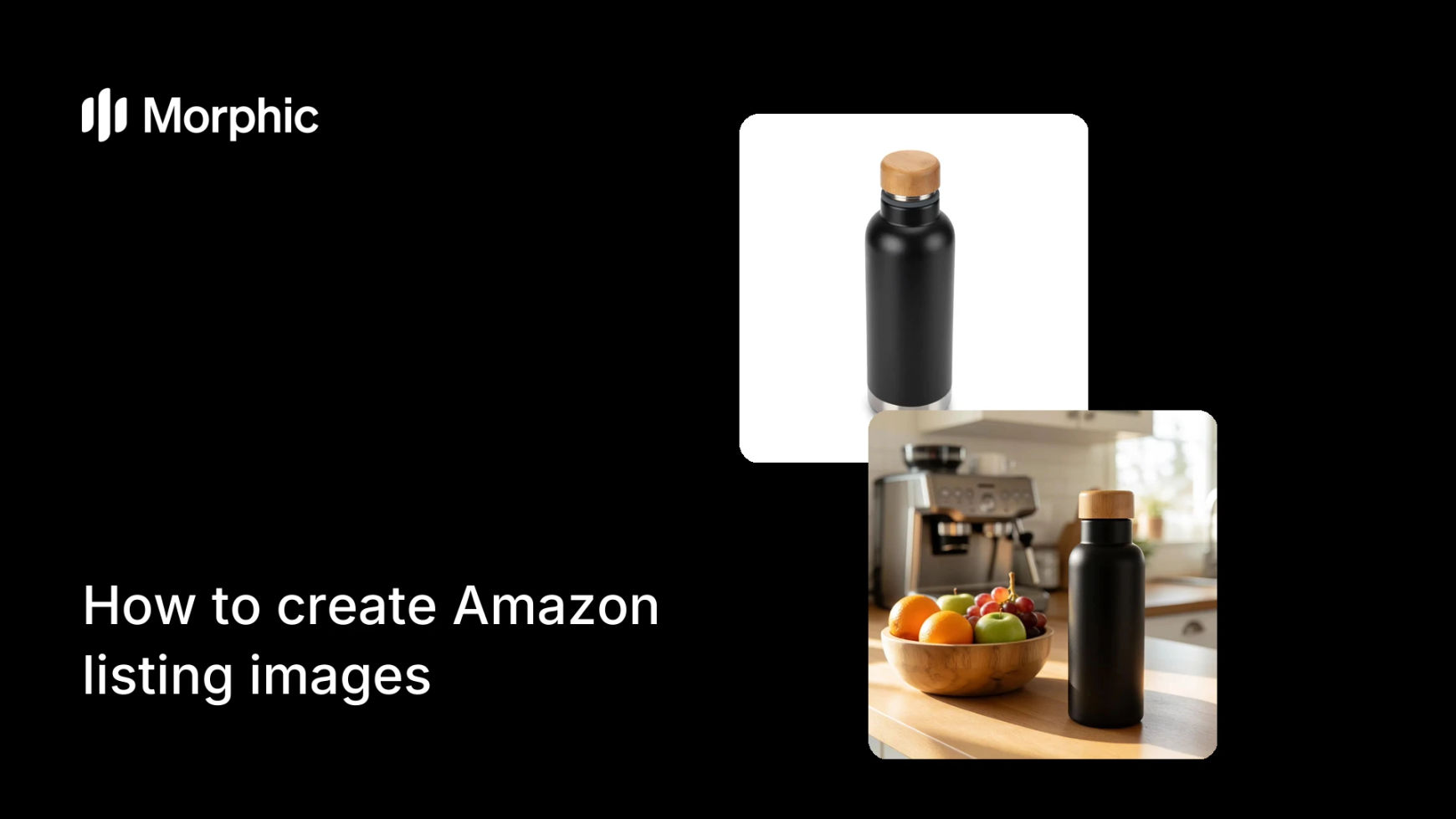
Compare a compliant main shot against a lifestyle secondary tile from the same product set.
What makes a great Amazon listing image
| Quality | What it means | Why it matters |
|---|---|---|
| Compliant main shot | Pure white background, no props or text | The listing goes live and ranks without rejection |
| Zoom-safe resolution | Sharp detail at full magnification | Buyers inspect texture and build before committing |
| Clear feature callouts | Space and framing for benefit labels | Shoppers grasp the value in one glance |
| Consistent set | Uniform lighting and product look across tiles | The page reads as one professional shoot |
Morphic vs the traditional product-photo route
| Morphic | Studio shoot or agency | |
|---|---|---|
| Cost | Available on Morphic | Studio day rate plus editing fees |
| Time | A full set in minutes | Days from booking to final files |
| Skill needed | Describe it in plain words | Photography, lighting, and retouching |
| Consistency | Reuse cues for a uniform set | Reshoots to match the original look |
FAQs
Yes. Prompt for a pure white studio background with the product centered and no props or text, then generate a few variations and pick the cleanest. Review it against Amazon's requirements before uploading.
Yes. Reuse the same product description and lighting cues across every generation so finish, color, and shadow stay consistent. Regenerate any tile that drifts before you finalize.
No. You can generate the product from a text description, or work from a reference image if you have one. Either way you can produce hero, feature, and lifestyle tiles in the browser.
Yes. Download in HD so detail holds up when buyers use Amazon's zoom. Sharp, zoom-safe images build trust and reduce returns.
Yes. Describe the setting your buyer lives in and generate the product placed naturally in it. Vary the scene across two or three lifestyle tiles for a rounded gallery.
Yes. Images you generate with Morphic are cleared for commercial use, including live Amazon listings and paid ads.