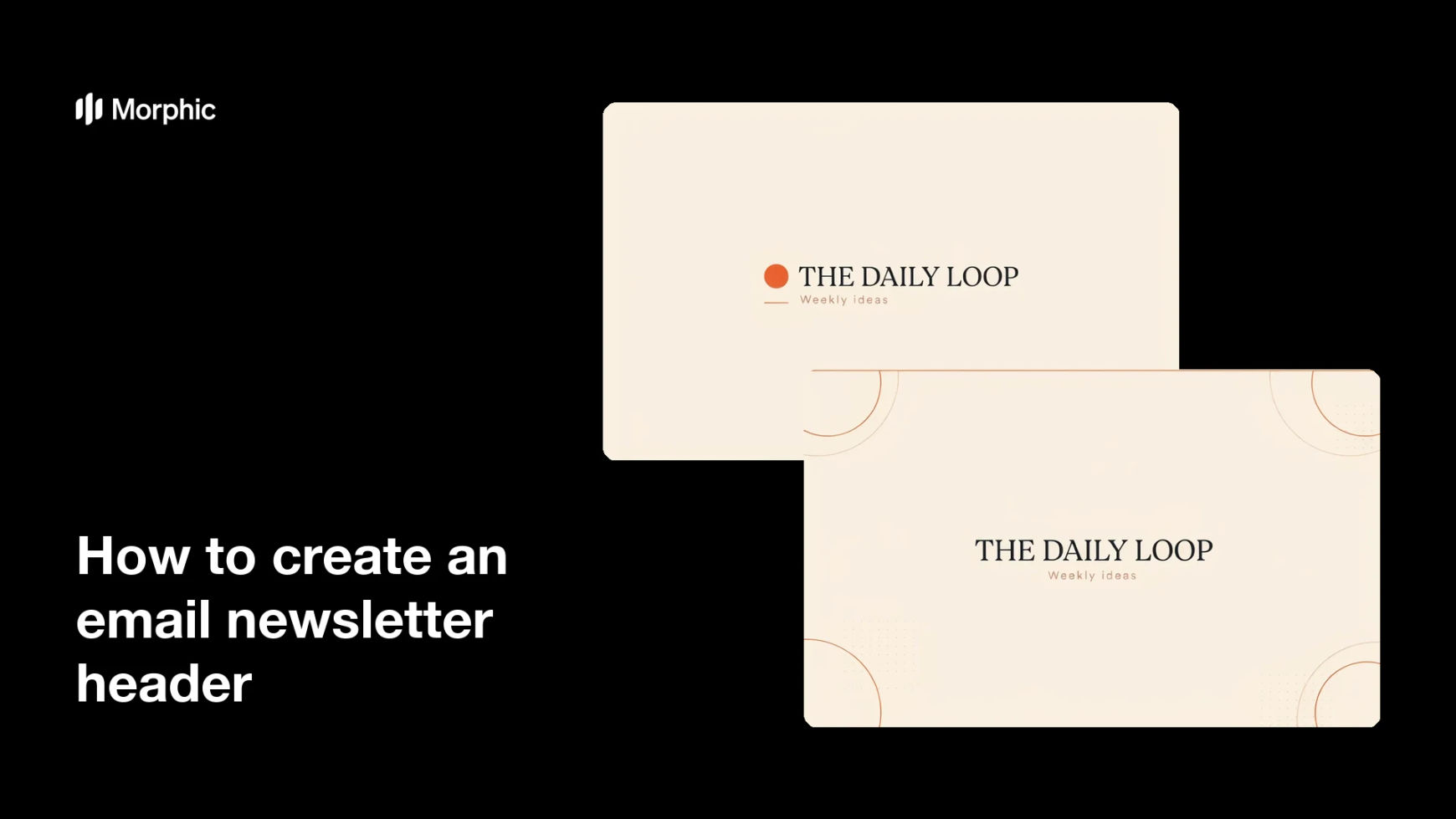
What is an email newsletter header?
An email newsletter header is the banner at the top of a campaign that carries the masthead title and sets the tone before readers scroll. Marketers, creators, and community teams use it to reinforce the brand, signal the newsletter's identity, and make each issue feel like part of a consistent series.
With Morphic you describe the header you want and generate it in your browser. You can set the layout, colors, and masthead text in plain language, compare a few directions, and download the finished banner in HD.
Define your newsletter identity
Decide on the name, tone, and brand feel the header should carry, whether that is playful, editorial, or corporate. A clear identity guides the colors, type, and imagery that follow.
Describe the layout and masthead
Open Morphic and describe the banner you want, including the exact masthead title such as your newsletter name. Name where the title sits, the background style, and any brand colors so the header reads clearly at the top of the email.
Match your brand
Ask for colors, mood, and imagery that match your brand so the header sits comfortably above your content. Consistent styling from issue to issue makes the newsletter instantly recognizable.
Compare header options
Produce a few versions from the same brief so you can weigh different layouts and color directions side by side. Reviewing options together makes it easier to pick the header that fits best.
Download in HD
Export the final header in HD, ready to drop into your email template. The masthead stays crisp and the result is cleared for commercial use.
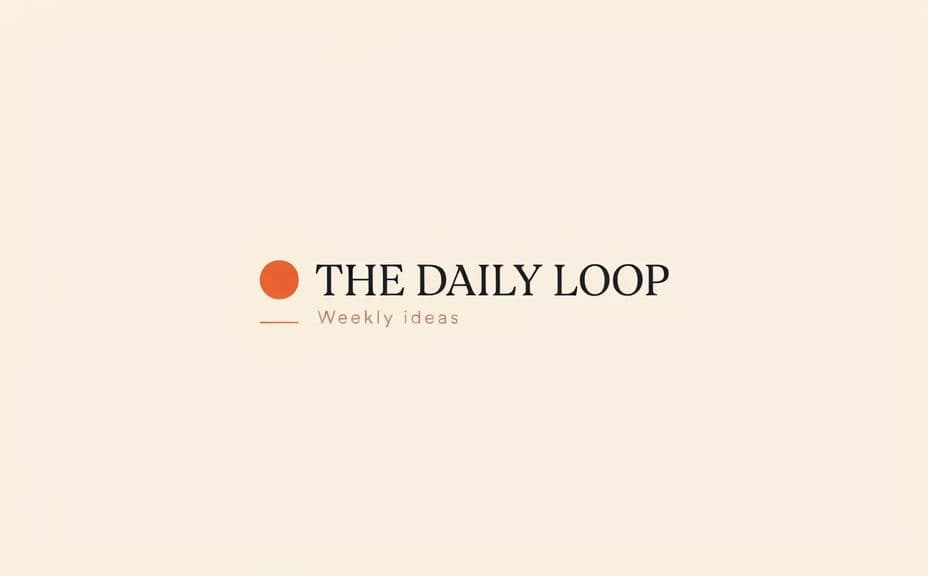
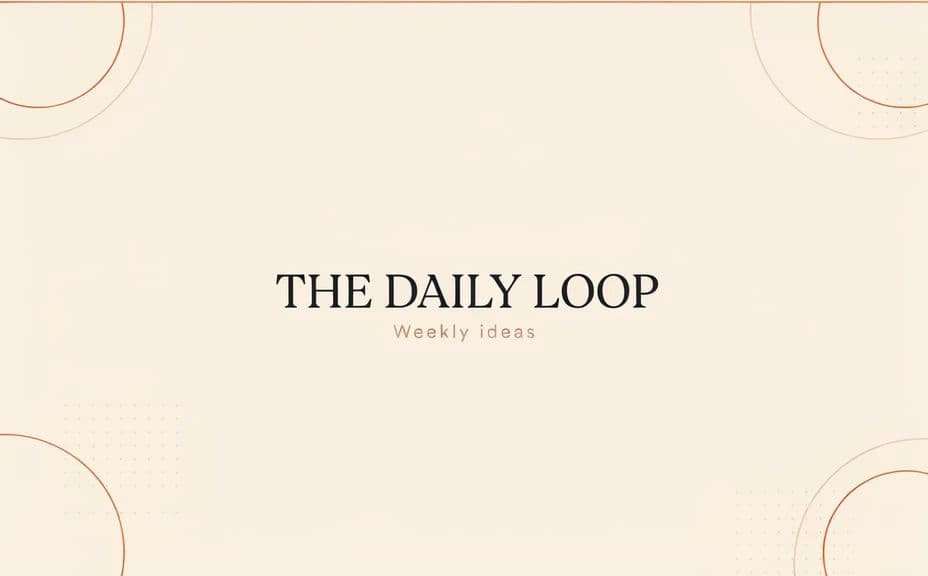
Two header-design options for the same newsletter, each carrying the same masthead title.
What makes a good newsletter header
| Quality | What it means | Why it matters |
|---|---|---|
| Clear masthead | The title reads at a glance | Readers recognize the newsletter instantly |
| On-brand style | Colors and type match your brand | Each issue feels like part of one series |
| Right proportions | The banner fits email widths | The header renders cleanly across inboxes |
| Balanced layout | Text and imagery sit in harmony | The header looks designed, not cluttered |
Morphic vs the traditional way
| Morphic | A designer or template tool | |
|---|---|---|
| Cost | Available on Morphic | Designer fees or subscription plans |
| Time | A finished header in minutes | Briefing rounds or wrestling with templates |
| Skill needed | Describe it in plain language | Layout, typography, and design tool skills |
| Consistency | Same look across every option | Varies by template and hand |
FAQs
Yes. Type the exact masthead text you want, such as your newsletter name, and it renders clearly on the banner so each issue opens with a readable title.
Name your brand colors, mood, and any imagery in the brief. The header picks up that styling so it sits comfortably above your content and stays recognizable.
A standard email width works for most templates, so the banner renders cleanly across inboxes. Name the proportions you need and the result sizes to match.
Yes. Generate a few header options from the same brief and view them side by side, then choose the layout and color direction that fits best.
No. You describe the layout, colors, and masthead in plain language, and the header comes together without any layout or typography tools.
Yes. The result downloads in HD and is cleared for commercial use, so it is ready to drop into your email template and send.