What is an influencer media kit cover?
An influencer media kit cover is the front page of the document creators send to brands when they pitch a partnership. It carries the creator's name, social handle, and niche, styled to signal the tone and quality of their content. Creators rely on it because a polished cover sets the first impression before a brand reads a single stat or rate.
With Morphic you create this cover from a text prompt in your browser. Describe your name, handle, niche, and the look you want, then adjust and download in HD. You get a professional media kit cover without opening design software or hiring a designer.
Gather your name, handle, and niche
Decide the exact name, social handle, and niche you want on the cover, such as "Beauty and skincare." Write these out before you generate so the design has the right text to build around.
Describe the cover layout
Open Morphic and describe a clean media kit cover with space for your name, handle, and niche label. Specify a portrait page ratio so the cover fits the front of a standard media kit PDF.
Set your personal brand look
Ask for your brand colors, a font style that matches your content, and an accent that frames your handle. Keep the text high contrast so your name and niche read clearly at a glance.
Generate covers to choose from
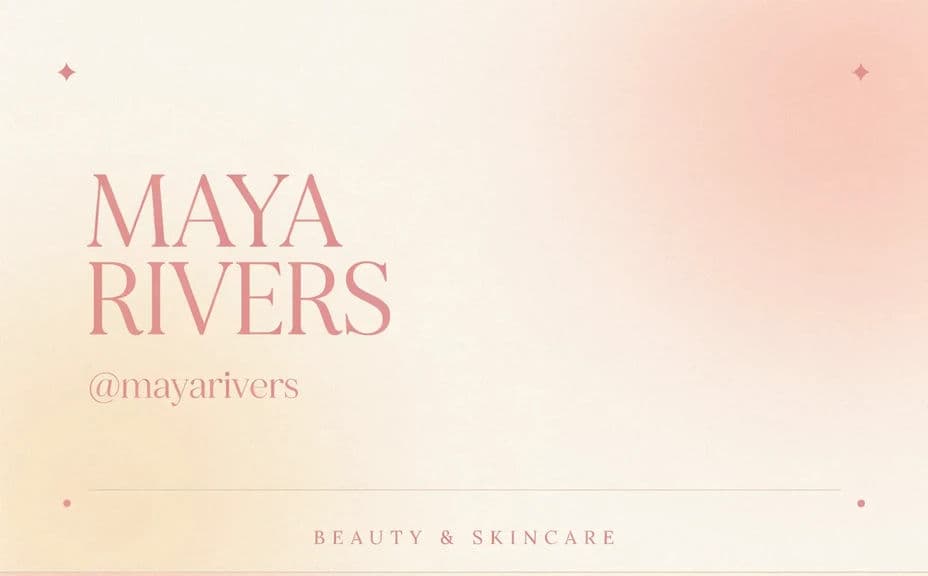
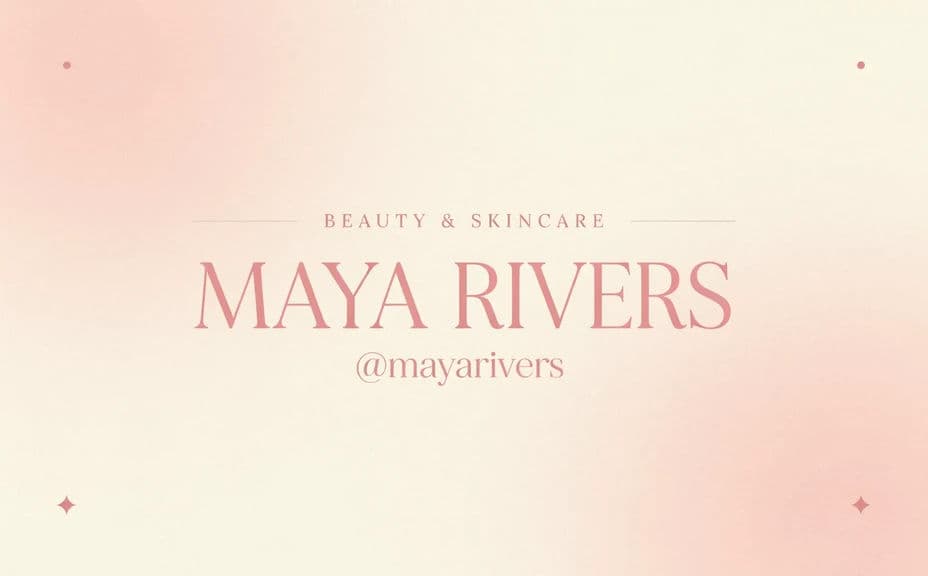
Produce two cover designs with different layouts or emphasis so you can compare them side by side. A quick look often reveals which version feels most like your brand.
Check the details and export
Preview each cover and confirm your name, handle, and niche are spelled correctly and easy to read. Download in HD, then drop it onto the front of your media kit.
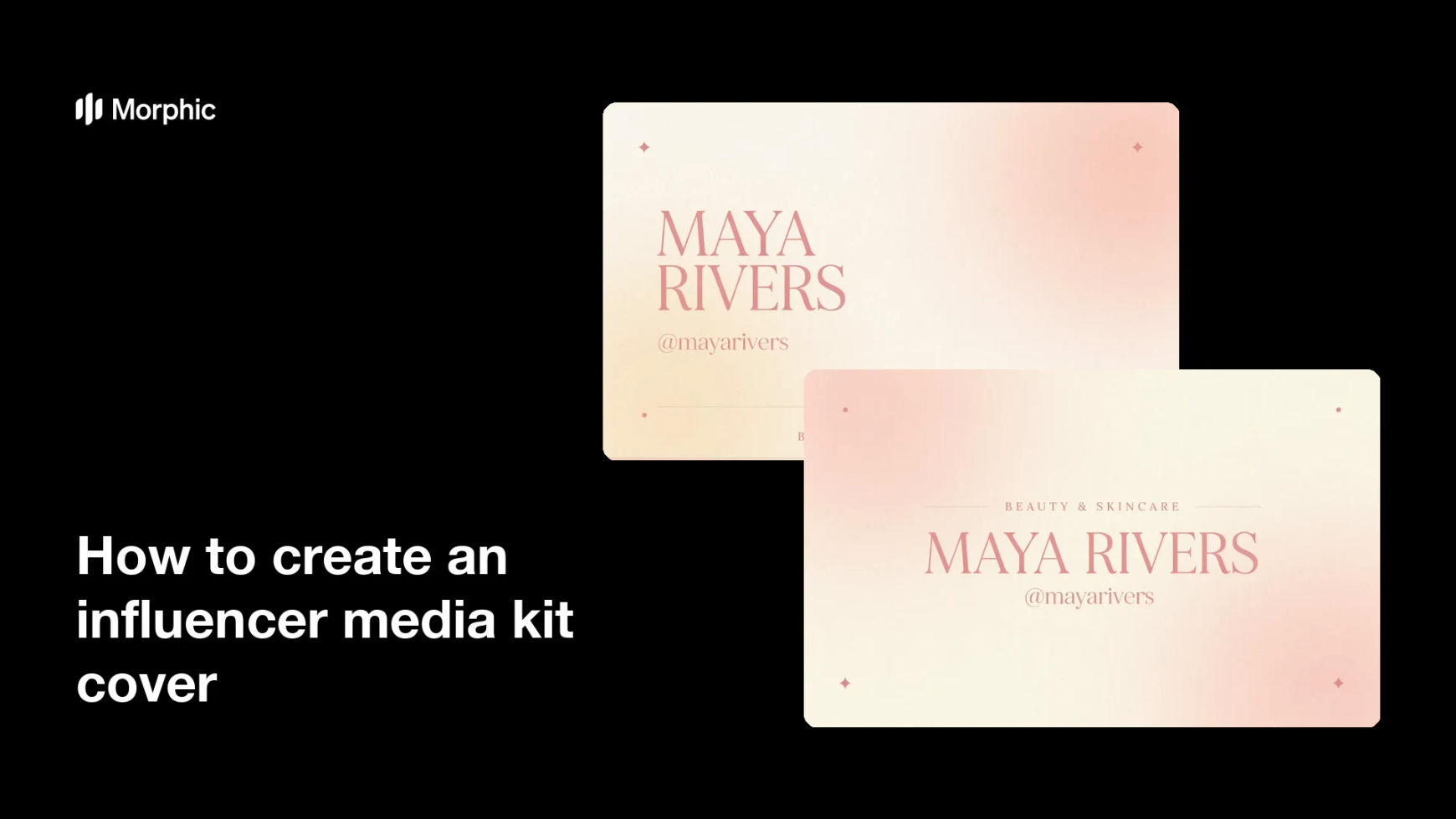
Two cover designs for the same creator's media kit, each showing the name, handle, and niche.
What makes a good media kit cover
| Quality | What it means | Why it matters |
|---|---|---|
| Clear identity | Name and handle read at a glance | Brands instantly know who is pitching |
| Defined niche | A short label names your content lane | It tells brands if you fit their audience |
| On-brand styling | Colors and type match your content | The cover feels like your channel |
| Clean layout | Text has room to breathe | The page looks professional, not cluttered |
Morphic vs the traditional way
| Morphic | Design software or a designer | |
|---|---|---|
| Cost | Available on Morphic | Software subscription or design fee |
| Time | A finished cover in minutes | Hours of layout and revision |
| Skill needed | Describe it in plain language | Layout and typography skills |
| Consistency | Regenerate versions on brand | Manual rework for every update |
FAQs
Yes. Specify the exact name, handle, and niche in your prompt, and the cover renders around them. You can regenerate with new wording any time.
Yes. Describe your brand colors and font style, and the cover renders to match. Keep contrast high so your name and niche stay readable.
Use a portrait page ratio so it fits the front of a standard media kit PDF. Specify the ratio in your prompt and the layout adapts to fit.
Yes. Generate covers with different layouts or emphasis so you can pick the one that feels most like your brand before you finalize.
Yes. Preview the cover, confirm the text is legible, and download in HD so your name and handle stay crisp in the finished kit.
Yes. Covers you generate with Morphic are cleared for commercial use in the media kits you send to brands and partners.