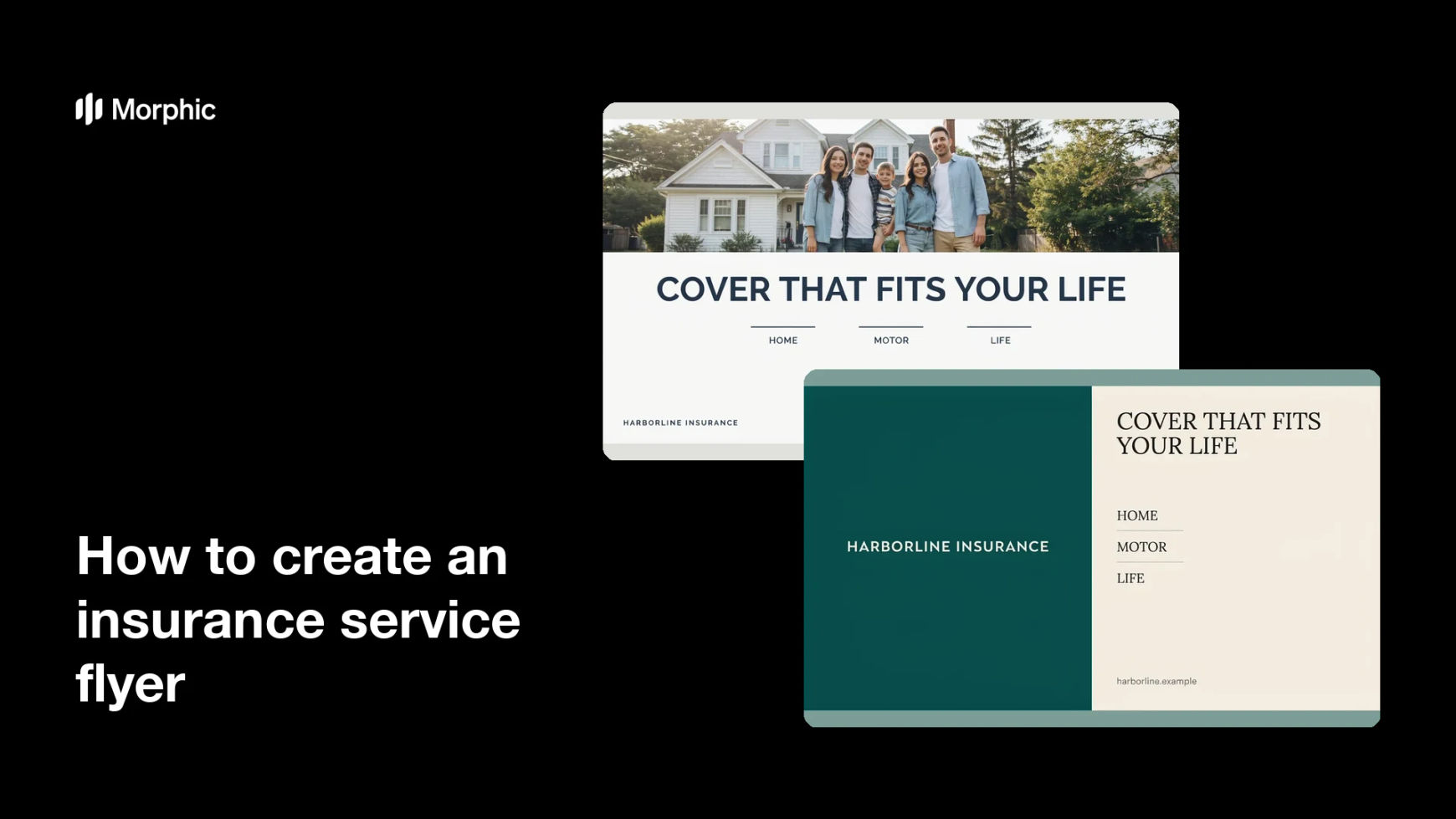
What is an insurance service flyer?
An insurance service flyer is a one-page handout that introduces an agency and the cover it arranges (home, motor, life, business) in a form a prospect can scan in under a minute. Local agencies and brokers hand them out at community events, leave them at partner offices, and post them as a single image on social channels. It works as an introduction and a prompt to get in touch, not as a policy document.
With Morphic you design this flyer from a text prompt in your browser. Describe the headline, the service list, the contact line, and the brand look, compare a few layouts, then download in HD. The result is a polished, print-ready flyer without opening design software.
Write the copy first
Draft the headline, the short list of services, and the contact details exactly as they should appear. Fixing the wording before you design keeps the rendered text accurate and saves a second pass.
Describe the flyer layout
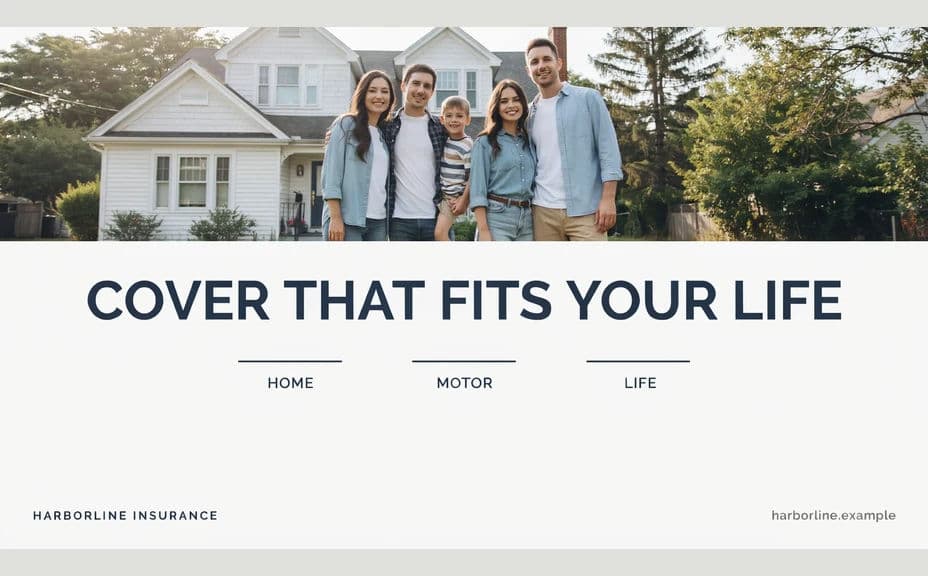
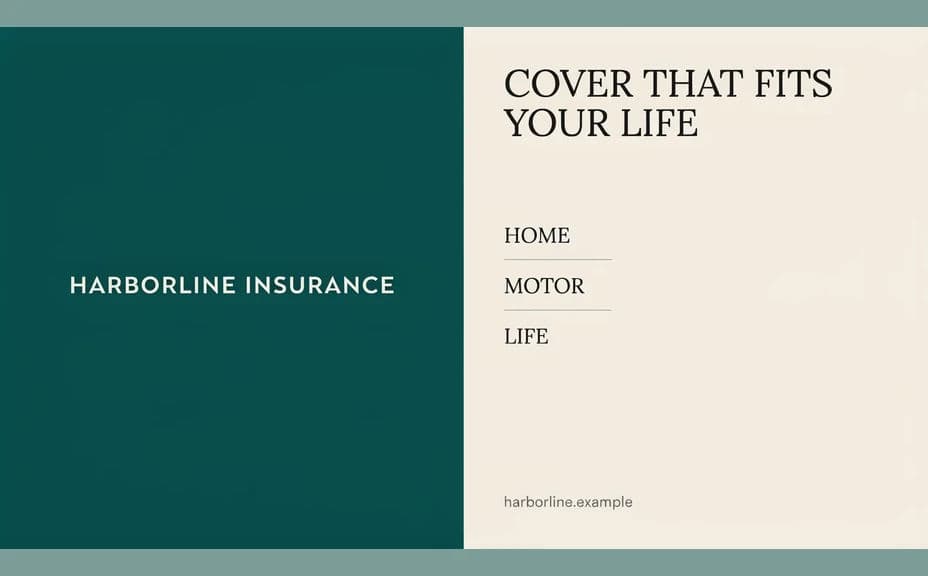
Open Morphic and describe a clean one-page flyer: a bold headline at the top, a short service list in the middle, and the agency name and contact line at the bottom. Ask for a couple of layouts so you can compare how the information is ordered.
Set the tone and imagery
Ask for imagery that suits insurance (a family at home, a car on a driveway, a small shop front) in a calm, reassuring style. Keep the visual supportive of the copy rather than competing with it for attention.
Apply your brand and keep claims accurate
Ask for your agency colours, logo placement, and a readable type style throughout. Review the wording so the flyer describes services accurately and avoids any promise about outcomes, pricing, or cover that you have not confirmed.
Check the text and export
Read the headline, the service list, and every contact detail on each option and confirm the spelling is correct. Download in HD, then send it to print or post it as a single image.
Two flyer layouts for the same fictional agency, each carrying the same headline and service list.
What makes a good insurance service flyer
| Quality | What it means | Why it matters |
|---|---|---|
| Clear headline | The offer reads instantly | A passer-by decides in a glance |
| Scannable services | A short, ordered list | People rarely read a dense block |
| Obvious contact line | Phone, site, and address stand out | The flyer only works if it is easy to act on |
| Accurate wording | No unverified claims about cover | Trust and compliance both depend on it |
Morphic vs the traditional way
| Morphic | A design agency or template tool | |
|---|---|---|
| Cost | Available on Morphic | Agency fee or subscription |
| Time | A finished flyer in minutes | Days of briefing and revisions |
| Skill needed | Describe it in plain language | Layout and typography skills |
| Consistency | Regenerate variants that match | Manual rework for every version |
FAQs
Yes. Provide the exact name, phone, and website in your prompt, then read the rendered text and regenerate if any character looks wrong.
Yes. Ask for several layouts of the same flyer and compare them side by side, then pick the one that reads fastest.
Only if you have confirmed them. A flyer is marketing material, so keep it to services offered and leave specific terms to your policy documents.
Yes. Describe your brand colours, logo placement, and type style, and generate the flyer to match your existing materials.
Yes. Generate the layout in the aspect ratio you need for each, keeping the same headline and palette so both versions look related.
Yes. Designs you generate with Morphic are cleared for commercial use across your print and digital marketing.