What are bundle and offer graphics?
Bundle and offer graphics are the promotional visuals that package several products together or spotlight a deal, buy-two-get-one, a value set, a limited discount. They make the saving obvious at a glance and give shoppers a reason to add more to the cart, which is why they anchor sale pages, ads, and email campaigns.
With Morphic you design these graphics from a text prompt in your browser. Describe the products, the offer, and the layout, then adjust and download in HD. You get a punchy, on-brand promo visual without wrestling with layers in design software.
Decide the offer and the hook
Nail the message first: what is bundled, what the shopper saves, and the single line that sells it. A clear hook like a value set or a limited deal gives the graphic its focus before you generate anything.
Arrange the products together
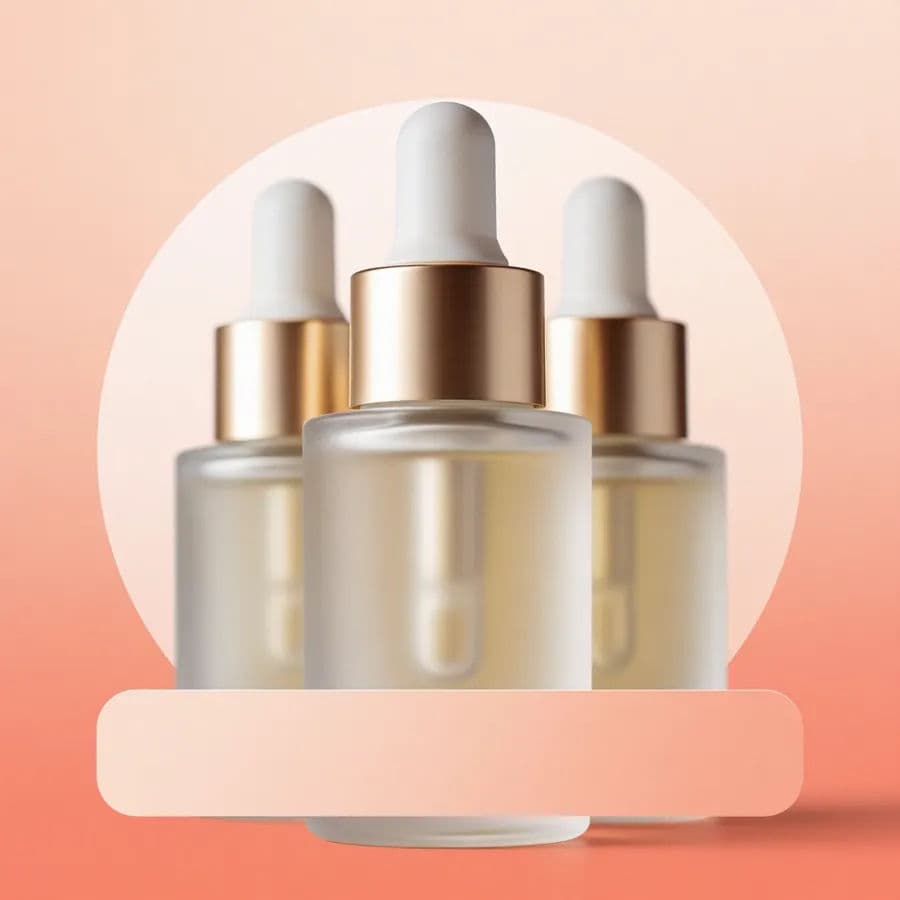
Open Morphic and describe the bundle laid out as a group, the hero item forward and the extras arranged around it, on a background that suits your brand. Generate a few arrangements and pick the one where every product reads clearly.
Make the saving impossible to miss
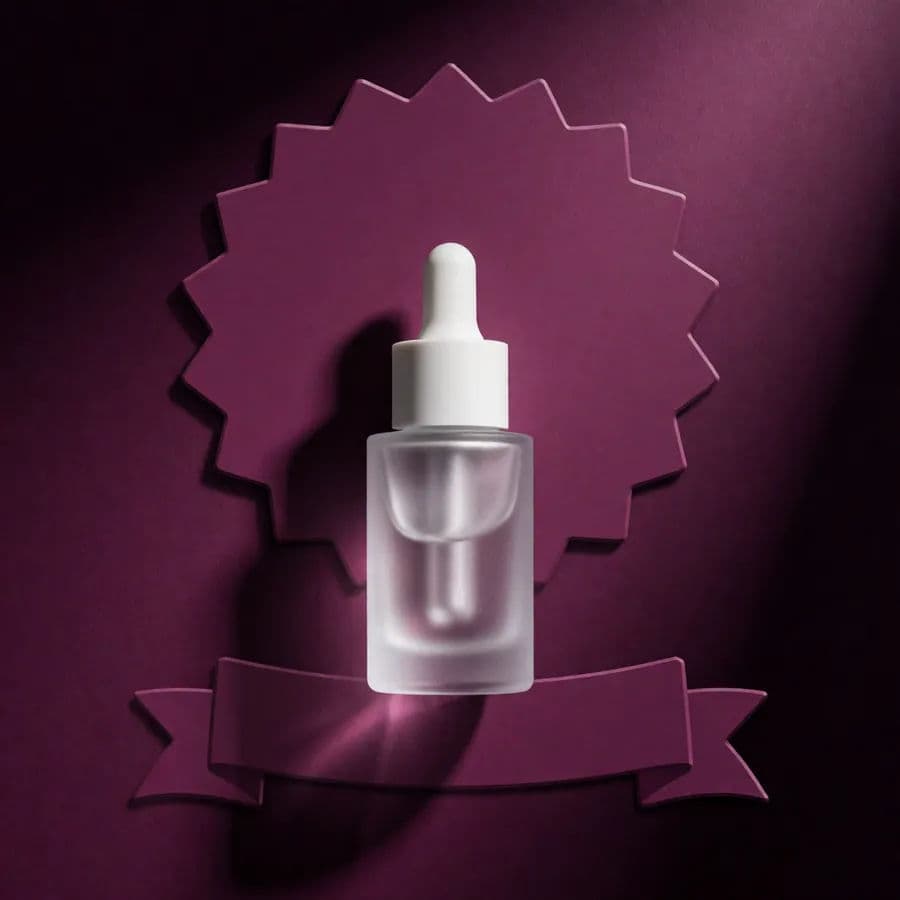
Prompt for space and styling to feature the offer, a badge, a banner strip, or a bold callout area. Keep the discount or value the most prominent element after the products themselves.
Apply brand styling and urgency
Ask for your brand colors and a font style that matches your store, and add a tasteful urgency cue if the deal is time-limited. Consistency with your other promos makes the offer feel trustworthy.
Size for each placement and export
Generate the sizes you need, a square for social, a wide banner for the site, a tall version for stories, and download each in HD so it stays crisp everywhere it runs.
Two offer layouts: a grouped product bundle and a single-hero discount badge composition.
What makes a great offer graphic
| Quality | What it means | Why it matters |
|---|---|---|
| Instant clarity | The deal reads in under a second | Shoppers grasp the value while scrolling |
| Product prominence | Every bundled item is visible | Buyers see exactly what they get |
| Prominent saving | Discount or value is the focal point | The reason to buy is unmissable |
| On-brand look | Colors and type match the store | The promo feels legitimate, not spammy |
Morphic vs the traditional design route
| Morphic | Design software or agency | |
|---|---|---|
| Cost | Available on Morphic | Software subscription or design fee |
| Time | Multiple sizes in minutes | Hours per layout and export |
| Skill needed | Describe the offer in words | Layout and compositing skills |
| Variations | Regenerate for each channel | Rebuild each size by hand |
FAQs
Yes. Describe the bundle as a group with the hero item forward and the extras around it. Generate a few arrangements and keep the one where each product reads clearly.
Prompt for a badge, banner strip, or bold callout area and keep the saving the most prominent element after the products. That makes the value unmissable.
Yes. Generate a square, a wide banner, and a tall version, then download each in HD so the graphic stays sharp in every placement.
Yes. Describe your brand colors and font style, and reuse those cues so the offer looks consistent with the rest of your store.
Yes. Include a tasteful urgency cue in the prompt, such as a limited-time strip, so shoppers feel a reason to act without the graphic looking spammy.
Yes. Graphics you generate with Morphic are cleared for commercial use in ads, email, and on your store.