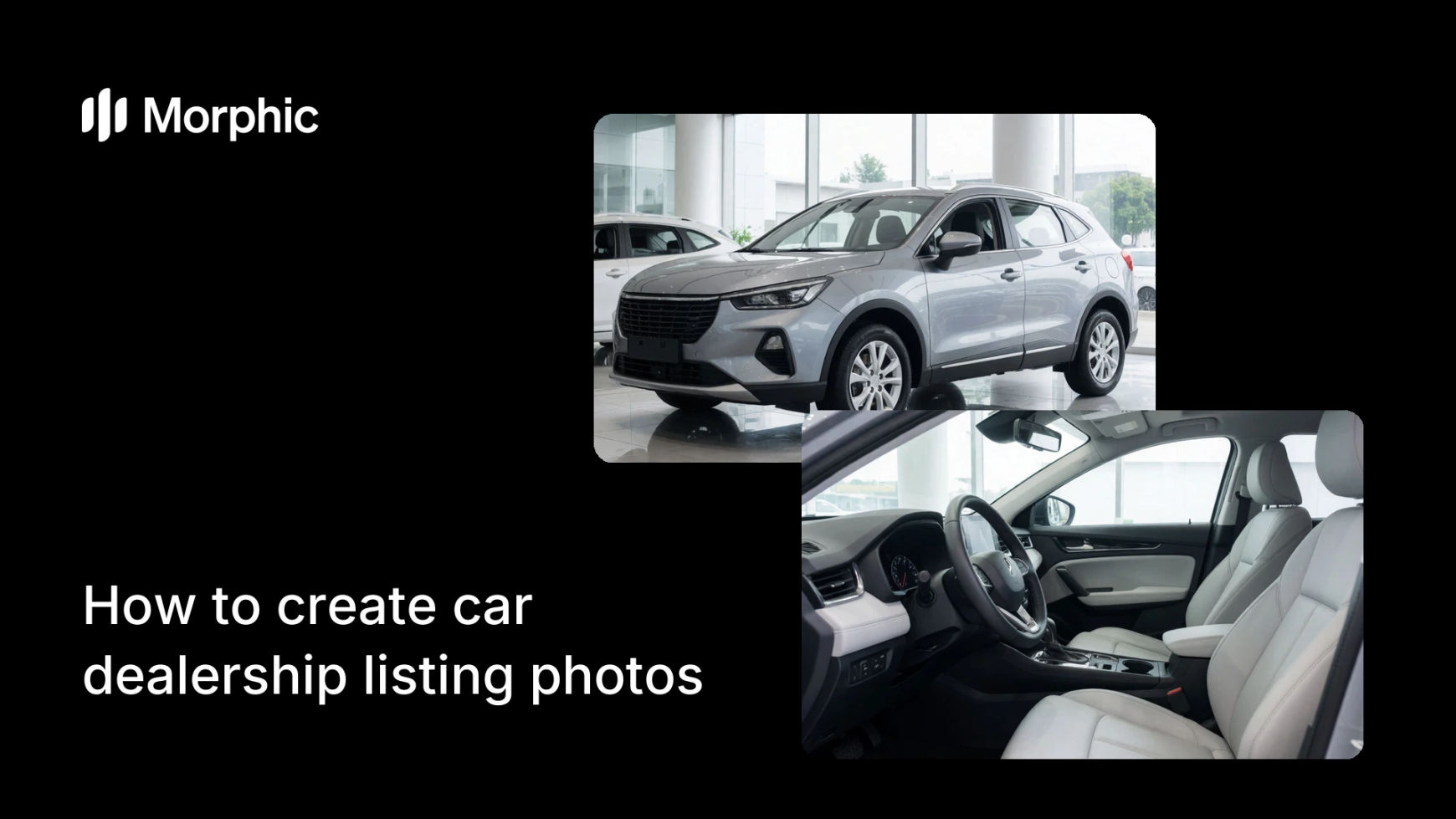
What is a dealership listing photo set?
A dealership listing photo set is the group of images that represents each vehicle online, shot to a consistent standard so an entire inventory looks like one professional catalog. Dealers rely on it because buyers judge a lot by its photos, and a uniform, clean set signals a serious, trustworthy seller.
With Morphic you turn lot and driveway shots into clean, matched listing photos in your browser. Set one background and lighting standard, apply it across every vehicle, and download each in HD so the whole inventory shares a single polished look.
Set your house style
Decide the look every vehicle should share: the background, the lighting, and the hero angle. A single house style is what makes a large inventory feel like a coherent catalog instead of a mix of random snapshots.
Clean up the backgrounds
Open Morphic, upload a vehicle photo, and replace the busy lot behind it with your chosen setting, such as a seamless studio backdrop or a tidy showroom. A clean background keeps attention on the car and hides the clutter of a working lot.
Match the lighting across cars
Ask for the same even lighting on every vehicle so paint and trim read clearly. Consistent light is the detail that makes ten different cars look like they were shot in the same place on the same day.
Generate the standard angles
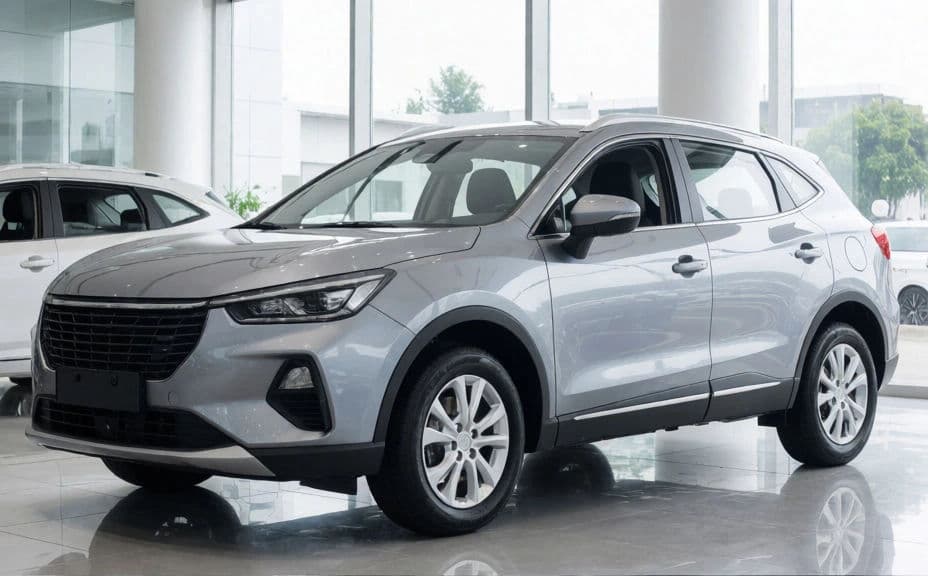
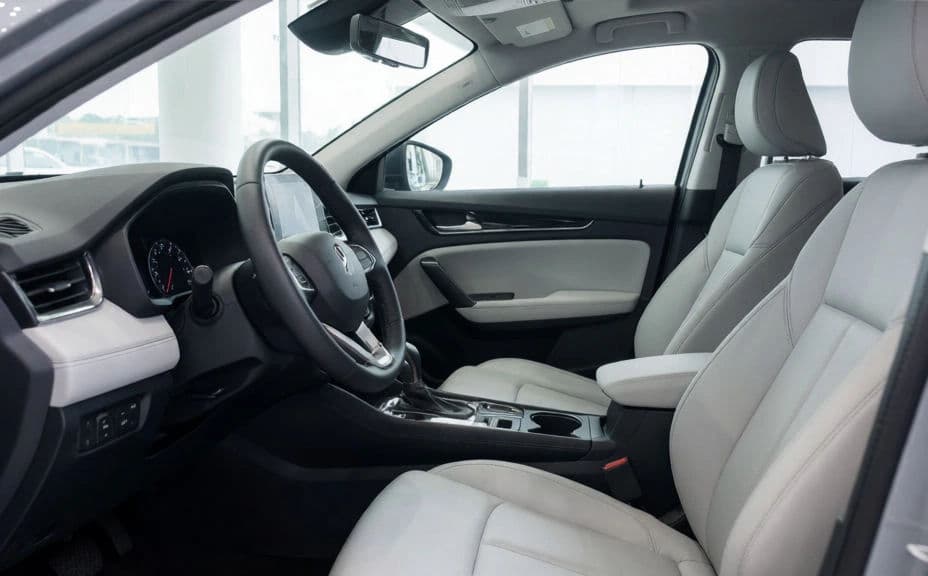
Produce the same views for each vehicle: three-quarter hero, side profile, interior, and rear. A fixed set of angles per car means buyers can compare listings easily and know what to expect.
Export the inventory in bulk
Download each vehicle set in HD, ready to publish to your listing platform. Because every car follows the same standard, the whole inventory looks consistent and is cleared for commercial use.
Exterior and interior of the same vehicle.
What makes a professional inventory set
| Quality | What it means | Why it matters |
|---|---|---|
| Uniform background | Every car sits in the same clean setting | The inventory reads as one professional catalog |
| Matched lighting | The same light across all vehicles | Cars look shot together, not in scattered conditions |
| Consistent angles | The same views for each vehicle | Buyers compare listings quickly and fairly |
| True vehicle detail | Paint, wheels, and interior stay accurate | Buyers trust the photos match the real car |
Morphic vs the traditional way
| Morphic | In-house shoot or a photo service | |
|---|---|---|
| Cost | Available on Morphic | Photographer or per-vehicle service fees |
| Time | A polished set in seconds per car | Moving cars, staging, and reshoots |
| Skill needed | Describe it in plain language | Photography, lighting, and editing skills |
| Consistency | One standard across the whole lot | Varies by day, weather, and shooter |
FAQs
Set one house style for background, lighting, and angles, then apply it to every vehicle. A single standard is what turns a scattered lot into a coherent, professional catalog.
Yes. Upload each vehicle photo and swap the busy lot for a clean setting like a studio backdrop or showroom, so attention stays on the car and the listing looks professional.
Cover a three-quarter hero, a side profile, the interior, and a rear view. The same set for every car lets buyers compare listings easily and reduces back and forth questions.
Yes. Each vehicle keeps its true color, wheels, and interior detail while the background and lighting are standardized, so buyers see an accurate car in a cleaner presentation.
Yes. Apply the same standard to every vehicle so an entire inventory shares one look, rather than reshooting each car under different conditions.
Yes. Each image downloads in HD without a watermark and is cleared for commercial use, so it is ready for your listing platform and marketing.