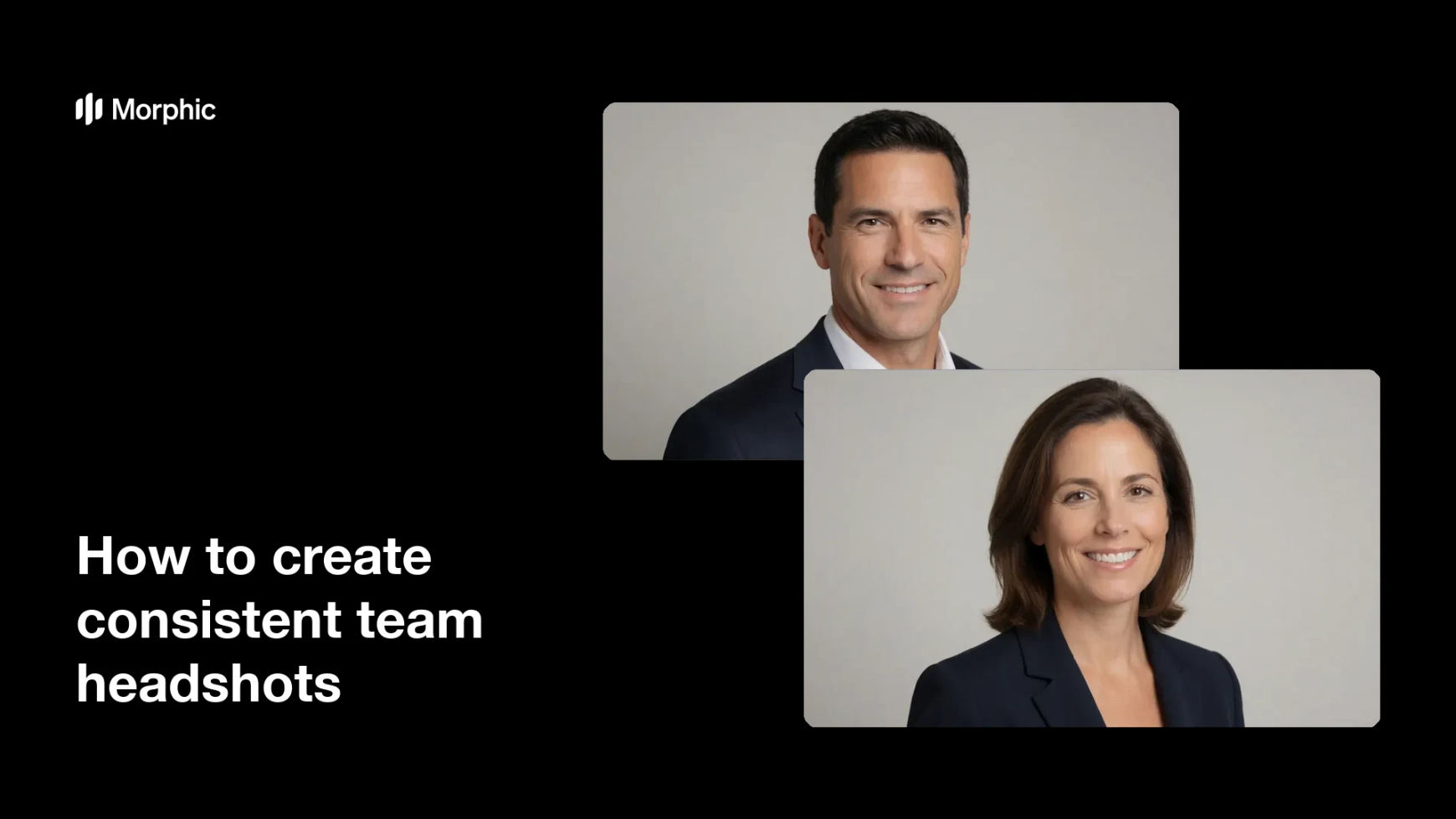
What are consistent team headshots?
Consistent team headshots are portraits of everyone on a team shot in the same style, with matching lighting, background, and framing. Companies use them on about pages, pitch decks, and profiles so the team looks like one group rather than a mix of selfies and old photos taken in different places.
With Morphic you set one look and apply it to each person, generating the results in your browser. You describe the background, lighting, and crop once, then produce a headshot for every teammate that shares the same treatment and downloads in HD.
Define one shared style
Decide on the background, lighting, and framing that everyone will share, such as a soft neutral backdrop with even light and a head-and-shoulders crop. Writing the style down once keeps every headshot aligned.
Start with a clear photo of each person
Use a reasonably sharp, well-lit photo of each teammate with their face fully visible. The clearer each source photo, the more faithfully the shared style applies to that person.
Apply the same treatment
In Morphic, apply your defined background, lighting, and crop to each person in turn. Reusing the same brief across everyone is what makes the set read as one cohesive team.
Check faces stay true
Review each result so the person still looks like themselves, with their features and likeness intact. Consistency should come from the style around them, not from changing who they are.
Download the set in HD
Export every headshot in HD, ready for the about page, deck, or directory. The whole team shares one clean, professional look without booking a group photo session.
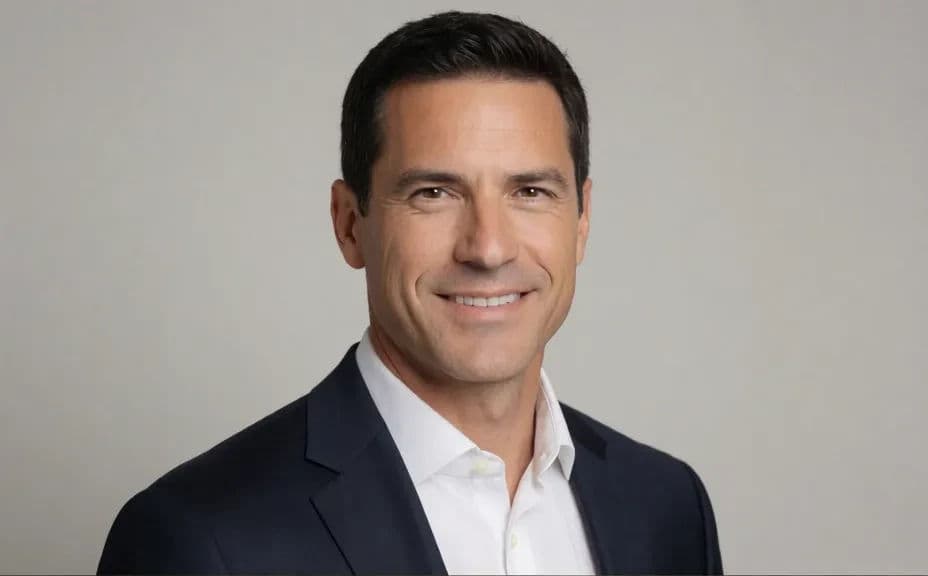
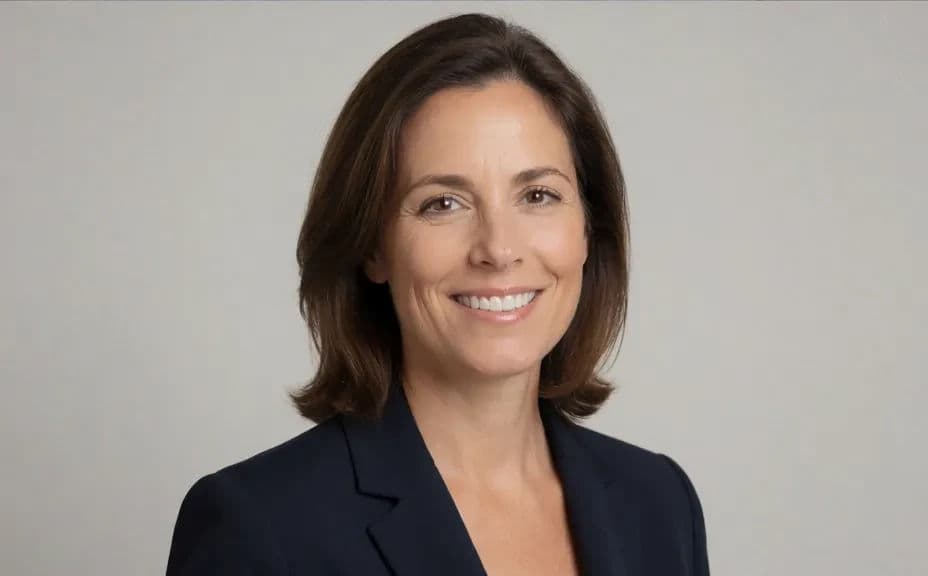
Two teammates shot in one matched style, so the set looks consistent.
What makes headshots consistent
| Quality | What it means | Why it matters |
|---|---|---|
| Matched background | Everyone shares the same backdrop | The team reads as one group, not a mix |
| Even lighting | The same light on every face | No one looks brighter or flatter than the rest |
| Same framing | A shared crop and head position | Portraits line up cleanly in a grid |
| True likeness | Each person still looks like themselves | Colleagues stay recognizable to clients |
Morphic vs the traditional way
| Morphic | A group photo shoot | |
|---|---|---|
| Cost | Available on Morphic | Photographer, studio, and travel costs |
| Time | A full set in minutes | Scheduling everyone for one session |
| Skill needed | Describe it in plain language | Studio lighting and retouching skills |
| Consistency | One style across every teammate | Hard to match if people join later |
FAQs
Define the background, lighting, and crop once, then apply that same brief to each person. Reusing one treatment is what makes the whole set look consistent.
Yes. The shared style changes the background, light, and framing while keeping each person's features and likeness, so colleagues stay recognizable.
Yes. Apply the same style brief to a new teammate whenever they join, and their headshot will match the rest of the team without a reshoot.
A clear, well-lit photo with the face fully visible works best. The sharper the source, the more faithfully the shared style applies to that person.
No. You set the look and generate each headshot in your browser, so the team gets a matched set without booking a session or renting a studio.
Yes. Results download in HD without a watermark and are cleared for commercial use, so they are ready for about pages, pitch decks, and directories.