What are Etsy listing images?
Etsy listing images are the ten photo slots that tell the story of a handmade or vintage product: the styled hero, the detail close-ups, the scale and packaging shots, and the lifestyle scenes that show the item in a home. Etsy buyers shop for craft and character, so the images need to feel warm and personal rather than sterile and catalog-like.
With Morphic you generate these shots from a text prompt in your browser. Describe the item, the styling, and the mood, then adjust and download in HD. You can build a cohesive, on-brand gallery that feels handmade without setting up props, backdrops, or a camera.
Style a hero that feels handmade
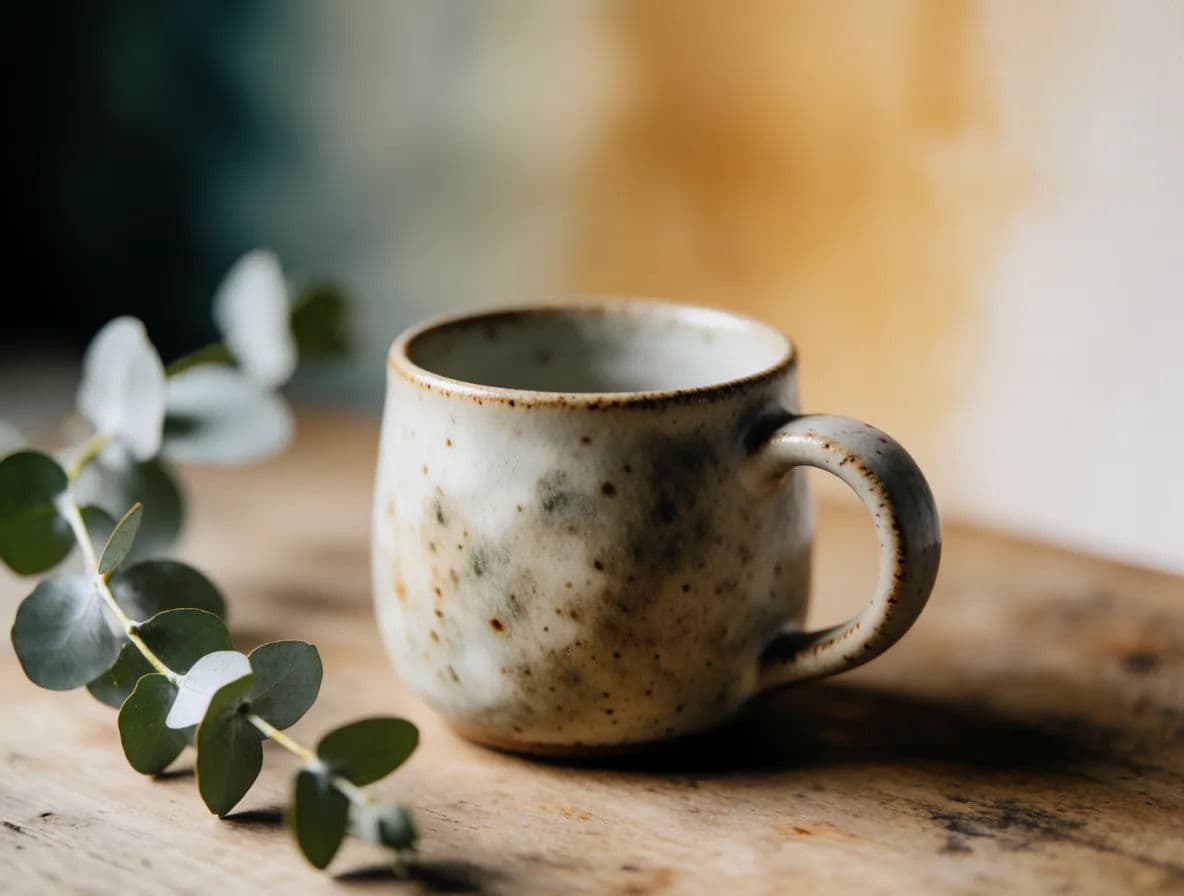
Etsy rewards warmth over clinical white. Open Morphic and describe your product styled on a natural surface, linen, wood, or ceramic, with soft daylight and a few tasteful props that suit the craft. Generate a few options and choose the one that feels most like your shop.
Capture the detail shots
Handmade buyers pay for texture and finish. Prompt for tight close-ups of the stitching, grain, glaze, or edge so the craftsmanship is obvious. Two or three detail images reassure shoppers that the quality is real.
Show scale and packaging
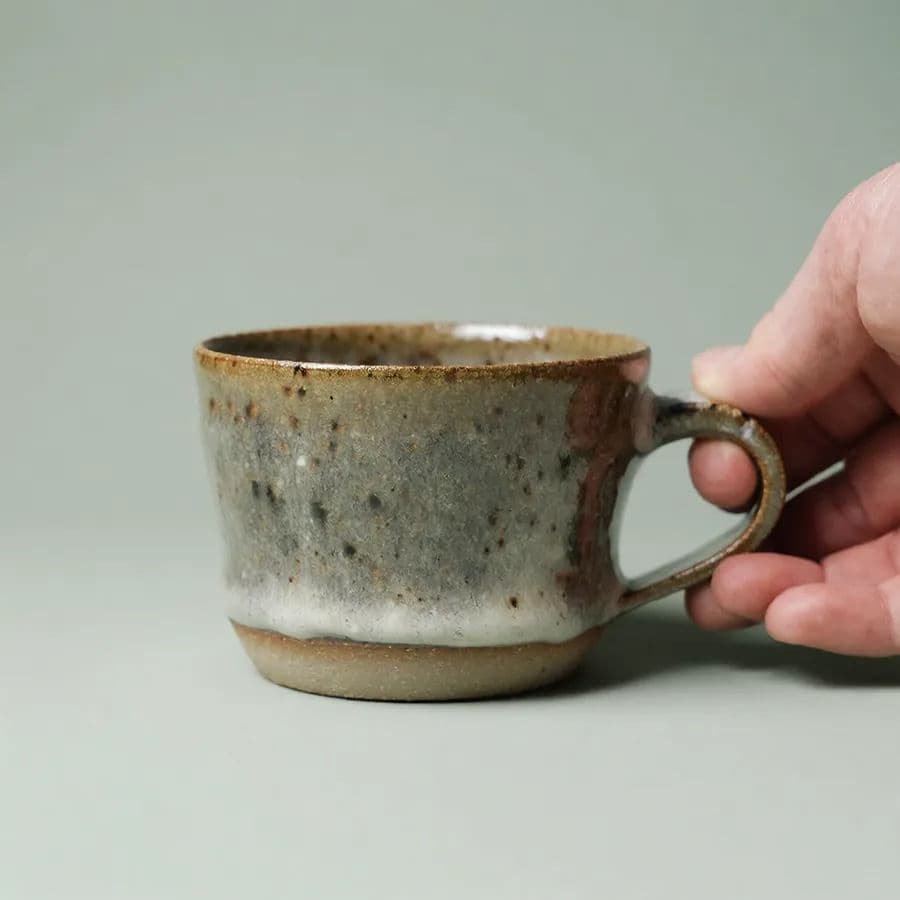
Uncertainty about size drives returns and questions. Generate the item next to a familiar object for scale, and a shot of how it arrives, wrapped or boxed, so the unboxing feels like part of the gift.
Place it in a lifestyle scene
Buyers want to see the piece at home. Describe a styled room or setting that matches your aesthetic and generate the product living in it. Keep the palette consistent with your hero so the gallery hangs together.
Keep a cohesive shop look and export
Reuse the same styling and lighting cues across every listing so your whole shop shares a recognizable feel. Download each image in HD, then upload the set to your listing.
A styled handmade hero next to the same mug held in hand for scale.
What makes a great Etsy listing image
| Quality | What it means | Why it matters |
|---|---|---|
| Handmade warmth | Natural surfaces and soft, styled light | Buyers feel the craft and pay for character |
| Visible detail | Close-ups of texture, finish, and construction | Quality is proven, not just claimed |
| Clear scale | Item shown against a familiar object | Fewer size surprises and return requests |
| Cohesive shop feel | Shared palette and styling across listings | Your shop reads as a single trusted brand |
Morphic vs the traditional craft-photo route
| Morphic | DIY photo shoot or freelancer | |
|---|---|---|
| Cost | Available on Morphic | Props, backdrops, or a photographer fee |
| Time | A gallery in minutes | A styling and editing afternoon per item |
| Skill needed | Describe the vibe in words | Styling, lighting, and photo editing |
| Consistency | Reuse cues across the shop | Reshoots to match your look |
FAQs
Yes. Describe the surfaces, props, palette, and mood you use, then reuse those cues on every listing so the whole shop shares one recognizable look.
Prompt for natural surfaces like wood, linen, or ceramic with soft daylight and a few tasteful props. That warmth signals craft, which is what Etsy buyers respond to.
Yes. Prompt for tight close-ups of stitching, grain, glaze, or edges so the texture and finish are clearly visible. Detail shots prove the quality of a handmade piece.
Etsy allows up to ten, and filling them helps. Aim for a styled hero, a few detail close-ups, a scale shot, a packaging shot, and one or two lifestyle scenes.
No. You can generate the item from a description, or start from a reference photo if you have one, then build the full gallery in the browser.
Yes. Images you generate with Morphic are cleared for commercial use, including your Etsy listings and shop marketing.