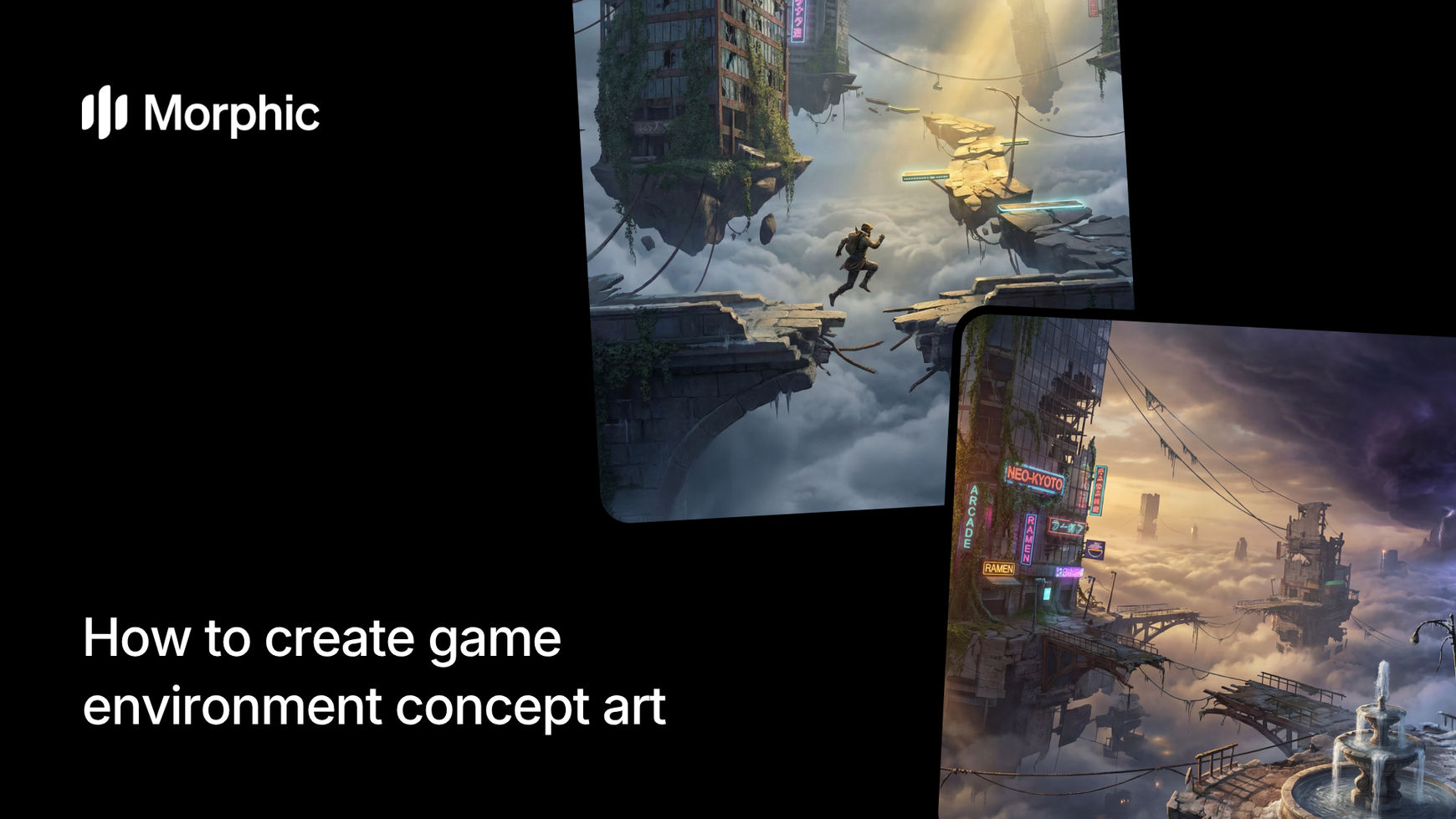
What is game environment concept art?
Game environment concept art is a visual blueprint that communicates the look, mood, and functionality of game spaces. Concept art shows level layouts, architectural details, color palettes, lighting conditions, and environmental storytelling before artists build 3D models. Quality concept art guides the entire asset creation pipeline and sets the visual tone for a game.
In game development, concept art accelerates production by establishing visual direction upfront. Artists reference concept art when building 3D models, level designers use it for layout planning, and producers show it to investors and team members. Morphic's game environment workflow automates concept art generation, letting developers explore level ideas visually in seconds.
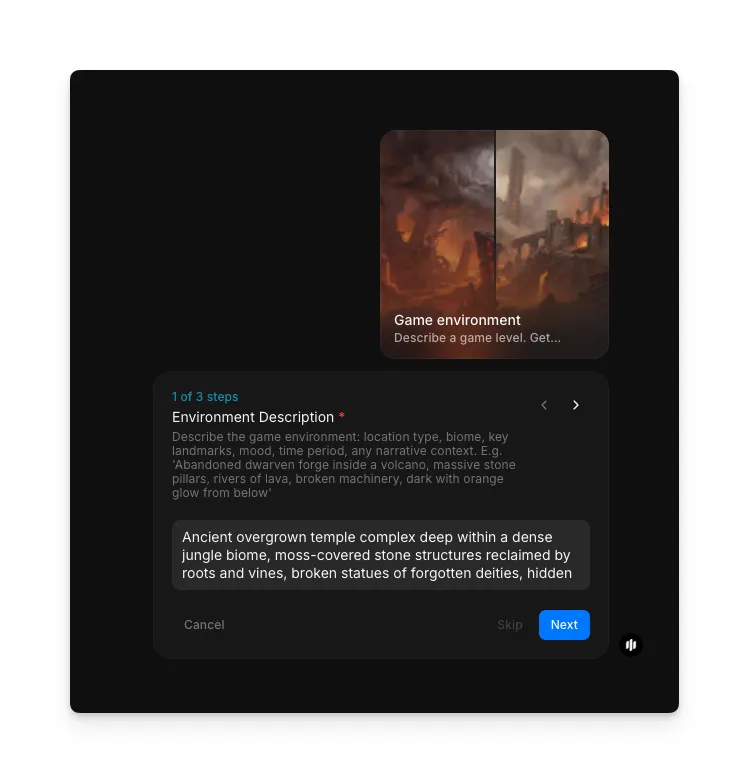
Describe your environment
Open the "Game environment" workflow. In the "Environment Description" step, describe the setting you want as concept art. Include details about the location type, architectural features, atmosphere, and game genre. The example shows a detailed description of an ancient overgrown temple complex.
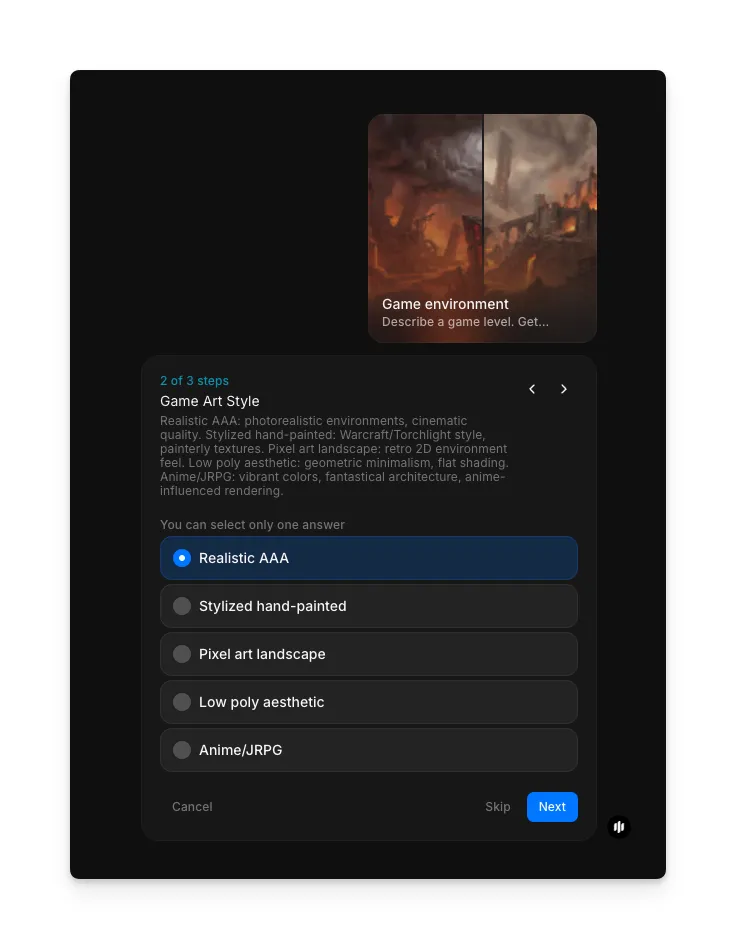
Select your art style and generate
In the "Game Art Style" step, choose the rendering style for your concept art. Options include Realistic AAA, Stylized hand-painted, Pixel art landscape, Low-poly aesthetic, and Anime/JRPG. Click "Run workflow" to generate your environment concepts.
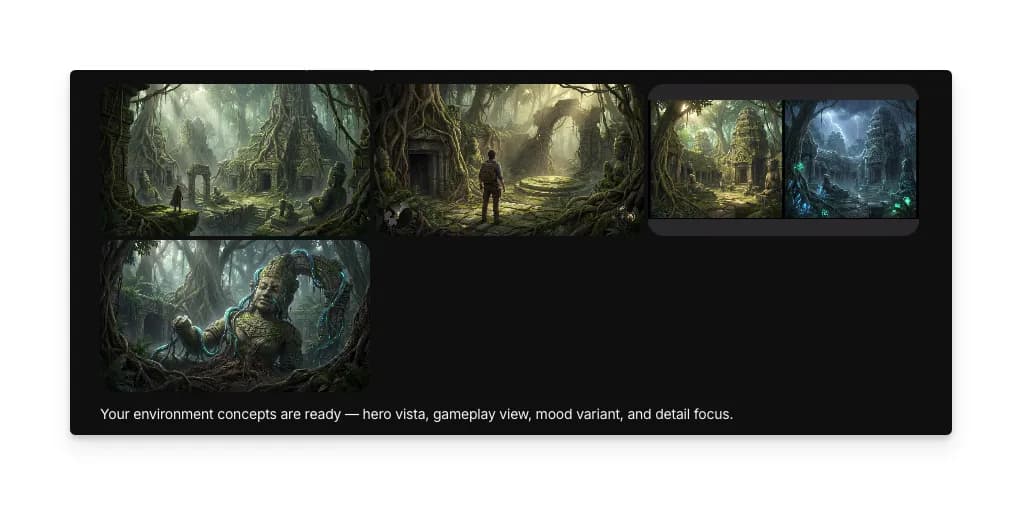
What makes great game environment concept art
| Quality | What it means | Why it matters |
|---|---|---|
| Architectural clarity | Level layout and key features are readable and functional | Concept art guides actual 3D modeling and construction |
| Atmospheric mood | Lighting, color, and effects communicate emotional tone | Mood establishes immersion and guides art direction |
| Environmental storytelling | Details suggest lore, culture, and history of the space | Rich environments create player investment and exploration drive |
| Technical feasibility | Design considers game engine limitations and optimization | Concepts that ignore technical constraints waste production time |
The workflow handles architectural clarity, atmospheric consistency, environmental detail, and mood communication automatically, so your concept art looks production-ready every time.
Game environment concept art vs. commissioning concept artists
| Morphic's game environment template | Commissioning concept artists | |
|---|---|---|
| Cost | Available on Morphic | Varies by artist and complexity |
| Time to get results | Significantly faster | 2 to 4 weeks per piece |
| Setup required | None, just a level description | Art direction documents, reference gathering, briefs |
| Iteration speed | Regenerate with adjusted inputs | Expensive revisions and additional commissions |
| Consistency | Same art direction every time | Varies based on artist interpretation |
| Coverage | Multiple conditions and variations instantly | Single piece per commission |
FAQs
No. The workflow generates concept art for planning and visualization, not game-ready 3D models or textures. Use concepts as reference materials for your 3D artists and level designers. They'll build optimized game assets from your approved concepts.
Yes. Run the workflow again and select a different Game Art Style such as Realistic AAA, Stylized hand-painted, Pixel art landscape, Low-poly aesthetic, or Anime/JRPG to explore different visual directions for the same environment.
Provide context about your game genre, setting, atmosphere, and key features. Morphic works with both brief descriptions and detailed briefs. More detail yields more accurate concepts, but even simple descriptions generate usable environment art.
Yes. The workflow handles environments for action games, RPGs, strategy games, horror, and indie titles. Specify your genre in your description, and Morphic tailors the concept art to match expected visual style and gameplay pacing.
Professional concept artists can take weeks to deliver per piece. Morphic's game environment workflow is available on Morphic and generates environment concepts significantly faster, letting you explore ideas before committing to detailed commissions.