What is a landing page hero image?
A landing page hero image is the large visual at the top of the page, the first thing a visitor sees. It sets the mood, frames the offer, and either earns the scroll or loses it. Because it carries so much weight, generic stock rarely does the job well.
Morphic lets you generate a hero image built for your page instead of borrowed from a library. Describe the scene, the mood, and the space you need for a headline, generate options in your browser, refine the one that fits, and download it in HD. The result matches your message rather than the nearest available photo.
Plan the composition around your text
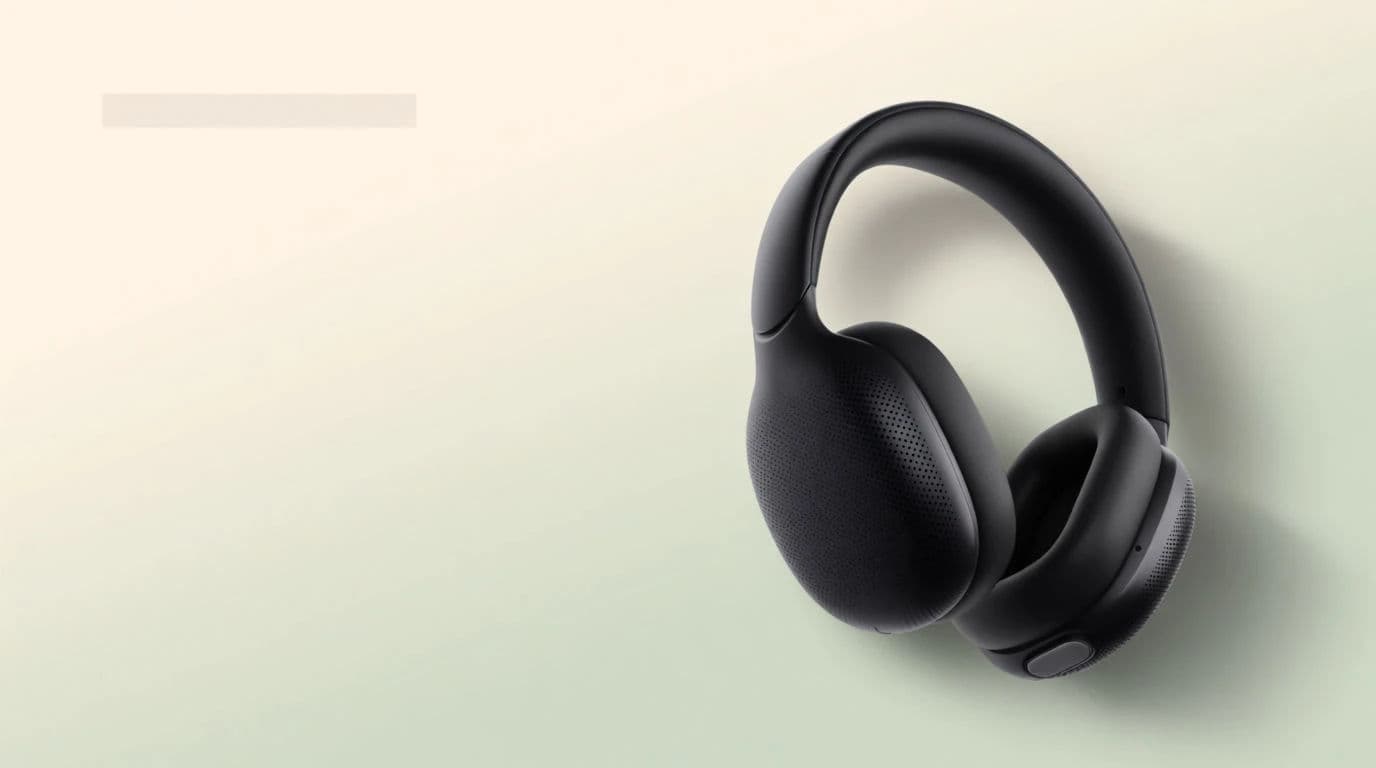
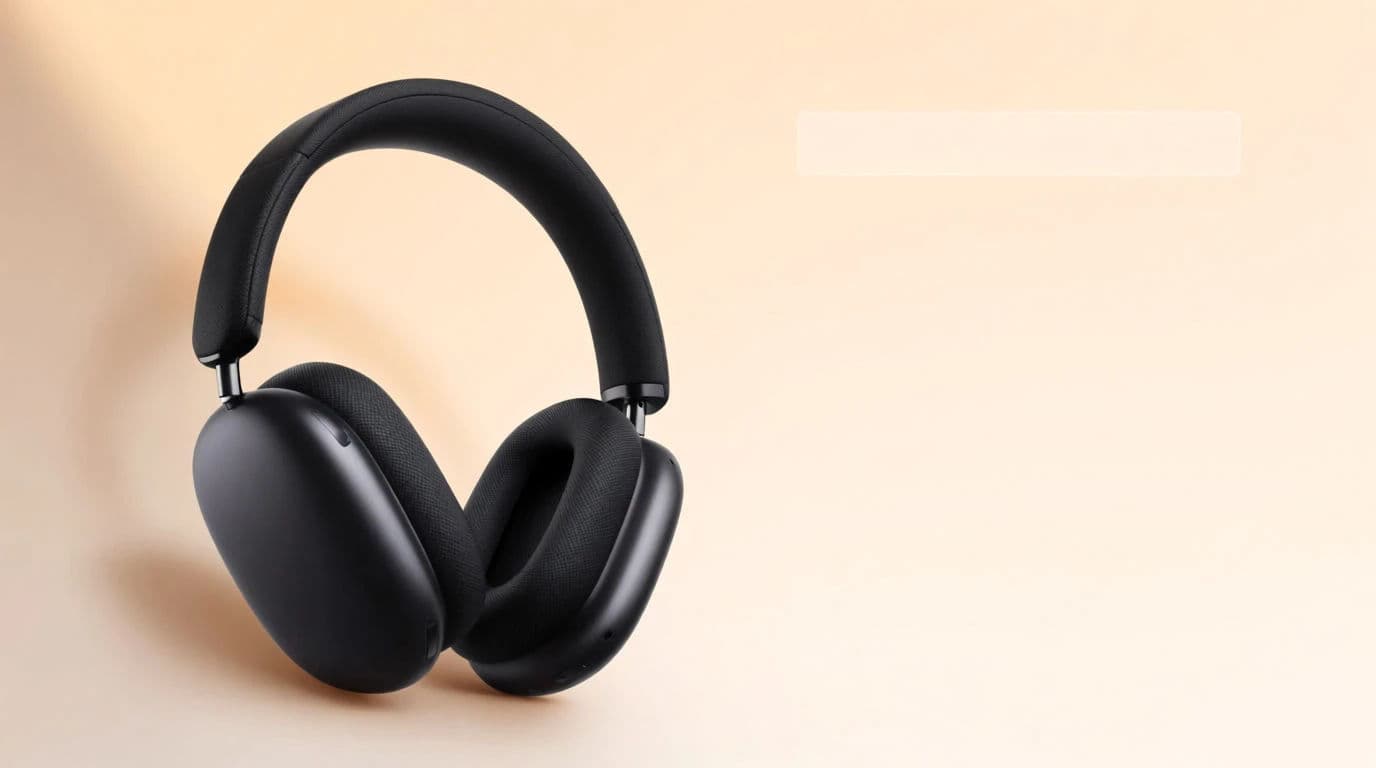
A hero image shares the frame with a headline and a button. Decide where the copy sits, then plan the visual so that area stays clean. Asking for negative space on one side of the image keeps your headline readable over it.
Describe the scene and mood
Tell Morphic what the image should show and how it should feel: bright and energetic, calm and premium, or bold and dramatic. Name the subject, the setting, and the lighting. Generate a few directions so you can compare moods before committing.
Refine for brand fit
Adjust the winning option until the colors and tone match your brand. Nudge the palette, the lighting, or the styling so the hero feels like part of your site rather than a stock insert. Restyle rather than restart when a direction is close.
Export in the sizes your page needs
A hero usually needs a wide desktop version and a taller mobile crop. Adapt the image to both aspect ratios so the subject stays framed on every screen, and download each in HD. Check that the text area stays clear in both.
The same hero product with text-safe space on opposite sides.
What makes a great hero image
| Quality | What it means | Why it matters |
|---|---|---|
| Room for copy | Clean space for the headline and button | Your message stays readable over the image |
| Clear focal point | One subject the eye lands on first | Visitors grasp the offer in a glance |
| Brand-matched tone | Colors and mood fit your site | The page feels intentional, not stitched together |
| Responsive framing | Works on wide and tall screens | The hero holds up on desktop and mobile alike |
Morphic vs stock photography
| Morphic | Stock photo libraries | |
|---|---|---|
| Cost | One browser tool | Per-image licenses that add up |
| Time | A custom hero in a browser session | Hours searching for a near match |
| Skill needed | Write a clear prompt | Search skill plus editing to fit |
| Fit to message | Generate exactly your scene | Compromise on the closest stock result |
FAQs
Ask for negative space on the side where your copy will sit. Planning the composition around the text keeps the headline readable instead of fighting a busy background.
Yes. Refine the generated image until the palette and tone align with your brand, nudging colors and lighting rather than starting over when a direction is close.
Usually yes. Export a wide version for desktop and a taller crop for mobile so the subject stays framed and the text area stays clear on every screen.
Export in HD so the image stays sharp on large and high-density displays. Starting from a clean generation keeps quality high across sizes.
Stock forces you to compromise on the closest available photo. Generating your own means the scene, mood, and framing match your offer exactly.
Yes. Hero images you create with Morphic are yours to publish on your marketing pages and campaigns.