What is a packaging mockup?
A packaging mockup is a realistic render of a product in its box, pouch, bottle, or label, shown as it would look on a shelf or in a customer's hands. It lets you preview a design, pitch a concept, or build a listing before a single physical unit is printed, which saves both money and the risk of committing to a look that does not land.
With Morphic you create these mockups from a text prompt in your browser. Describe the packaging type, the material, and the setting, then adjust and download in HD. You get a convincing shelf-ready render without a photographer or 3D software.
Choose the packaging format
Decide the form your product ships in, a folding carton, a stand-up pouch, a bottle with a label, a mailer box, and any finish like matte, gloss, or kraft. The format sets the shape and material of the mockup.
Describe the mockup scene
Open Morphic and describe the packaging in context: on a clean studio surface, on a retail shelf, or held in a hand. Specify the angle and lighting so the render reads the way you want. Generate a few options and pick the most convincing.
Apply your design and branding
Describe your label layout, colors, and logo placement so the mockup reflects your actual design. If you have artwork, work from it as a reference to keep the branding accurate.
Show multiple angles and finishes
Prompt for a front view, a three-quarter angle, and a close-up of the finish so viewers see the packaging fully. Consistent lighting across the angles makes them feel like one set.
Export for pitch or listing
Download each mockup in HD so it stays sharp in a deck, a listing, or a crowdfunding page. Regenerate any angle that looks off before you finalize.
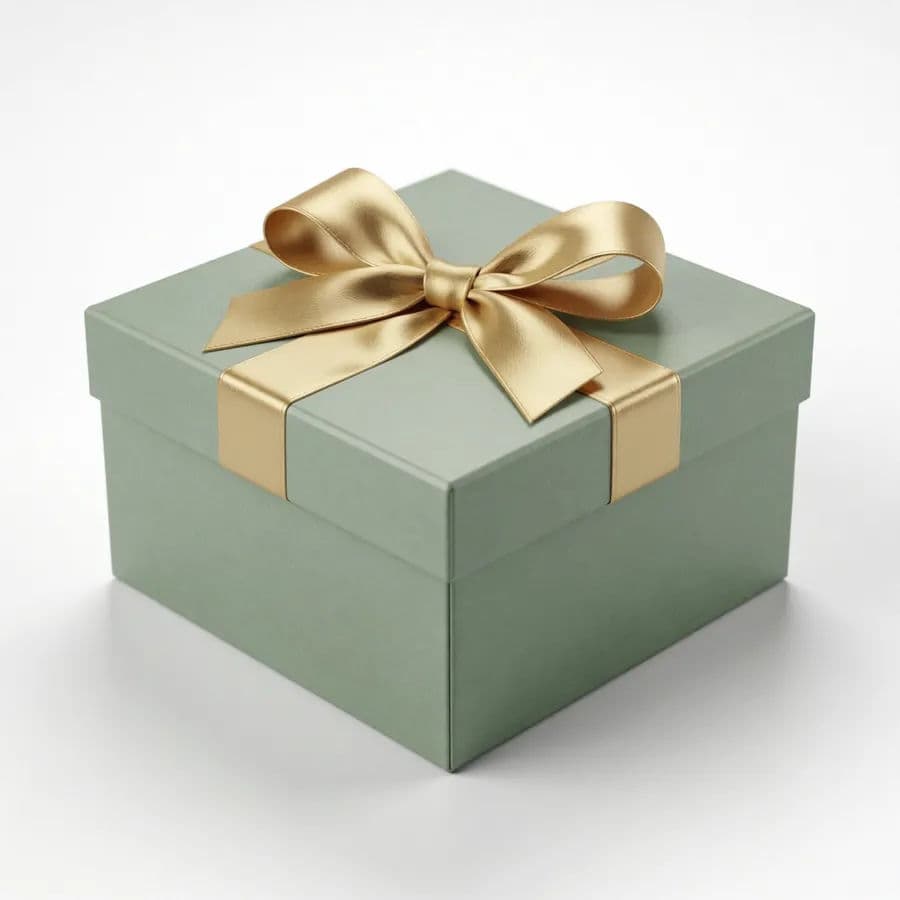
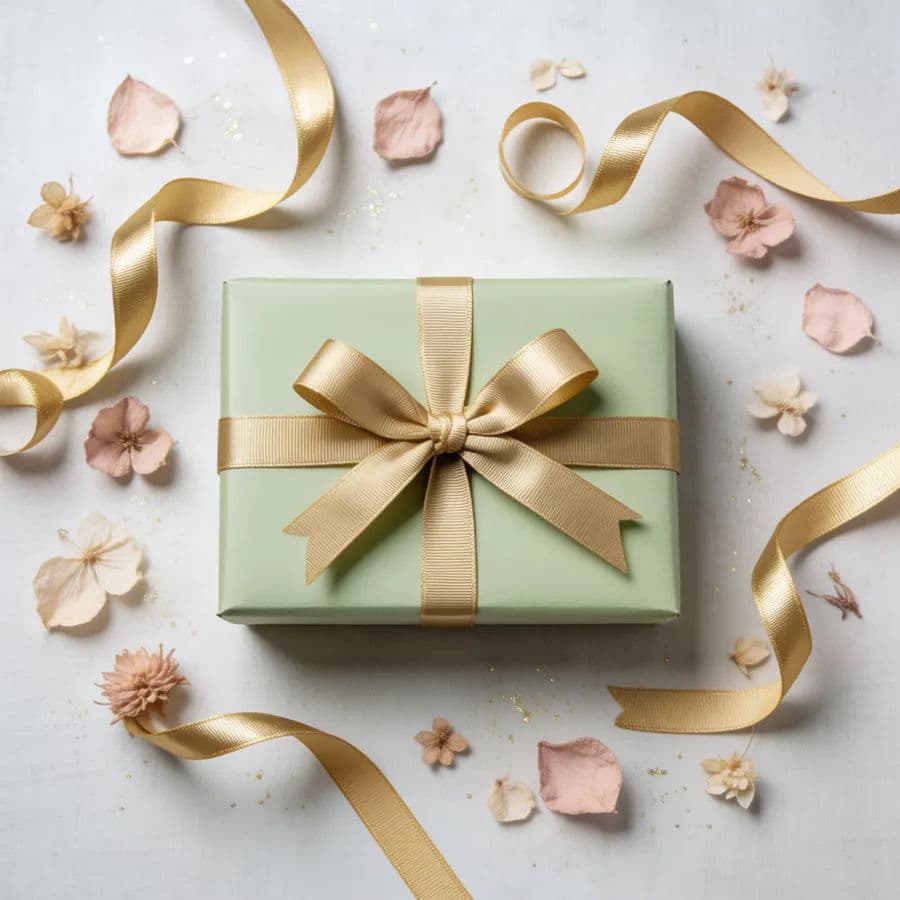
The same gift box shown as a clean studio mockup and as a styled scene.
What makes a great packaging mockup
| Quality | What it means | Why it matters |
|---|---|---|
| Believable material | Finish and texture look real | Viewers trust the concept before it is printed |
| Accurate branding | Label, colors, and logo match the design | The mockup represents the real product |
| Natural lighting | Highlights and shadows sit correctly | The render looks photographed, not pasted |
| Useful angles | Front, three-quarter, and detail views | Stakeholders see the packaging fully |
Morphic vs the traditional mockup route
| Morphic | Physical sample or 3D software | |
|---|---|---|
| Cost | Available on Morphic | Print samples or 3D licenses |
| Time | Renders in minutes | Days for a sample or a 3D build |
| Skill needed | Describe the packaging in words | 3D modeling or studio photography |
| Iterations | Regenerate for each variation | Reprint or remodel each option |
FAQs
Yes. Describe the format, a carton, pouch, bottle, or mailer, and the finish, and generate the render for that shape and material.
Yes. Describe your label layout, colors, and logo placement, or work from your artwork as a reference, so the mockup reflects the real design.
Yes. Prompt for a front view, a three-quarter angle, and a finish close-up with consistent lighting so the angles feel like one set.
No. That is the point, you can preview the packaging before printing a single unit, which saves cost and de-risks the design.
Yes. Describe a shelf or lifestyle setting and generate the packaging in that context to see how it reads in the real world.
Yes. Mockups you generate with Morphic are cleared for commercial use in pitches, listings, and campaigns.