What is a seasonal ad variant?
A seasonal ad variant takes a proven ad and re-dresses it for a moment in the calendar: a winter palette, a spring backdrop, a holiday prop. The core message stays; the season changes. Retailers and DTC brands rely on these to stay relevant without reinventing a campaign every few weeks.
Morphic makes the re-dressing quick because you describe the seasonal change instead of rebuilding the ad. Start from your winning creative, generate a variant with the new season's mood and elements, refine it to stay on brand, and download it in HD. One concept becomes a year of timely ads.
Start from a proven creative
Pick an ad that already performs and treat it as the template. Keeping the layout, product placement, and message steady is what makes the whole series feel like one brand across the calendar. Note the elements that must not change.
Describe the seasonal shift
Tell Morphic what the season should bring: warm autumn tones and falling leaves, crisp winter light and snow, or bright summer color. Change the mood and setting while holding the product and message fixed. Generate a few takes on the season so you can pick the strongest.
Keep the product accurate
Seasonal styling should dress the scene, not distort the product. Check that your product still reads correctly after the change, and refine if a prop or color has crept over it. Accuracy keeps the ad trustworthy even as the backdrop shifts.
Build the full calendar in one pass
Rather than returning each month, generate the whole run at once: the major holidays and seasons you know are coming. Reusing the same base prompt across them keeps every variant consistent. Store them so each is ready when its date arrives.
Size each variant for its channels
Adapt every seasonal variant to the placements you run, from feed to story to banner, so the subject stays framed. Export the set in HD and label each by season and channel for easy scheduling.
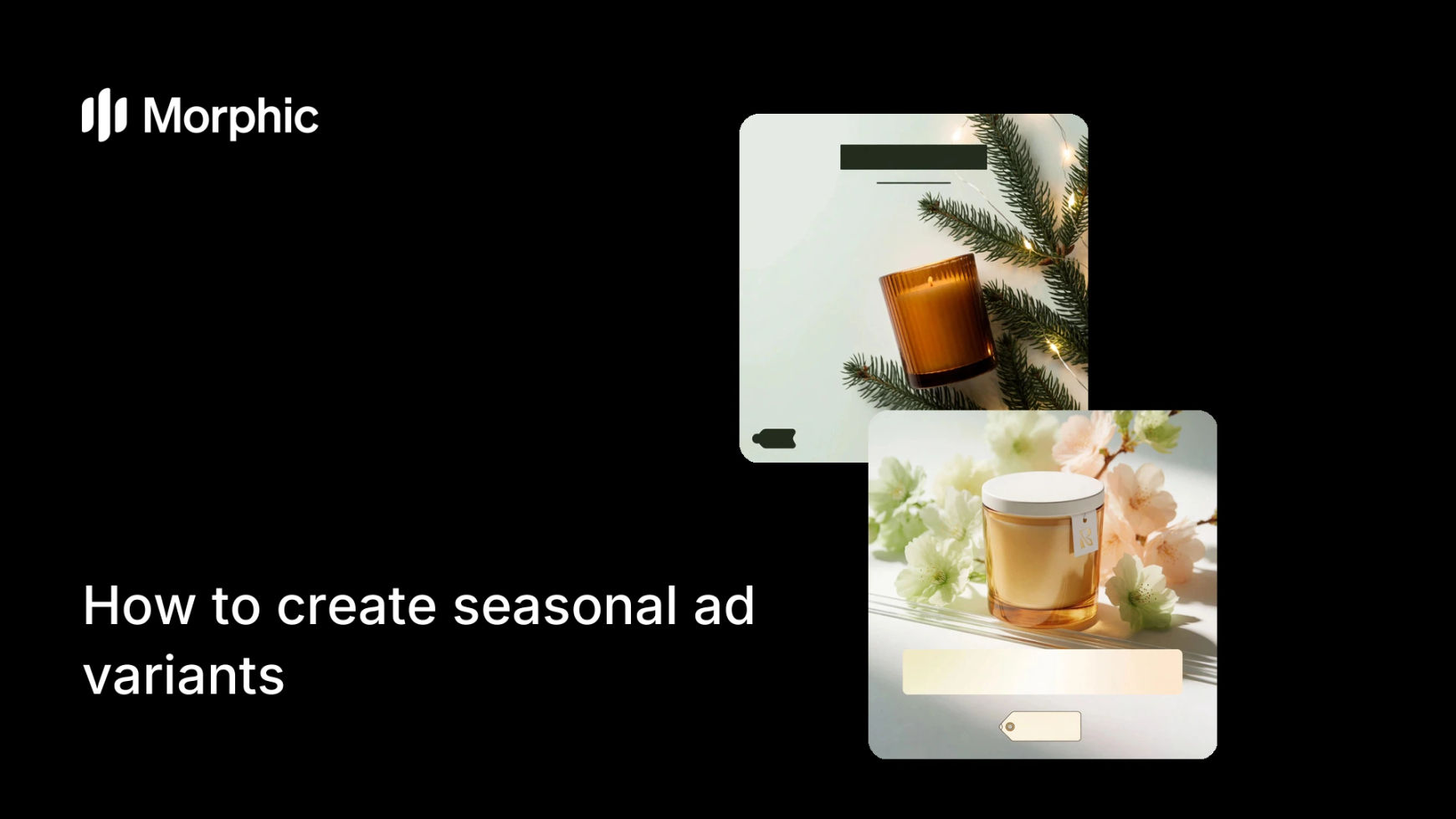
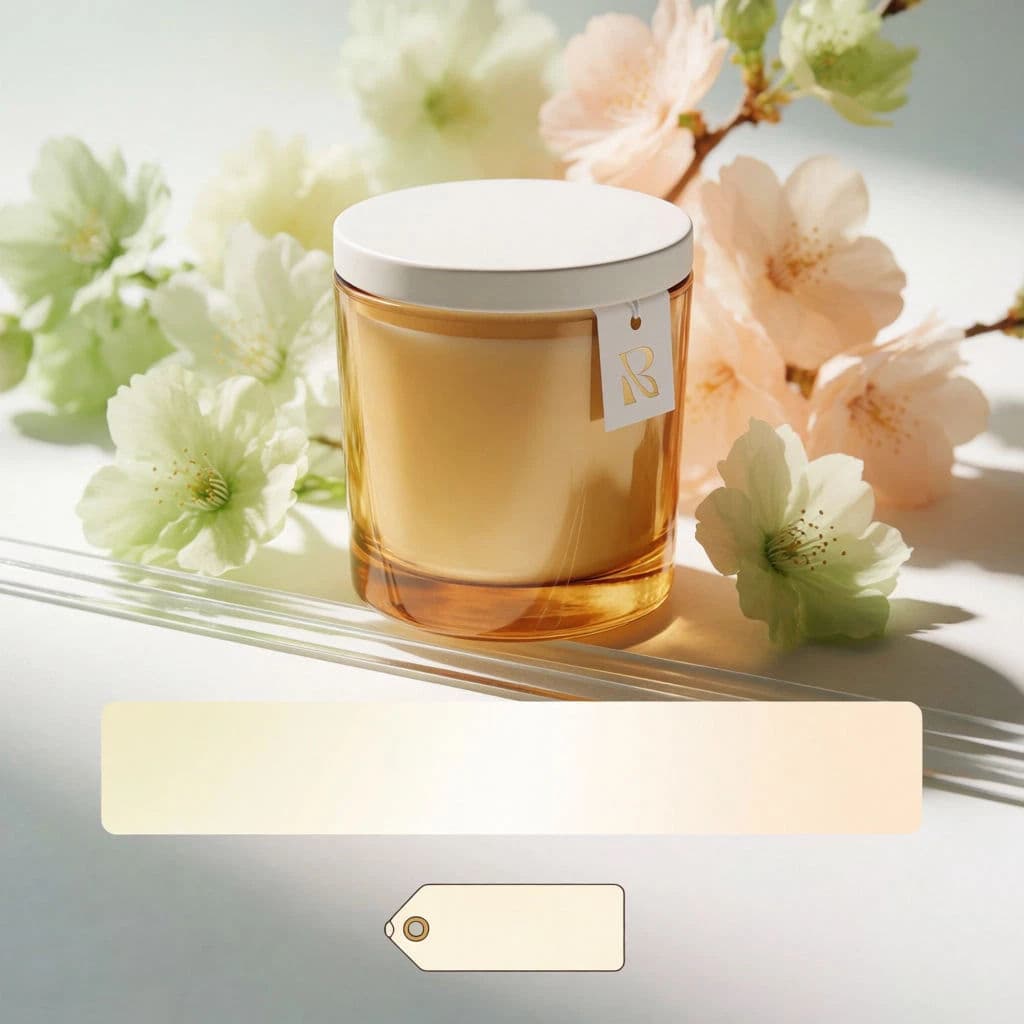
One product ad, restyled for two seasons.

What makes a great seasonal variant
| Quality | What it means | Why it matters |
|---|---|---|
| Consistent core | Layout and message stay fixed | The series reads as one campaign across the year |
| Believable season | The mood and props fit the moment | The ad feels timely instead of forced |
| Accurate product | The product survives the restyle | Viewers still trust what they are seeing |
| Planned ahead | The full calendar is ready early | You never scramble the week before a holiday |
Morphic vs re-shooting each season
| Morphic | Seasonal photo shoots | |
|---|---|---|
| Cost | One browser tool | A shoot and props for every season |
| Time | The full calendar in a session | Weeks of planning per seasonal push |
| Skill needed | Adjust a prompt | Set styling, photography, and editing |
| Consistency | Same base across every variant | Each shoot drifts from the last |
FAQs
Usually not. Keep the core message and layout fixed and change only the seasonal mood and props. A steady core is what makes the series feel like one campaign.
Yes. Generate the major seasons and holidays in one pass from the same base prompt, then store each so it is ready to schedule when its date arrives.
Check the product after each seasonal restyle and refine if a prop or color has crept over it. Styling should dress the scene without distorting what you sell.
Start with the moments your audience actually shops: the major holidays and the seasonal shifts relevant to your product. Build those first, then add smaller occasions.
Yes. Adapt every variant to feed, story, and banner ratios so the subject stays framed, then export each size in HD.
Yes. Variants you create with Morphic are yours to run across your paid and organic channels.