What is seasonal campaign imagery?
Seasonal campaign imagery is the visual set that dresses a store for a moment in the calendar, the holidays, back to school, spring launches, summer sales. It wraps familiar products in the colors, props, and mood of the season so the whole campaign feels timely and gives shoppers a reason to buy now.
With Morphic you generate this imagery from a text prompt in your browser. Describe the season, the palette, and the products, then adjust and download in HD. You can turn out a coordinated seasonal set for banners, ads, and social without a themed photo shoot.
Pick the season and its cues
Decide the moment and the visual shorthand that signals it, warm lights and evergreen for winter holidays, pastels and blooms for spring, warm sand tones for summer. These cues anchor the whole set.
Set a seasonal template
Open Morphic and describe a shared look for the campaign: the seasonal palette, props, lighting, and background you want on every image. Locking this template keeps banners, ads, and posts consistent.
Dress your products in the theme
For each product, describe it staged within the seasonal scene, on a festive surface, among themed props, in the season's light. Keep the product itself accurate while the setting carries the mood.
Generate placements for each channel
Prompt for the sizes the campaign needs, a wide hero banner, square social tiles, tall stories, each in the shared seasonal style so the campaign feels unified across channels.
Review and export the set
View the imagery together, confirm the seasonal feel is consistent, and regenerate anything that drifts. Download each image in HD, then schedule the campaign.
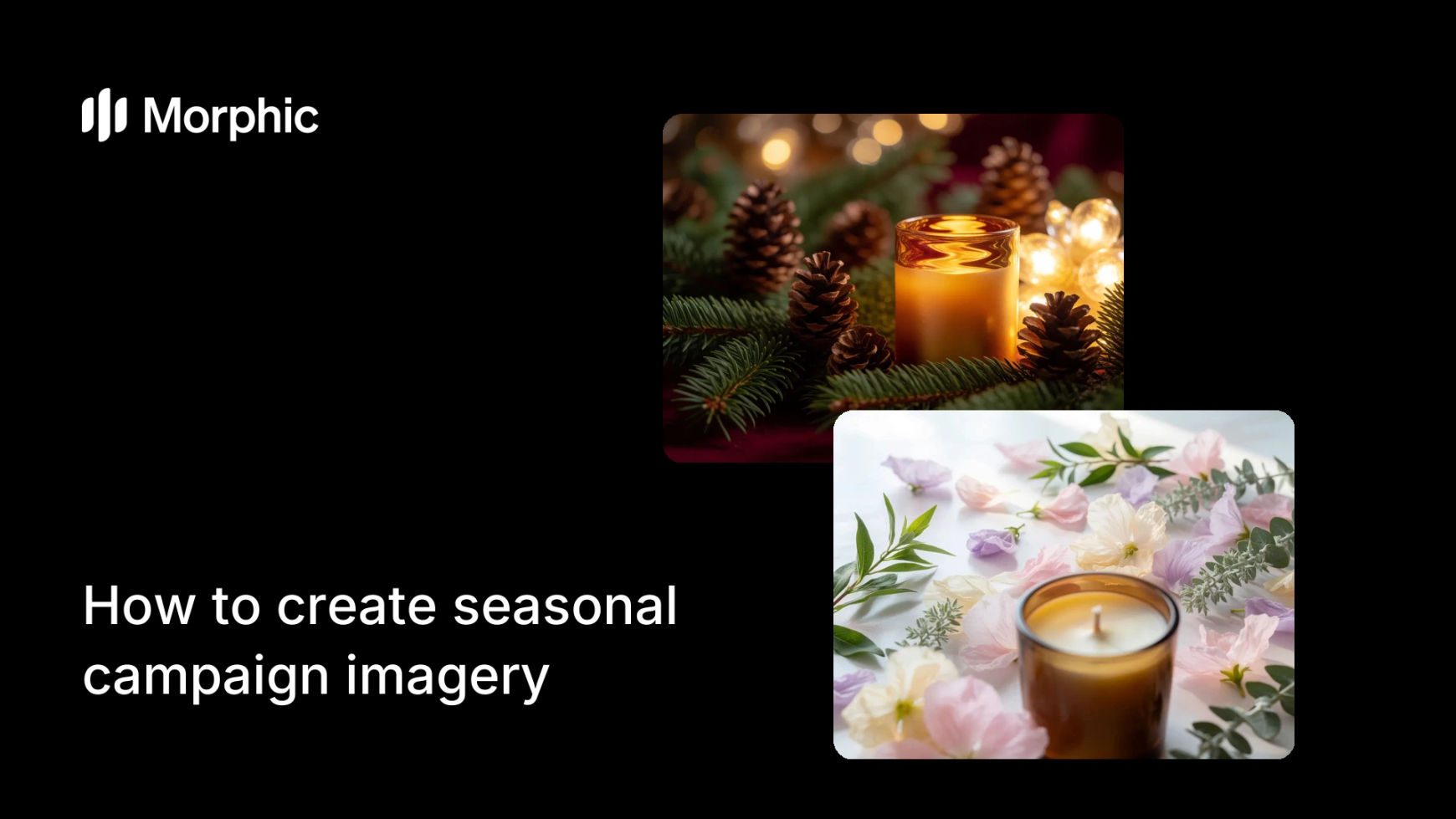
The same product dressed for two seasons to show a coordinated campaign look.


What makes great seasonal imagery
| Quality | What it means | Why it matters |
|---|---|---|
| Clear seasonal cue | The moment reads instantly | Shoppers feel the timeliness and urgency |
| Product accuracy | Items stay true under the theme | Buyers still recognize what they are buying |
| Coordinated set | Every placement shares the mood | The campaign feels planned, not patched |
| On-brand palette | Seasonal colors sit within the brand | The theme enhances rather than hides you |
Morphic vs the traditional route
| Morphic | Themed shoot or stock plus design | |
|---|---|---|
| Cost | Available on Morphic | Prop, set, and shoot expenses |
| Time | A campaign set in minutes | Weeks of planning and production |
| Skill needed | Describe the season in words | Art direction and photography |
| Reactivity | Spin up a new theme on demand | Booking lead time for each season |
FAQs
Set a seasonal template first, the palette, props, lighting, and background, and reuse it across every image. Review the set together and regenerate anything that drifts.
Yes. Describe the product accurately while letting the seasonal scene carry the mood, so buyers recognize the item and feel the timeliness.
Yes. Generate a wide hero banner, square social tiles, and tall stories in the shared seasonal style, then download each in HD.
Fast. Adjust the theme in your template and generate a fresh set in minutes, without booking a shoot for each moment on the calendar.
No. Describe the seasonal setting and props, and stage your products within it in the browser, no set build or location required.
Yes. Images you generate with Morphic are cleared for commercial use across your seasonal ads, email, and storefront.