What is a visual content calendar?
A visual content calendar plans your posts as pictures, not just rows of text. Instead of a spreadsheet of captions, you see the actual creative for each slot, so gaps in variety, tone, or color are obvious at a glance. Social teams and solo creators use it to keep a feed cohesive weeks ahead.
Morphic lets you build the visuals as you plan, generating a preview for each slot from a description. Sketch the month, generate a concept image for every post in your browser, adjust anything that clashes, and download the set. You walk away with both the plan and the assets, not a promise to make them later.
Map the month before you generate
List your posting slots and assign a theme to each: a product feature, a tip, a behind the scenes moment, a customer story. A clear map keeps the feed varied and stops two similar posts from landing back to back.
Generate a preview for each slot
Work down the calendar and describe the visual for each post to Morphic. Generate one concept per slot so you can see the real creative rather than imagining it. Seeing the images side by side makes weak spots in the plan easy to catch.
Check the feed as a whole
Line the previews up in posting order and look for rhythm. Fix anything that repeats a color or subject too closely, and refine slots that break the flow. A feed that reads well as a grid holds attention better than isolated strong posts.
Match each visual to its platform format
Different slots may go to different platforms, each with its own shape. Adapt each preview to the right aspect ratio so the framing holds, whether it is a vertical story or a square post. Download the set in HD.
Hand off the finished plan
Pair each visual with its caption and date so the calendar is ready to schedule. Because the creative already exists, there is no separate production step between planning and posting.
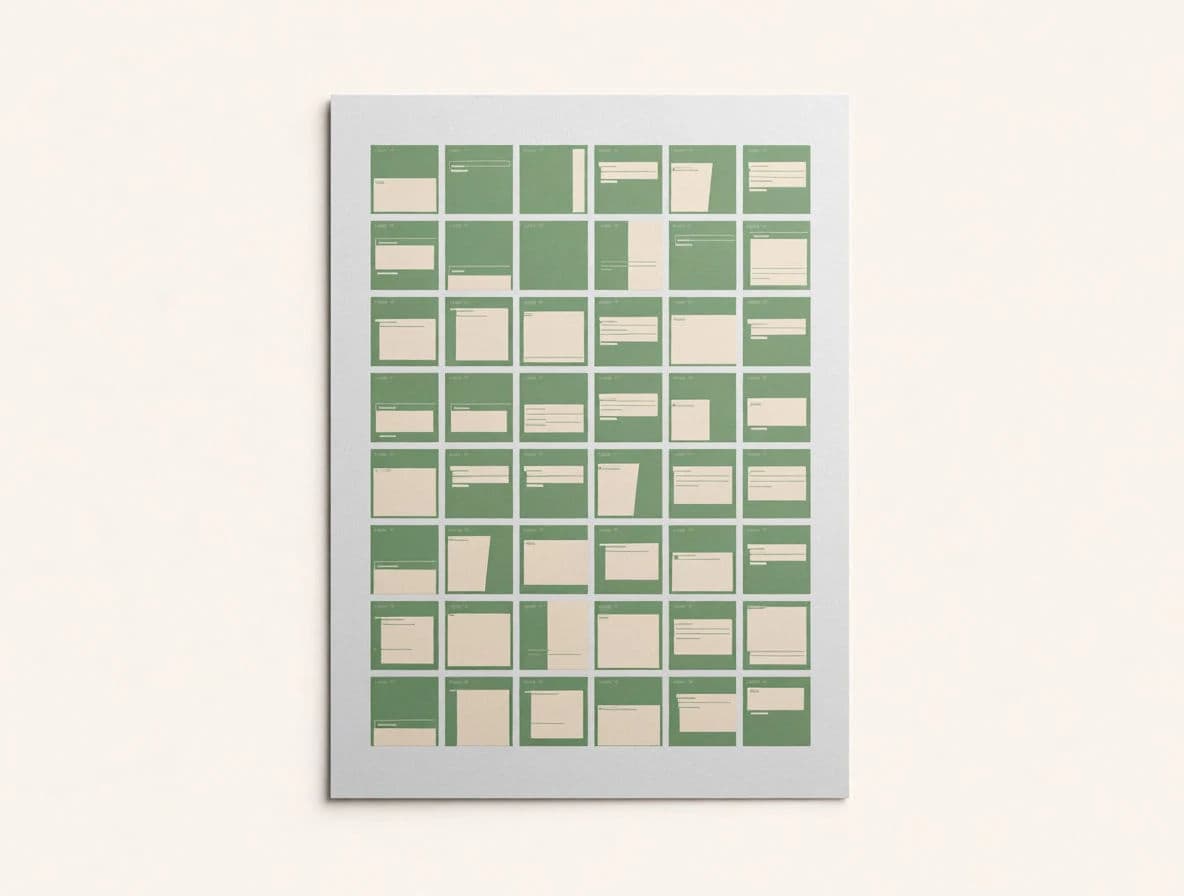
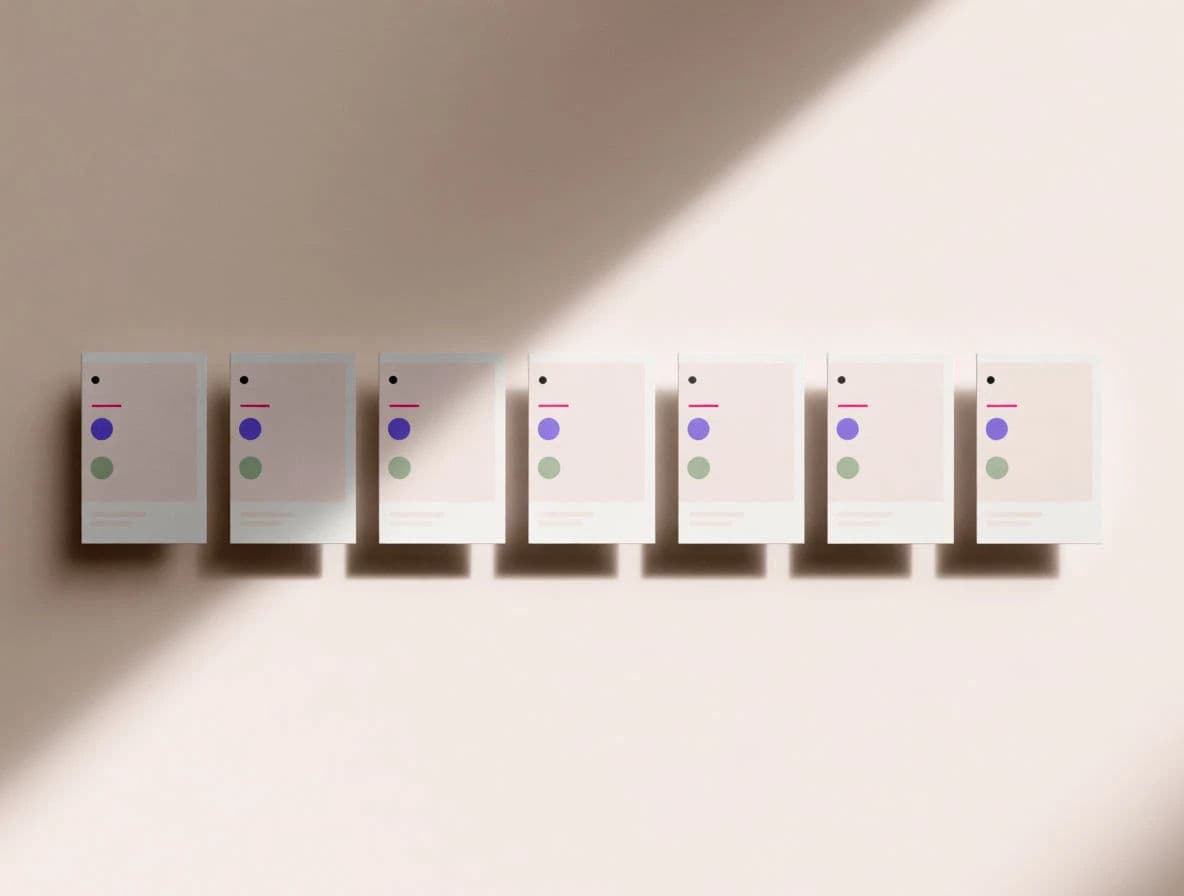
The same brand's calendar as a month grid and a week view.
What makes a great visual calendar
| Quality | What it means | Why it matters |
|---|---|---|
| Real previews | Each slot shows the actual creative | You catch problems while planning, not on posting day |
| Feed cohesion | The posts work together as a grid | The profile looks intentional, not random |
| Theme variety | No two adjacent posts feel the same | The feed stays fresh and holds followers |
| Platform fit | Every visual matches its channel shape | Framing carries straight into the post |
Morphic vs a text-only calendar
| Morphic | Spreadsheet plus separate design | |
|---|---|---|
| Cost | One browser tool | A design subscription and hours per post |
| Time | Plan and create in one session | Plan first, then build every asset later |
| Skill needed | Write a clear prompt | Design tools and asset management |
| Visibility | See the whole feed as a grid | Guess how the posts look together |
FAQs
A spreadsheet hides how posts look together. Seeing real previews in posting order lets you catch clashing colors, repeated subjects, and thin variety while there is still time to fix them.
Yes. Generate a concept image for each slot as you build the calendar, so planning and production happen in one pass instead of two.
A month is a practical horizon. It is long enough to keep the feed cohesive and short enough that themes stay relevant. Extend once the rhythm is working.
Assign a distinct theme to each slot and check the previews as a grid. Refine any slot that repeats a color or subject too closely with its neighbors.
Yes. Adapt each preview to the aspect ratio of its destination so a vertical story and a square post both frame correctly, then export in HD.
Yes. The creative you generate with Morphic is yours to post across your brand's social channels.