What is a B2B display ad?
A B2B display ad is a banner that runs on websites, ad networks, and LinkedIn to reach business buyers with a clear offer. It usually pairs a short benefit-led headline with a call-to-action button, a product or brand cue, and enough white space to stay readable at small sizes. Marketing teams rely on these ads to drive demo requests, whitepaper downloads, and pipeline, so clarity matters more than decoration.
With Morphic you design the ad from a text prompt in your browser. Describe the offer, the headline, the CTA text, and your brand colors, then adjust and download in HD. You get a polished, on-brand banner without opening design software or waiting on a designer.
Define the offer and the audience
Decide what the ad is asking a business buyer to do, such as book a demo, start a trial, or download a report. Write the single headline and CTA that make that action obvious before you generate.
Describe the layout
Open Morphic and describe a clean banner: headline on the left, a supporting line, a CTA button, and space for a logo. Specify the aspect ratio you need, such as a leaderboard or a square, so the composition fits the placement.
Apply your brand look
Ask for your brand colors, an accent color for the CTA button, and a font style that reads clearly at small sizes. Keep contrast high so the headline and button stand out against the background.
Generate variants to test
Produce two versions with different headlines or button copy so you can compare which framing lands. Small changes to the value proposition often move click-through more than visual tweaks.
Check legibility and export
Preview each variant at the size it will appear in the placement and confirm the headline and CTA stay sharp. Download in HD, then upload to your ad platform.
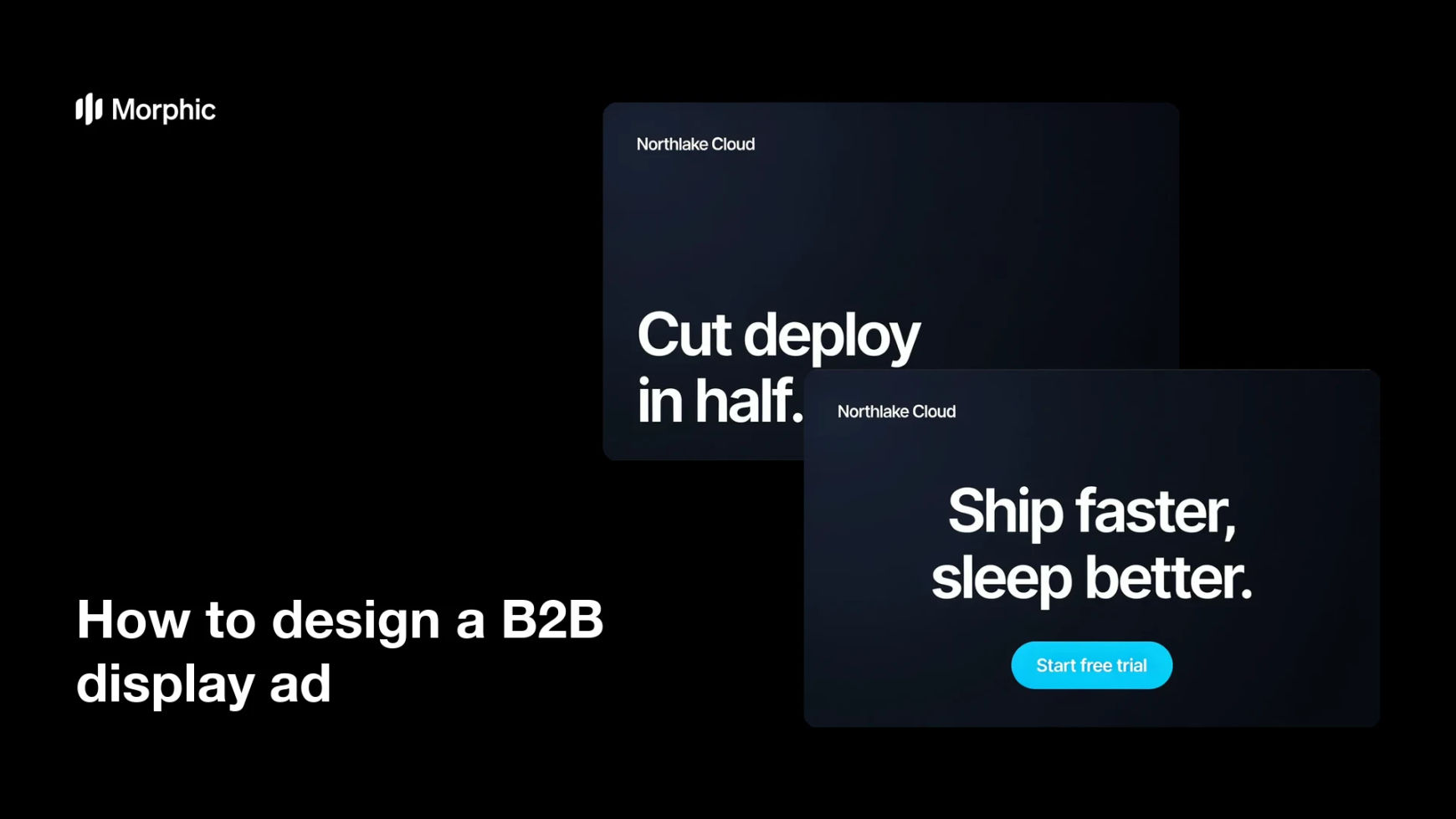
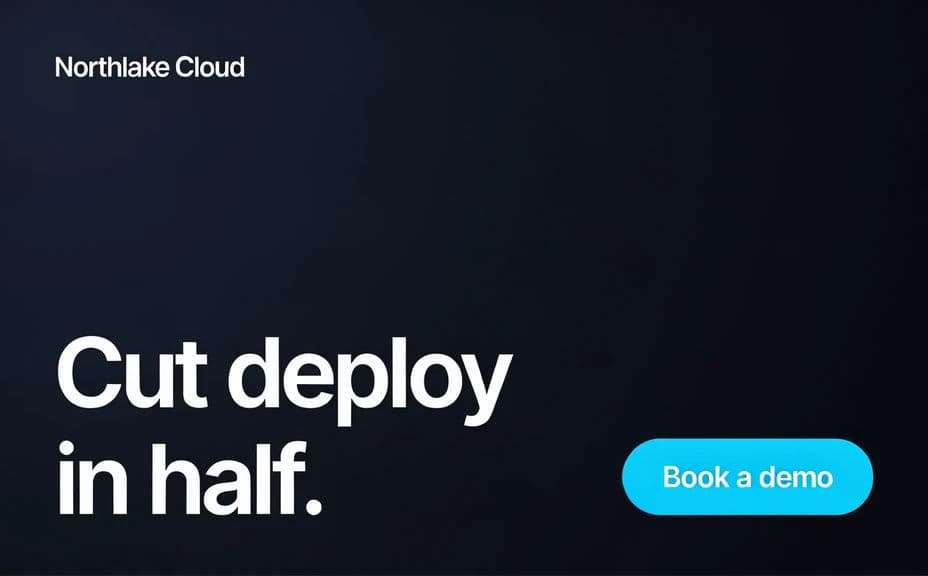
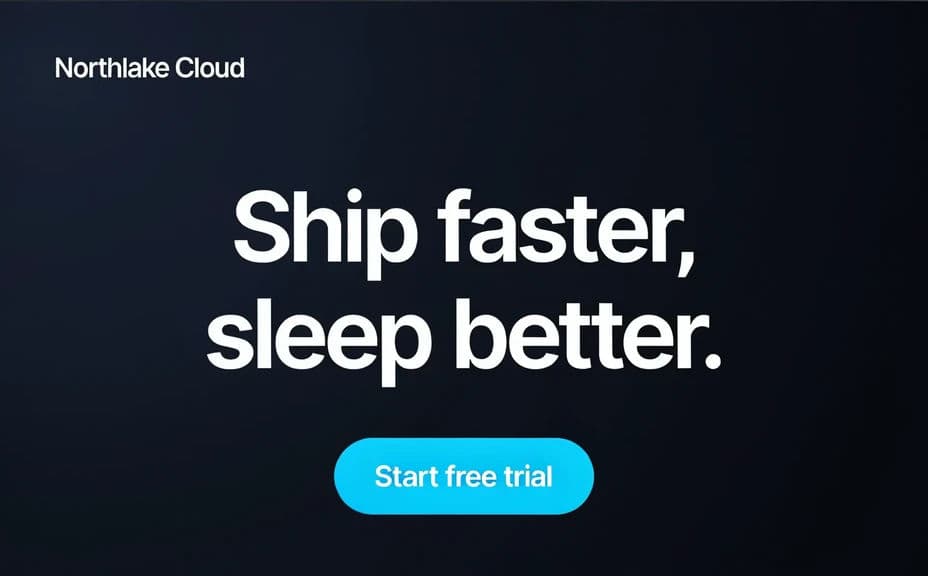
Two creative variants of the same B2B display ad, each with its own headline and CTA button.
What makes a good B2B display ad
| Quality | What it means | Why it matters |
|---|---|---|
| Clear headline | One benefit stated in a few words | Buyers grasp the offer in a glance |
| Obvious CTA | A button with a specific action | It tells the reader exactly what to do next |
| Legible at small sizes | Text stays sharp in tight placements | The ad works across networks and devices |
| On-brand styling | Colors and type match your identity | The ad builds recognition and trust |
Morphic vs the traditional way
| Morphic | Design software or a designer | |
|---|---|---|
| Cost | Available on Morphic | Software subscription or design fee |
| Time | A finished banner in minutes | Hours of layout and revision |
| Skill needed | Describe it in plain language | Layout and typography skills |
| Consistency | Regenerate variants on brand | Manual rework for every version |
FAQs
Yes. Specify the exact headline and button copy in your prompt, and generate the banner around them. You can regenerate with new wording any time.
Yes. Describe your brand colors, CTA accent, and font style, and the ad renders to match. Keep contrast high so the headline and button stay readable.
Any standard placement. Specify the aspect ratio you need, such as a leaderboard, square, or skyscraper, and the layout adapts to fit.
Yes. Generate versions with different headlines or button copy so you can A/B test which framing drives more clicks before you scale spend.
Yes, if you prioritize legibility. Preview each ad at placement size, keep high contrast, and regenerate if any line looks cramped before you publish.
Yes. Banners you generate with Morphic are cleared for commercial use across your campaigns and ad networks.