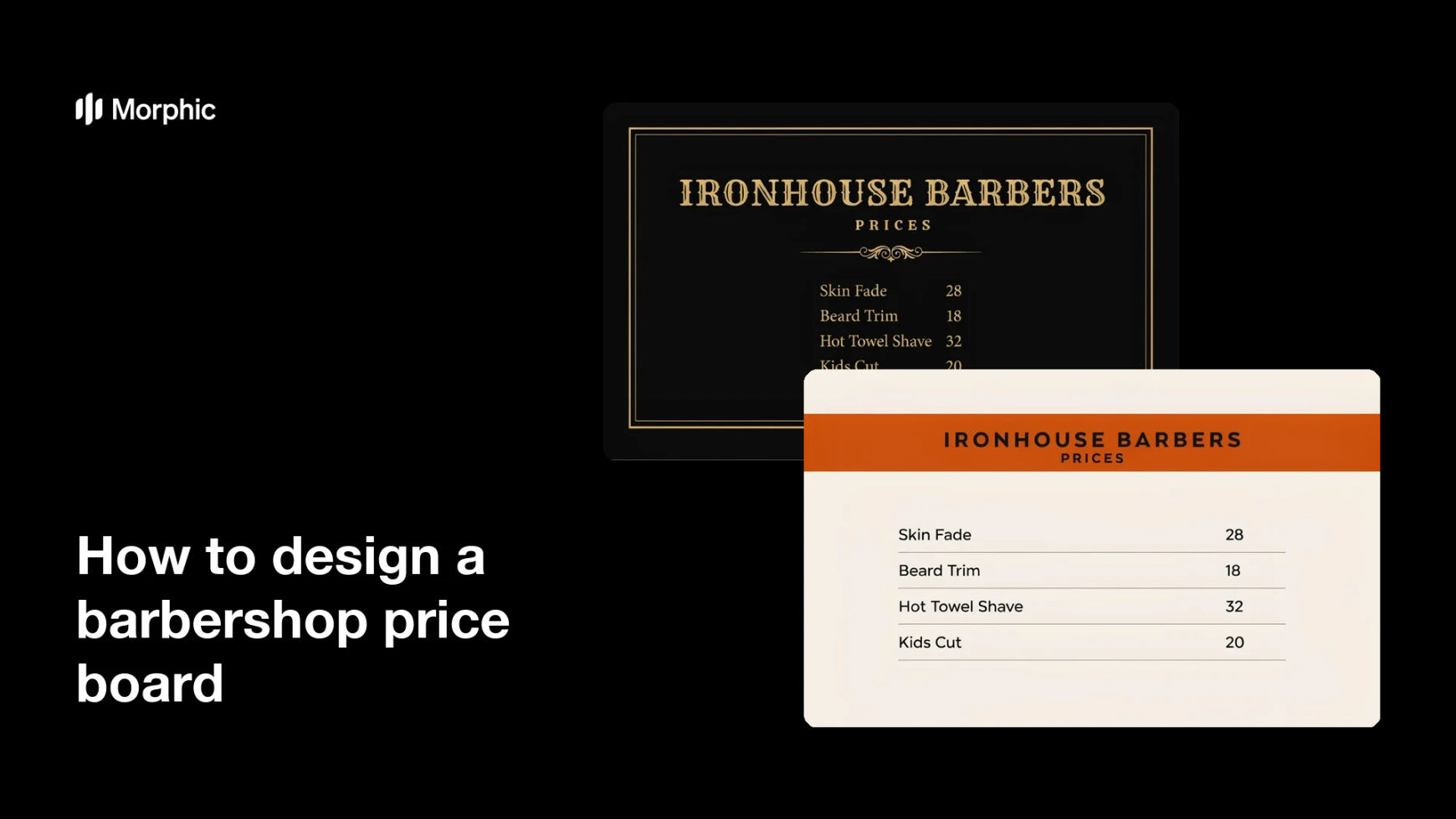
What is a barbershop price board?
A barbershop price board is the posted list of services and rates that customers read on the wall, in the window, or on a social post. Barbers and shop owners use it to answer the most common question before it gets asked, which keeps the chair moving and avoids awkward conversations at the till.
With Morphic you describe your service list and the character of the shop, and get a designed board in your browser. Give the exact service names and the styling you want in plain language, check the text reads from across the room, and download in HD.
List your services in order
Write out the services you actually want to promote, putting the most booked cut at the top. A short, ordered list is easier to scan than a full menu of every variation you offer.
Give Morphic the exact wording
Supply the service names and rates as the precise strings you want rendered, kept short. Exact copy means the board comes out usable rather than needing a redesign around placeholder text.
Describe the shop's style
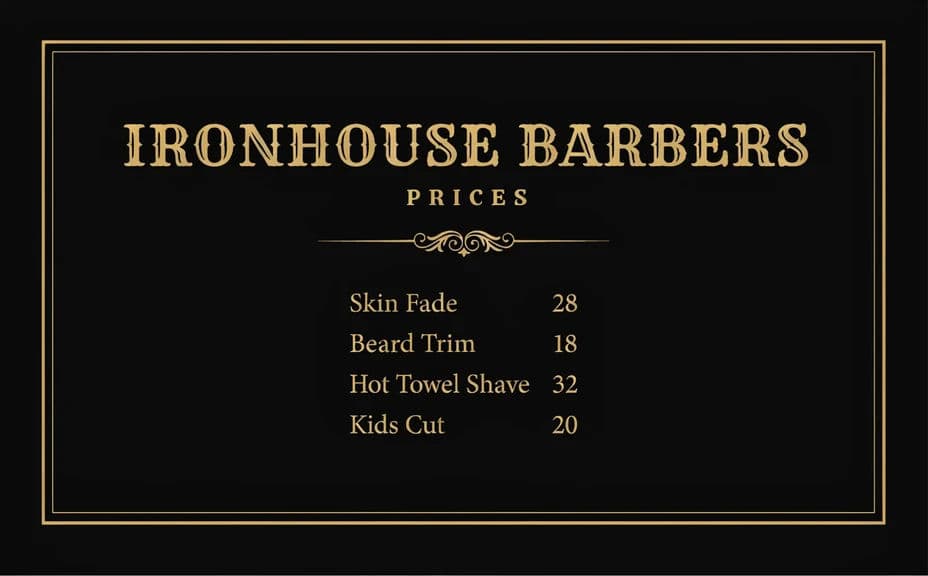
Ask for the look that matches your space, whether that is classic gold-on-black signwriting, stripped-back industrial, or a bold modern layout. The board is part of the interior, so it should feel like it belongs on your wall.
Set the hierarchy and spacing
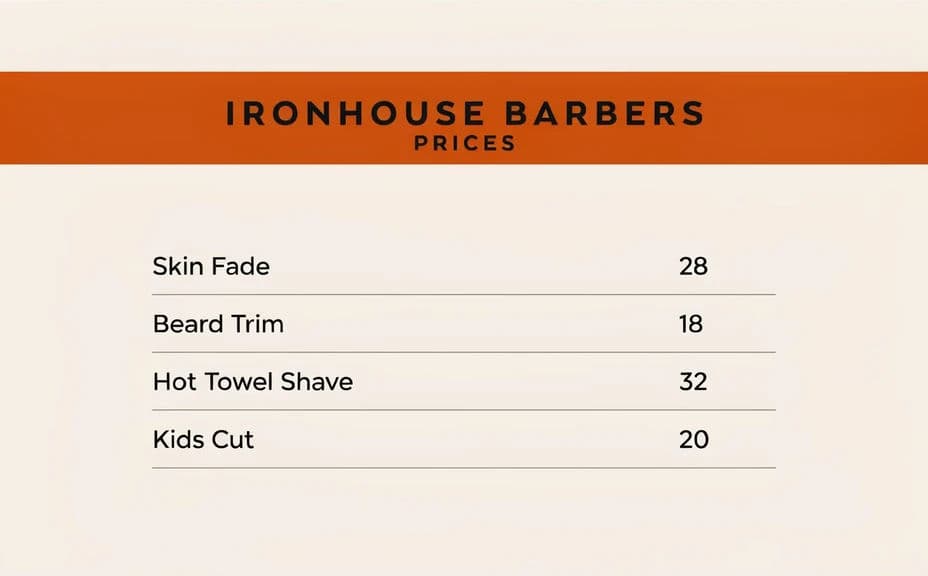
Tell Morphic to keep service names and prices aligned in clear columns with generous spacing between rows. A board is read at a distance, so alignment and breathing room matter more than decoration.
Export for print and for social
Generate a tall portrait version for printing and mounting, plus a square crop for your booking page and feed. Download each in HD, cleared for commercial use.
Two design options for the same barbershop price board, so you can pick the one that fits your shop.
What makes a good barbershop price board
| Quality | What it means | Why it matters |
|---|---|---|
| Readable at distance | Type is large and well spaced | Customers read it from the waiting bench, not up close |
| Clean alignment | Services and prices line up in columns | A misaligned list is slow to scan and looks careless |
| Short service list | Only the cuts you want to sell | A long menu buries your most profitable service |
| Shop character | Styling matches your interior and signage | The board reinforces the brand instead of fighting it |
Morphic vs the traditional way
| Morphic | A sign shop or freelance designer | |
|---|---|---|
| Cost | Available on Morphic | Design fees plus a new quote for every update |
| Time | A finished board design in minutes | Briefs, proofs, and a production wait |
| Skill needed | Describe it in plain language | Layout and typography skills or a design brief |
| Consistency | Matches your posters and social posts | Separate suppliers produce mismatched styles |
FAQs
Give the exact strings you want, keep the list short, and ask for crisp, legible text. Then read the result line by line before printing, since a board with a wrong rate causes real problems at the counter.
Six to ten is a good range. Beyond that the type gets small and customers stop scanning, so keep rare add-ons on a separate card at the desk.
Yes. Describe your signage colours, materials, and lettering style, then reuse the same description so the board, your posters, and your window all agree.
A tall portrait format around A2 suits most walls, with A3 for a smaller space beside the mirror. Download in HD so the lettering stays sharp at print size.
Regenerate the board with the new figures using the same style description. Keeping that description saved makes the next update a quick swap rather than a fresh design job.
Yes. Export a square or vertical crop alongside the print version, and use it on your booking page and feed. Downloads have no watermark and are cleared for commercial use.