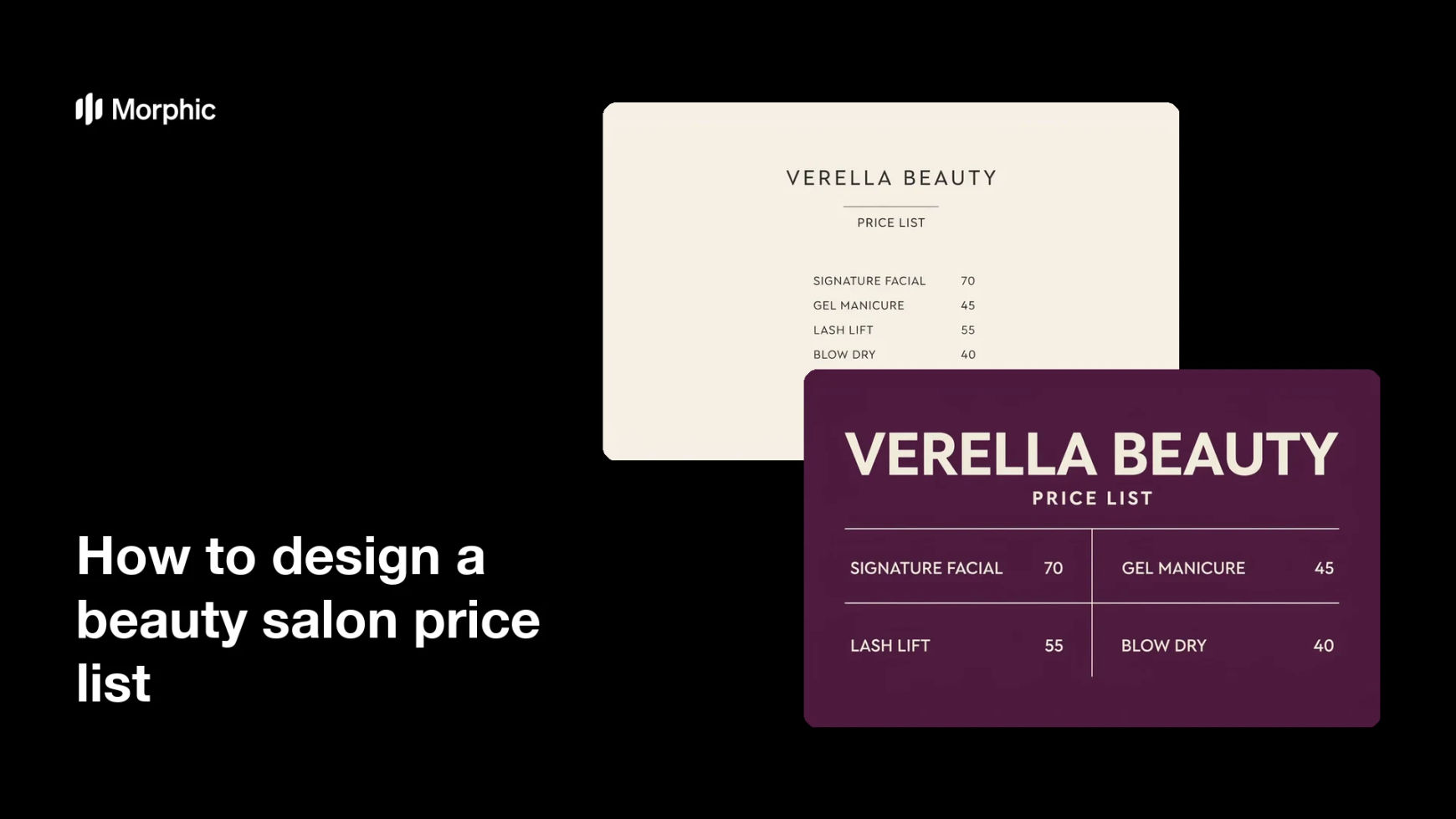
What is a beauty salon price list?
A beauty salon price list is the menu of services and prices a salon shows on the wall, at reception, on its website, and in social posts. It groups treatments into sections, pairs each one with a price, and does all of that in the salon's own visual style. Salon owners depend on it to answer the most common question before a client has to ask.
With Morphic you design this list from a text prompt in your browser. Give the service names and prices, describe the layout and brand look, then compare a couple of designs. Download the chosen one in HD for print, screen, and social use.
Write the service list
List every treatment with its exact name and price, grouped into sections such as hair, nails, and skin. Getting the wording final before you generate saves a second round of edits.
Describe the layout
Open Morphic and describe a clean menu: a heading, clear section titles, and prices aligned down one side. Say how many services should appear so the page does not feel crowded.
Apply the salon's look
Ask for your brand colours, a font style that suits the salon, and the salon name at the top. Keep contrast strong so the list reads from a few steps away.
Proofread the rendered text
Read every service name and price on the generated design and confirm the spelling and figures are correct. Regenerate any version where the type looks cramped or a number is off.
Export for print and screen
Preview the design at poster size and as a phone-sized image to confirm both work. Download in HD, then print it and post the same file to your channels.
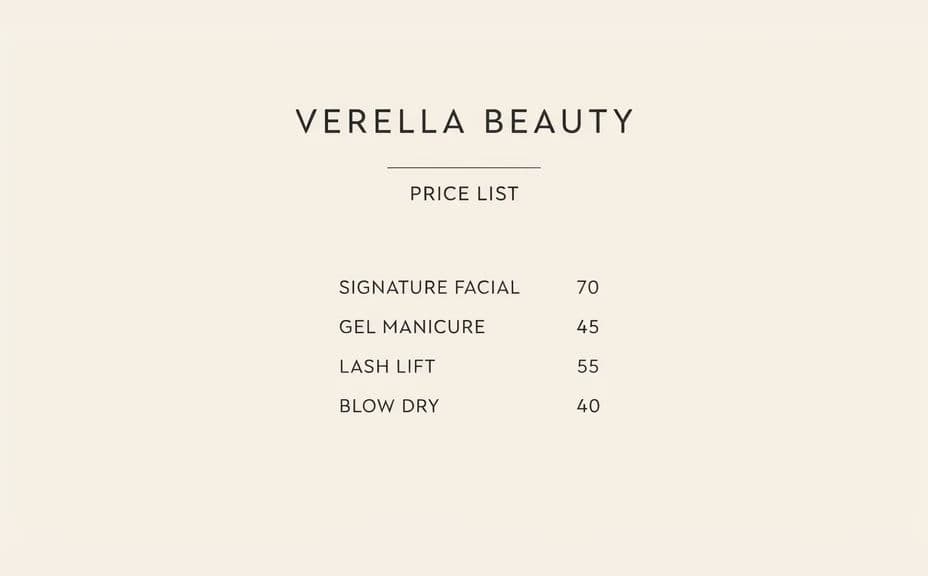
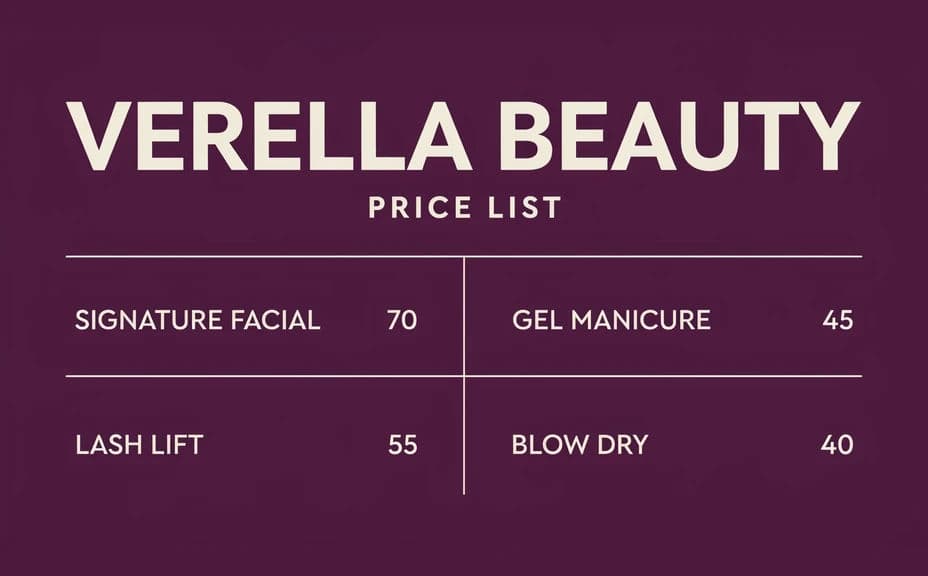
Two layout options for the same salon price list, each carrying the same services and prices.
What makes a good salon price list
| Quality | What it means | Why it matters |
|---|---|---|
| Readable at a glance | Type is large and high contrast | Clients scan it while standing or scrolling |
| Clear grouping | Services sit in labelled sections | People find their treatment without hunting |
| Prices aligned | Figures line up in one column | Comparing options takes a second, not a minute |
| On-brand styling | Colours and type match the salon | The list looks like part of the space, not a notice |
Morphic vs the traditional way
| Morphic | A designer or template tool | |
|---|---|---|
| Cost | Available on Morphic | Design fee or a software subscription |
| Time | A finished layout in minutes | Hours of setup and revision rounds |
| Skill needed | Describe it in plain language | Layout and typography skills |
| Consistency | Regenerate options that match | Manual rework every time prices change |
FAQs
Yes. Provide the wording and figures in your prompt, then proofread the rendered text and regenerate if anything is misspelled.
Keep it to what stays legible at the size people will read it. Split a long menu across two designs rather than shrinking the type.
Yes. Ask for a couple of layouts of the same list and compare them side by side, then take the clearer one forward.
Yes. Describe your colours, font style, and salon name, and generate the list to match. High contrast keeps it readable in a bright room.
Describe the new figures and regenerate. There is no file to reopen and re-typeset, so keeping the list current is quick.
Yes. Download in HD and use the same design as a printed poster, a reception card, and a social post.