What is a Black Friday banner?
A Black Friday banner is the headline visual for a store's biggest sale of the year, the image that announces the deal across the homepage, ads, and email. It has one job: make the offer bold and unmissable in a crowded, discount-heavy weekend, so contrast, urgency, and a clear discount are everything.
With Morphic you design this banner from a text prompt in your browser. Describe the deal, the mood, and your brand look, then adjust and download in HD. You get a striking, on-brand sale banner without opening design software or hiring out.
Lock the deal and the headline
Decide the offer and the single line that sells it, a sitewide percentage, a doorbuster, a limited window. A sharp headline gives the banner its focus before you generate.
Set a bold Black Friday look
Open Morphic and describe a high-contrast design, typically dark and dramatic with a bright accent, that suits the weekend while staying on brand. Generate a few directions and pick the one with the strongest impact.
Make the discount the hero
Prompt for the offer to dominate, a large discount figure or badge as the focal point, with room for your headline. The saving should be the first thing a scrolling shopper sees.
Add urgency and a clear action
Include a time-limited cue and space for a call to action like Shop Now. Urgency plus a clear next step is what turns a banner into clicks during the sale rush.
Export every size you need
Generate the placements the campaign requires, a wide site banner, square social, tall stories, an email header, and download each in HD so the sale looks sharp everywhere.
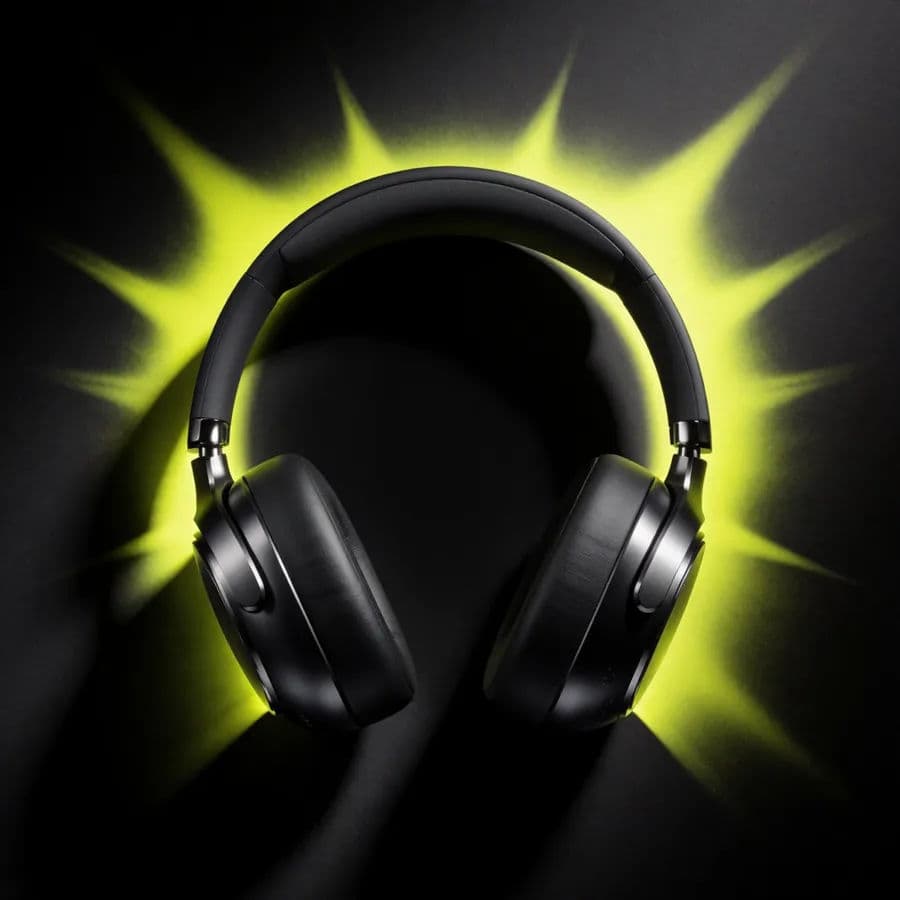
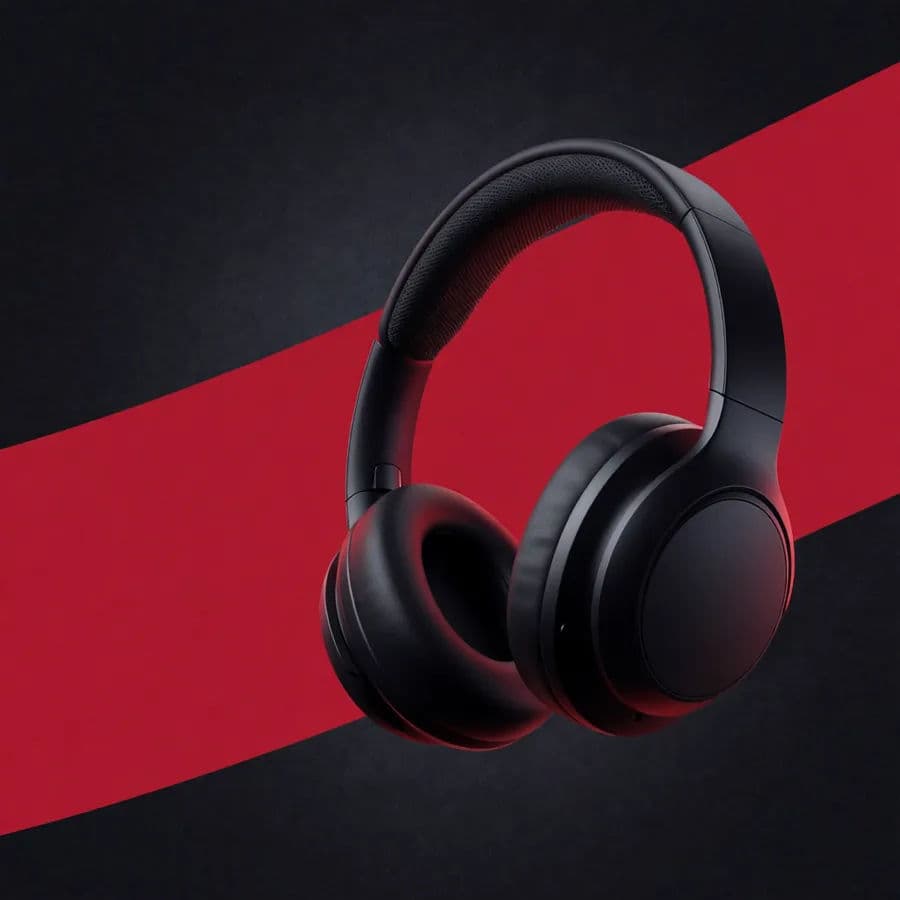
Two Black Friday directions: a stark dark-and-neon layout and a bold red-accent layout.
What makes a great Black Friday banner
| Quality | What it means | Why it matters |
|---|---|---|
| High contrast | Bold colors that grab attention | The banner cuts through a busy sale weekend |
| Discount as hero | The saving is the focal point | Shoppers see the value instantly |
| Urgency cue | A clear time-limited signal | Buyers act now instead of later |
| On-brand styling | Colors and type still feel like you | The sale looks legitimate, not generic |
Morphic vs the traditional route
| Morphic | Design software or agency | |
|---|---|---|
| Cost | Available on Morphic | Software subscription or design fee |
| Time | Every size in minutes | Hours per layout under deadline |
| Skill needed | Describe the sale in words | Layout and typography skills |
| Variations | Regenerate for each channel | Rebuild each size by hand |
FAQs
Go high contrast, typically dark and dramatic with a bright accent, and make the discount the focal point. That impact is what cuts through a crowded sale weekend.
Yes. Include a time-limited cue and space for a clear call to action. Urgency plus a next step is what turns views into clicks.
Yes. Create a wide site banner, square social, tall stories, and an email header, then download each in HD so the sale is sharp everywhere.
Yes. Describe your brand colors and font style so the bold Black Friday look stays recognizably yours rather than generic.
Very fast. Describe the deal and generate the full set in minutes, then regenerate any size that needs a tweak.
Yes. Banners you generate with Morphic are cleared for commercial use across your site, ads, and email.