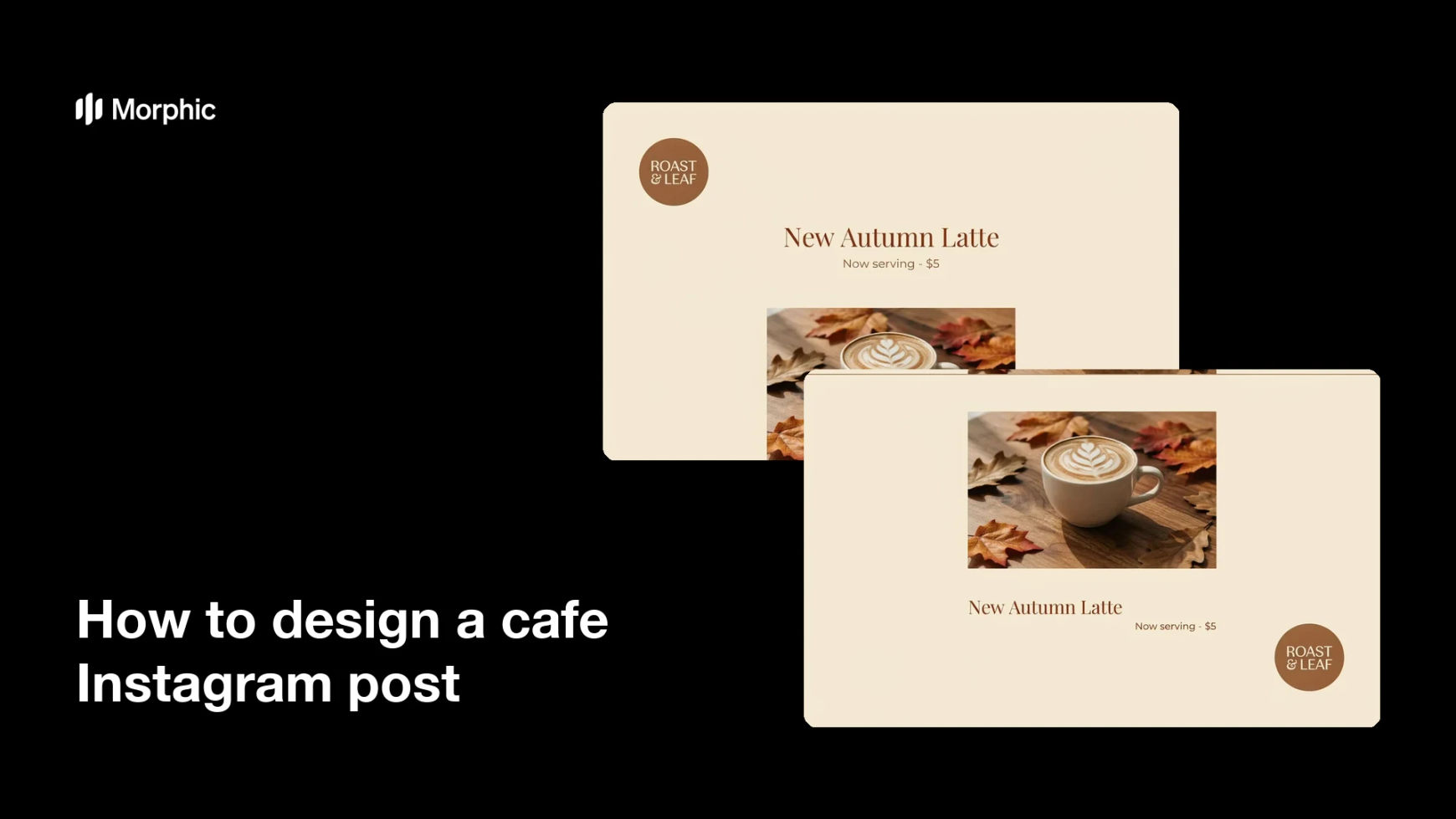
What is a cafe Instagram post?
A cafe Instagram post is a branded image that shares a drink, a special, or the mood of your space. Cafe owners use it to draw regulars back and reach new customers scrolling their local feed. A good one pairs an inviting photo with a short caption or offer that reads clearly on a phone.
Morphic lets you design one in the browser without design software. You describe the layout, set the caption or offer text, and choose an on-brand style in plain language. When it looks right, you download the post in high resolution, ready to publish.
Choose your photo or scene
Start with an inviting shot of a drink, a pastry, or your cafe interior. A warm, well-lit image sets the mood and gives the post a strong base.
Write your caption or offer
Tell Morphic the short text you want on the image, such as a new drink name or a happy-hour deal. Keep it brief so it stays easy to read in a busy feed.
Set your brand style
Ask for your cafe colors and a font mood that matches your signage and menu. A consistent look helps followers recognize your posts at a glance.
Balance the layout
Position the text where it stands out against the photo without covering the food or drink. Clear spacing keeps the post looking calm and professional.
Review and download
Check that the caption is readable and the photo looks inviting, then generate a couple of design options. Download the version you like in high resolution and post it to Instagram.
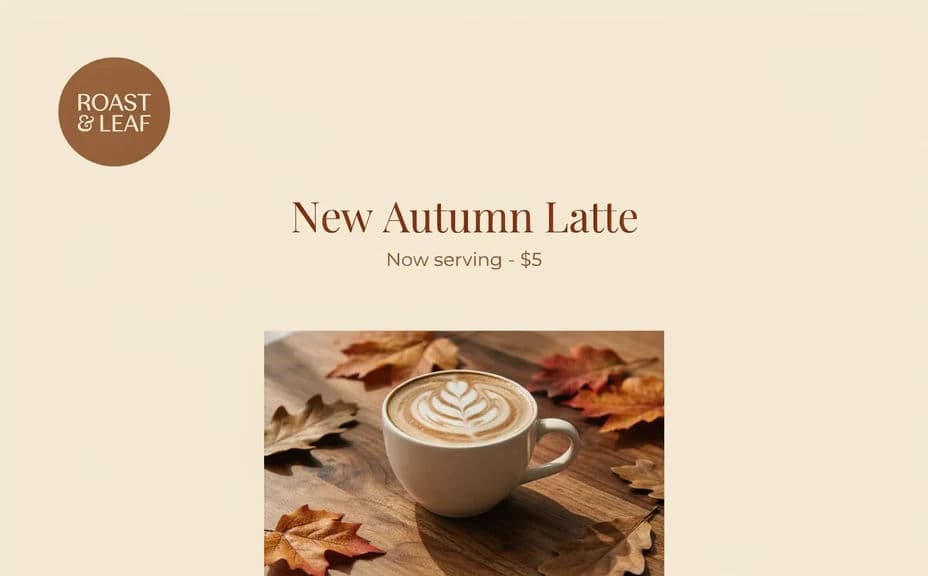
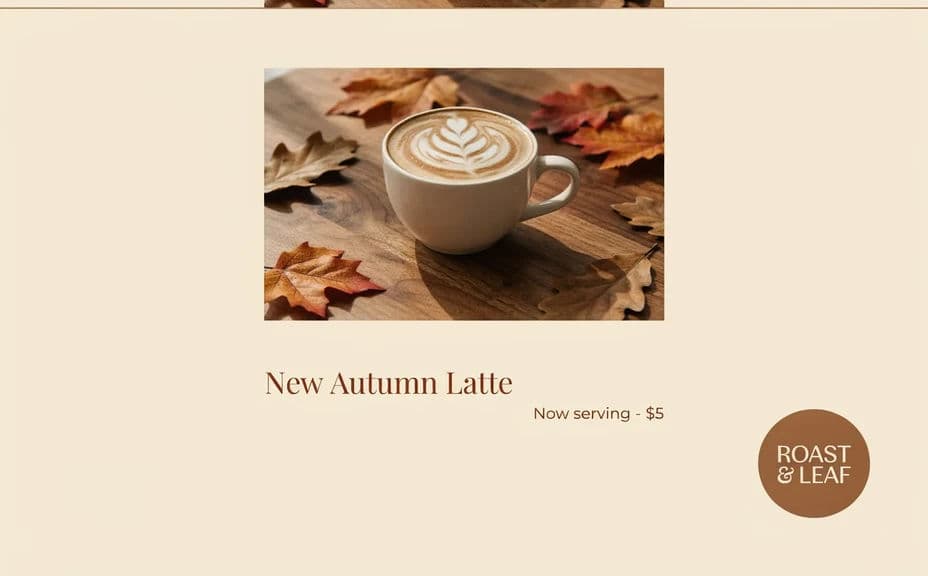
The two tiles below show two post designs for the same cafe, each carrying a short caption and the same offer text.
What makes a good cafe Instagram post
| Quality | What it means | Why it matters |
|---|---|---|
| Inviting photo | Warm, appetizing image of the item or space | It stops the scroll and draws people in |
| Clear caption | Short text that is easy to read | Followers grasp the message in a second |
| On-brand style | Your colors and type on every post | Your cafe becomes recognizable in the feed |
| Balanced layout | Text and photo share the space well | The post looks tidy and professional |
Morphic vs the traditional way
| Morphic | A design agency | |
|---|---|---|
| Cost | Available on Morphic | Per-post design fees |
| Time | Ready in minutes | Days of back-and-forth |
| Skill needed | Describe it in plain language | Design software and layout skills |
| Consistency | Same branded look every time | Varies by designer and brief |