What is a certificate of completion?
A certificate of completion is the formal document awarded when someone finishes a course, a training module, or a programme. It names the recipient, states what was completed, and carries a date, an issuing organisation, and usually a seal or signature line. Schools, training providers, and employers use it as proof of learning that a graduate can keep, print, or attach to an application.
With Morphic you design that certificate from a text prompt in your browser. Describe the award wording, the issuing body, and the formality you want, compare a couple of layouts, then download in HD. You get a document that looks officially produced without commissioning a template.
Write the award wording
Settle the exact lines: the award statement, the course or programme name, the issuing organisation, and the date format. Fixed wording is what keeps the rendered text correct and consistent across every recipient.
Describe the certificate layout
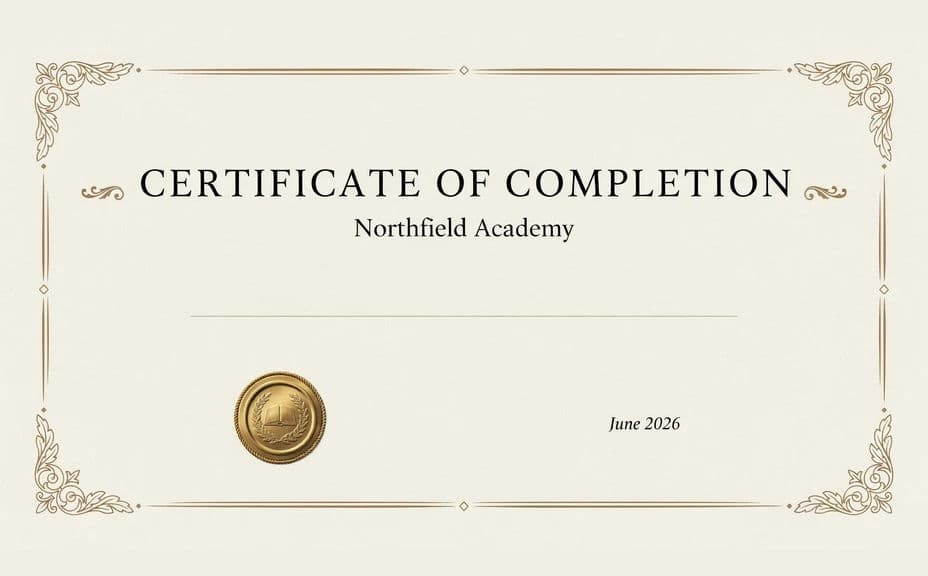
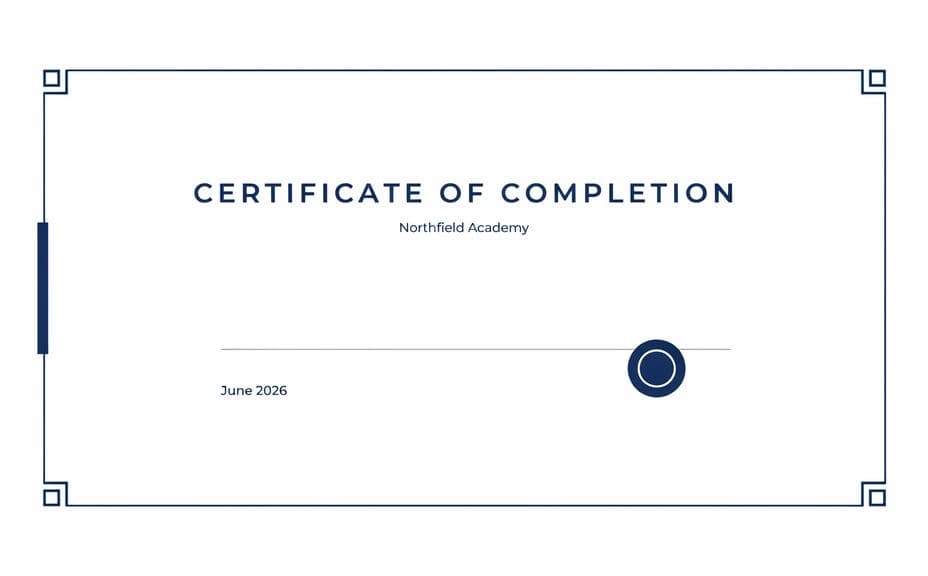
Open Morphic and describe a landscape certificate with a heading, a centred award statement, a signature line, and a seal. Ask for a couple of layouts so you can compare how formal each one feels.
Set the tone and branding
Ask for the border style, colours, and type that suit the issuing organisation, from classic and ornate to modern and restrained. Keep the centre area clear so the recipient name has room to sit.
Proof every line
Read the award statement, the organisation name, and the date carefully on each option. Regenerate any version where a word is misspelled or the type crowds the border.
Export and issue
Download the chosen layout in HD at a landscape page ratio. Add each recipient's name in your document tool, then print or send the certificate as a PDF.
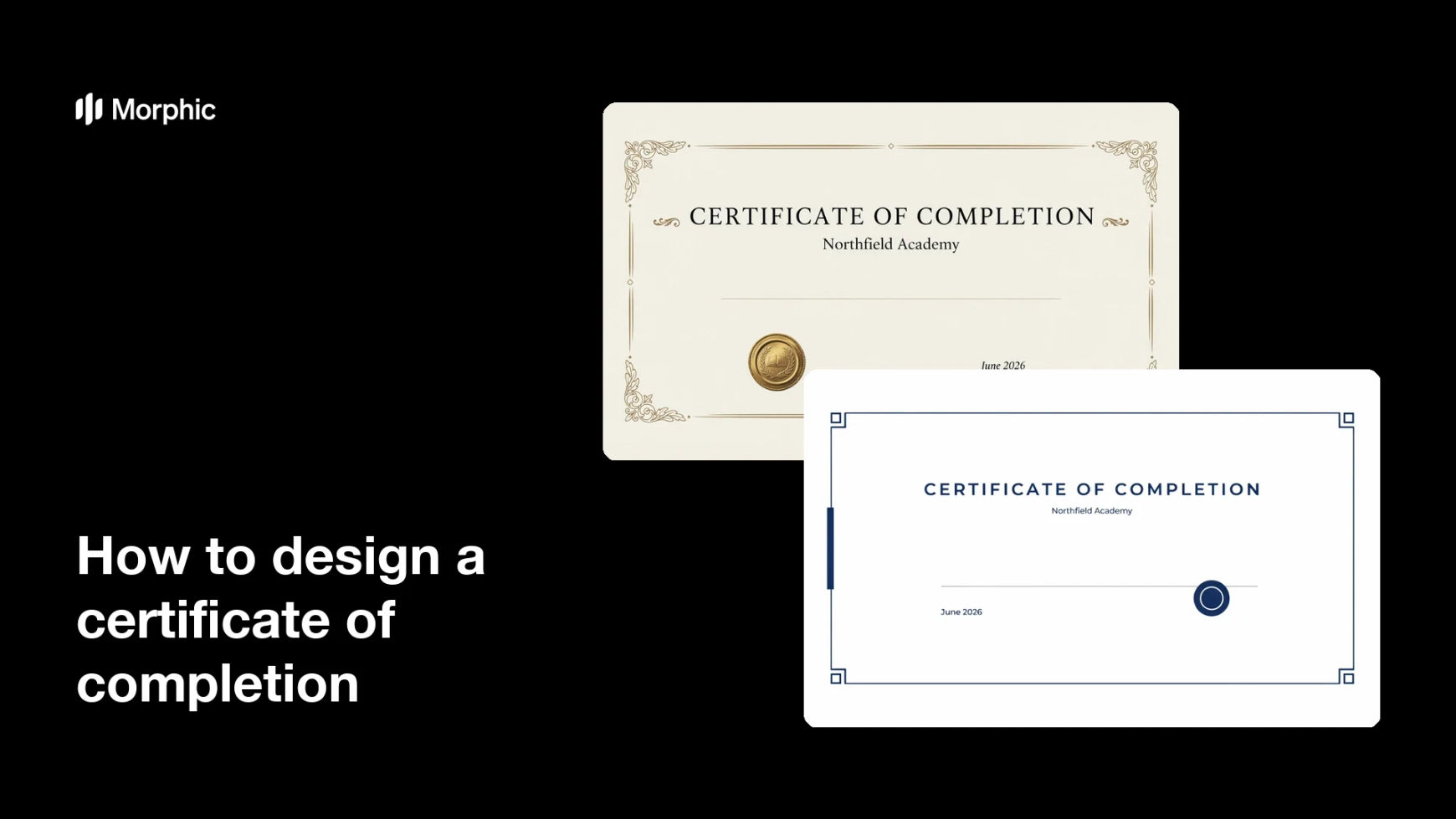
Two layout options for the same certificate of completion, each carrying the award wording.
What makes a good certificate of completion
| Quality | What it means | Why it matters |
|---|---|---|
| Correct wording | Award statement and dates are exact | A certificate with an error is worthless |
| Formal styling | Type, border, and seal look official | The recipient treats it as real recognition |
| Room for the name | Clear space in the centre | Names of any length still fit cleanly |
| Print quality | Sharp at full page size | It holds up framed or scanned |
Morphic vs the traditional way
| Morphic | Certificate templates or a designer | |
|---|---|---|
| Cost | Available on Morphic | Template packs or a design fee |
| Time | A finished certificate in minutes | Hours of template hunting and editing |
| Skill needed | Describe it in plain language | Layout and typography skills |
| Consistency | Regenerate a matching design per programme | Manual rework for each course |
FAQs
Yes. Give the award statement, organisation, and date in your prompt, then proof the rendered text and regenerate if anything reads wrong.
Leave the centre clear and add the name in your document or PDF tool, so one design serves an entire cohort.
Yes. Ask for a landscape certificate at a standard page ratio so it prints without cropping.
Yes. Describe your colours, border style, and type, and leave a marked area where your official logo or seal will be placed.
Yes. Keep the same design and change the award statement for attendance, completion, or distinction so the set stays coherent.
Yes. Designs you generate with Morphic are cleared for commercial use, including paid courses and corporate training.