What is a client pitch visual?
A client pitch visual is the image that sells an idea in a room: the mockup of a campaign, the concept frame, the vision of the finished work. Agencies win pitches on the strength of these, because a clear picture convinces a client faster than a paragraph describing it.
Morphic lets you produce pitch visuals from a description rather than waiting on a designer or settling for a rough sketch. Explain the concept, generate polished options in your browser, refine the one that lands, and download it in HD. You walk into the meeting with the idea already looking real.
Nail the single idea the visual must sell
A pitch visual should carry one clear concept, not a committee of them. Decide the exact idea you want the client to see and feel. Everything you generate should serve that one point so the visual reads instantly.
Describe the concept to Morphic
Translate the idea into a scene: the setting, the subject, the mood, and how the client's brand should appear. Generate a few directions so you can bring options to the room rather than betting on one. Comparing directions early sharpens the concept.
Polish for a boardroom
A pitch visual has to look finished, not draft. Refine the strongest option until the lighting, color, and composition feel premium. Restyle to match the client's brand tone so the concept feels made for them specifically.
Prepare the visual for the deck and the wall
You may show the visual on a slide and on a large screen. Adapt it to the aspect ratios you will present in so nothing crops awkwardly, and export in HD so it stays crisp at scale. Bring a backup direction in case the room wants to compare.
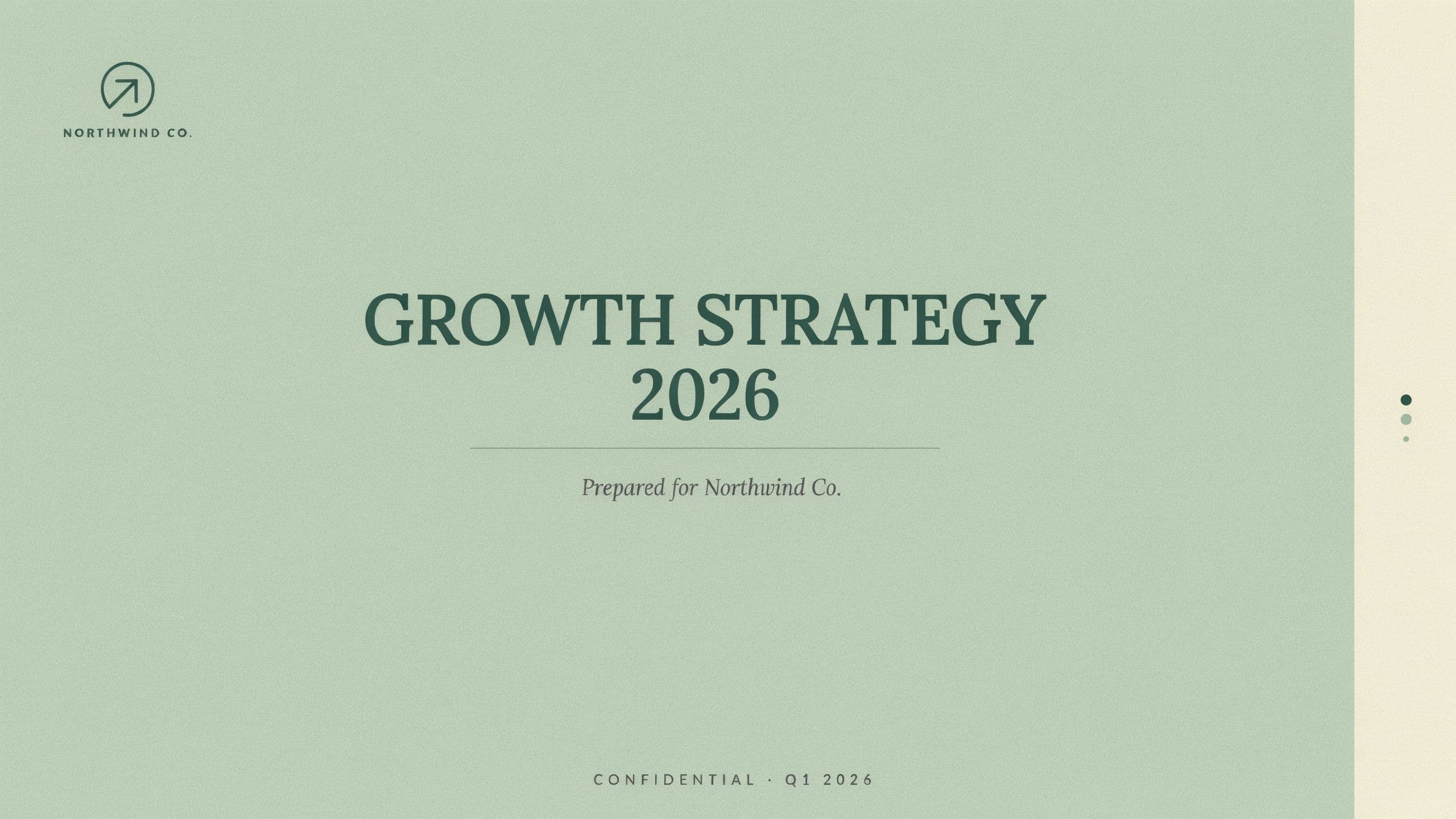
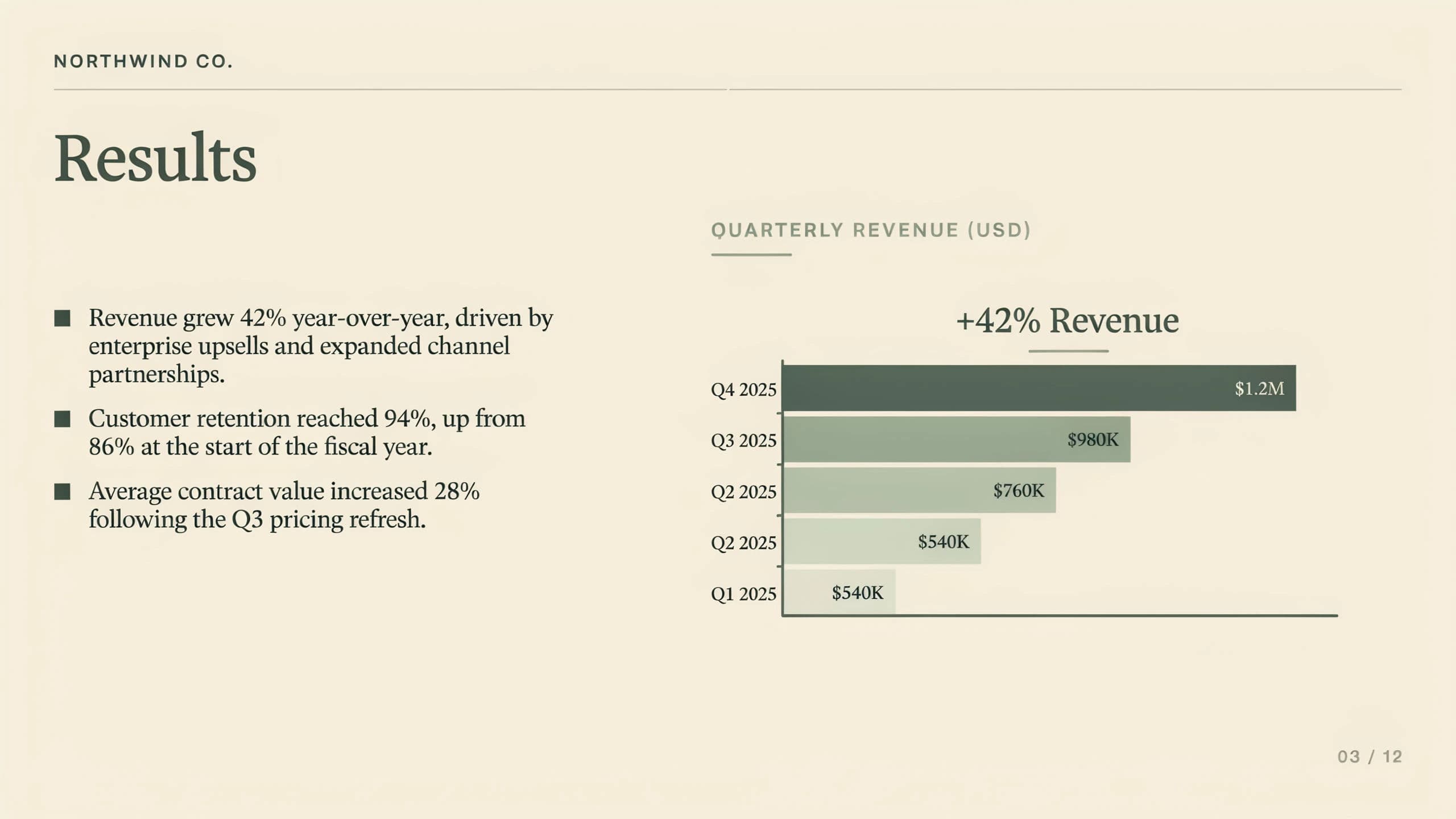
Two slides from the same client pitch deck.
What makes a great pitch visual
| Quality | What it means | Why it matters |
|---|---|---|
| One clear idea | The visual sells a single concept | The client grasps the pitch in a glance |
| Premium finish | Lighting and composition look final | The concept feels credible, not sketched |
| Brand fit | The client's tone is reflected | The idea feels built for them, not recycled |
| Presentation-ready | Sized for slide and screen | The visual holds up wherever you show it |
Morphic vs commissioning a designer
| Morphic | Freelance or in-house designer | |
|---|---|---|
| Cost | One browser tool | Design fees per concept |
| Time | Options in a browser session | Days of back and forth per round |
| Skill needed | Write a clear prompt | Design brief and revision management |
| Options to show | Several directions to compare | Usually one or two per budget |
FAQs
Polished enough to feel final. Clients judge the idea by how finished it looks, so refine the lighting, color, and composition until the concept reads as real rather than a rough draft.
Usually yes. Generating a few directions lets you read the room and pivot to the version that lands. It also signals that you explored the space rather than defaulting to the first idea.
Yes. Refine the visual so its tone, color, and styling reflect the client's brand, which makes the concept feel built for them specifically rather than repurposed.
Export in HD and size it for the format you will present in. Starting from a clean generation keeps it crisp on a slide and on a large display alike.
Because you generate from a description, you can adjust the concept and produce a new direction quickly rather than promising a revision for next week.
Visuals you create with Morphic are yours to use, so a winning concept can carry from the pitch into the campaign.