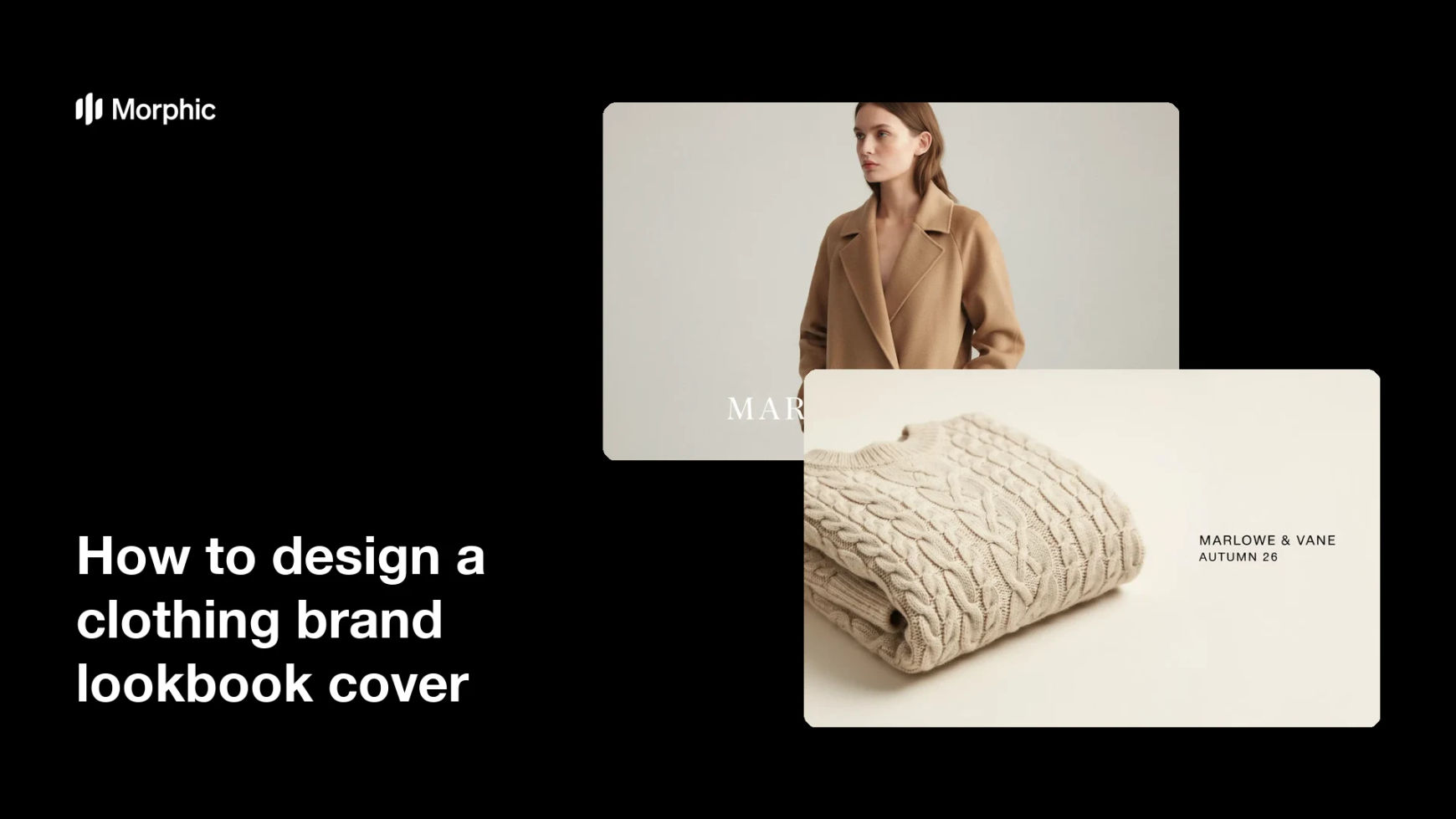
What is a lookbook cover?
A lookbook cover is the front page of a collection book, carrying the brand name, the season, and one image that sets the tone for everything inside. It is what a buyer sees first in an inbox and what a stylist remembers when the book is closed. Fashion labels and wholesale teams treat it as the packaging that decides whether the collection gets opened at all.
With Morphic you design that cover from a text prompt in your browser. Describe the layout, the brand name and season line, and the fashion image behind them, then compare a few versions. The chosen cover downloads in HD and is cleared for commercial use.
Fix the cover wording
Write the brand name and the season line exactly as they should appear, down to capitalisation. Locking the wording first keeps the rendered text accurate and saves a round of corrections.
Describe the cover image
Open Morphic and describe the fashion image behind the type: the garment, the crop, and the mood it should set. Choose an image with a calm area where the brand name can sit without fighting the photograph.
Set the type and layout
Describe where the brand name and season line belong and how large they should be relative to the image. Ask for a couple of distinct layouts so you can judge hierarchy rather than guessing.
Check the rendered text
Read the brand name and season line on each option and confirm the spelling and spacing are correct. Regenerate any version where the type is cramped or a character looks wrong.
Export the cover
View the cover at full size and as a small thumbnail, since buyers often see it in a file list first. Download in HD and set it as page one of the lookbook.
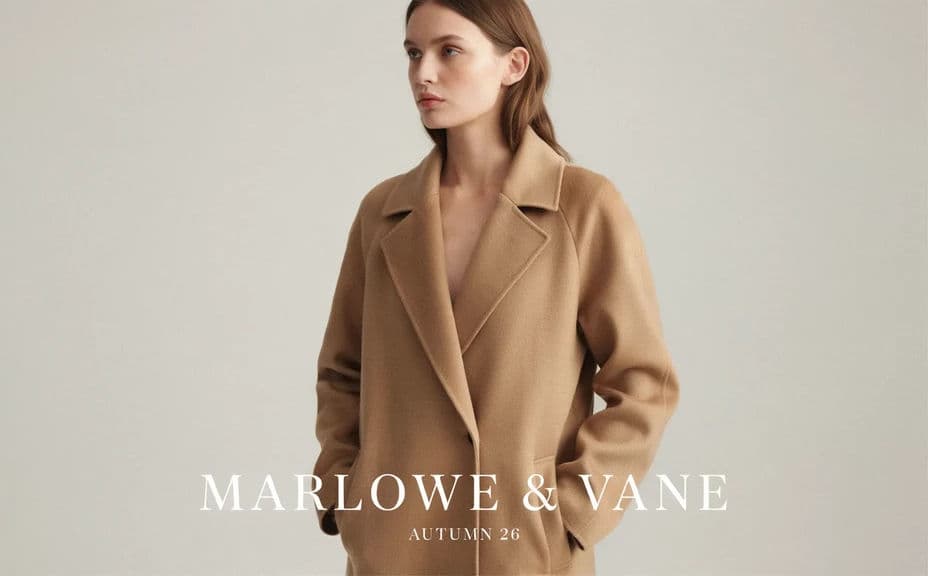
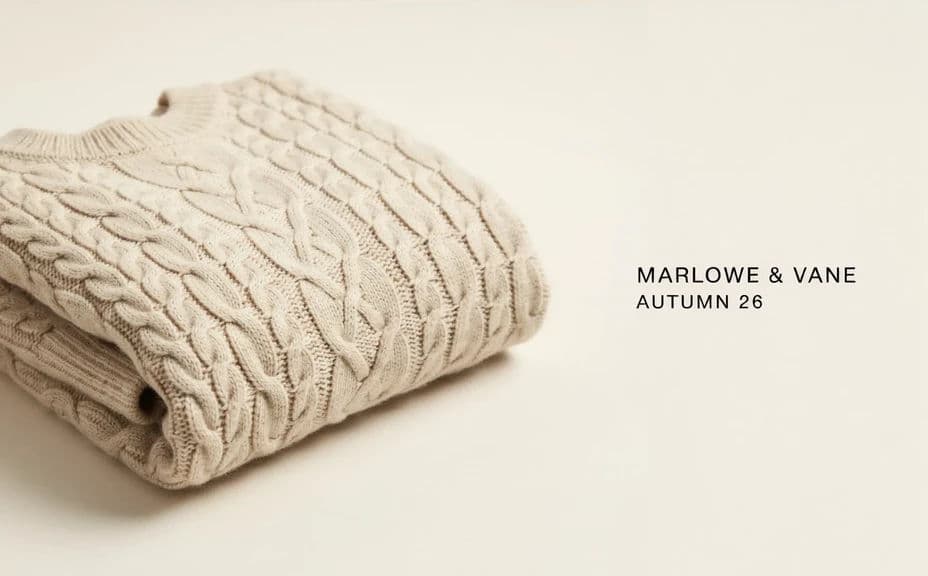
Two distinct cover designs for the same brand and season, each carrying the cover text.
What makes a good lookbook cover
| Quality | What it means | Why it matters |
|---|---|---|
| Legible brand name | The name reads instantly | The cover has to identify the label first |
| One strong image | A single frame sets the mood | A busy cover dilutes the collection's tone |
| Clear hierarchy | Name, season, and image are ranked | The eye needs an order to follow |
| Works small | The cover holds up as a thumbnail | Buyers often see it in a file list first |
Morphic vs the traditional way
| Morphic | Design software or a designer | |
|---|---|---|
| Cost | Available on Morphic | Software subscription or design fee |
| Time | A finished cover in minutes | Hours of layout and revision |
| Skill needed | Describe it in plain language | Layout and typography skills |
| Consistency | Regenerate matching covers each season | Manual rework for every new version |
FAQs
Yes. Provide the brand name and season line in your prompt, then check the rendered text and regenerate if anything looks off.
Yes. Ask for several distinct layouts of the same brand and season, then choose the one with the clearest hierarchy.
Yes. Describe your colours, type feel, and logo placement, and generate the cover to follow them.
Ideally the mood should match the looks inside. Describe the same styling language you used for the lookbook pages.
Change the season line in the prompt and regenerate, keeping the rest of the description fixed so the covers stay a family.
Yes. Designs you generate with Morphic are cleared for commercial use across your lookbooks, press, and sales material.