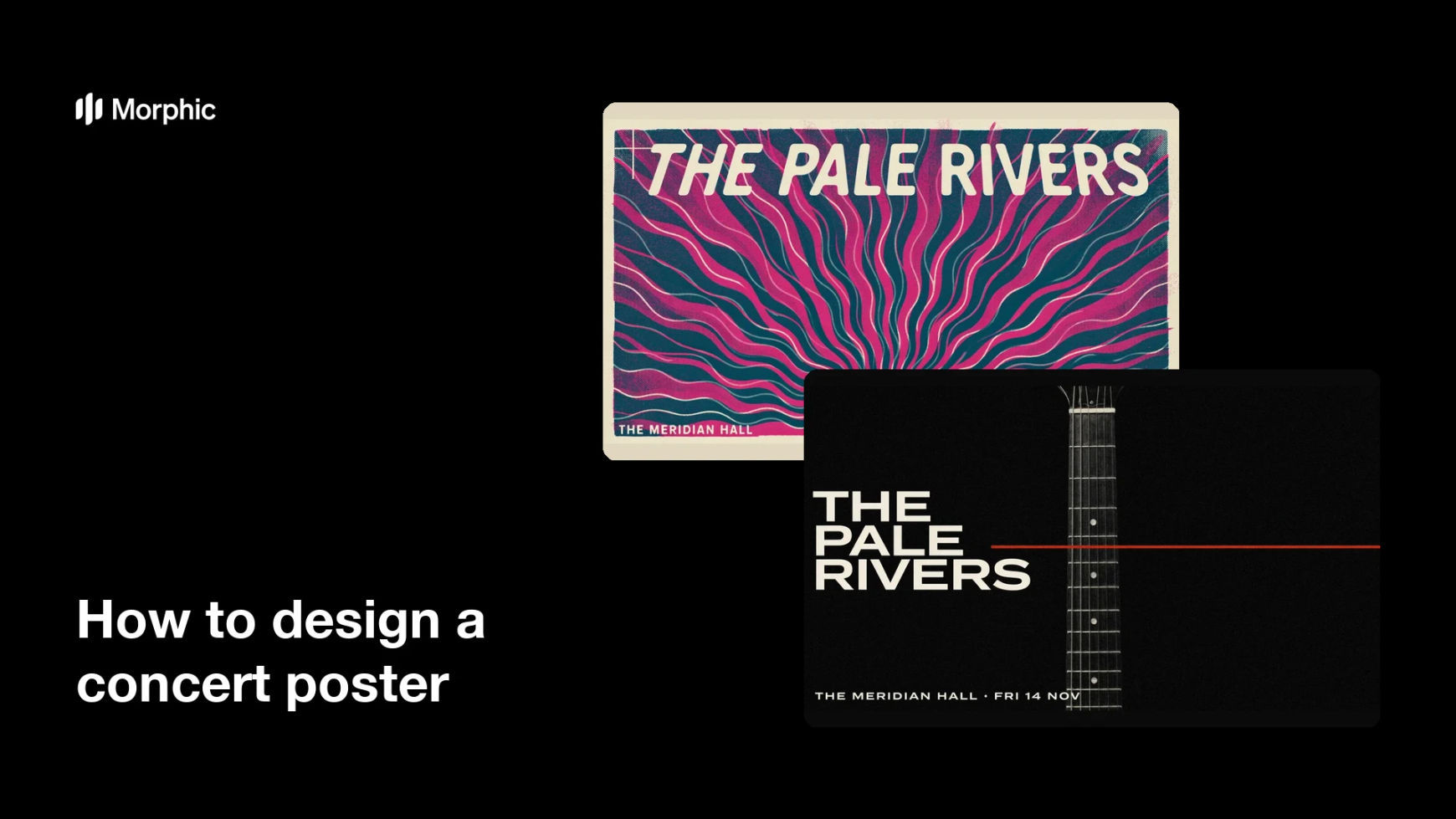
What is a concert poster?
A concert poster is the printed or digital artwork that announces a live show, carrying the act, the venue, and the date. It sets the tone of the night through its imagery and type, and it has to be readable from across a street or a feed. Bands, promoters, and venues use it because a strong poster sells tickets before anyone hears a note.
With Morphic you make that poster from a text prompt in your browser. Describe the visual mood, then give the exact band name, venue, and date you want printed on the artwork. Adjust the layout, download in HD, and send it to print or straight to your channels.
Gather the show details
Confirm the act, the venue, the date, and any support acts or door times you need on the poster. Fixing this copy first keeps the layout from shifting after you generate.
Describe the poster in Morphic
Open Morphic and describe a portrait concert poster with the imagery and colour treatment that fit the genre. Include the exact band name, venue, and date as text to render.
Choose a type style that carries the genre
Ask for lettering that suits the music, from bold block type to hand-drawn script. Set a clear hierarchy so the act reads first, then the venue and date.
Generate layouts to compare
Produce two posters with different compositions and colour treatments so you can see which one grabs attention. Side-by-side options make the stronger layout obvious.
Check legibility and export
View each poster at the size it will be displayed and confirm every line stays sharp. Download in HD, then print it or post it to your event pages.
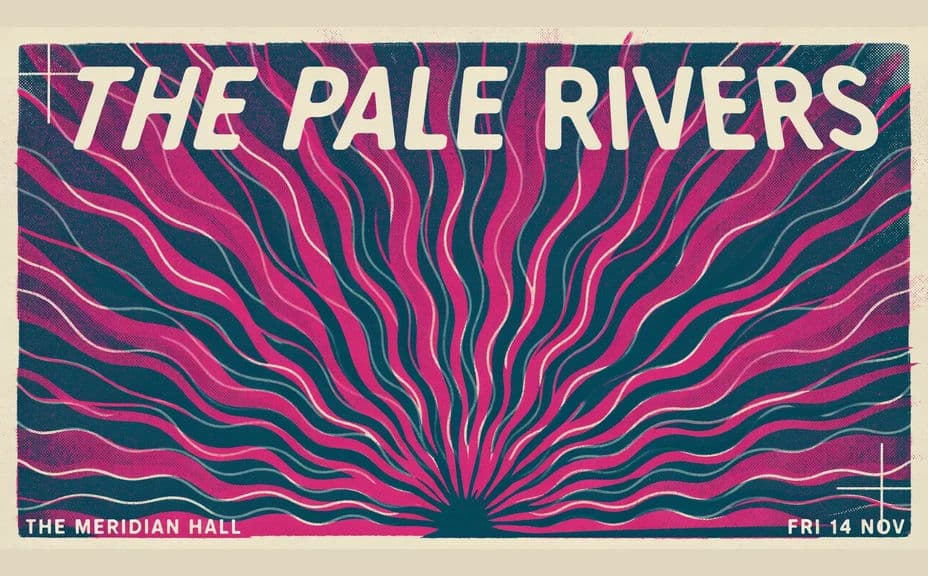
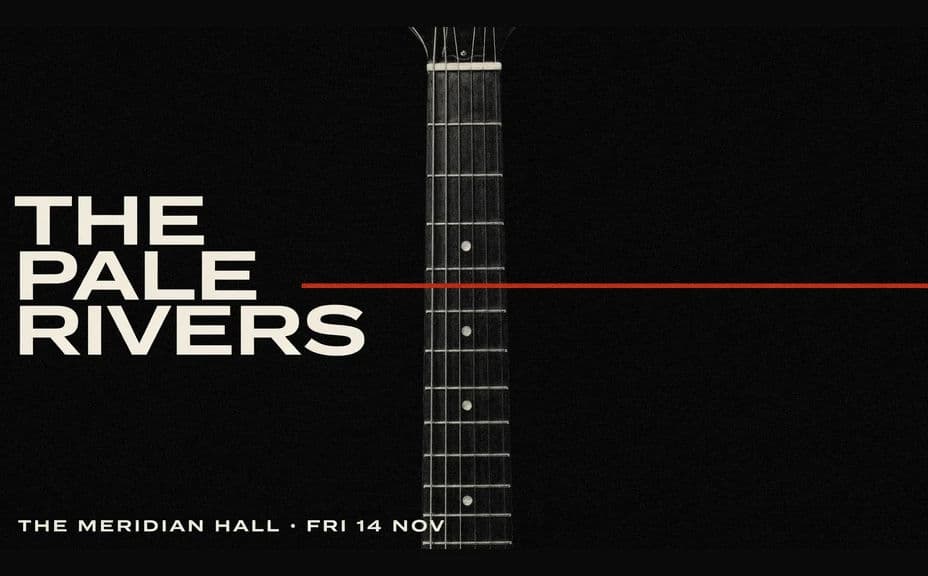
Two poster designs for the same show, each carrying the same band name, venue, and date.
What makes a good concert poster
| Quality | What it means | Why it matters |
|---|---|---|
| Bold act name | The headliner reads first | Passers-by know the show at a glance |
| Clear venue and date | Details sit in a fixed, readable block | Fans can act on the poster immediately |
| Genre-true styling | Imagery and type match the music | The poster reaches the right audience |
| Legible at distance | Type holds up on a wall or in a feed | The poster works pinned up and scrolled past |
Morphic vs the traditional way
| Morphic | Design software or a poster artist | |
|---|---|---|
| Cost | Available on Morphic | Software subscription or artist fee |
| Time | A finished poster in minutes | Days of drafts and revisions |
| Skill needed | Describe it in plain language | Illustration and layout skills |
| Consistency | Regenerate a run of shows in one style | Fresh artwork commissioned per date |
FAQs
Yes. Put the exact strings in your prompt and the poster renders around them. You can regenerate with a new date or venue whenever the run changes.
Whatever your placement needs. Specify a portrait ratio for print and a square or vertical crop for social, and the layout adapts to fit.
Yes. Describe the style you want, such as psychedelic rock, minimal techno, or vintage jazz, and the imagery and lettering follow it.
Yes. Keep the same palette and type direction in each prompt and swap the city and date so every stop looks like part of one run.
Yes, if you prioritize legibility. Preview at display size, keep high contrast, and regenerate if any line looks cramped before you export.
Yes. Posters you generate with Morphic are cleared for commercial use across your promotion, print runs, and ticket pages.