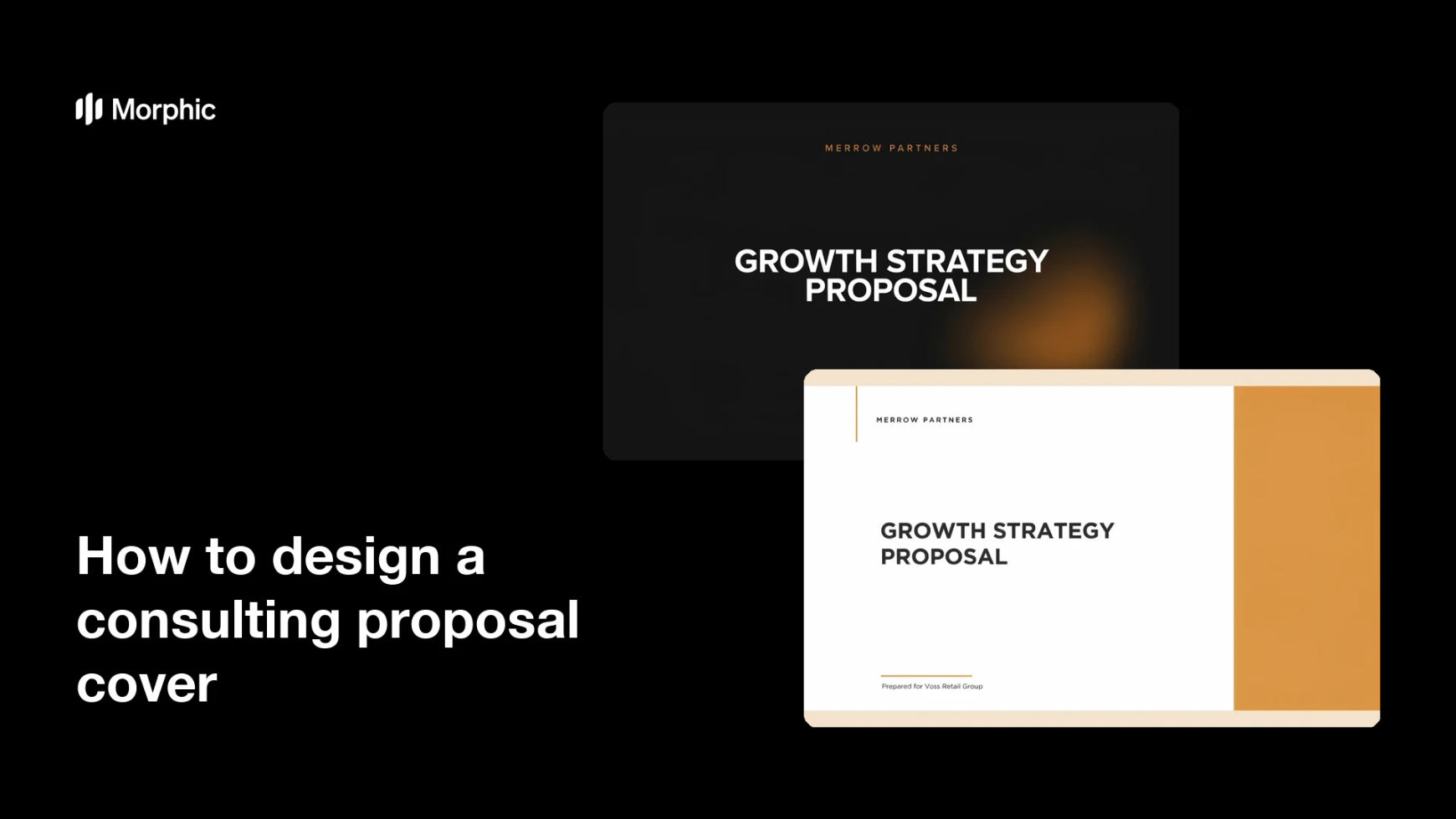
What is a consulting proposal cover?
A consulting proposal cover is the front page of the document you send a prospective client, carrying the engagement title, the client name, and your firm's branding. It is the first page a decision-maker opens, so it signals how much care went into everything behind it. Consultants and business development leads treat it as part of the pitch rather than as packaging.
With Morphic you design that cover from a text prompt in your browser. Describe the layout, the title, and your firm's look, compare a few options, then download in HD. You get a polished cover for each proposal without rebuilding a template by hand.
Settle the title block
Write the engagement title, the client name, and the date exactly as they should appear. Getting the wording right first keeps the rendered text accurate and avoids awkward corrections later.
Describe the cover in Morphic
Open Morphic and describe a clean proposal cover: a confident title, a line for the client and date, and a background that stays professional. Ask for two layouts so you can compare the hierarchy.
Apply your firm's look
Ask for your brand colors, logo placement, and a type style that reads as considered rather than loud. Keep contrast strong so the title stands out in a PDF preview.
Proof the client details
Read the client name, title, and date on each option and confirm every character is right. A misspelled client name on page one undoes the impression the cover is meant to make.
Export and attach it
Preview the cover at full size and as a small thumbnail to check it works at both. Download in HD, then set it as the first page of the proposal document.
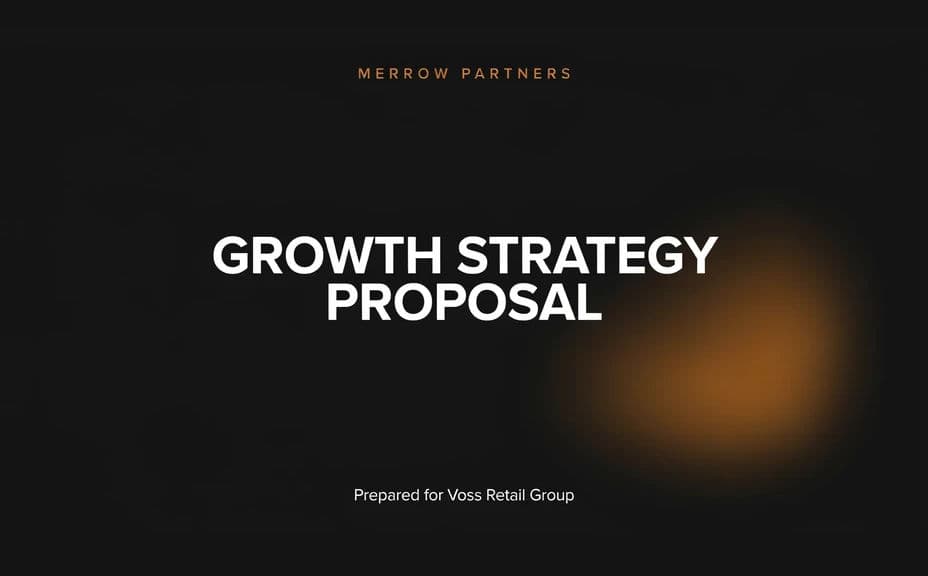
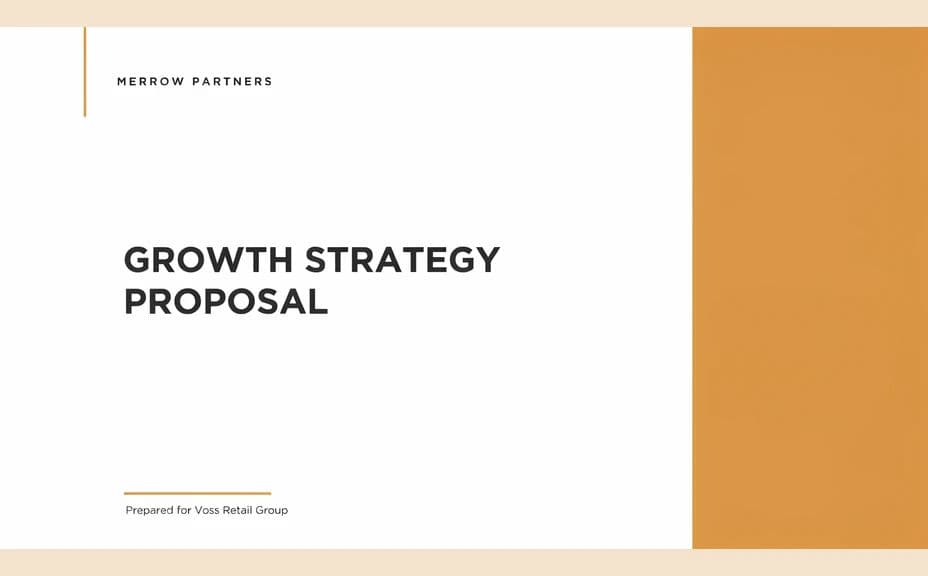
Two cover-design options for the same consulting proposal, each carrying the title and client line.
What makes a good consulting proposal cover
| Quality | What it means | Why it matters |
|---|---|---|
| Clear engagement title | The scope reads in one line | The reader knows what they are being offered |
| Correct client details | Name and date are exact | An error on page one costs credibility |
| Restrained styling | Confident rather than decorative | A proposal is judged on judgement, not decoration |
| On-brand identity | Colors, logo, and type match | The document looks like it came from your firm |
Morphic vs the traditional way
| Morphic | Design software or a designer | |
|---|---|---|
| Cost | Available on Morphic | Software subscription or design fee |
| Time | A finished cover in minutes | Hours of layout and revision rounds |
| Skill needed | Describe it in plain language | Layout and typography skills |
| Consistency | Regenerate a matching cover per client | Manual edits to a template every time |
FAQs
Yes. Give the exact client name and engagement title in your prompt, then read the rendered text carefully and regenerate if any character is wrong.
Yes. Ask for two or three layouts of the same proposal and compare them side by side before choosing.
Yes. Reuse the same description and change only the client and title lines, so every proposal you send looks like part of one set.
Yes. Describe your colors, logo placement, and font style, and generate the cover to match your decks and other documents.
Keep figures off the cover and put them inside the document where they can be sourced and checked. Any outcome claim should be reviewed before it goes to a client.
Yes. Designs you generate with Morphic are cleared for commercial use across your proposals and client materials.