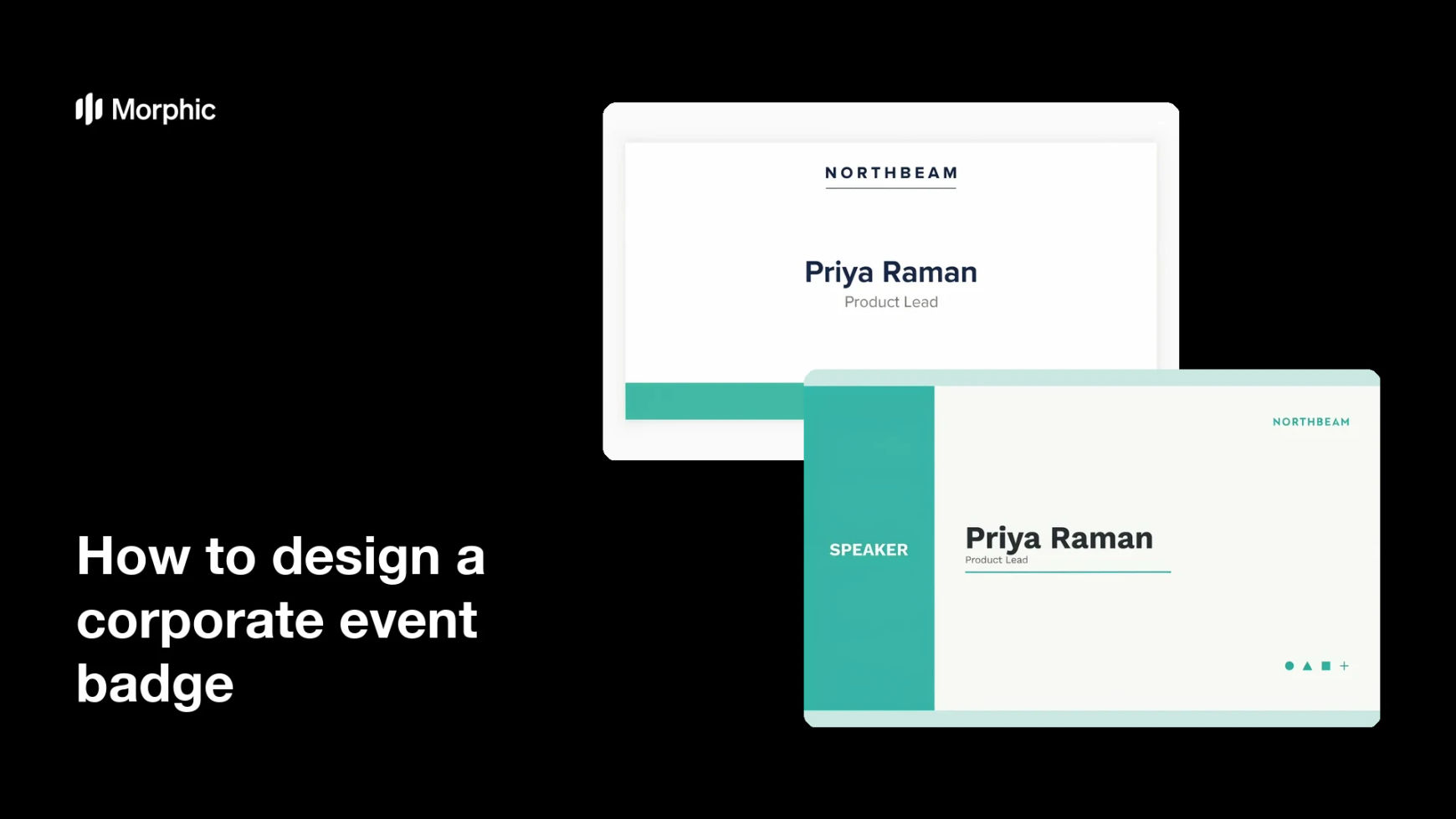
What is a corporate event badge?
A corporate event badge is the name card an attendee wears on a lanyard at a conference, summit, or internal offsite. It carries the person's name, their company or role, and often a colour band that marks them as a speaker, delegate, or staff member. Event producers, marketing teams, and internal comms leads design one for every event they run.
With Morphic you design that badge from a text prompt in your browser. Describe the layout, the fields you need, and the event branding, then compare a few treatments and download in HD. You get a print-ready badge design without a studio brief or layout software.
List the fields the badge must carry
Decide exactly what appears: attendee name, company, role, event name, and any access level. Fixing the fields first stops you regenerating later because a line was missing.
Describe the badge in Morphic
Open Morphic and describe the format, a portrait badge with the name large in the centre and the event mark at the top. Ask for a couple of layouts so you can compare where the role band and logo sit.
Apply the event branding
Name your palette, accent colour, and type style so the badge sits alongside your signage and stage graphics. Mention the colour coding you use for speakers, delegates, and crew.
Check legibility at arm's length
The name has to read from a couple of metres away, so review the badge at actual size rather than zoomed in. Regenerate any version where the name is small, low-contrast, or crowded by other fields.
Export for the print run
Confirm the lanyard slot area is clear of text and that margins are generous enough for trimming. Download in HD and send the design to your badge printer.
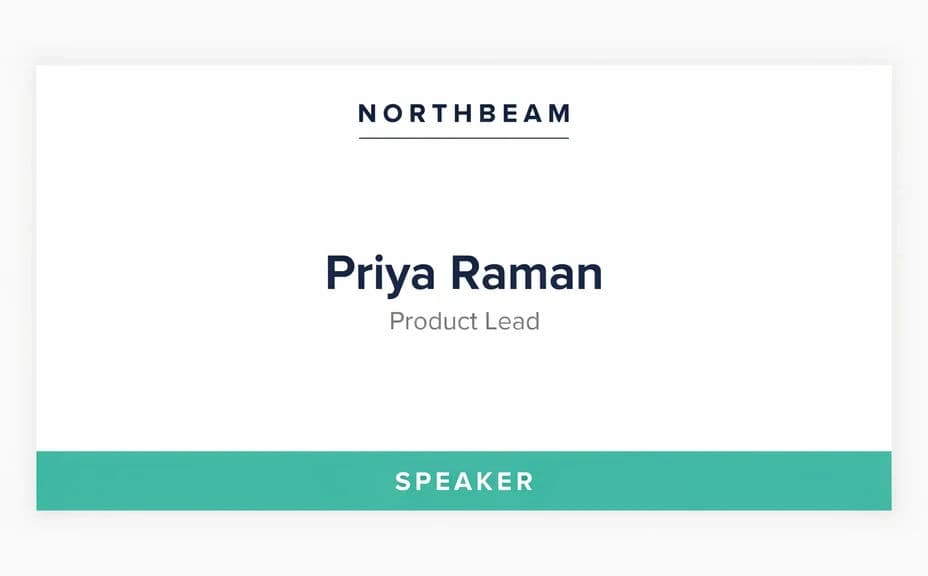
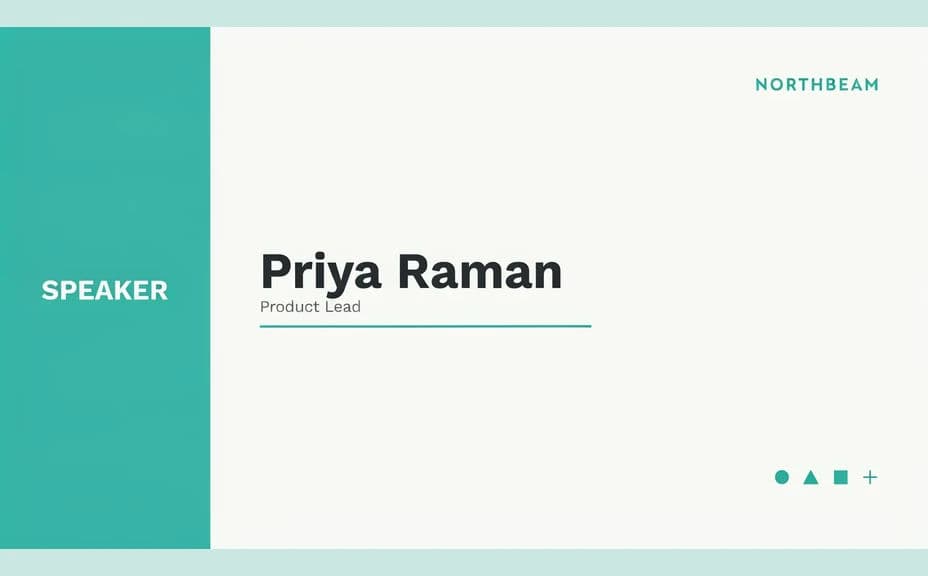
Two badge design options for the same event, each carrying the same name and event text.
What makes a good corporate event badge
| Quality | What it means | Why it matters |
|---|---|---|
| Name reads from a distance | The largest element on the badge | People greet each other without leaning in |
| Clear role coding | A colour band or label per attendee type | Staff can tell delegates from speakers instantly |
| Clear lanyard zone | No text near the slot or clip | Nothing important is punched out or covered |
| On-brand styling | Matches signage and stage graphics | The event reads as one considered production |
Morphic vs the traditional way
| Morphic | Design agency or badge template tool | |
|---|---|---|
| Cost | Available on Morphic | Agency fee or template subscription |
| Time | A finished badge design in minutes | Days of drafts and approval rounds |
| Skill needed | Describe it in plain language | Layout and print production skills |
| Consistency | Regenerate matching badges per attendee tier | Manual rework for every variant |
FAQs
Yes. Describe the name and role text you want rendered, then proof it on the generated badge and regenerate if a line reads wrong.
Yes. Describe each tier with its own accent colour and label, and generate a badge for it while keeping the shared layout.
Yes. Name your palette, accent, and type style in the prompt. Keep contrast high so the name stays readable under venue lighting.
A portrait badge around 4x3 inches is common for lanyards. Describe the proportions you want and check the name size at actual print dimensions.
Yes, if you plan for it. Ask for a clear panel at the base of the badge and place your generated code there before printing.
Yes. Images you generate with Morphic are cleared for commercial use, including client events and paid conferences.