What is a Facebook cover photo?
A Facebook cover photo is the wide banner across the top of a page or profile. It usually carries the brand name and a supporting visual so a visitor recognizes the business the moment the page loads. Businesses and creators rely on it because a clean, on-brand cover sets the tone and looks credible next to the profile picture.
With Morphic you create a cover photo from a text prompt in your browser. Describe your brand name, the look you want, and your colors, then adjust and download in HD. You get a polished, correctly sized banner without opening design software or waiting on a designer.
Set the brand and message
Decide the brand name and any short supporting line the cover should show. Write that text before you generate so the banner has a clear focus.
Describe the layout
Open Morphic and describe a wide cover with your brand name and a supporting visual, leaving space where the profile picture overlaps the lower left. Ask for a wide banner ratio so it fits the Facebook cover slot.
Apply your brand look
Ask for your brand colors, a font style that reads clearly, and a layout that keeps key text away from the overlap zone. Keep contrast high so the brand name stands out at the top of the page.
Generate versions to choose from
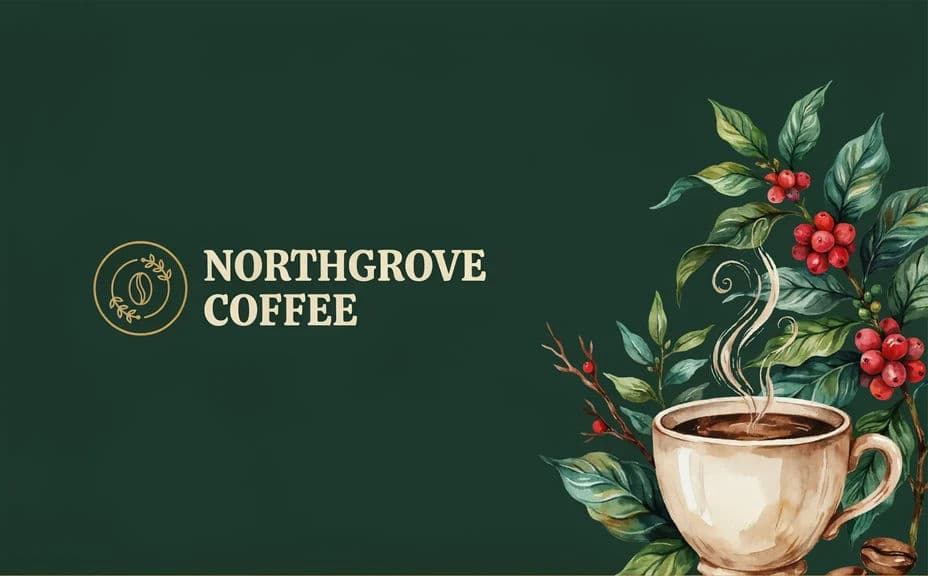
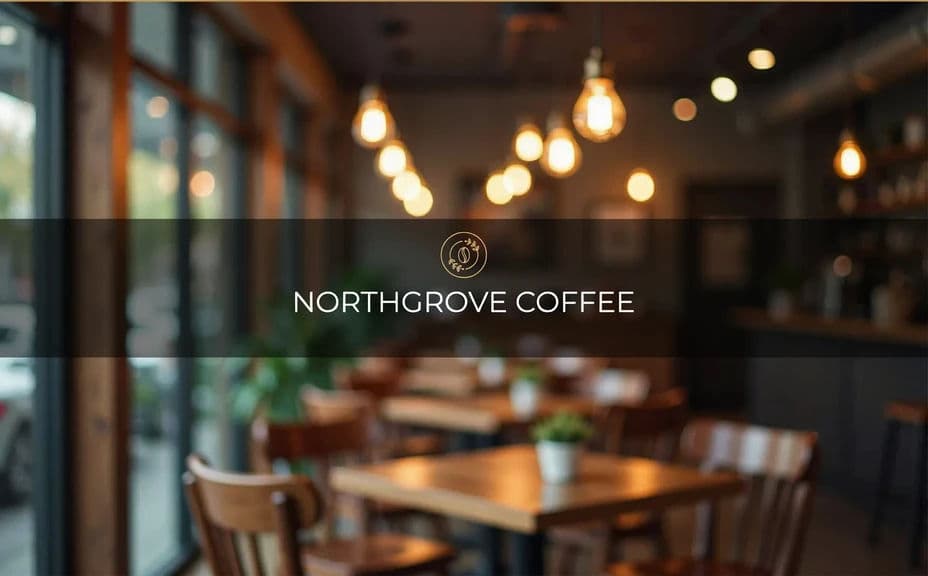
Produce two cover layouts for the same brand with different arrangements or emphasis so you can pick the one that reads best. A quick comparison often reveals which layout frames the brand name most cleanly.
Check placement and export
Preview each layout and confirm the brand name stays clear of the profile picture and page controls. Download in HD, then upload it as your Facebook cover.
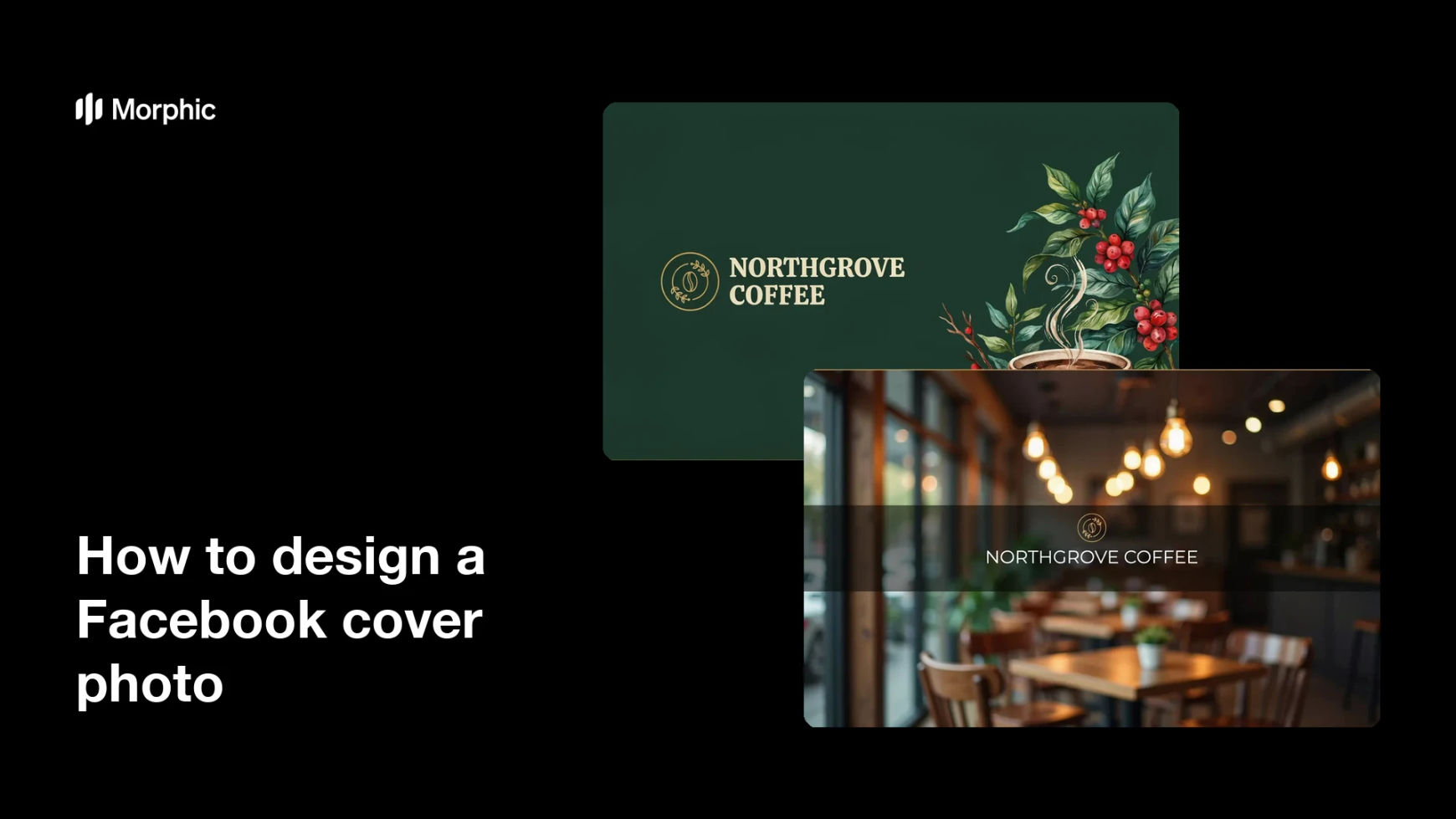
Two cover-photo layouts for the same brand, each with the brand name text.
What makes a good Facebook cover photo
| Quality | What it means | Why it matters |
|---|---|---|
| Wide format | A banner shape that fills the slot | The cover looks right on desktop and mobile |
| Clear brand name | The name reads at a glance | Visitors recognize the page instantly |
| Safe placement | Text clears the profile picture zone | Nothing important is hidden by overlaps |
| On-brand styling | Colors and type match your identity | The page looks credible and consistent |
Morphic vs the traditional way
| Morphic | Design software or a designer | |
|---|---|---|
| Cost | Available on Morphic | Software subscription or design fee |
| Time | A finished cover in minutes | Hours of layout and revision |
| Skill needed | Describe it in plain language | Layout and typography skills |
| Consistency | Regenerate versions on brand | Manual rework for every update |
FAQs
Yes. Specify the exact brand name and any supporting line in your prompt, and the cover renders around them. You can regenerate with new wording any time.
A wide banner ratio works best. Ask for that shape and the cover fits the Facebook slot on desktop and mobile.
Ask for key text to stay clear of the lower-left overlap zone. Preview the layout to confirm the brand name is not hidden.
Yes. Describe your brand colors and font style, and the cover renders to match so the page looks consistent.
Yes. Generate two layouts for the same brand so you can pick the one that frames the brand name most cleanly before you post.
Yes. Covers you generate with Morphic are cleared for commercial use across your Facebook page and marketing channels.