What is a festival lineup poster?
A festival lineup poster is the announcement artwork that lists every act playing, arranged in billing order under the festival name and dates. Headliners sit large at the top and the rest of the bill steps down in size, all wrapped in artwork that sets the tone of the weekend. Promoters and festivals rely on it because the lineup drop is the single biggest ticket-selling moment of the campaign.
With Morphic you build that poster from a text prompt in your browser. Describe the artwork and give the festival name, the dates, and the act names in the order you want them billed. Refine the hierarchy, then download in HD for print, socials, and ticket pages.
Lock the billing order
Confirm the headliners, the mid-tier acts, and the rest of the bill, plus the festival name and dates. Fixing the order before you generate keeps the poster from needing a rebuild later.
Describe the poster in Morphic
Open Morphic and describe a portrait lineup poster with the artwork style and colour palette you want. Include the festival name, the dates, and the act names as text to render.
Set the size hierarchy
Ask for headliners in the largest type, with each tier stepping down clearly beneath them. A visible hierarchy is what makes a lineup readable rather than a wall of names.
Generate layouts to compare
Produce two posters with different artwork and lineup arrangements so you can see which one carries the bill best. Options make it obvious which layout holds attention.
Check legibility and export
View each poster at print size and at feed size, confirming the smallest tier still reads. Download in HD, then send it to print and post the announcement.
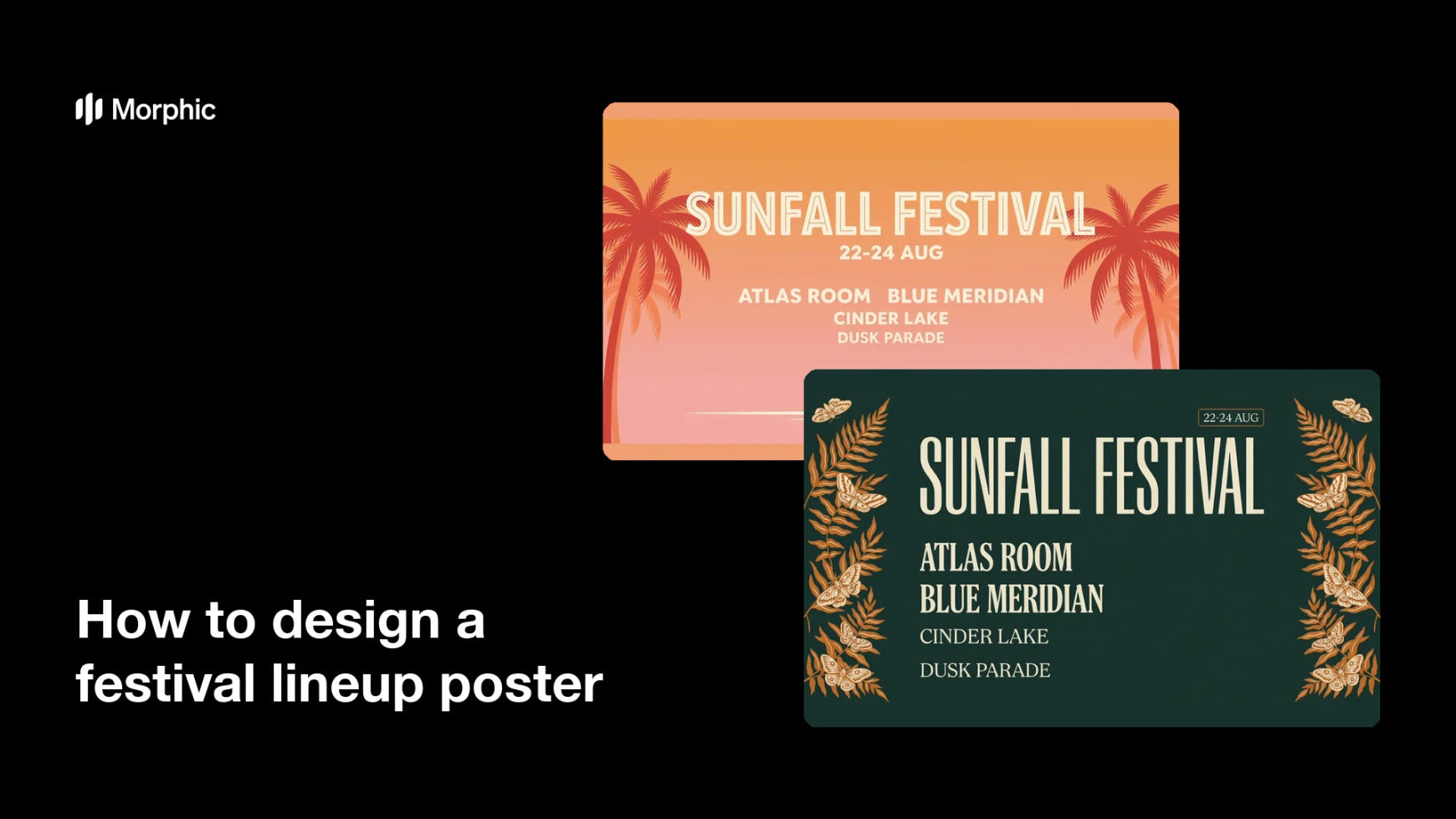
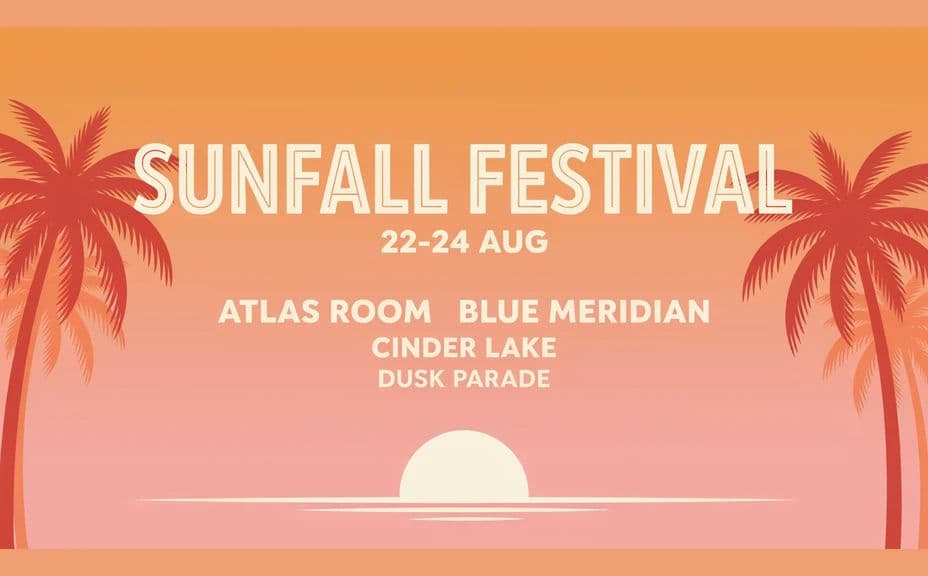
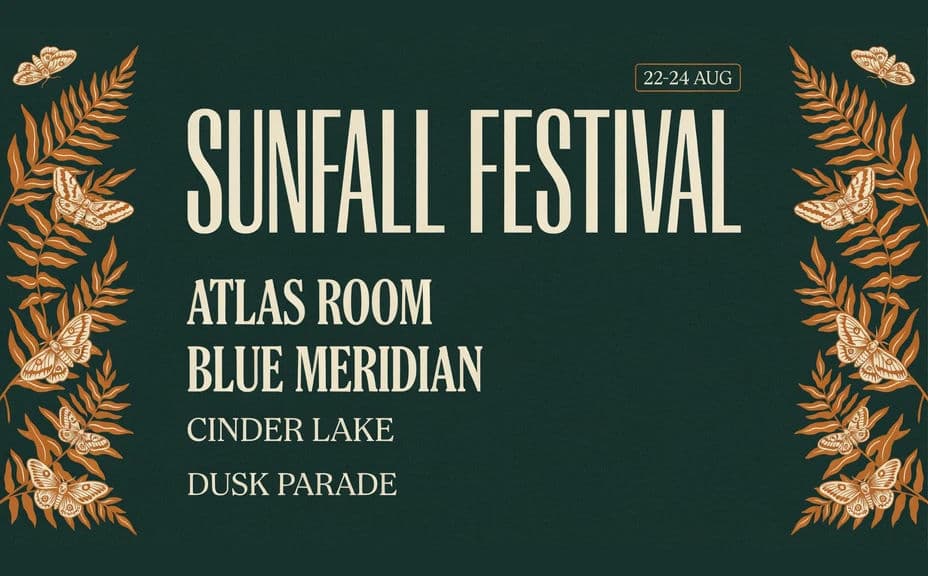
Two poster designs for the same festival, each carrying the same name, dates, and lineup.
What makes a good festival lineup poster
| Quality | What it means | Why it matters |
|---|---|---|
| Clear billing hierarchy | Type size steps down by tier | Fans read the bill in the intended order |
| Prominent name and dates | Festival title and dates sit up top | Viewers know what and when immediately |
| Readable smallest tier | Even the bottom names stay legible | Every booked act gets its billing |
| Distinct artwork | A style that belongs to the festival | The announcement stands out in a crowded feed |
Morphic vs the traditional way
| Morphic | Design software or an agency | |
|---|---|---|
| Cost | Available on Morphic | Software subscription or agency retainer |
| Time | A finished poster in minutes | Weeks of drafts and approvals |
| Skill needed | Describe it in plain language | Layout and typography skills |
| Consistency | Regenerate on brand as acts are added | Manual rework for every lineup change |
FAQs
Yes. Give the exact strings and the billing order in your prompt, and the poster renders around them. Regenerate whenever an act is added or dropped.
As many tiers as you brief, though the smallest names need enough size to stay readable. Split a very long bill across day-by-day posters if the bottom tier gets cramped.
Yes. Ask for a square or vertical crop of the same design so the announcement works on feeds as well as on a printed sheet.
Yes. Generate designs with different artwork and lineup arrangements, then pick the one that carries the billing most clearly.
Yes, if you prioritize legibility. Preview at display size, keep high contrast, and regenerate if any tier looks cramped before you export.
Yes. Posters you generate with Morphic are cleared for commercial use across your announcement, print runs, and ticket pages.