What is a fitness class timetable?
A fitness class timetable is the schedule graphic a gym or studio posts so members can see what runs on which day and at what time. It lays out days as columns or rows, with class names and start times filled in, and often colour-codes class types so people can find their session quickly. Gyms, yoga studios, and personal trainers pin it to the wall, share it on social, and attach it to member emails.
With Morphic you design that timetable from a text prompt in your browser. Describe the grid, the class names, the times, and your studio colours, then compare layouts and download in HD. You get a clean, on-brand schedule without wrestling with a spreadsheet or design software.
List your classes and times
Write out every class name with its day and start time before you generate. Having the schedule settled first keeps the rendered text accurate and avoids repeated corrections.
Choose the grid shape
Open Morphic and describe the structure you want, such as seven day columns with time slots stacked below, or a simpler weekday-only grid. Say how many classes appear per day so the layout leaves the right amount of room.
Apply your studio branding
Name your brand colours and ask for them in the header band, the day labels, and any class-type accents. Keep the body text dark on a light field so it stays readable on a wall from a few steps back.
Compare two layouts
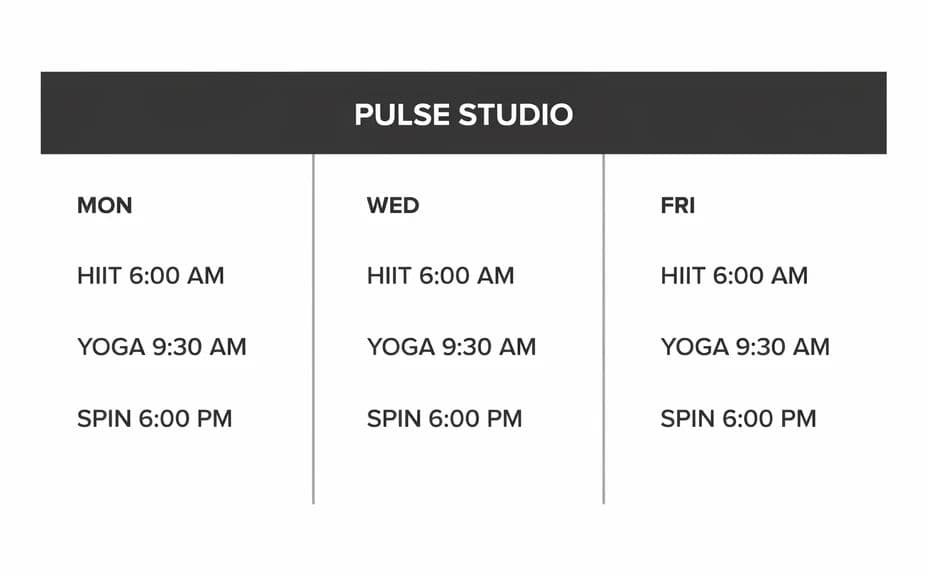
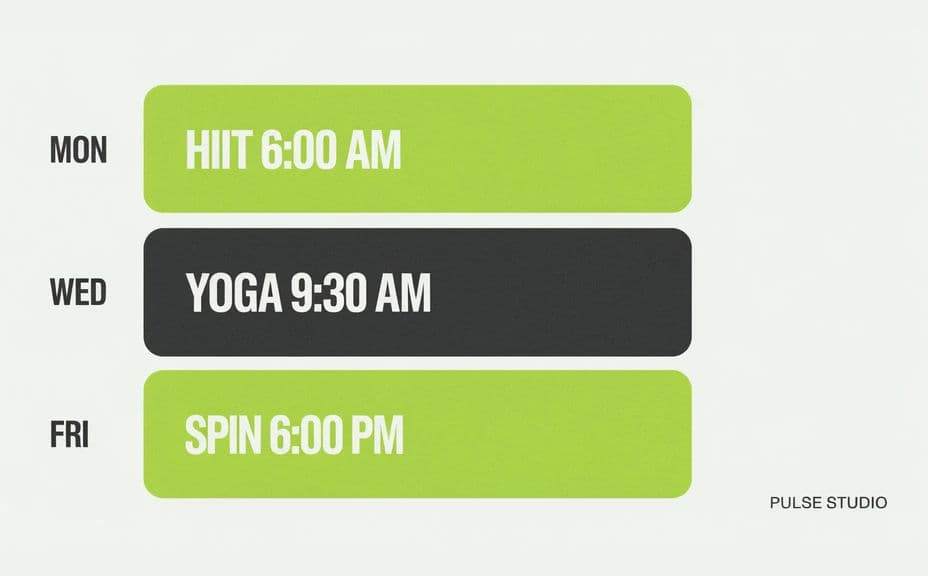
Ask for two versions, one with a bold header band and column dividers and one with lighter card-style blocks per class. Comparing them shows which structure scans faster for members.
Proof the schedule and export
Read every cell and confirm each class name and time is correct and consistently formatted. Download in HD, then print it for the studio and post the same file to your channels.
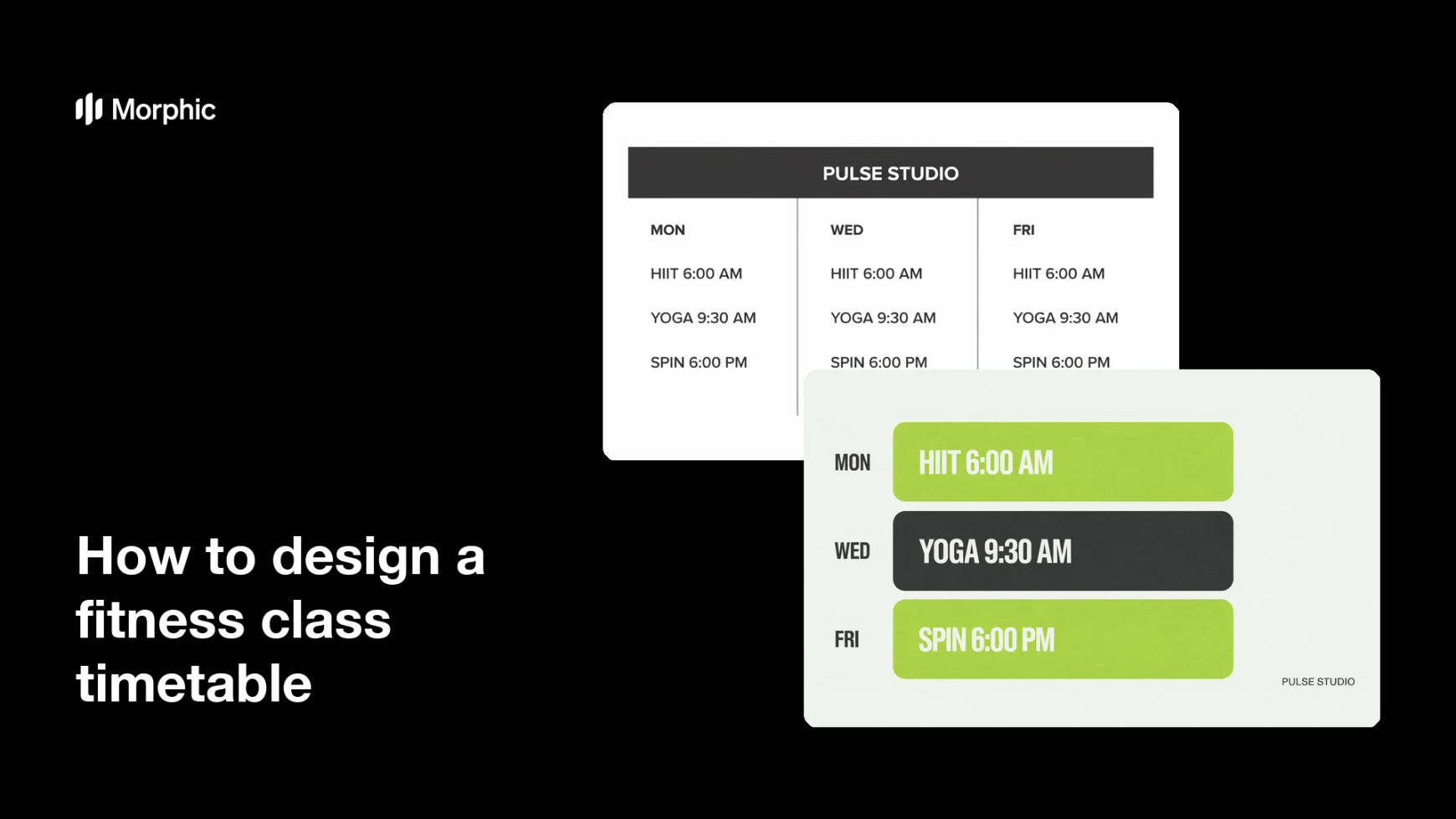
Two timetable designs for the same weekly schedule, each showing the day columns, class names, and times.
What makes a great fitness class timetable
| Quality | What it means | Why it matters |
|---|---|---|
| Clear grid structure | Days and times line up predictably | Members find their class in seconds |
| Readable type | Class names stay legible at wall distance | The schedule works as a printed poster too |
| Colour-coded classes | Each class type carries its own accent | People spot the sessions they care about |
| Consistent formatting | Times written the same way throughout | The schedule reads as accurate and maintained |
Morphic vs the traditional way
| Morphic | Spreadsheets and design software | |
|---|---|---|
| Cost | Available on Morphic | Software subscription or a design fee |
| Time | A finished timetable in minutes | Hours of table formatting and cleanup |
| Skill needed | Describe it in plain language | Layout and typography skills |
| Consistency | Regenerate the same design each term | Manual rebuild whenever the schedule shifts |
FAQs
Yes. Provide the full schedule in your prompt, then read every cell and regenerate if any class name or time renders incorrectly.
Yes. Name your brand colours and ask for them in the header and accents. Keep body text dark on a light field so it stays readable.
Yes. Describe which classes share an accent colour, such as one for strength and another for yoga, and the design applies it consistently.
Yes. Describe each placement, a tall printed poster or a square social card, and generate a version framed for it.
Describe the new times and regenerate. There is no manual table rebuild, so keeping the timetable current takes moments.
Yes. Graphics you generate with Morphic are cleared for commercial use across your studio signage, membership emails, and social channels.