What is a for sale yard sign?
A for sale yard sign is the printed board an agent stakes in front of a listed property. It carries a bold "For Sale" message, the agency name, and a phone number so passersby can call about the home. Real estate agents and brokerages rely on it because a clean, readable sign turns foot and drive-by traffic into inquiries.
With Morphic you design this sign from a text prompt in your browser. Describe the For Sale message, your agency name, the phone number, and your brand look, then adjust and download print-ready art in HD. You get a polished sign design without opening layout software or waiting on a designer.
Gather the sign details
Decide the exact wording for the sign, including the For Sale message, your agency name, and the phone number to display. Confirm the number is correct before you generate so the design carries the right details.
Describe the layout
Open Morphic and describe a clean yard sign: a large "For Sale" headline, your agency name, and the phone number in bold. Specify a portrait or landscape shape to match the frame you plan to print for.
Apply your brand look
Ask for your agency colors, a clear accent behind the phone number, and a font style that reads from the street. Keep contrast high so the message and number stand out from a passing car.
Generate versions to choose from
Produce two designs with different layouts or emphasis so you can pick the one that reads best. A quick comparison often reveals which version makes the phone number easiest to catch.
Check legibility and export
Preview each version at a distance and confirm the For Sale line and phone number stay sharp. Download in HD, then send the file to your sign printer.
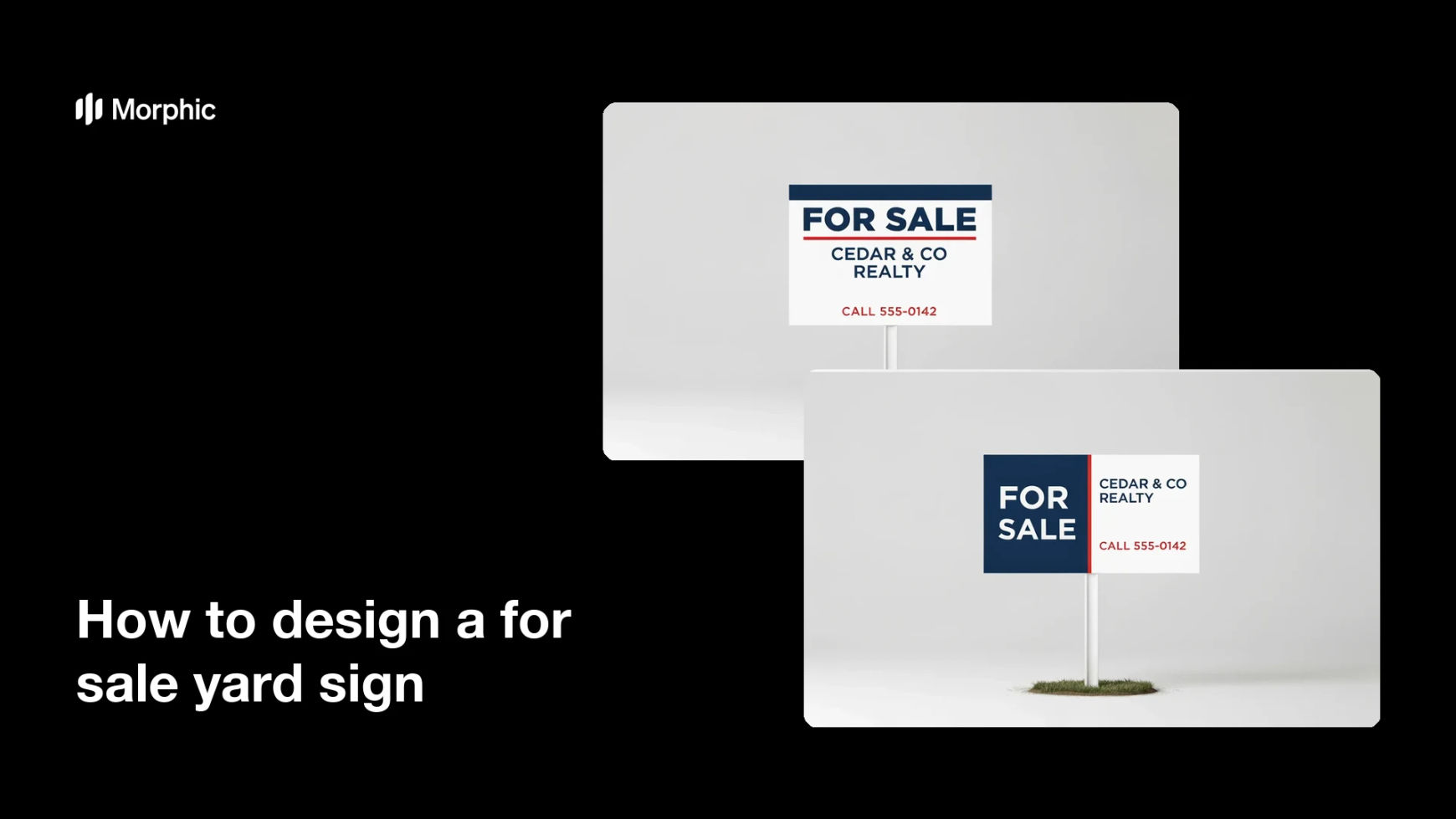
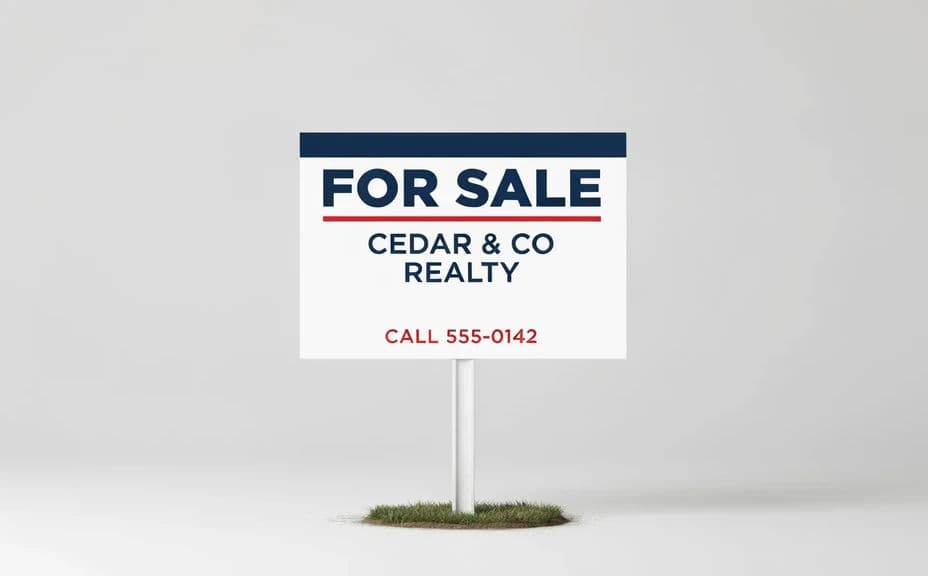
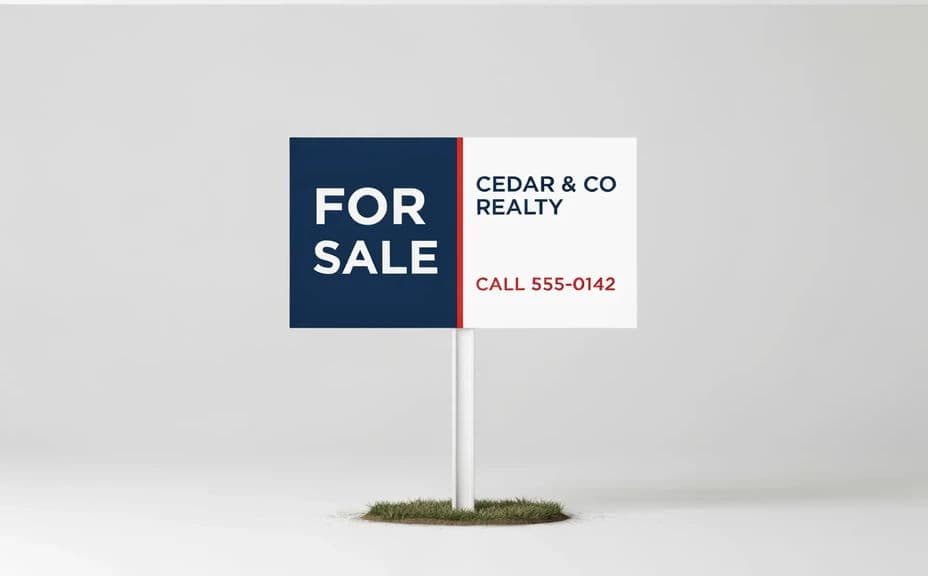
Two designs for the same agency, each showing the For Sale message and a phone number.
What makes a good for sale yard sign
| Quality | What it means | Why it matters |
|---|---|---|
| Bold For Sale line | The headline reads from the street | Drivers know the home is listed at a glance |
| Visible phone number | The number stands out clearly | Passersby can call without hunting for it |
| Legible at a distance | Text stays sharp from far away | The sign works from the road and the sidewalk |
| On-brand styling | Colors and type match your agency | The sign builds recognition across listings |
Morphic vs the traditional way
| Morphic | Design software or a designer | |
|---|---|---|
| Cost | Available on Morphic | Software subscription or design fee |
| Time | A finished design in minutes | Hours of layout and revision |
| Skill needed | Describe it in plain language | Layout and typography skills |
| Consistency | Regenerate versions on brand | Manual rework for every listing |
FAQs
Yes. Specify the exact For Sale message, agency name, and phone number in your prompt, and the sign renders around them. You can regenerate with new wording any time.
Yes. Describe your agency colors, an accent for the phone number, and a font style, and the design renders to match. Keep contrast high so the message stays readable.
Any shape you need. Specify a portrait or landscape ratio to fit your sign frame, and the layout adapts to fit.
Yes. Generate designs with different layouts or emphasis so you can pick the one that makes the phone number easiest to catch before you print.
Yes, if you prioritize legibility. Preview at a distance, keep high contrast, and download in HD so the print holds up on a full-size sign.
Yes. Designs you generate with Morphic are cleared for commercial use across your listings and marketing.