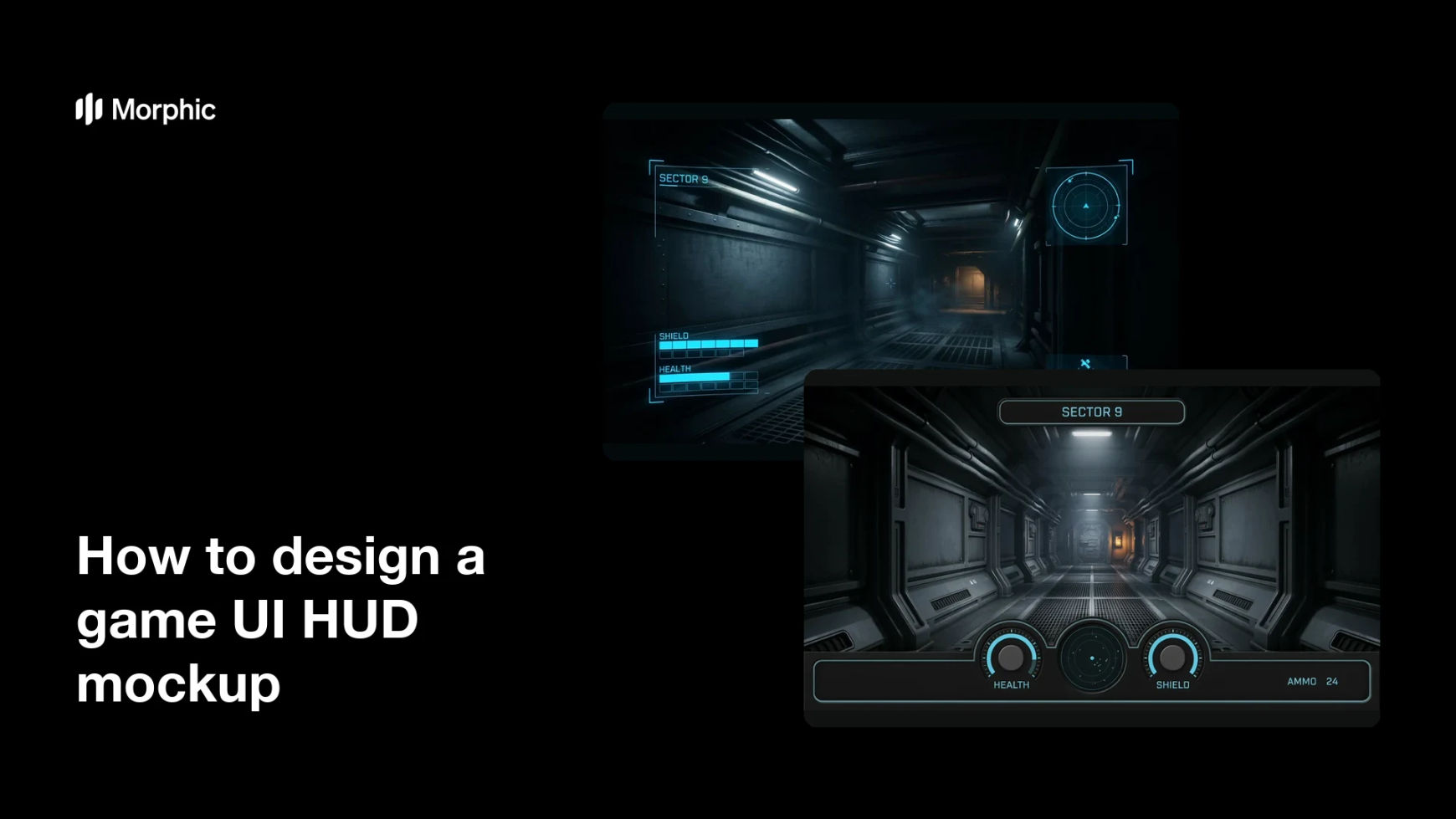
What is a game UI HUD mockup?
A game UI HUD mockup is a still image showing the heads-up display (health, resources, ammo, minimap, objective text) laid over a gameplay scene. It exists so a team can judge readability, hierarchy, and screen balance before any of it is built in engine. Designers, art directors, and producers use mockups to settle debates about what belongs on screen and how loud each element should be.
With Morphic you design this mockup from a text prompt in your browser. Describe the scene behind the HUD, the elements you want, and the visual style, compare a few layouts, then download in HD with no watermark. You get a reviewable concept without wiring anything into the engine.
List the HUD elements
Decide which readouts must be on screen (health, ammo, minimap, objective, cooldowns) and which can be hidden until needed. A short list keeps the mockup honest about screen space.
Describe the scene and the overlay
Open Morphic and describe the gameplay scene behind the HUD, then the overlay itself: corner placement, bar shapes, icon style, and the exact short labels. Ask for a couple of layouts so you can compare where attention lands.
Set the visual language
Ask for the treatment your game uses, such as thin sci-fi lines, chunky arcade panels, or a near-diegetic look. Keep the overlay contrast high enough to read over both bright and dark parts of the scene.
Test readability
View each layout at the size a player actually sees and confirm the labels and numbers stay legible over the scene. Regenerate any version where an element sits over the focal point or the type is cramped.
Export and review it
Download in HD and put the layouts side by side with your team. Keep the chosen one as the reference the UI implementation is built against.
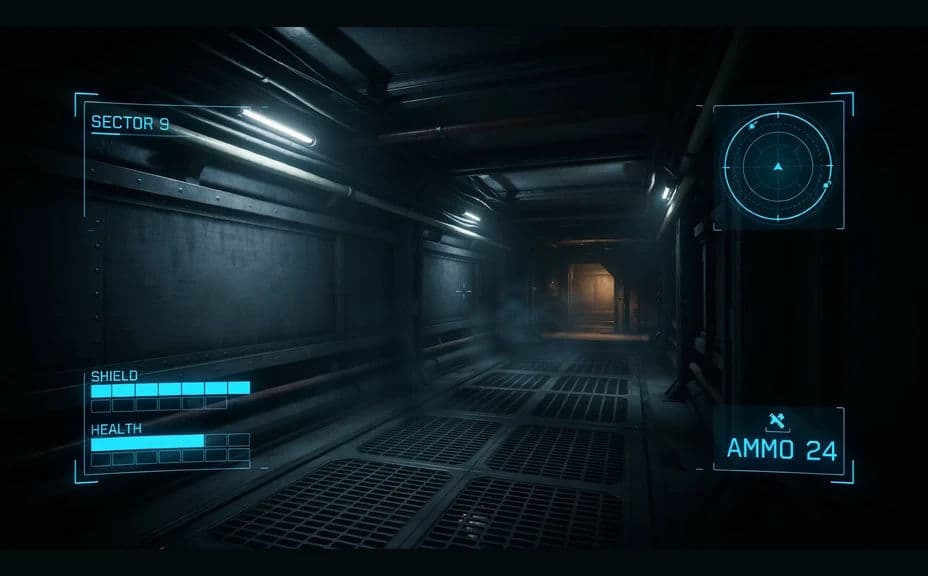
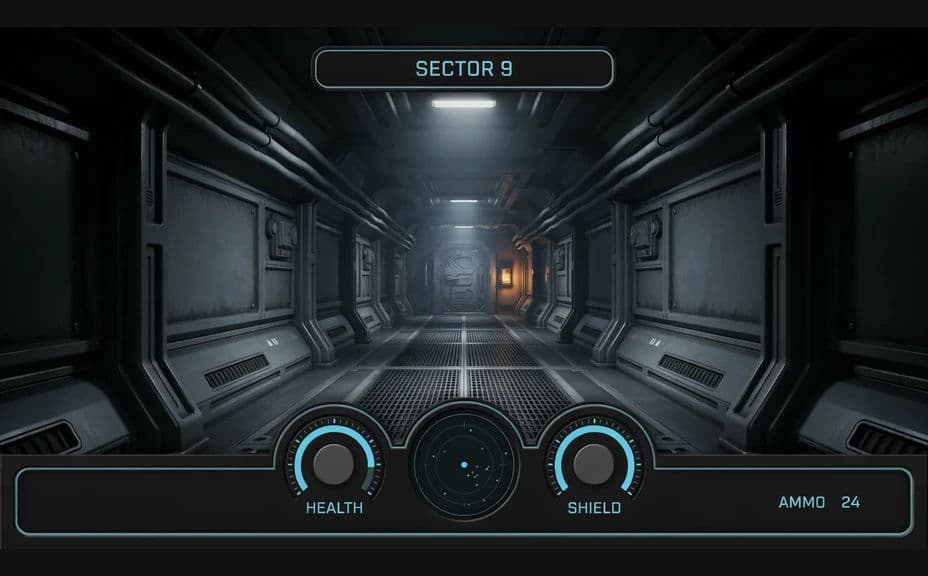
Two HUD layout options over the same style of gameplay scene, each carrying its readout labels.
What makes a good game UI HUD mockup
| Quality | What it means | Why it matters |
|---|---|---|
| Readable over the scene | Labels hold up on any background | Players read state without hunting for it |
| Clear hierarchy | Critical readouts dominate | Health and ammo win attention over secondary info |
| Protected centre | The action area stays clear | The HUD informs without blocking play |
| Consistent visual language | Icons, bars, and type share a style | The interface feels part of the game world |
Morphic vs the traditional way
| Morphic | UI software or an engine prototype | |
|---|---|---|
| Cost | Available on Morphic | Software licence or engineering time |
| Time | A reviewable mockup in minutes | Days to build a throwaway prototype |
| Skill needed | Describe it in plain language | UI design and engine implementation skills |
| Consistency | Regenerate matching layout variants | Manual rebuild for each alternative |
FAQs
Yes. Give the short strings you want rendered, keep them brief, and check the spelling on the result before you circulate it.
Yes. Ask for several arrangements over the same style of scene and review them together to see which reads fastest.
Yes. Describe the palette, icon treatment, and line weight your game uses, and generate the overlay to match.
It works as a visual reference, not a build file. Use it to agree on hierarchy and placement, then hand it to whoever implements the UI.
Preview the mockup at play size and over both bright and dark scene areas. Regenerate anything that loses contrast in either case.
Yes. Mockups you generate with Morphic are cleared for commercial use in pitch decks, design docs, and marketing.