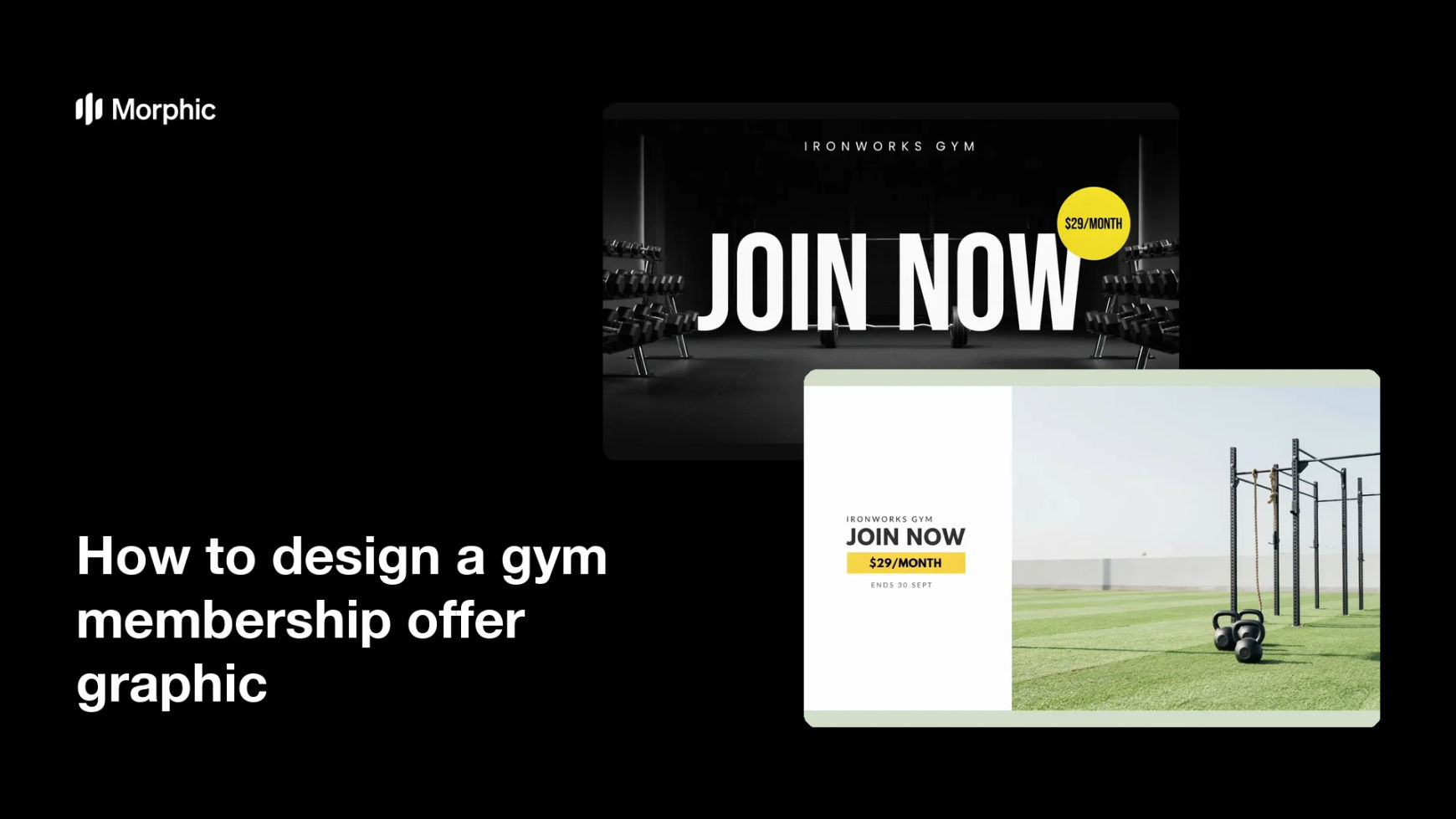
What is a gym membership offer graphic?
A gym membership offer graphic is the promotional image that puts a joining deal in front of prospective members. It carries the headline offer, the monthly rate, and the terms or deadline, over a scene that looks like your gym floor. Gym owners and studio marketers post it across social, paid ads, and in-club screens during sign-up pushes.
With Morphic you design this graphic from a text prompt in your browser. Describe the gym setting, the layout, the offer wording, and your brand colors, then adjust and download in HD. You get a campaign-ready graphic without opening design software or arranging a shoot.
Decide the offer wording
Write the headline, the rate, and any deadline or condition exactly as they should appear. Short, unambiguous wording renders more cleanly and prevents a second round of edits.
Describe the scene and layout
Open Morphic and describe the gym environment you want behind the offer, a rack of weights, a turf area, or a bright studio. Say where the headline and price badge should sit so the composition leaves room for them.
Apply your brand look
Ask for your brand colors, a contrasting accent for the price badge, and a heavy type style that holds up on a busy background. Strong contrast is what keeps the offer readable when the graphic is scrolled past quickly.
Check the offer text
Read every word on the graphic and confirm the rate, deadline, and any small print are spelled and formatted correctly. Regenerate any version where the numbers look distorted or the type is cramped.
Export and run it
Preview the graphic at the sizes you will use, a social post, a paid ad, and an in-club screen. Download in HD, then push it into your campaign.
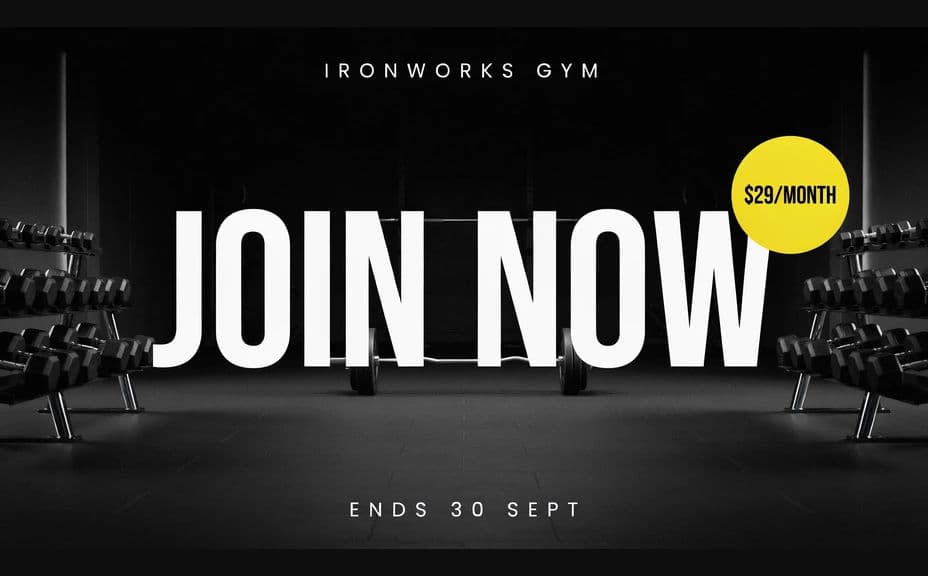
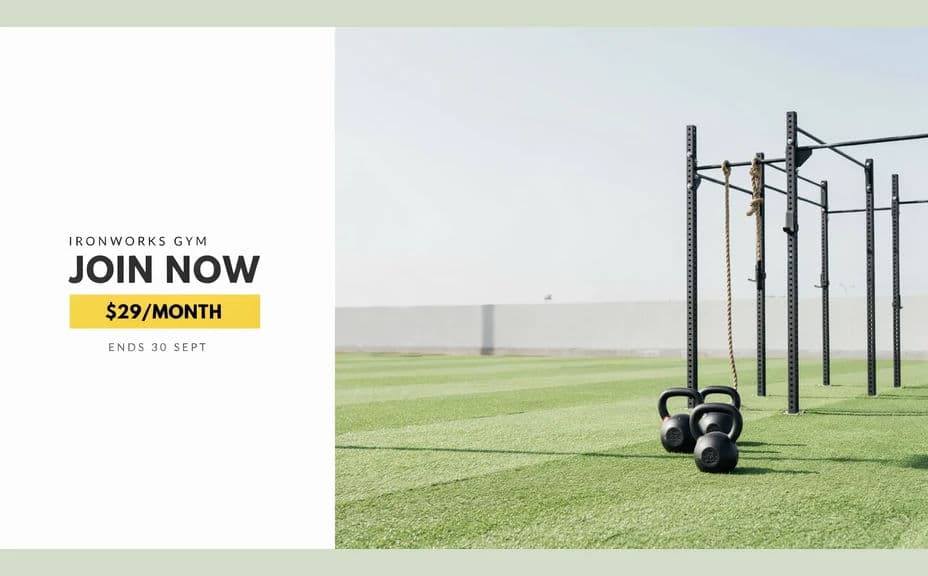
Two design options for the same membership offer, each carrying the headline and price text.
What makes a good gym membership offer graphic
| Quality | What it means | Why it matters |
|---|---|---|
| One clear offer | A single headline, not a list | Mixed messages lose the sign-up |
| Readable price | The rate stands out from the scene | People judge the deal in a second |
| Honest setting | The gym shown looks like yours | Walk-ins get what they expected |
| Visible deadline | The end date is easy to find | Urgency is what moves people to join |
Morphic vs the traditional way
| Morphic | Photo shoot and design software | |
|---|---|---|
| Cost | Available on Morphic | Shoot costs plus a design subscription |
| Time | A finished graphic in minutes | Days between shoot and final layout |
| Skill needed | Describe it in plain language | Photography and layout skills |
| Consistency | Regenerate variations that match | Manual rework for each version |
FAQs
Yes. Give the headline, rate, and deadline in your prompt, then read the rendered text and regenerate if any wording looks off before you publish.
Yes. Describe your colors, accent, and type weight, and generate the graphic to match. Keep contrast high so the offer stays legible.
Yes. Describe each placement and generate a version framed for it. The layout adapts to the shape you ask for.
Not to start. Describe the equipment, lighting, and floor style you have, and generate a scene that matches. Swap in your own photos when you want exact rooms.
Keep the wording and brand description consistent and regenerate with a new scene or layout each time. The set stays recognisable across the campaign.
Yes. Graphics you generate with Morphic are cleared for commercial use across your ads and in-club marketing.