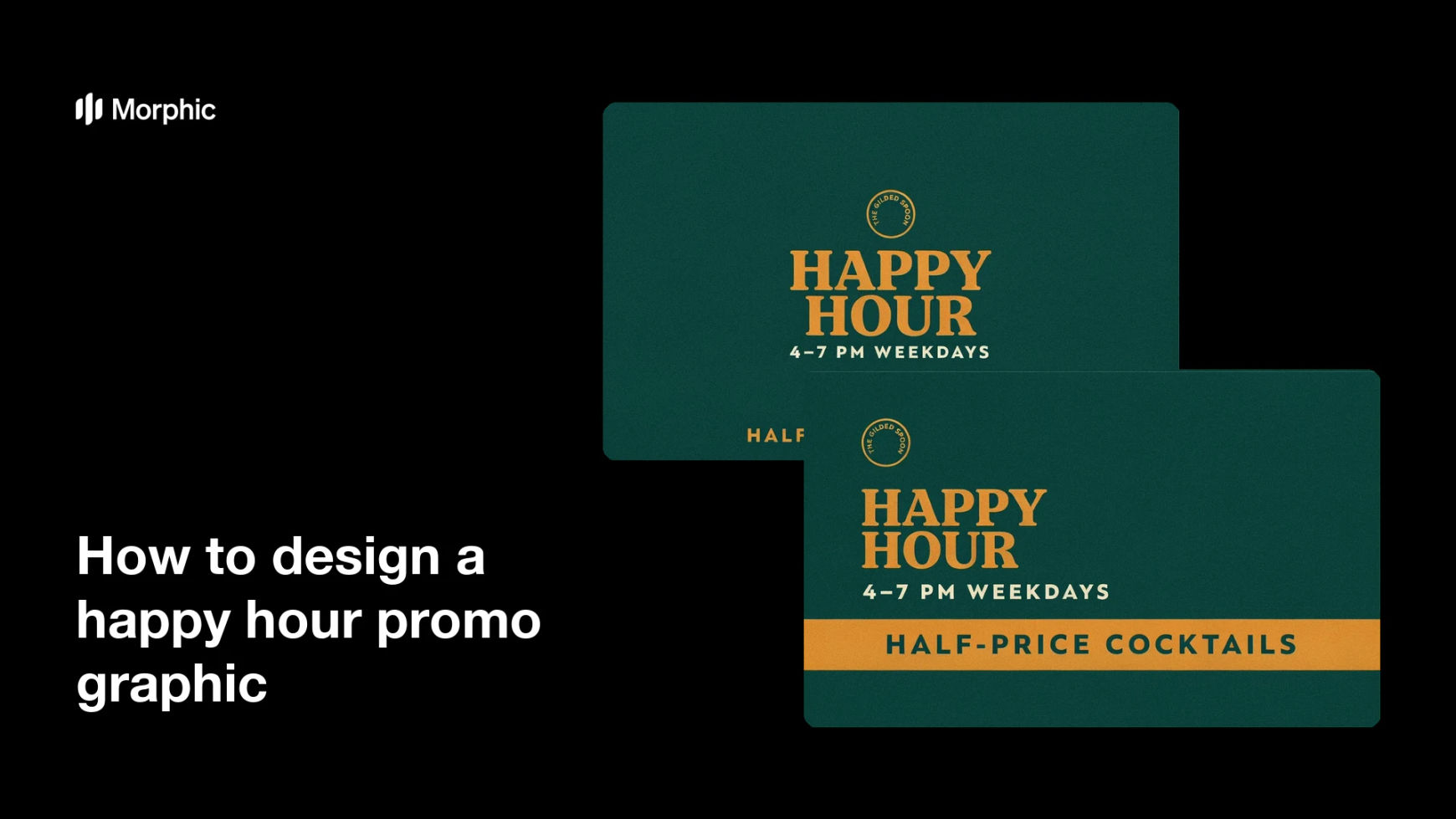
What is a happy hour promo graphic?
A happy hour promo graphic is the visual a bar or restaurant uses to announce its discounted drinks and the hours they run. It usually carries a bold "Happy Hour" headline, the days and times, and the offer such as two-for-one cocktails or half-price beer. Owners and social teams rely on it because a clear, on-brand graphic drives more foot traffic than a plain text post.
With Morphic you create this graphic from a text prompt in your browser. Describe the times, the offer, and your bar's look, then adjust and download in HD. You get a polished promo without opening design software or waiting on a designer.
Set the times and the offer
Decide the exact days, hours, and deal you are promoting, such as 4 to 7 PM weekdays with half-price cocktails. Write the "Happy Hour" headline, the times, and the offer text before you generate so the graphic has a clear job.
Describe the layout
Open Morphic and describe a clean promo graphic: a bold "Happy Hour" headline, the times, and the offer line, with room for your logo. Specify the aspect ratio you need, such as a square for feeds or a portrait for stories.
Apply your bar's brand look
Ask for your brand colors, a warm accent for the offer, and a font style that reads clearly at small sizes. Keep contrast high so the times and the deal stand out in a busy feed.
Generate versions to choose from
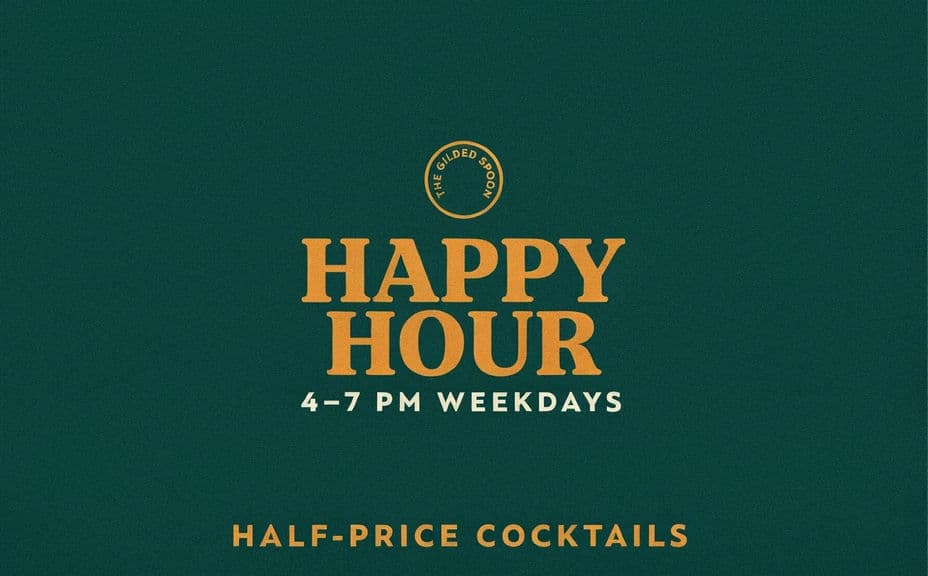
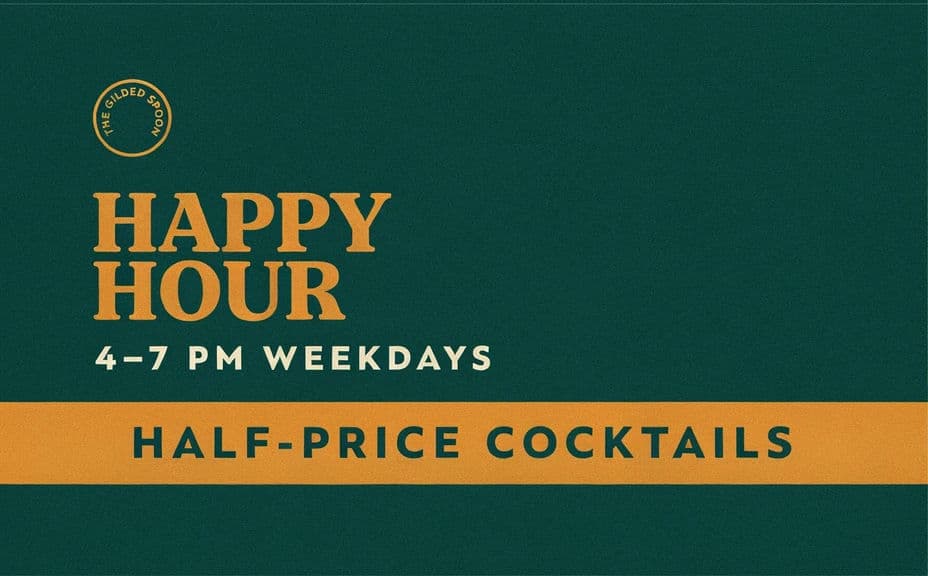
Produce two designs with different layouts or emphasis so you can pick the one that reads best. A quick comparison often reveals which version draws the eye to the offer and the hours.
Check legibility and export
Preview each version at the size it will appear in the feed and confirm the times and offer stay sharp. Download in HD, then post it to your channels and pin it for the week.
Two designs of the same happy hour promo, each with the "Happy Hour" headline, the times, and the offer text.
What makes a good happy hour promo graphic
| Quality | What it means | Why it matters |
|---|---|---|
| Clear times | The days and hours read at a glance | Guests know exactly when to come in |
| Obvious offer | The deal is stated in a few words | Viewers instantly see the value |
| Legible in feeds | Text stays sharp at small sizes | The post works on mobile and desktop |
| On-brand styling | Colors and type match your venue | The graphic builds recognition and trust |
Morphic vs the traditional way
| Morphic | Design software or a designer | |
|---|---|---|
| Cost | Available on Morphic | Software subscription or design fee |
| Time | A finished graphic in minutes | Hours of layout and revision |
| Skill needed | Describe it in plain language | Layout and typography skills |
| Consistency | Regenerate versions on brand | Manual rework for every promo |
FAQs
Yes. Specify the exact days, hours, and deal in your prompt, and the graphic renders around them. You can regenerate with new wording any time.
Yes. Describe your brand colors, offer accent, and font style, and the graphic renders to match. Keep contrast high so the times and deal stay readable.
Any placement you need. Specify the aspect ratio, such as a square for feeds or a portrait for stories, and the layout adapts to fit.
Yes. Generate designs with different layouts or emphasis so you can pick the one that draws the eye to the offer and the hours before you post.
Yes, if you prioritize legibility. Preview at feed size, keep high contrast, and regenerate if any line looks cramped before you publish.
Yes. Graphics you generate with Morphic are cleared for commercial use across your venue's marketing channels.