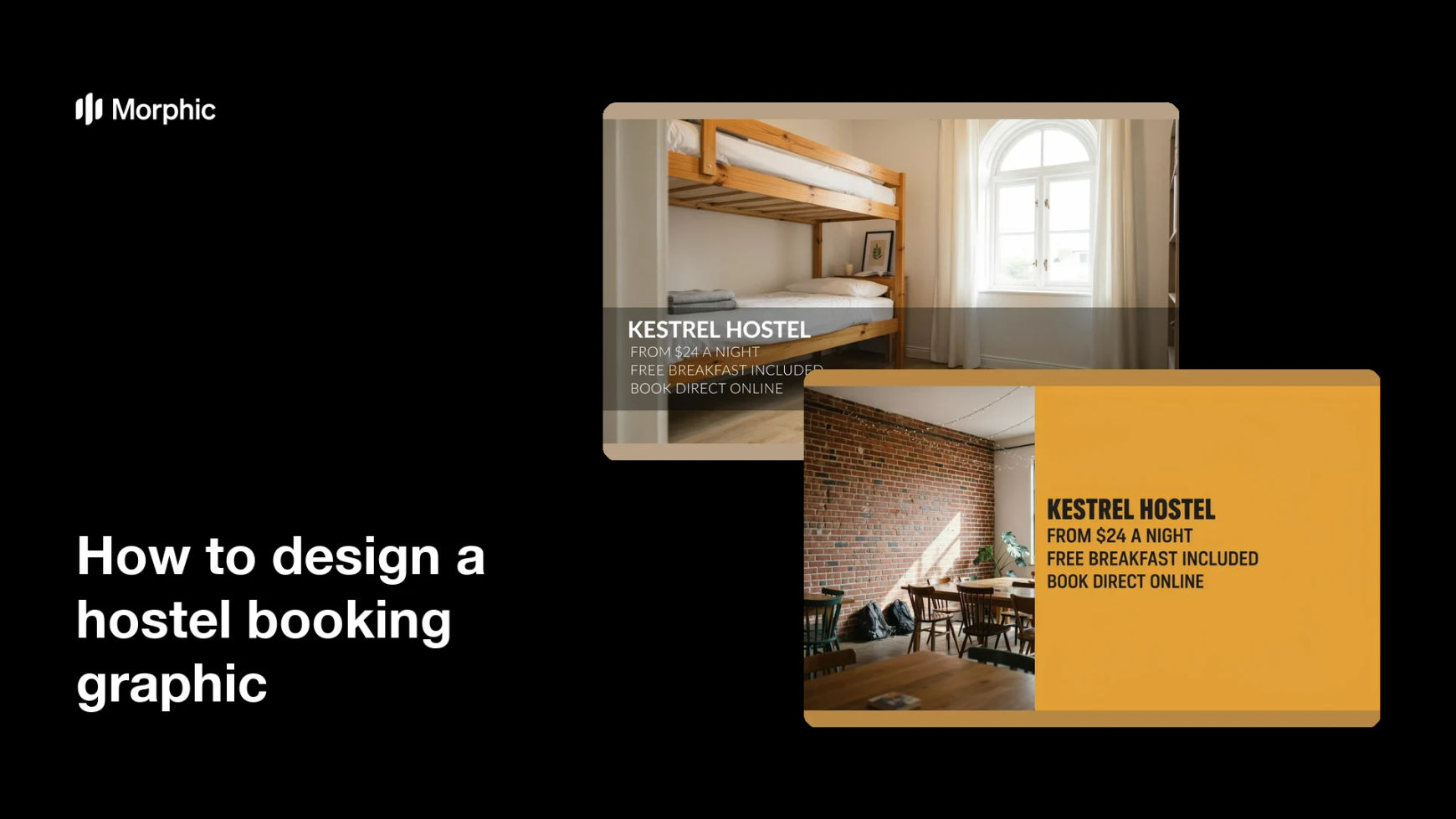
What is a hostel booking graphic?
A hostel booking graphic is a promotional panel that pairs a photo of the accommodation with the details a traveller needs to book: the nightly rate, the dates or season, and a clear prompt to reserve. Hostels, guesthouses, and booking platforms post them to social feeds, listing pages, and messaging channels where a plain room photo would not convert. The whole point is that a viewer can see the room and the price in the same glance.
With Morphic you design one from a text prompt in your browser. Describe the room, the mood, the rate you want displayed, and your brand colours, then refine the result and download it in HD. You get a booking-ready graphic without a photo shoot or a design tool.
Decide what you are selling
Pick the specific room type and the offer behind the post, such as a dorm bed, a private twin, or a low-season rate. One room and one offer per graphic keeps the message clear.
Write the rate and booking line
Set the exact figures you want on the graphic, including the nightly rate and any dates. Deciding the copy first stops the layout from being crowded with too many numbers.
Describe the room and mood
Open Morphic and describe the space, from bunk beds and lockers to a sunlit common area, along with the light and atmosphere you want. Add your brand colours so the panel matches your listing and social profile.
Generate two designs
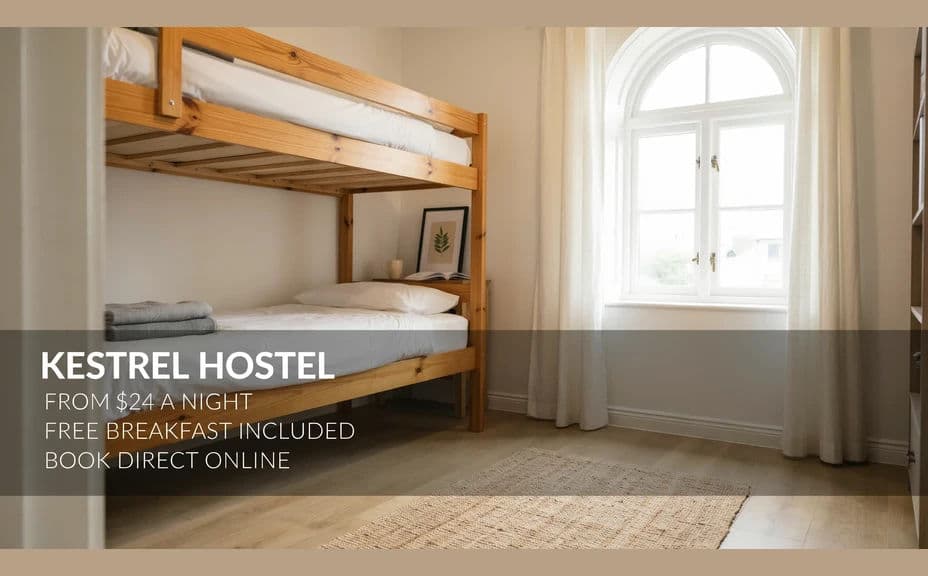
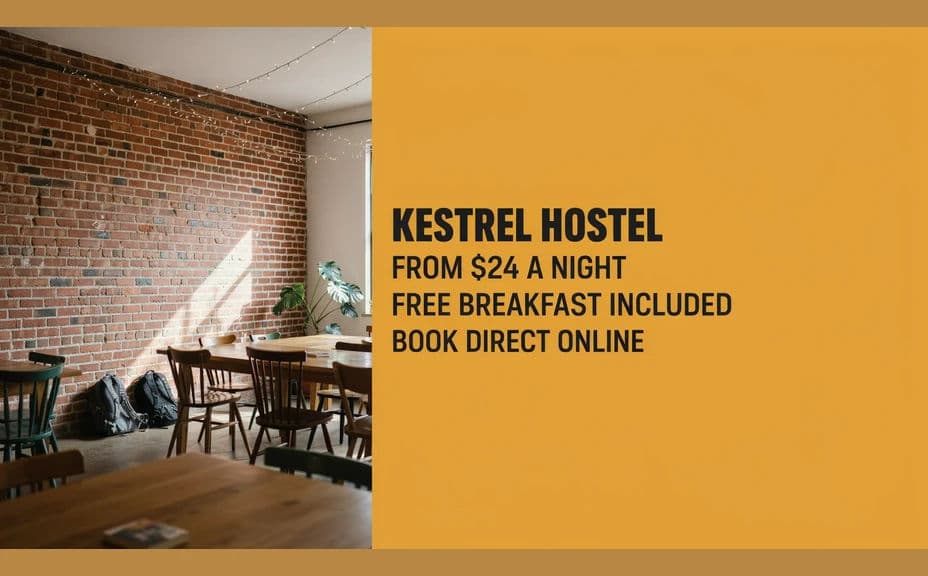
Produce two versions of the same offer with different compositions, such as a full-width room shot with an overlay panel and a split layout with the rate on a colour block. Comparing them shows which one makes the price easiest to spot.
Check details and export
Preview at feed size and confirm the rate, dates, and booking line are sharp and correctly spelled. Download in HD, then publish it to your listing, social channels, and direct messages.
Two design options for the same hostel offer, each showing the nightly rate.
What makes a good hostel booking graphic
| Quality | What it means | Why it matters |
|---|---|---|
| Honest room imagery | The space looks like the real listing | Guests arrive with matching expectations |
| Visible rate | The nightly price sits in high contrast | Travellers can qualify the offer instantly |
| Clear booking line | One short prompt to reserve | The viewer knows the next step |
| Warm, lived-in mood | Natural light and social spaces | Hostel guests book on atmosphere as much as price |
Morphic vs the traditional way
| Morphic | A photo shoot and a designer | |
|---|---|---|
| Cost | Available on Morphic | Photographer day rate plus design fees |
| Time | A finished booking graphic in minutes | Weeks between shoot, edit, and layout |
| Skill needed | Describe it in plain language | Photography, lighting, and layout skills |
| Consistency | Regenerate every room type on brand | Reshoot or rework for each new offer |
FAQs
Yes. Give the exact figure and currency in your prompt, and it renders on the panel. Regenerate whenever the rate or season changes.
Yes. Describe the layout in detail, such as a six-bed dorm with lockers or a private twin with a window, and the image reflects it.
A 4:5 or square shape suits social feeds and messaging previews. Generate a wide version too if you also need a banner for your listing page.
Yes. Name your brand colours and type style in the prompt, and the overlay panel and text render to match your listing and profile.
Yes. Keep the same style description and swap the room, rate, and dates so all your booking graphics read as one campaign.
Yes. Booking graphics you generate with Morphic are cleared for commercial use across your listings, ads, and social channels.